Android components
68 Jetpack Compose components, styles and helpers, each shown as it really renders.
Theming
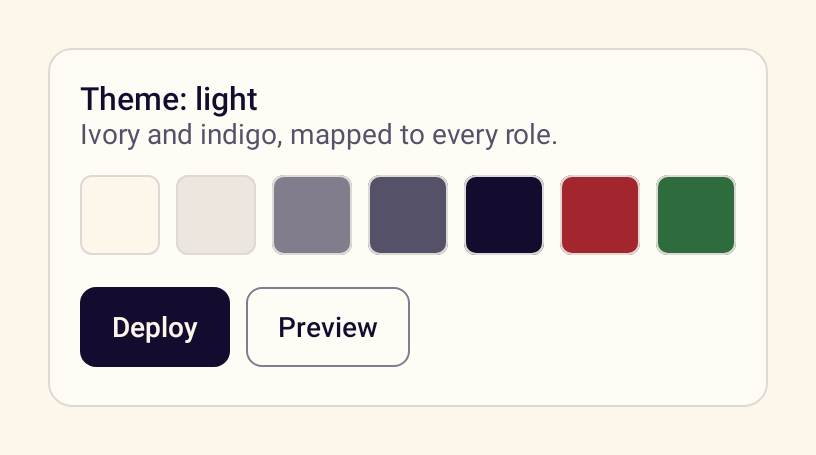
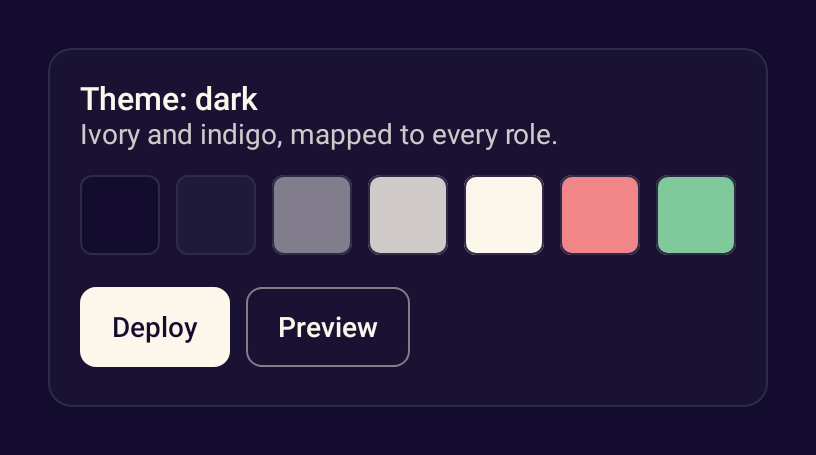
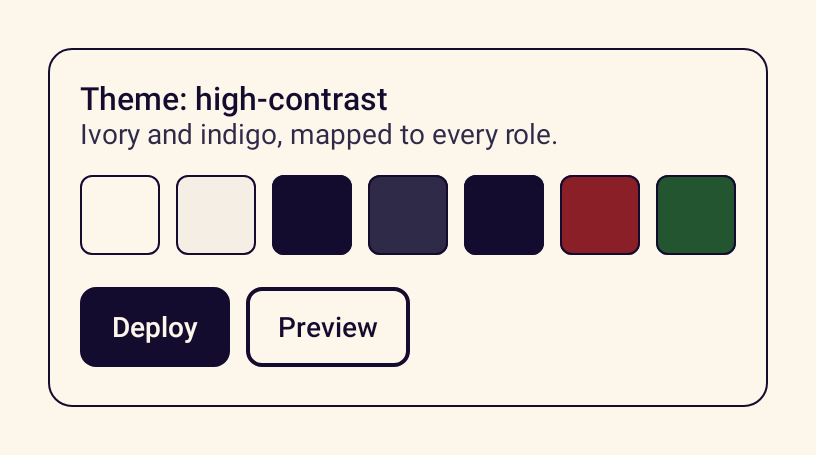
Layout
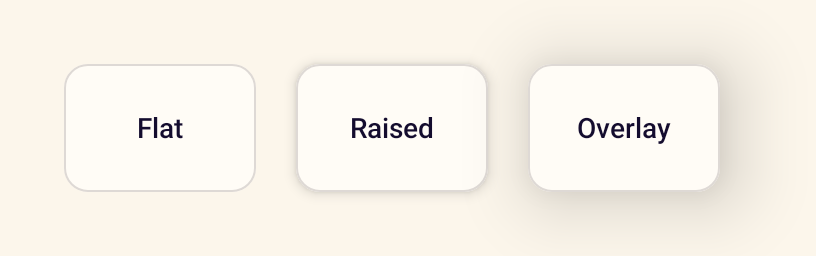
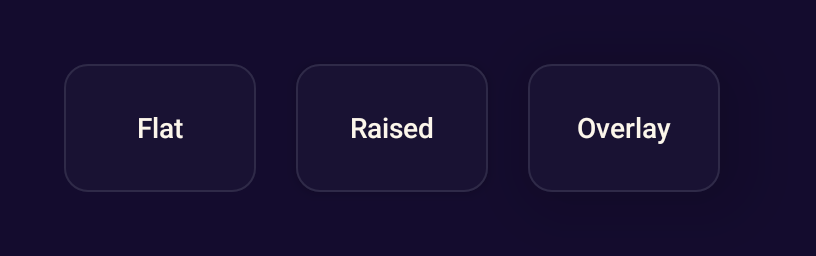
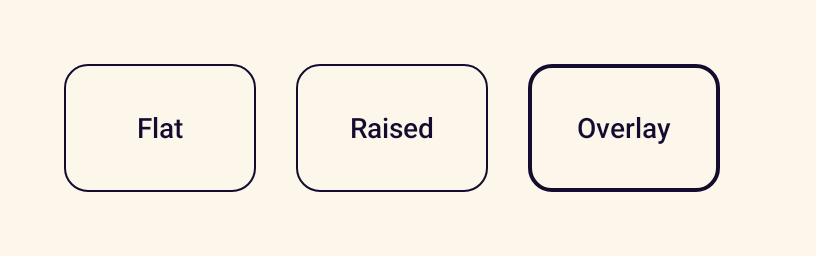
- StanceSurfaceA themed container with token elevation that becomes a solid outline in high contrast.
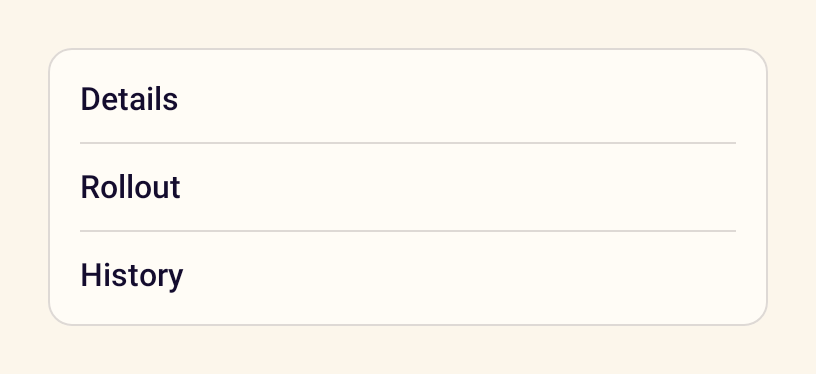
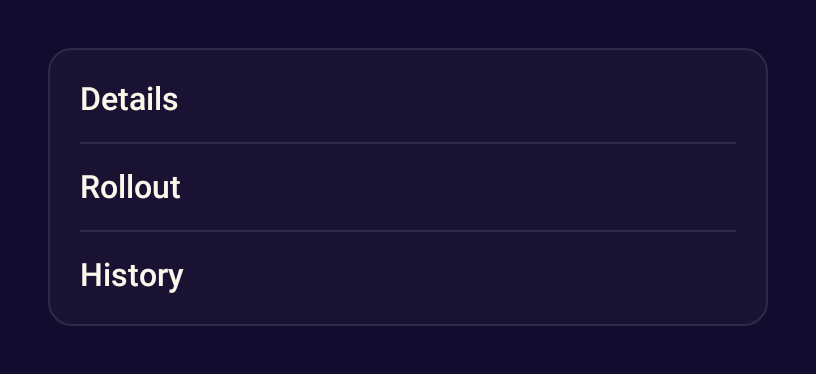
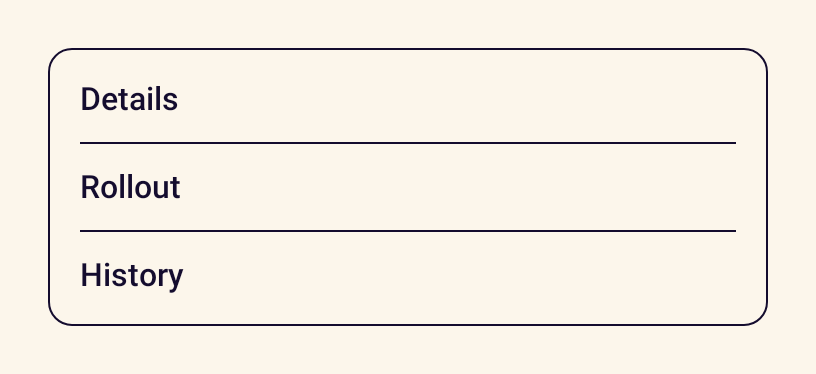
- StanceDividerA thin horizontal or vertical line that separates content.
- StanceScaffoldThe page frame: edge to edge on the canvas colour, with insets and an optional snackbar host.
- StanceAdaptiveGridA lazy grid that fits as many columns as the window allows on phones, tablets and foldables.
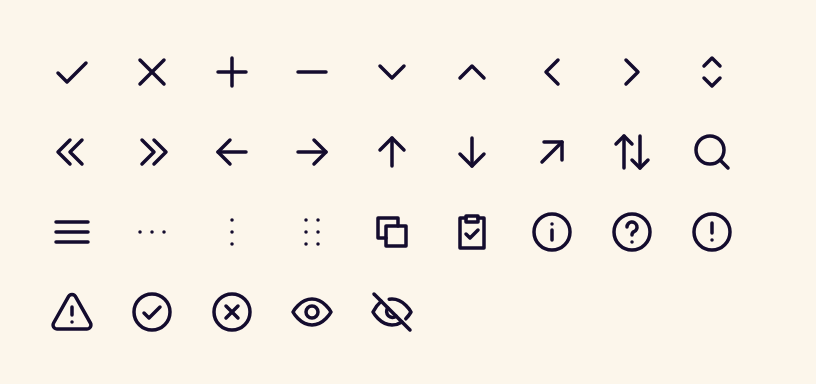
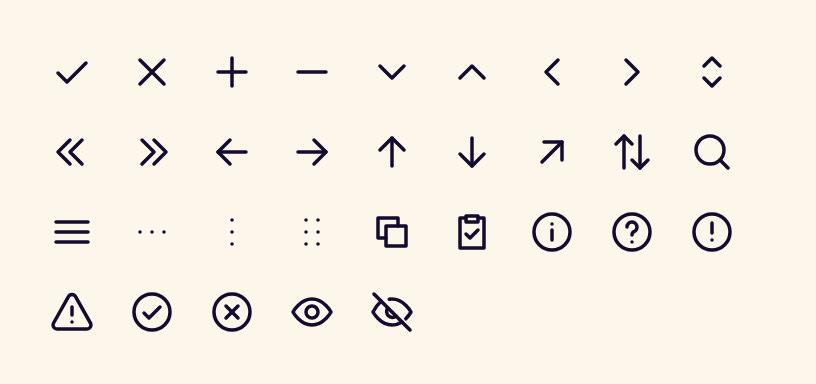
- StanceIconDraws one of the 90 Stance icons, tinted with the current content colour.
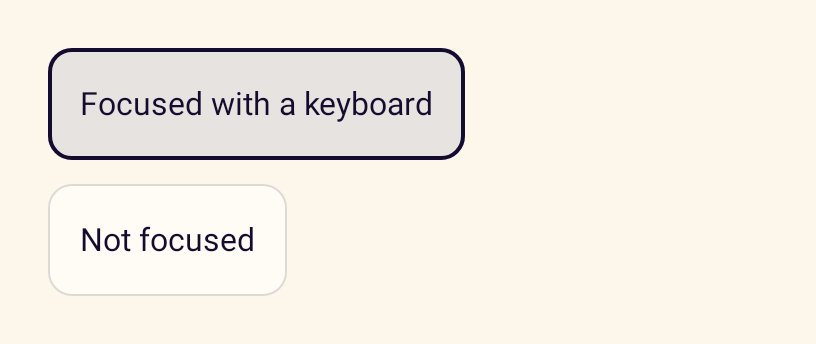
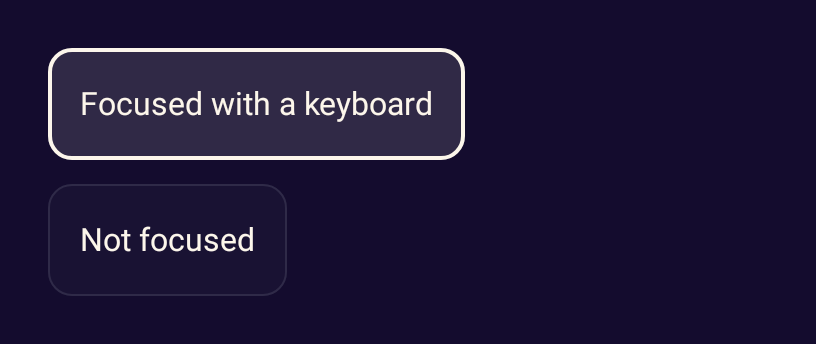
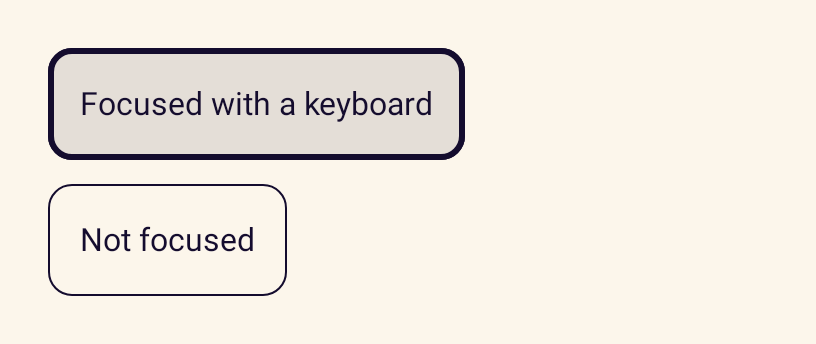
- stanceFocusRingA modifier that draws the Stance focus ring while an element has keyboard or D-pad focus.
Actions
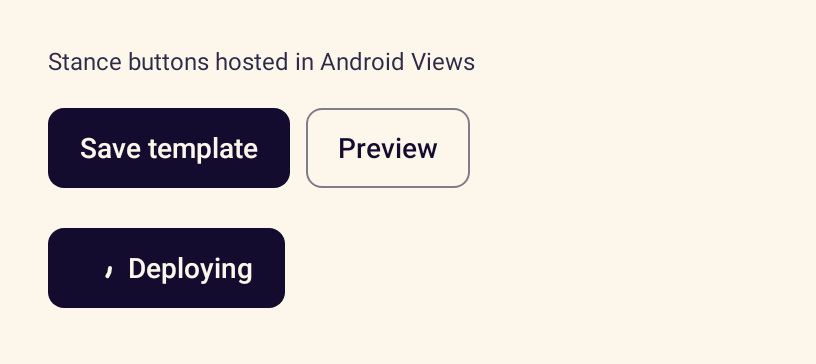
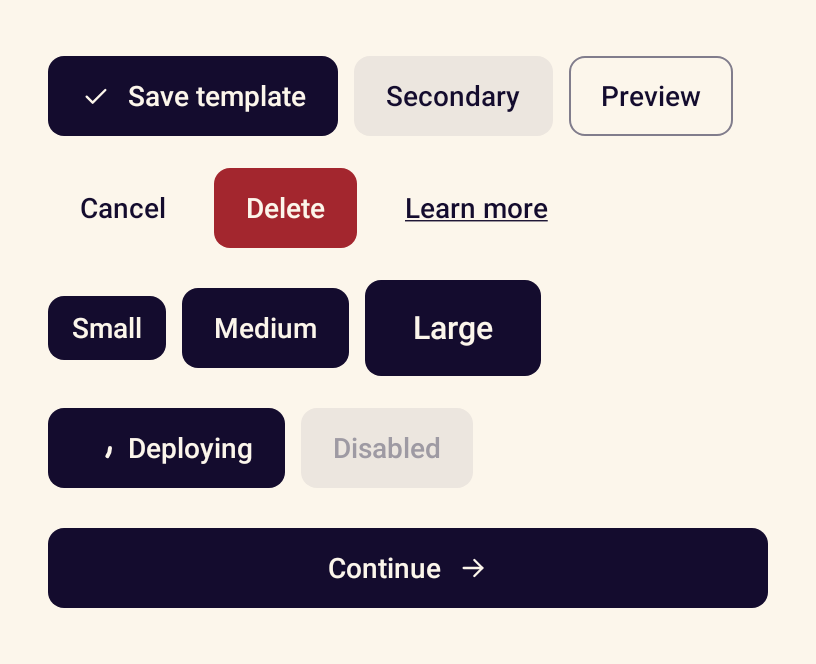
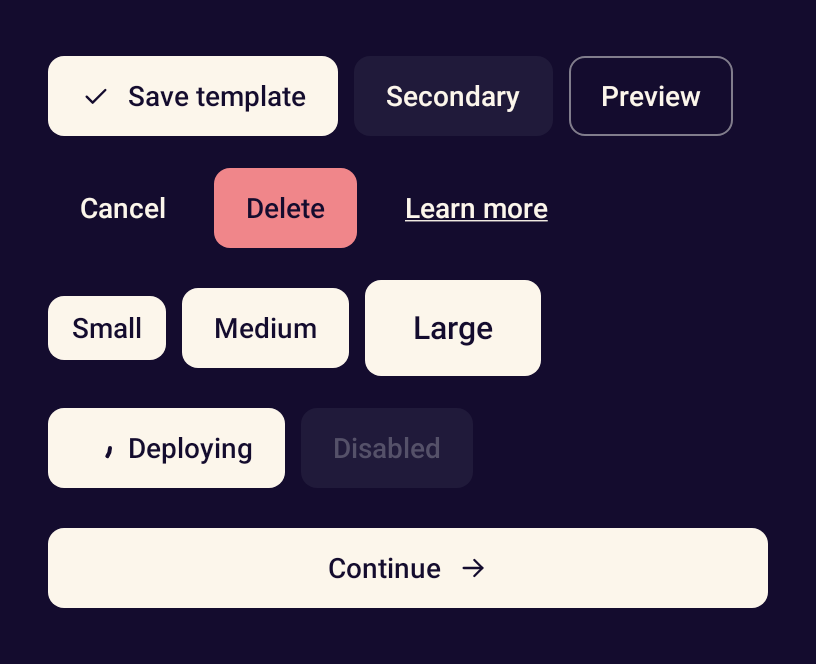
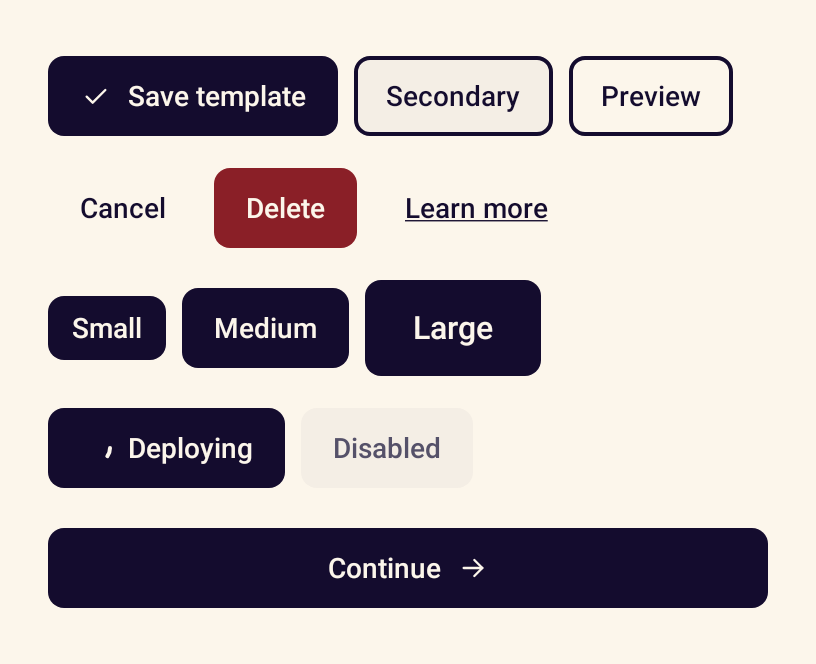
- StanceButtonTriggers an action, with six variants, three sizes, icons and a loading state.
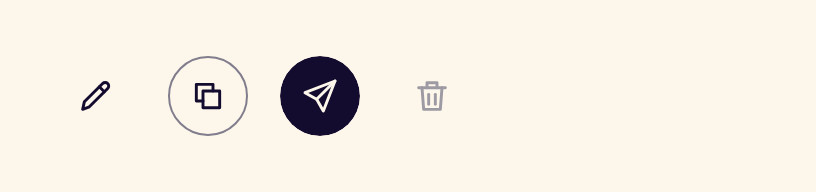
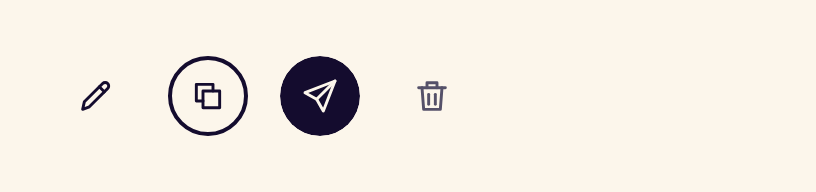
- StanceIconButtonAn icon-only button in ghost, outline or filled styles that requires an accessible name.
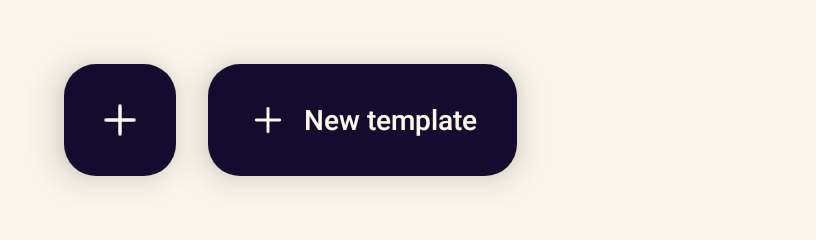
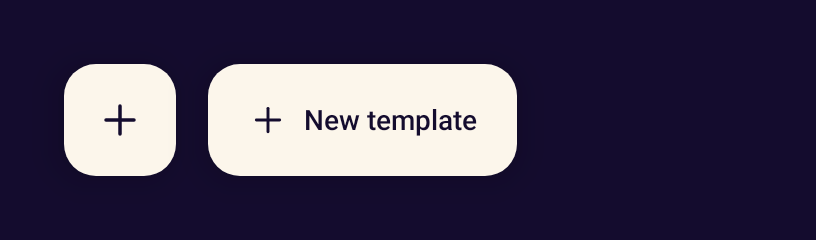
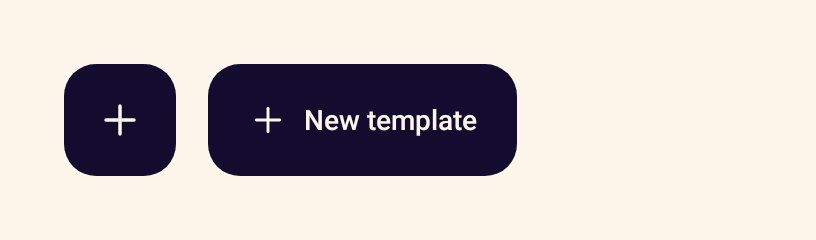
- StanceFloatingActionButtonThe primary action of a screen, as an icon or an extended button with a label.
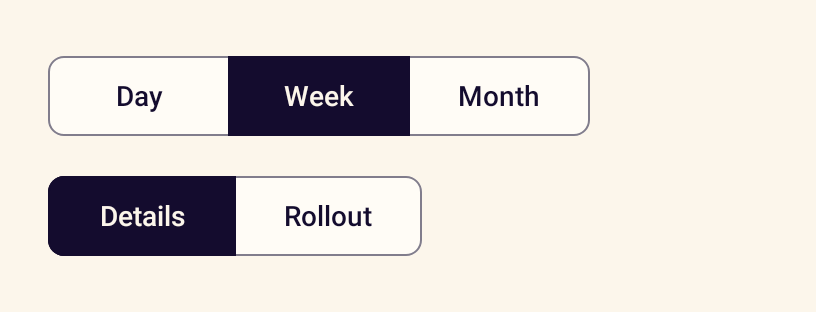
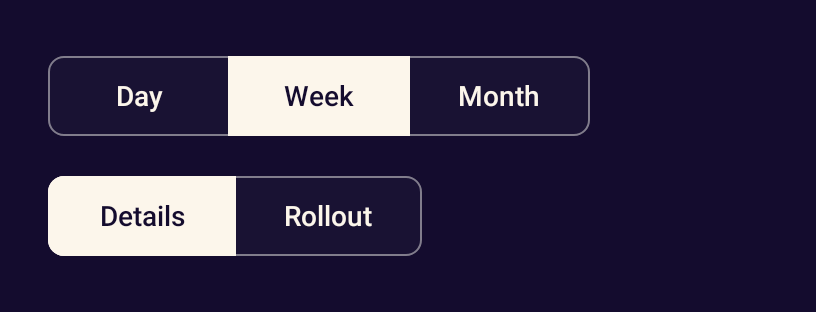
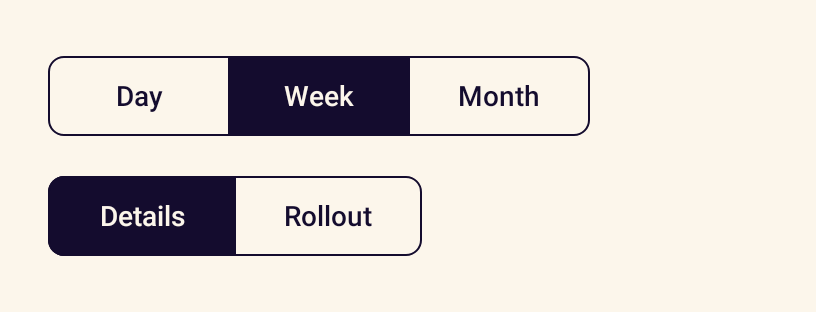
- StanceButtonGroupConnected segments for choosing one of a few options.
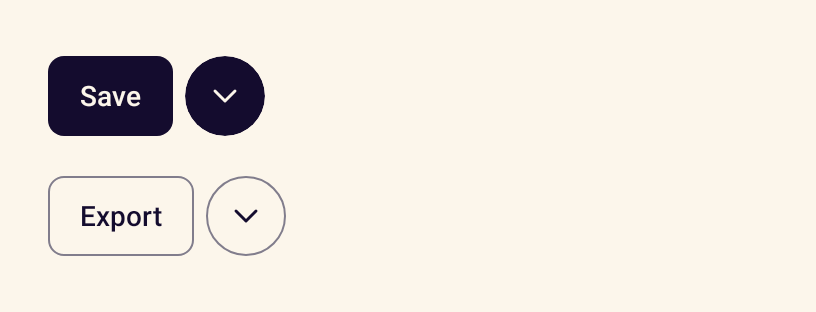
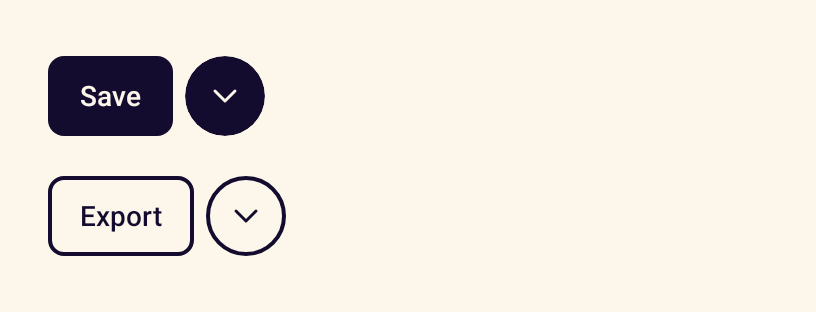
- StanceSplitButtonA primary action paired with a menu of related actions.
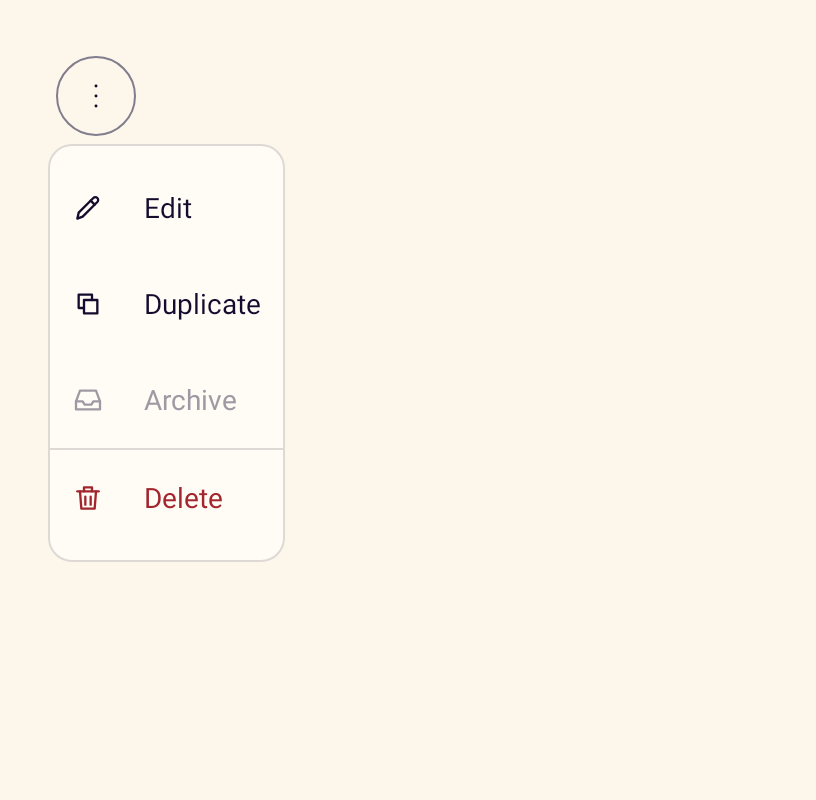
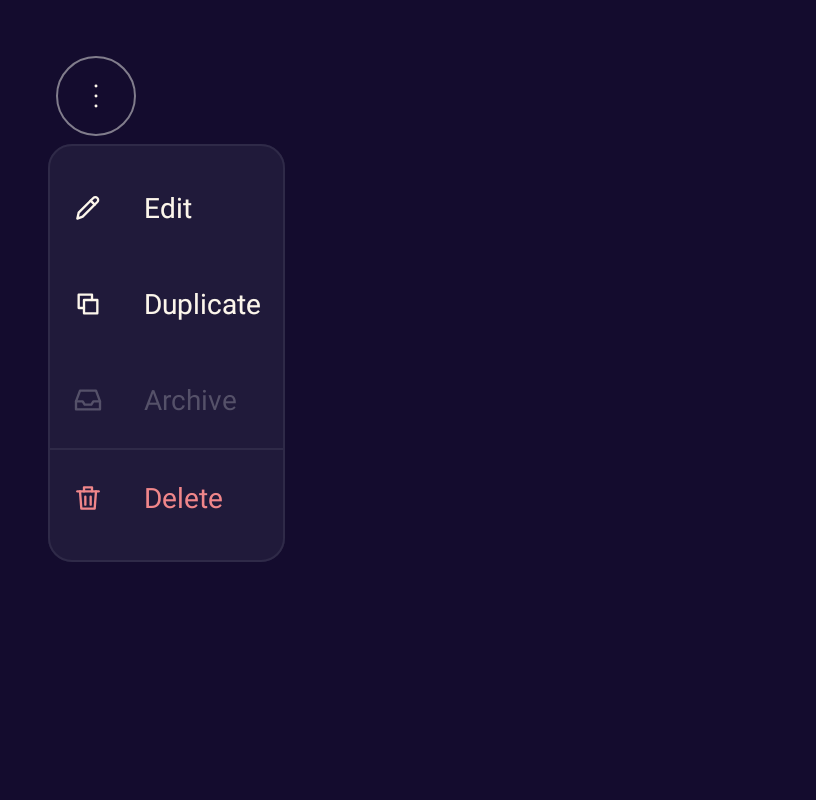
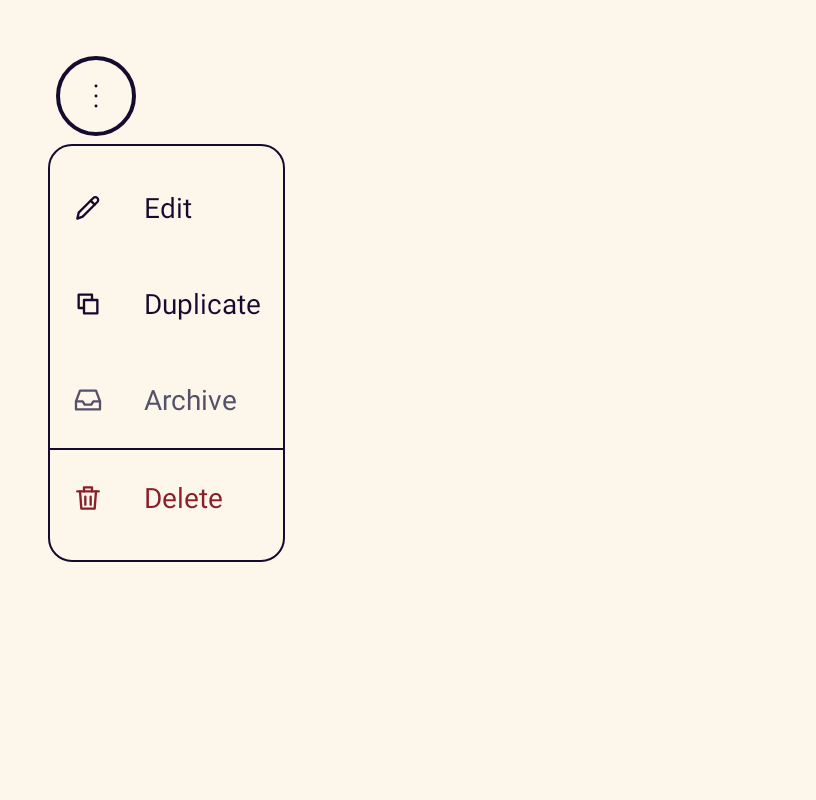
- StanceDropdownMenuA menu of actions with icons, groups, disabled and destructive items.


Forms
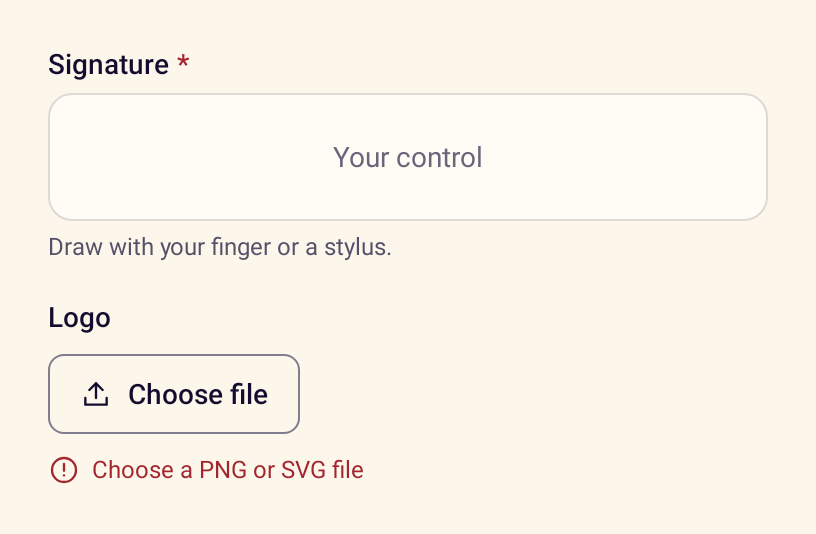
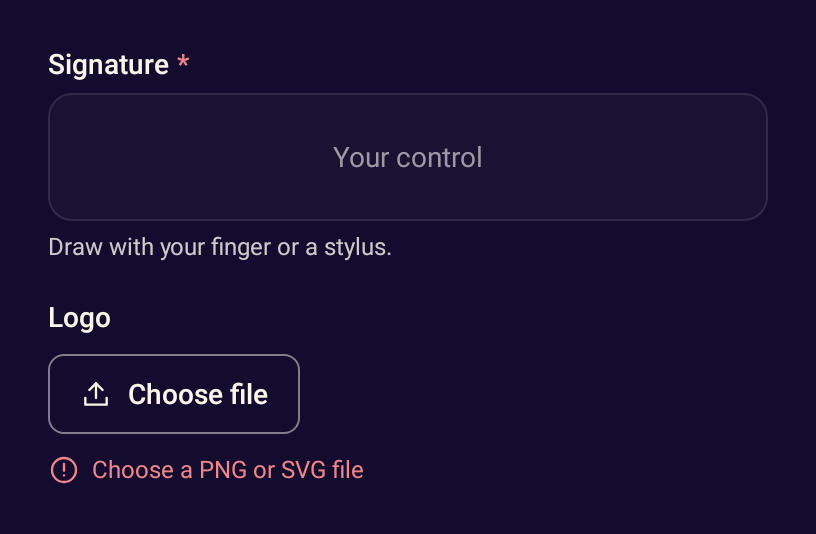
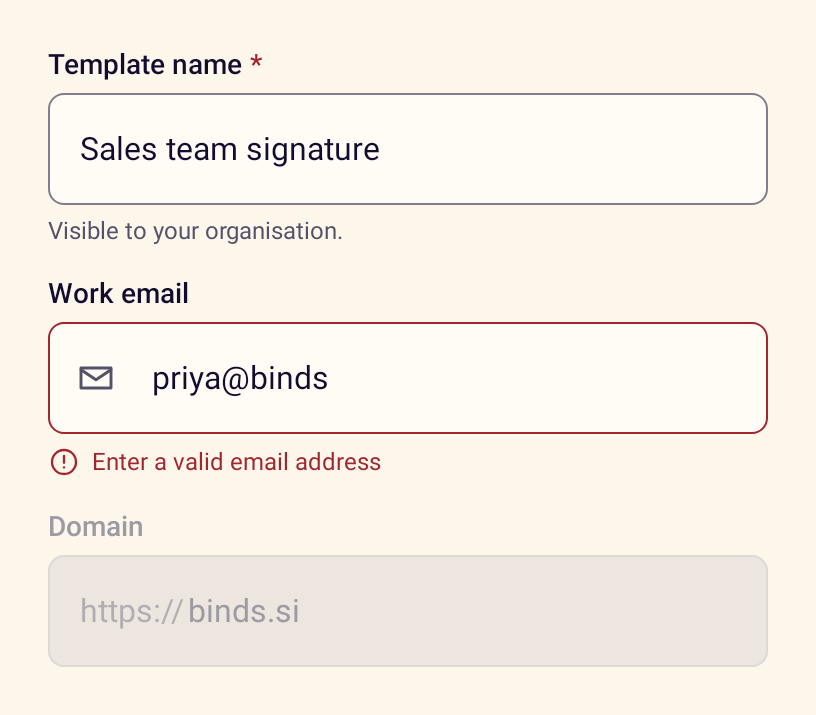
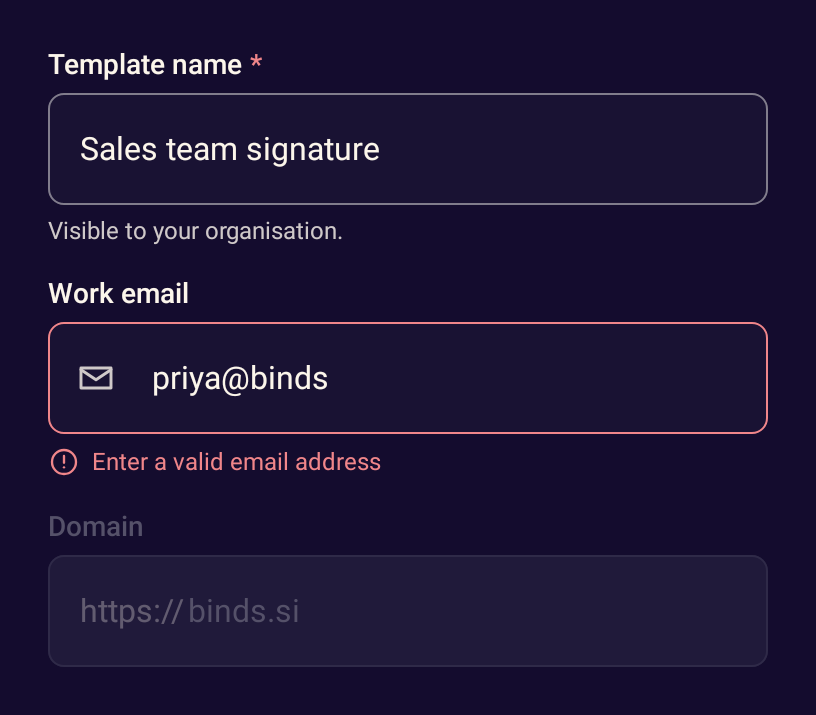
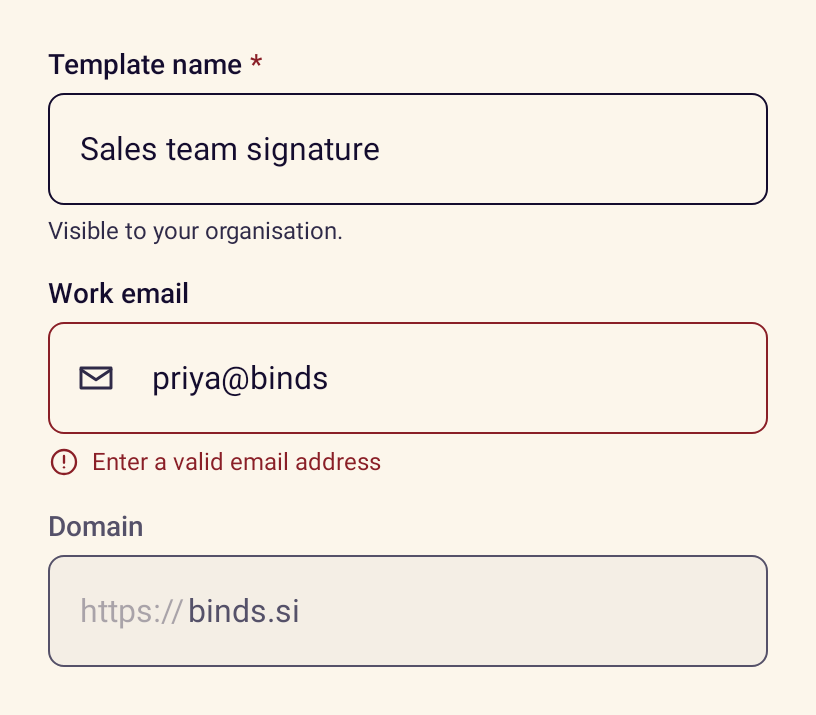
- StanceFormFieldLays out a label, a control, helper text and an announced error message.
- StanceTextFieldA text input with a label above it, helper text, error state, prefix and suffix.
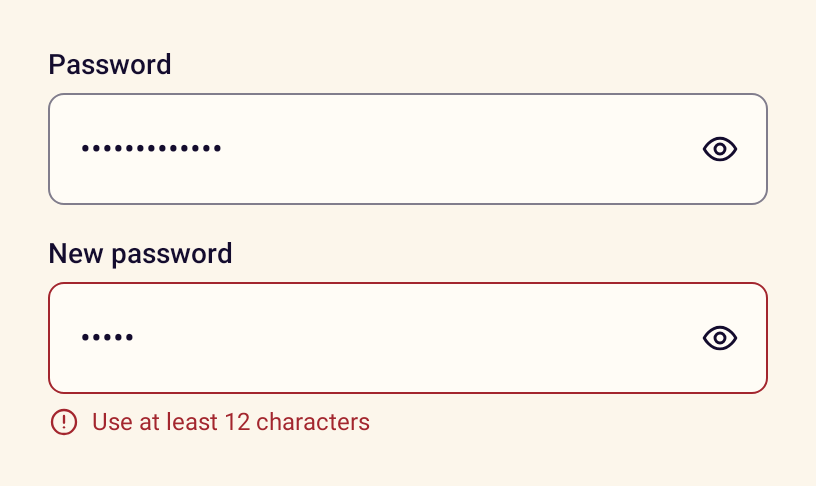
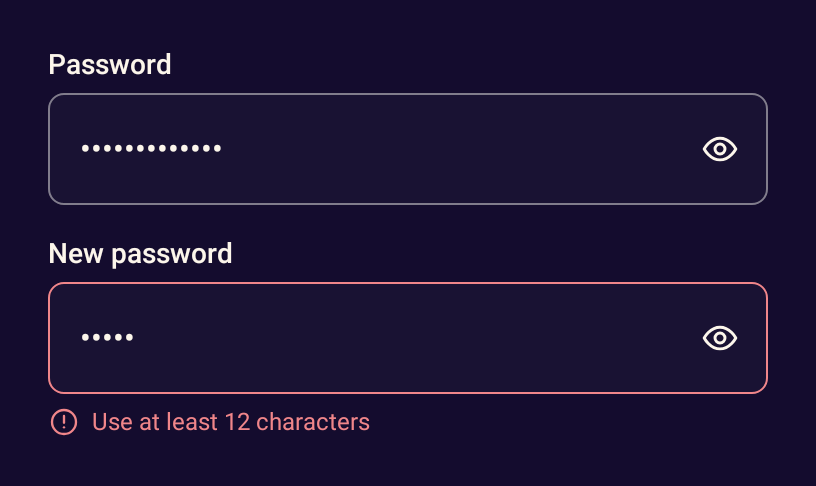
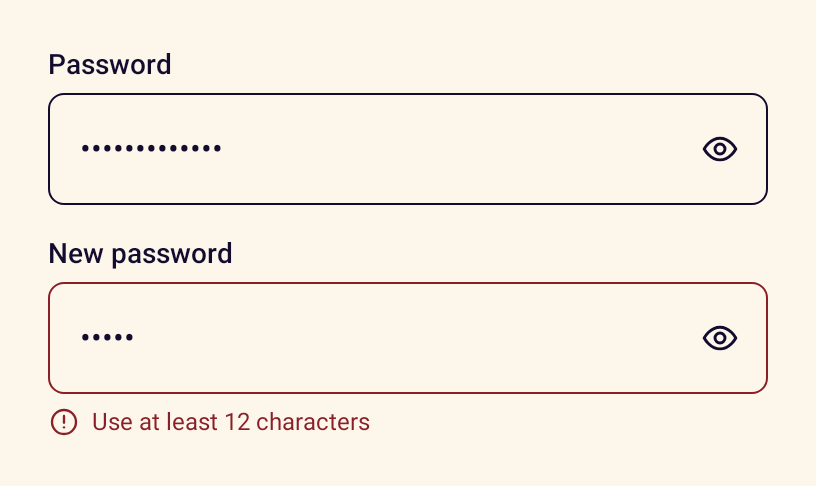
- StancePasswordFieldA password input with a button to show or hide the value.
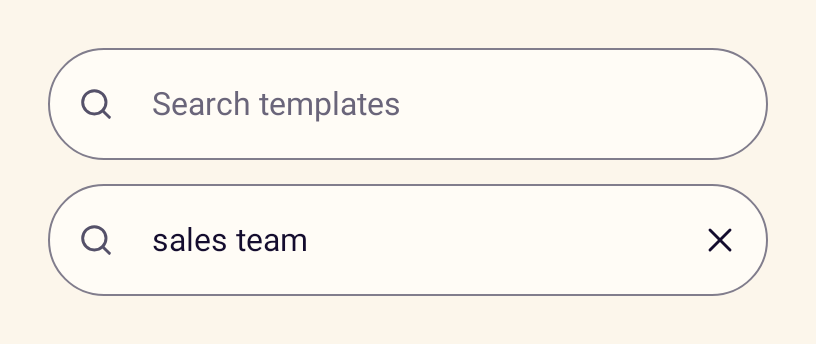
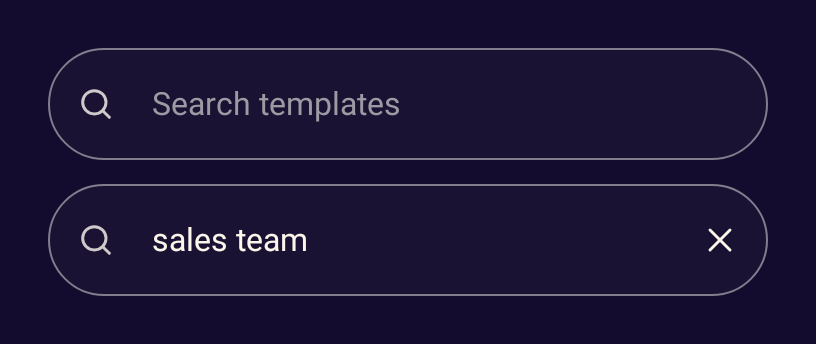
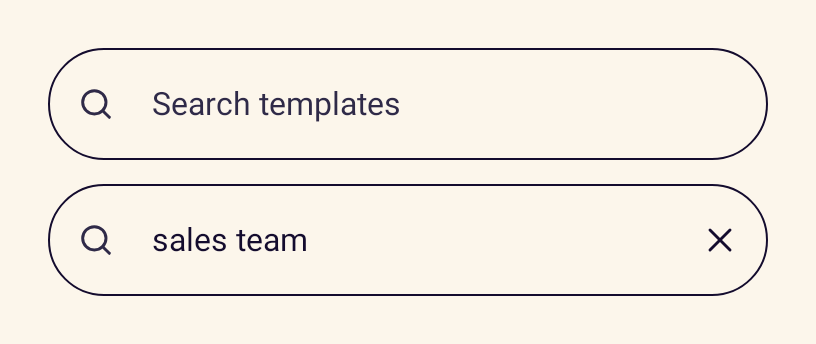
- StanceSearchBarA search field with a clear button and a search keyboard action.
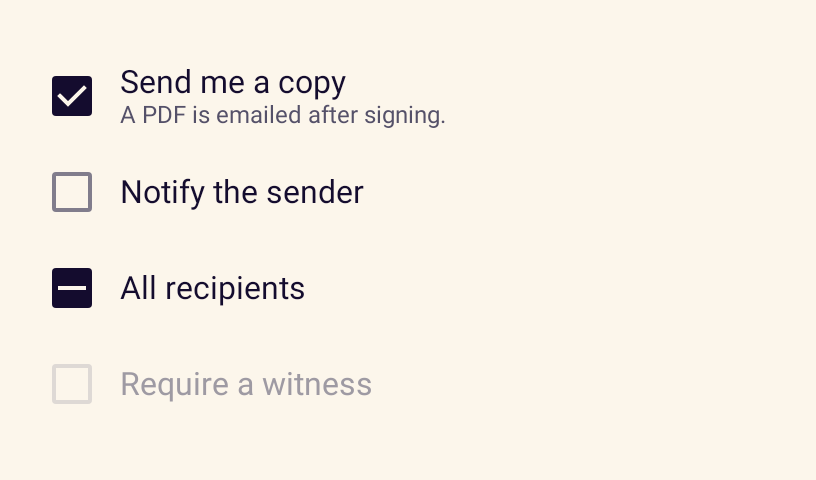
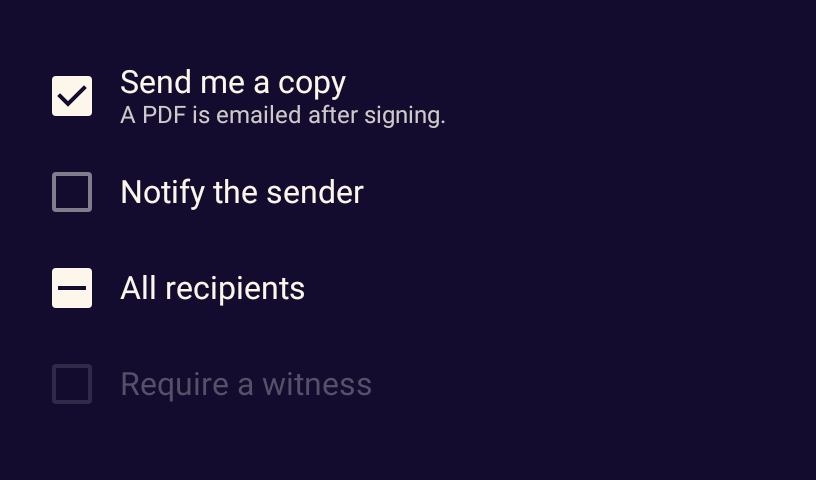
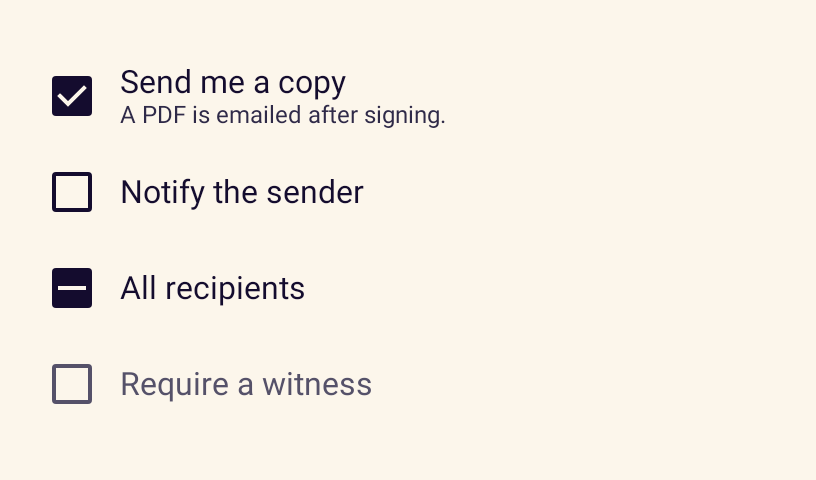
- StanceCheckboxA checkbox with a label and description, including an indeterminate state.
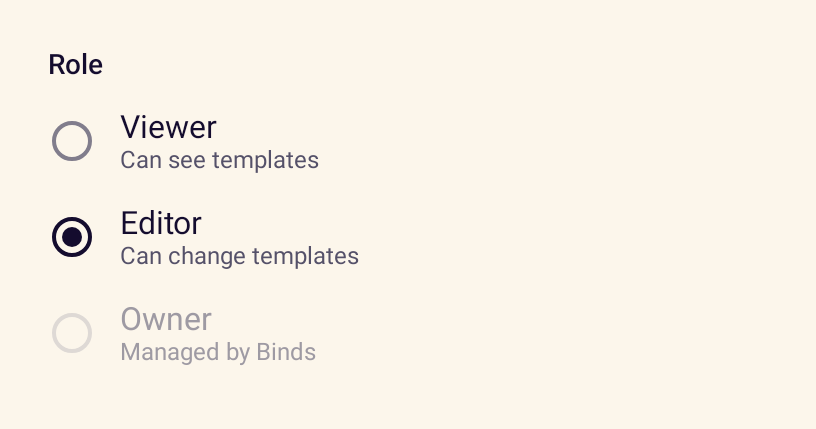
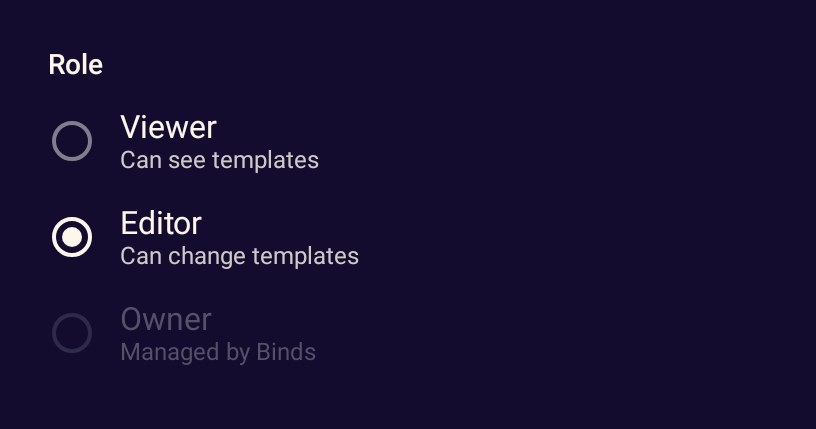
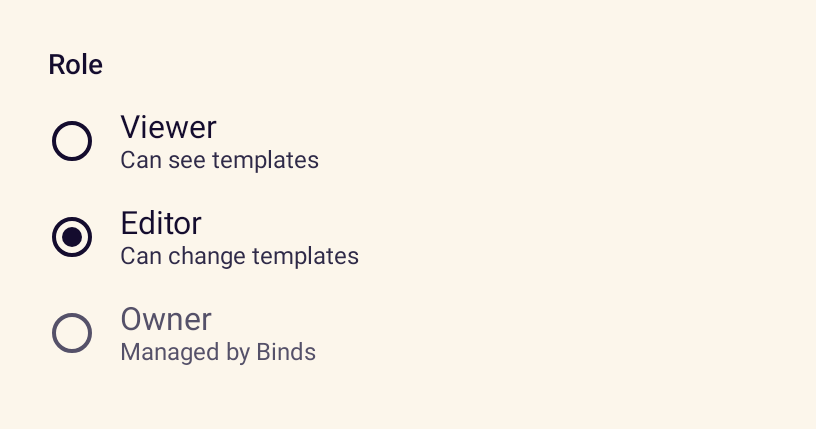
- StanceRadioGroupA labelled set of mutually exclusive options with optional descriptions.
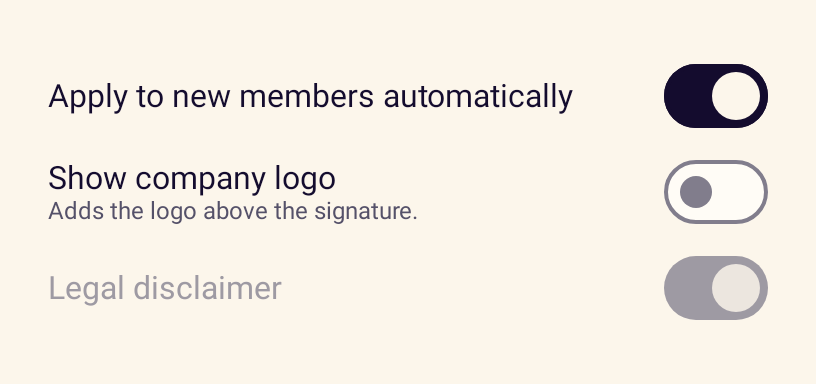
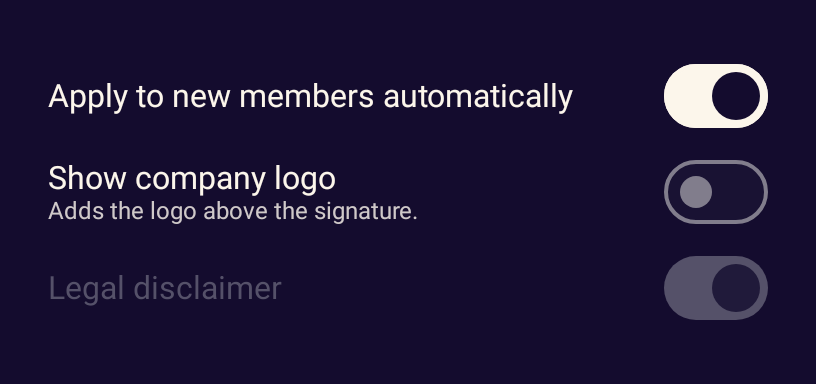
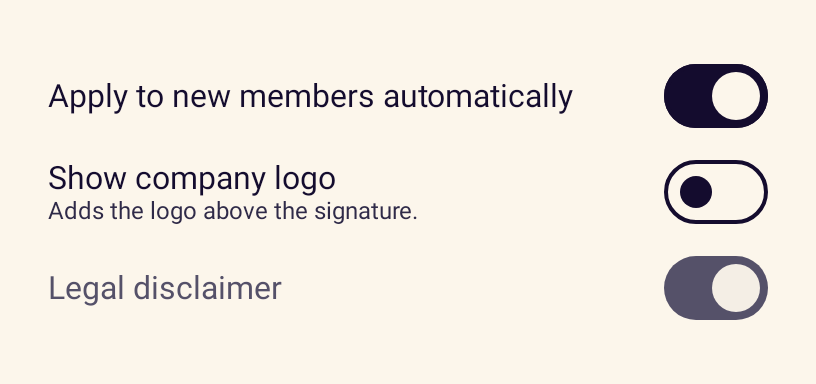
- StanceSwitchA switch with its label for settings that apply immediately.
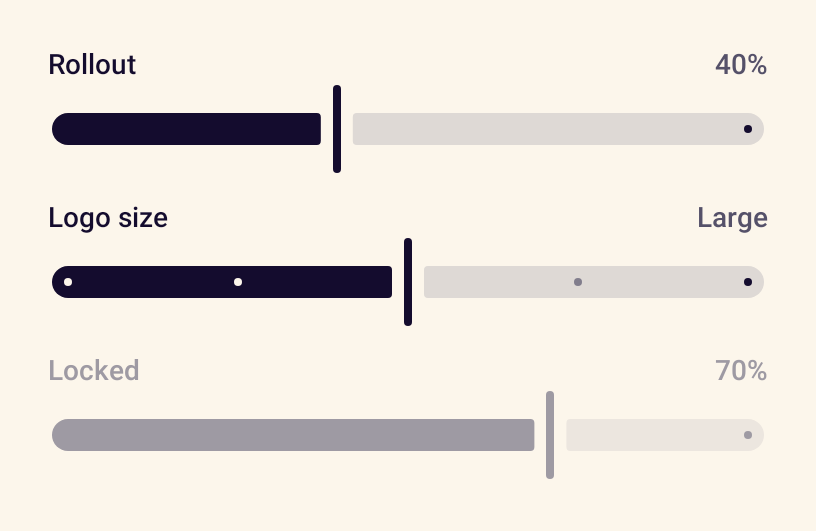
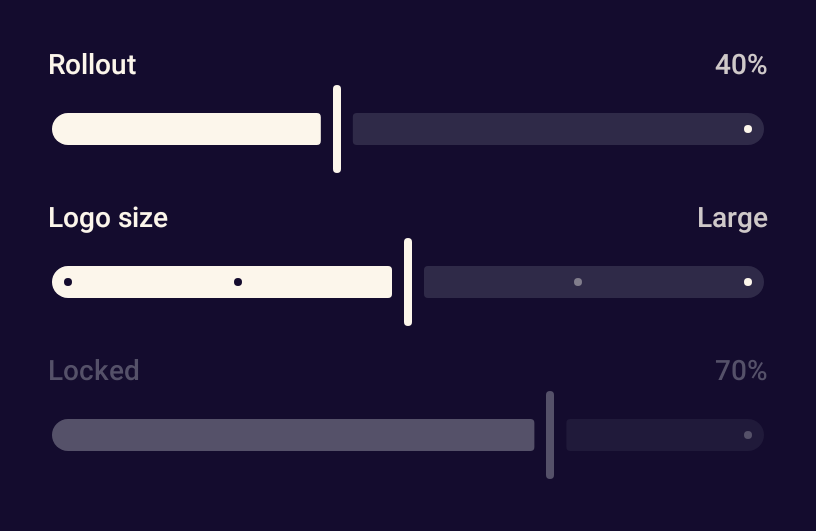
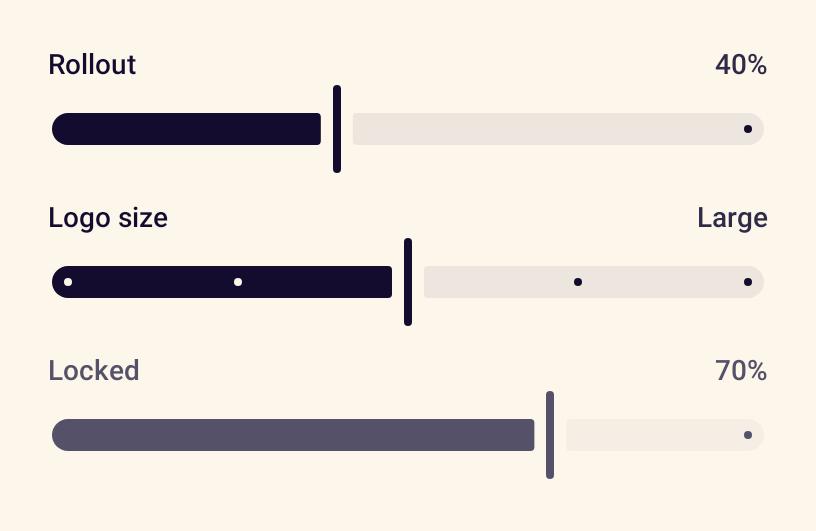
- StanceSliderPicks a number from a range, with a visible label and value.
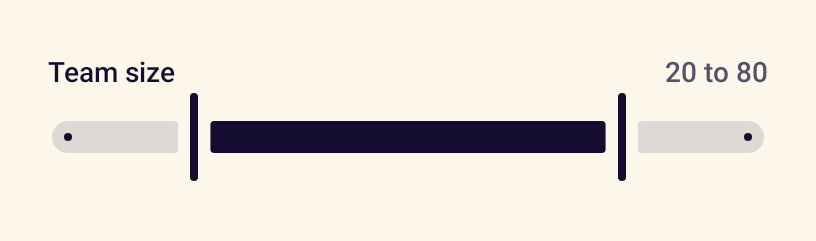
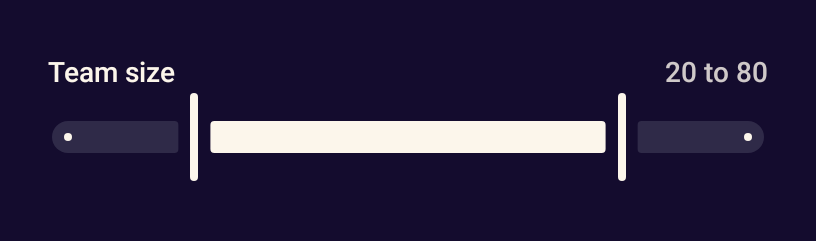
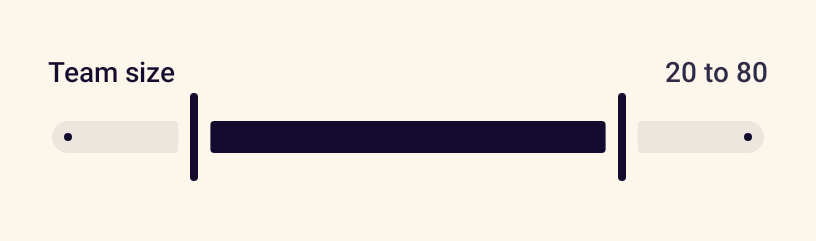
- StanceRangeSliderPicks a lower and an upper bound from a range using two thumbs.
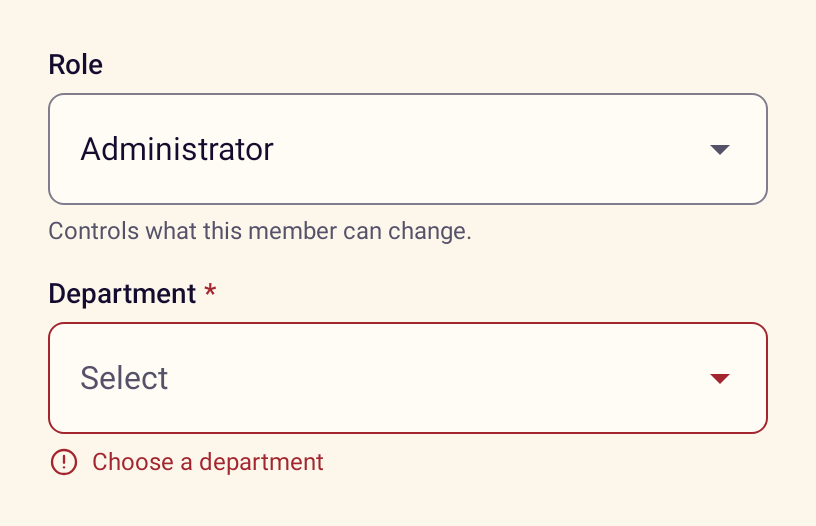
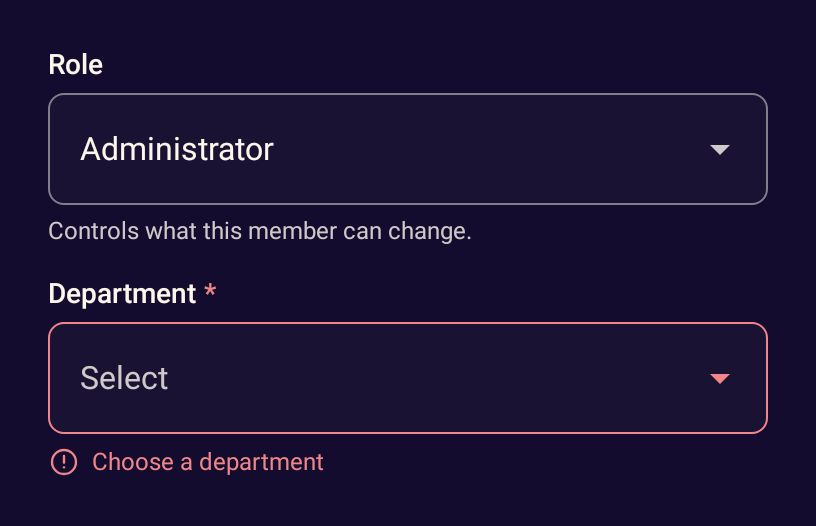
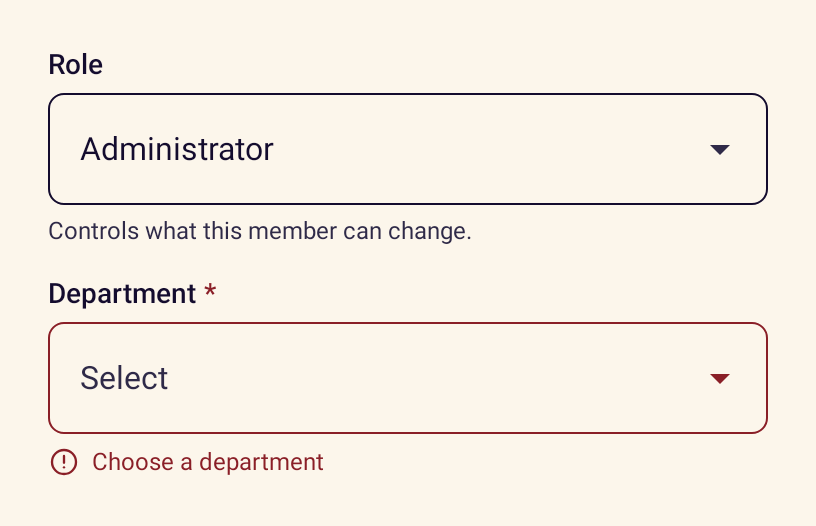
- StanceSelectChooses one value from a list using the platform exposed dropdown menu.
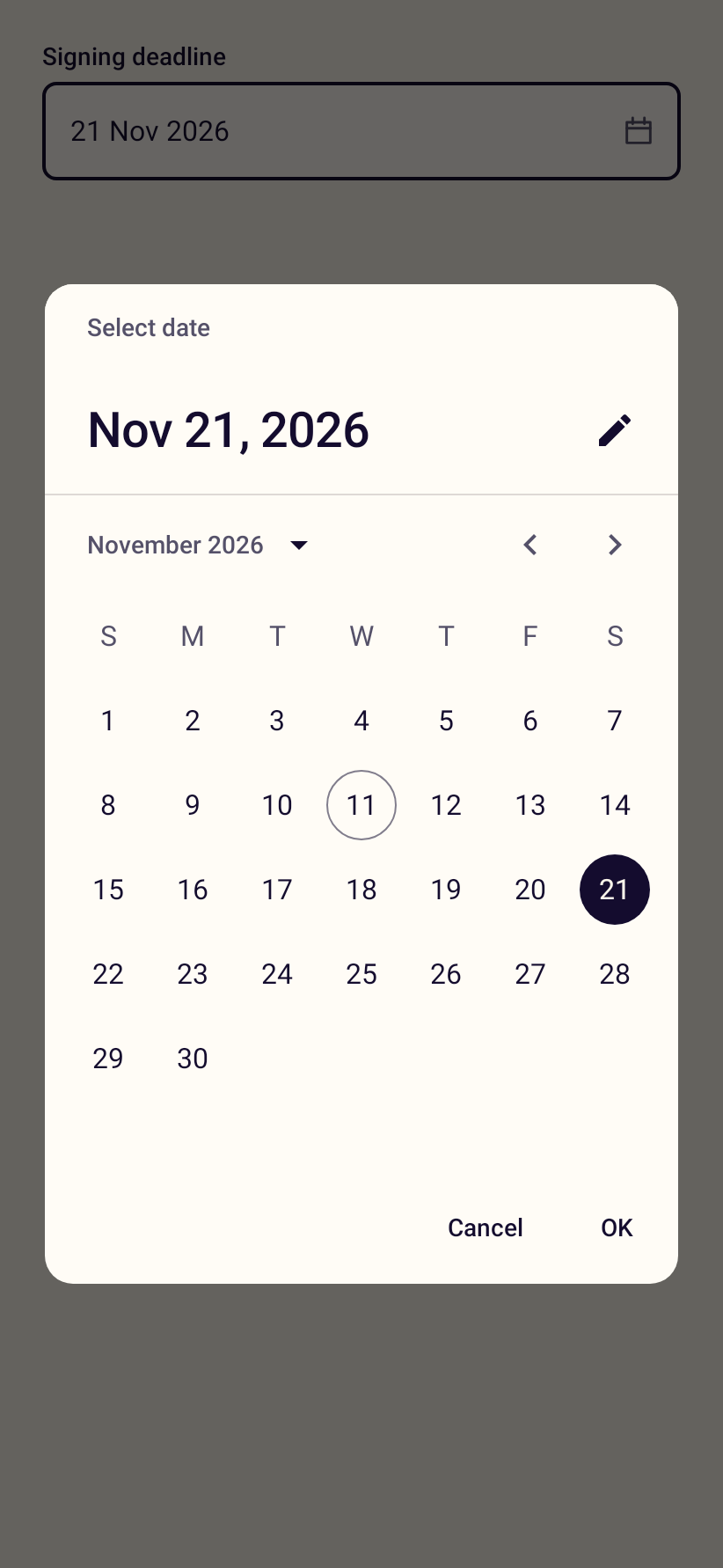
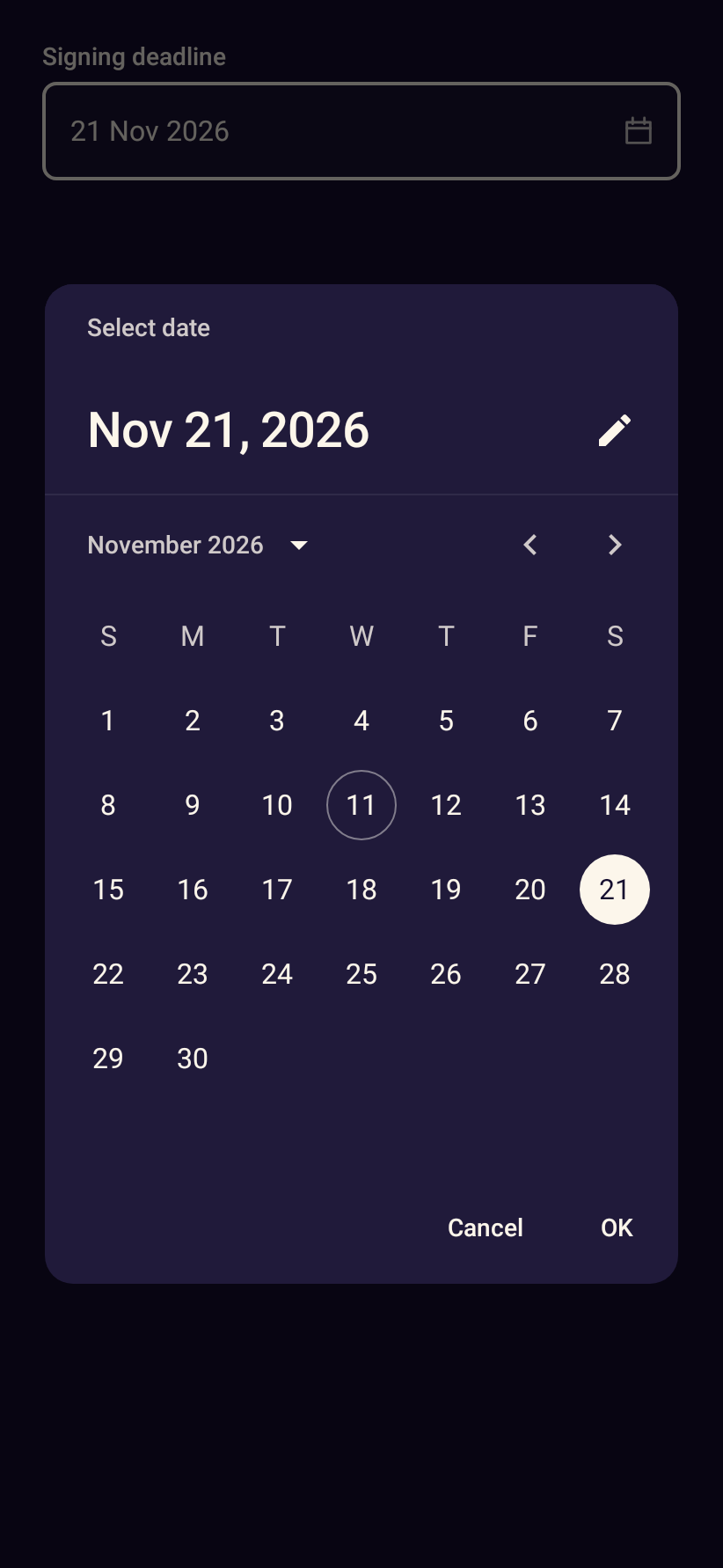
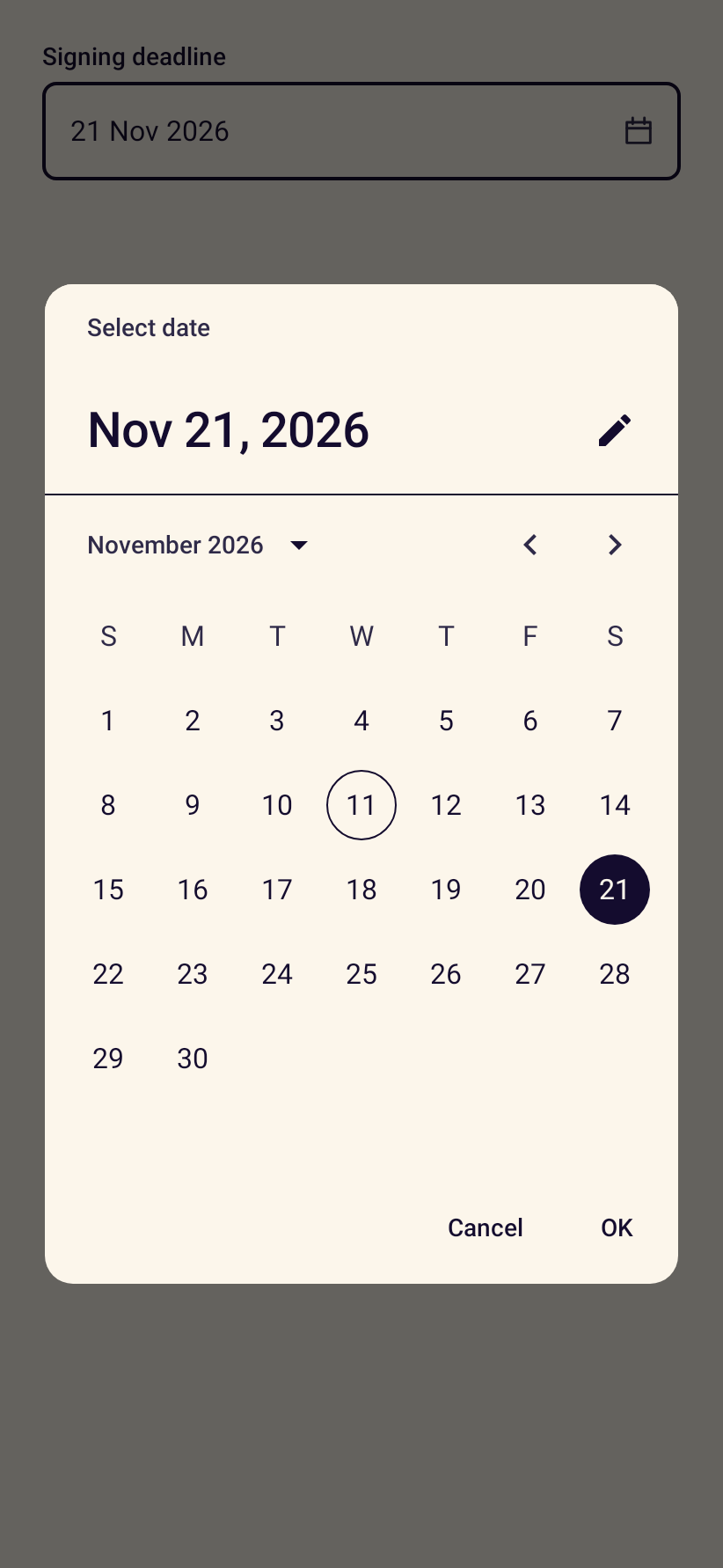
- StanceDatePickerA date field that opens the Material date picker in a dialog.
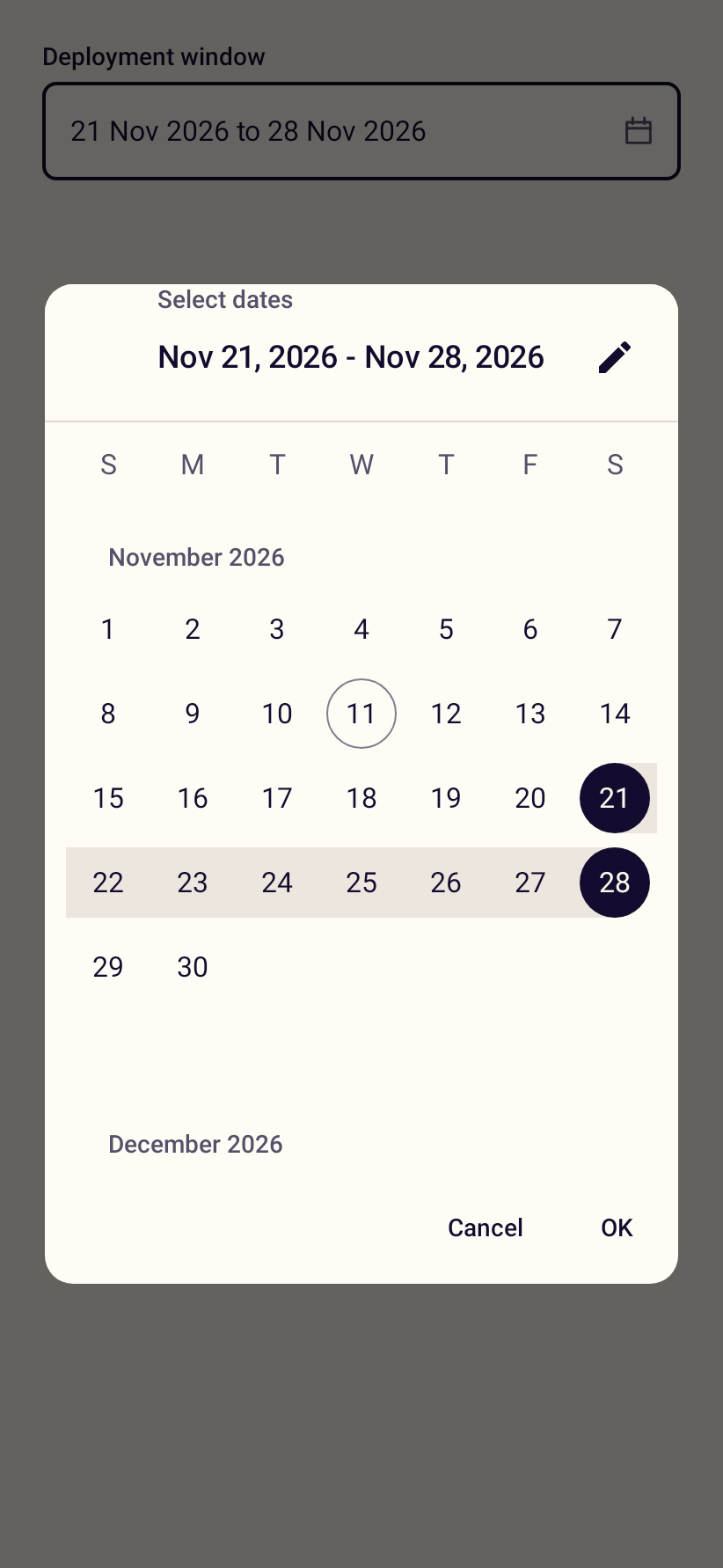
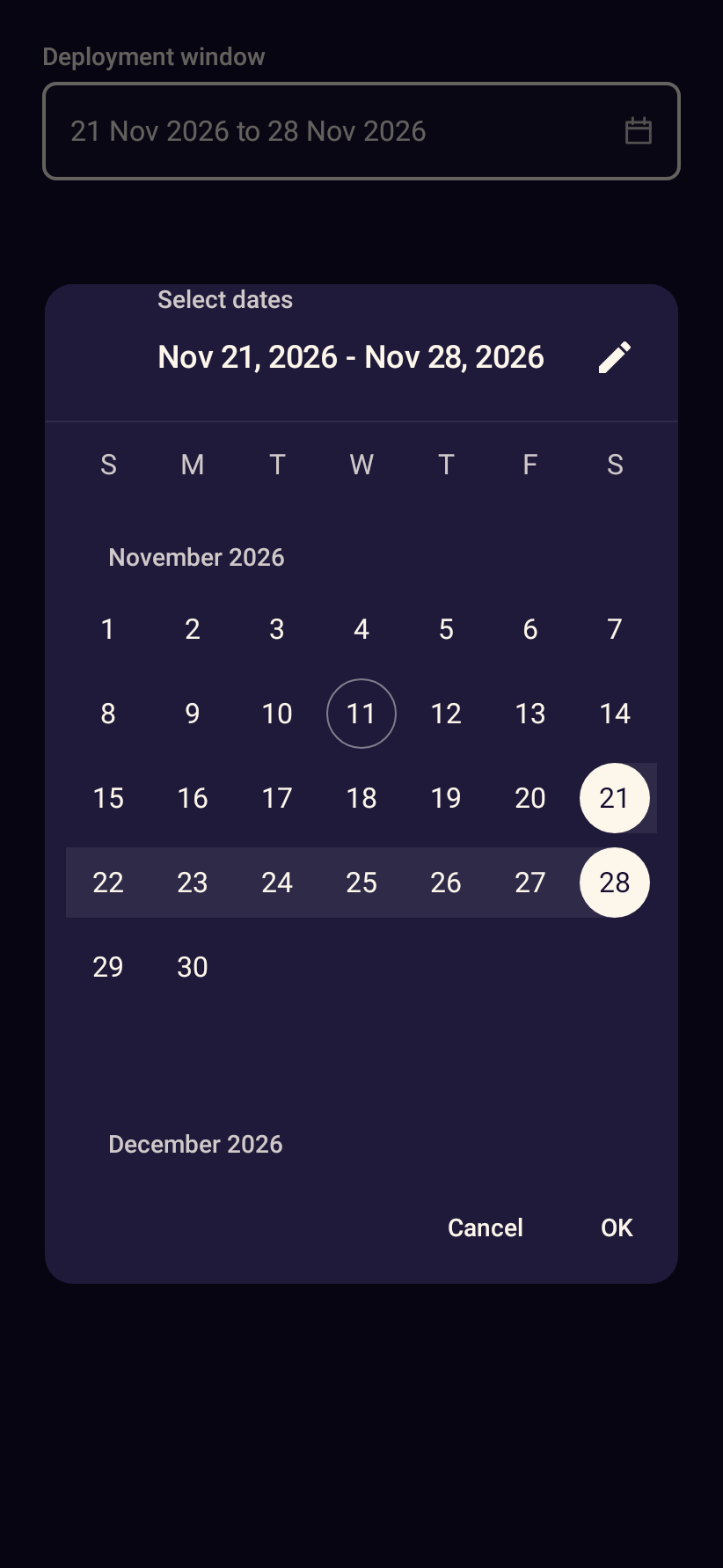
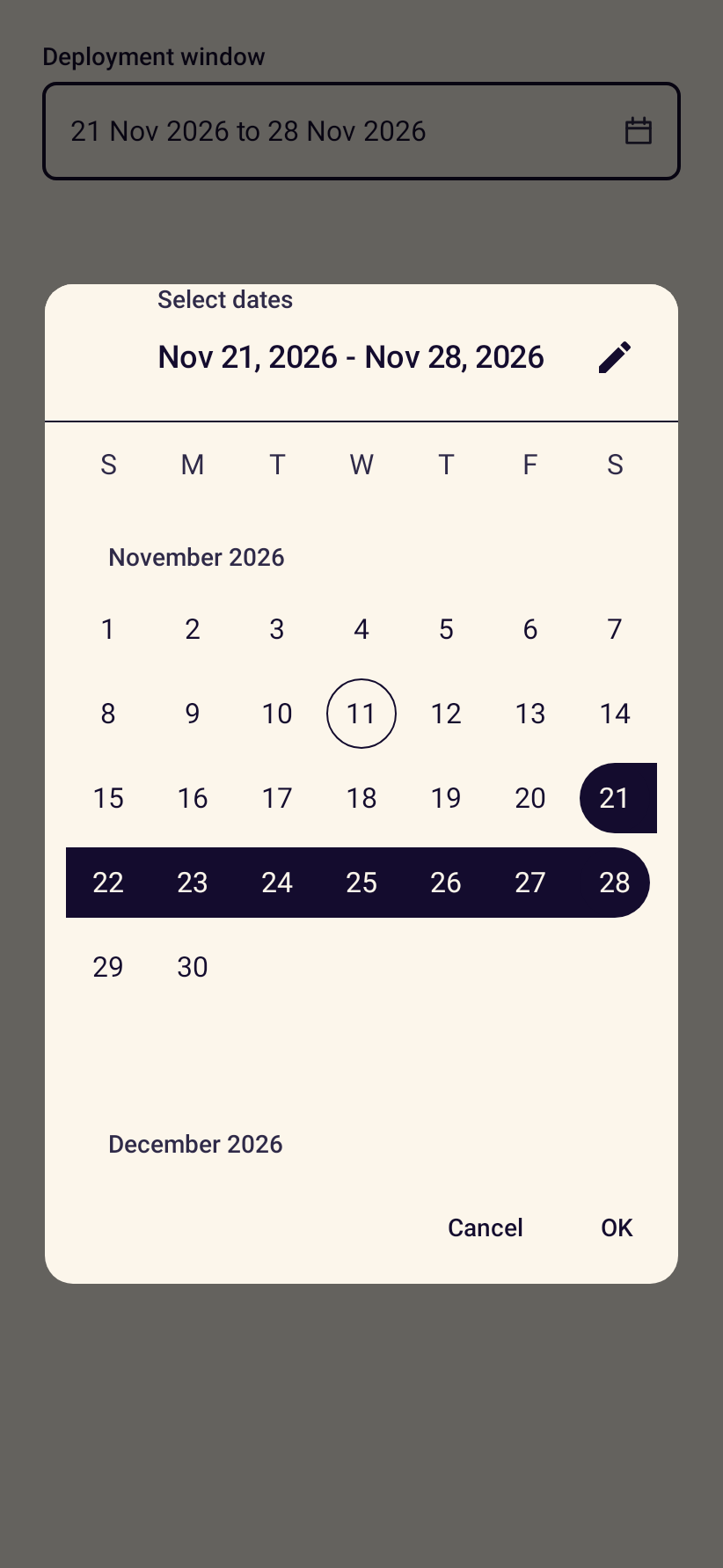
- StanceDateRangePickerA field for a start and end date using the Material range picker.
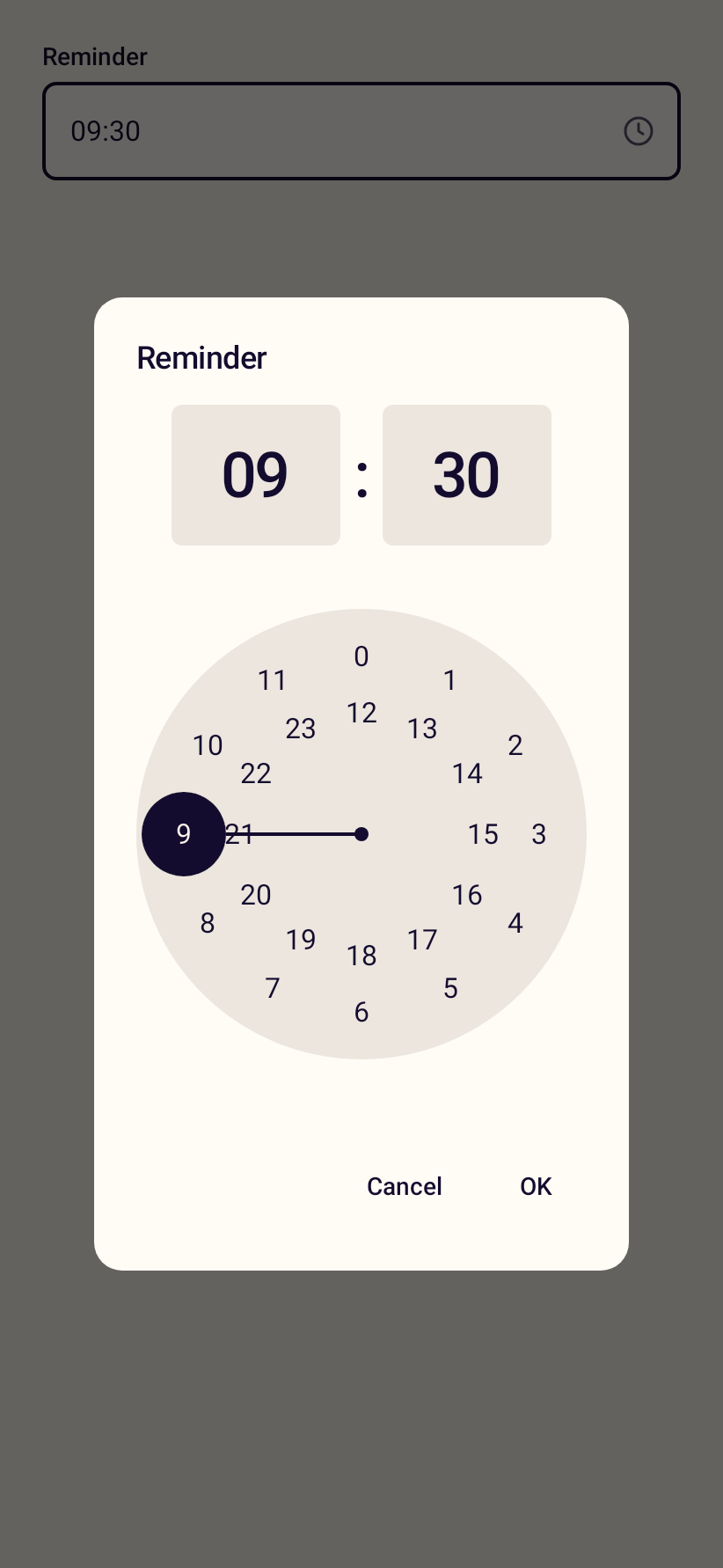
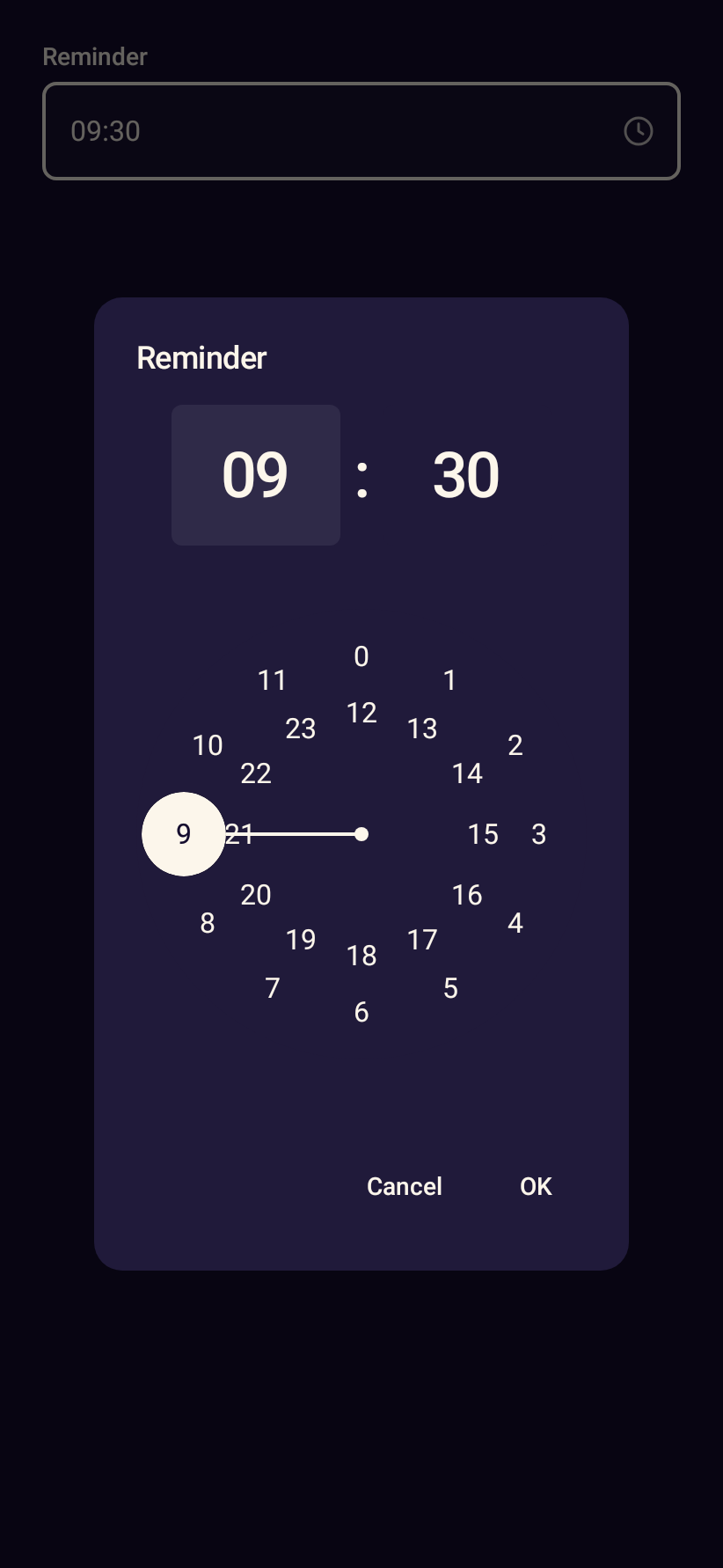
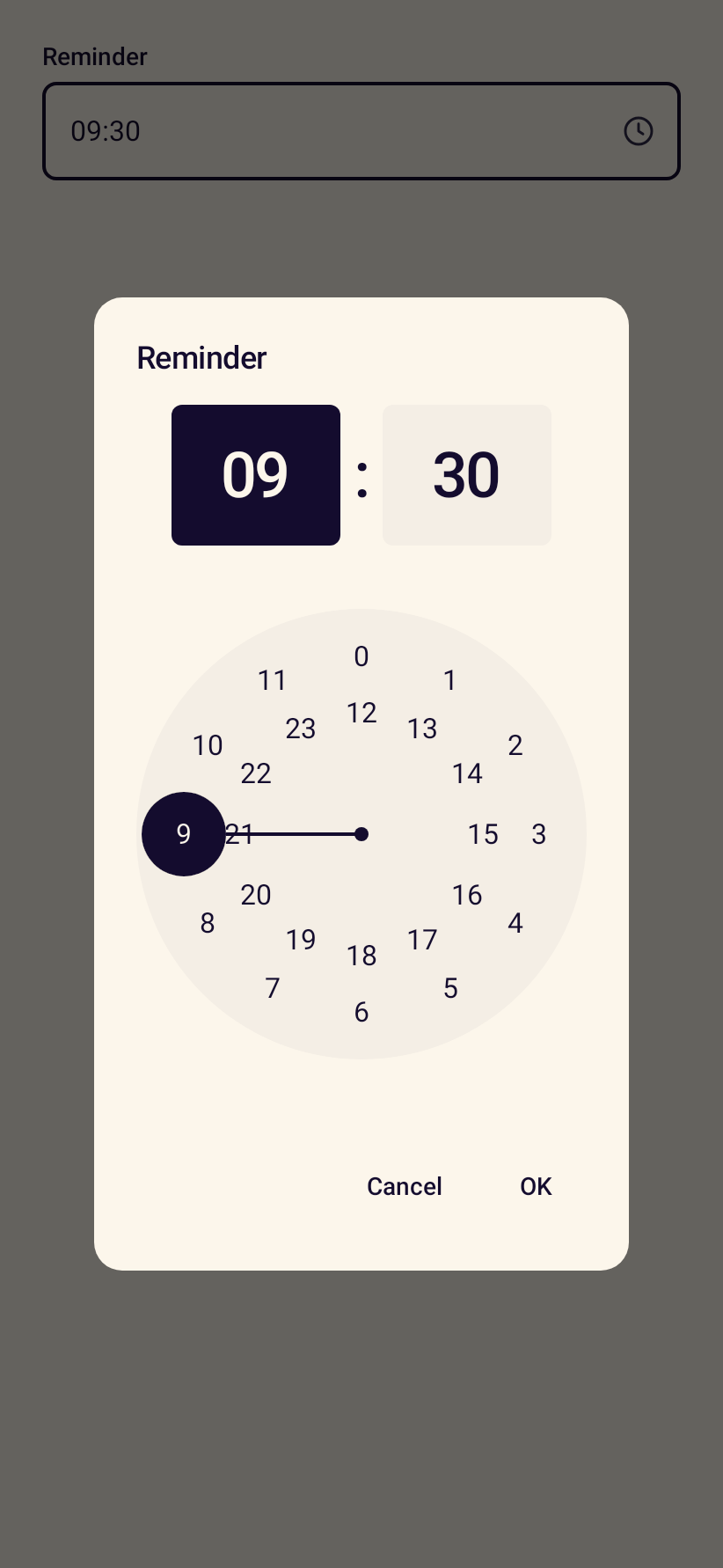
- StanceTimePickerA time field that opens the Material time picker, in 12 or 24 hour format.
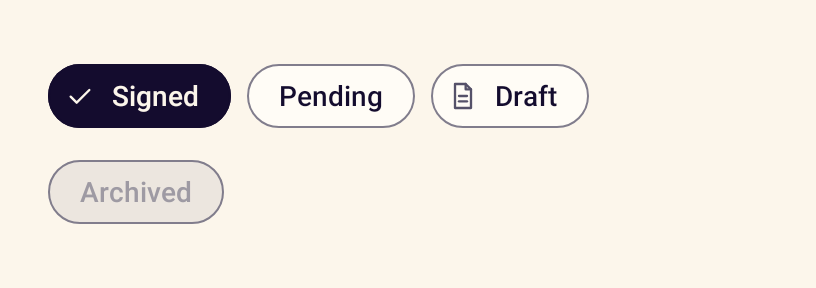
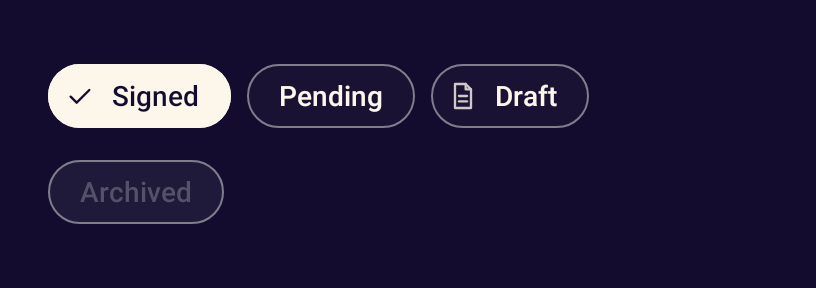
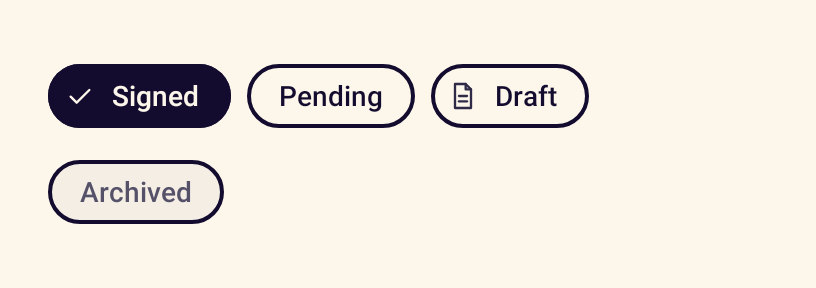
- StanceFilterChipA chip that toggles a filter and shows a check when selected.
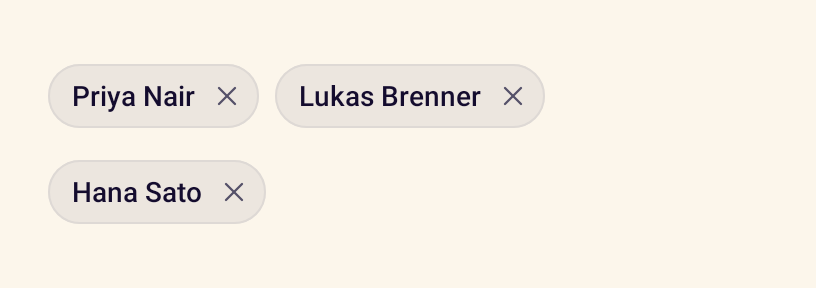
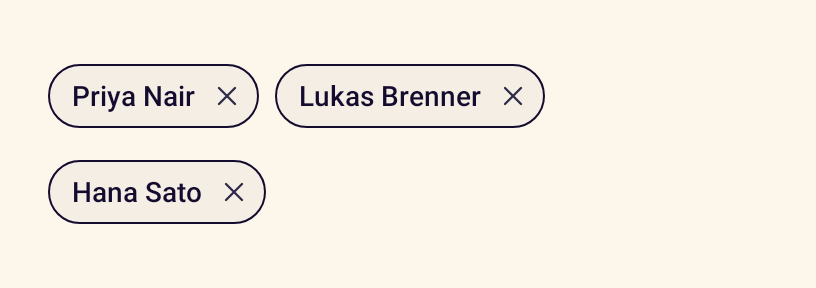
- StanceInputChipA removable chip for something a person entered, such as a recipient.

Navigation
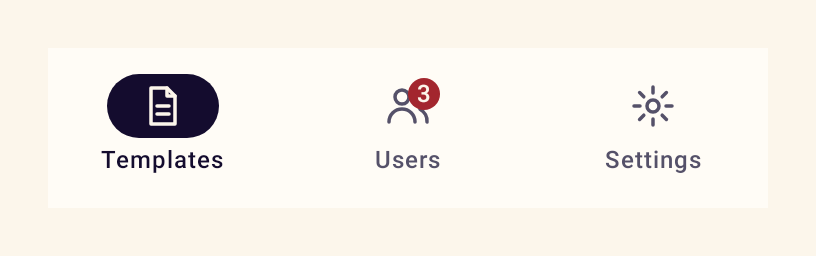
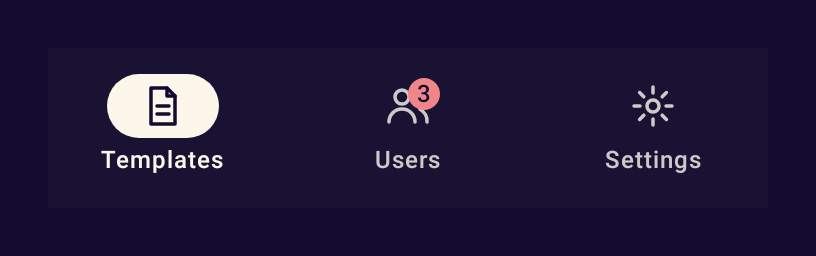
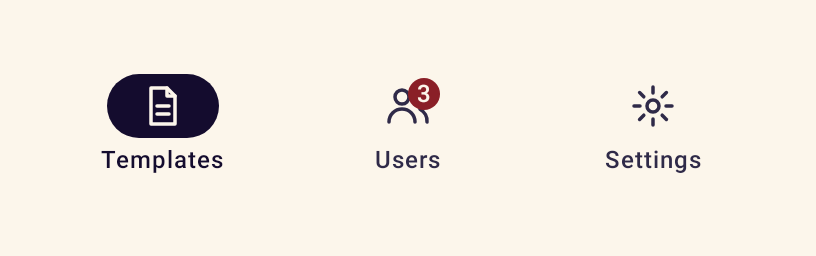
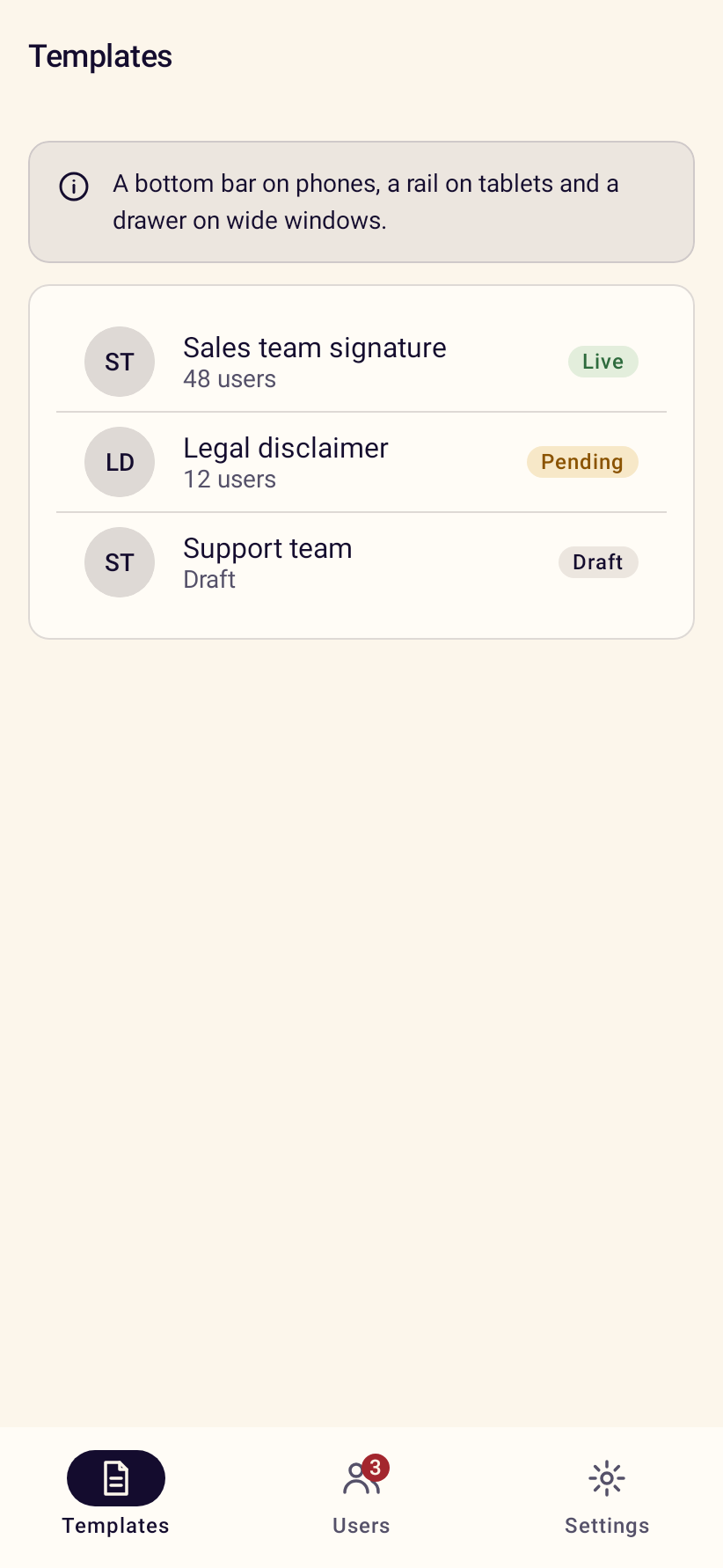
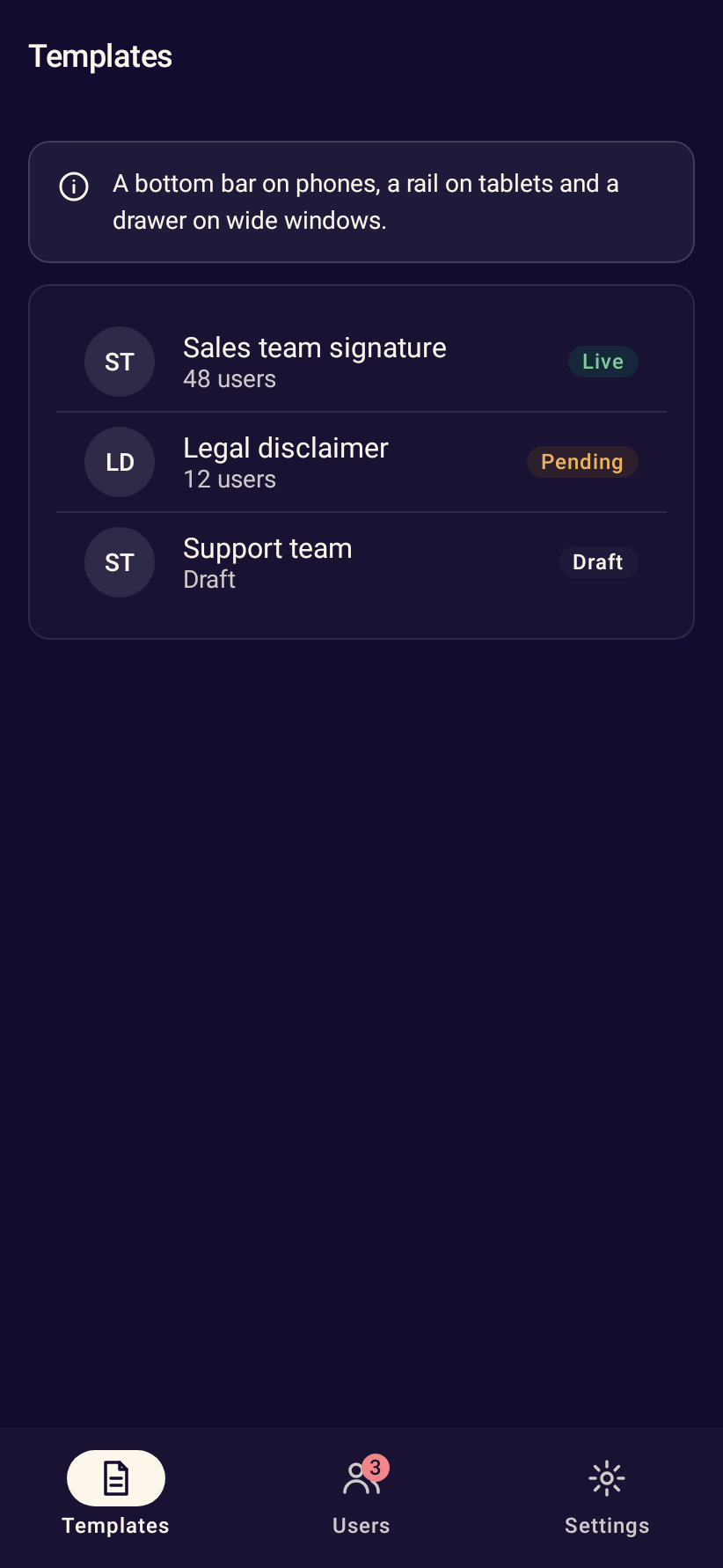
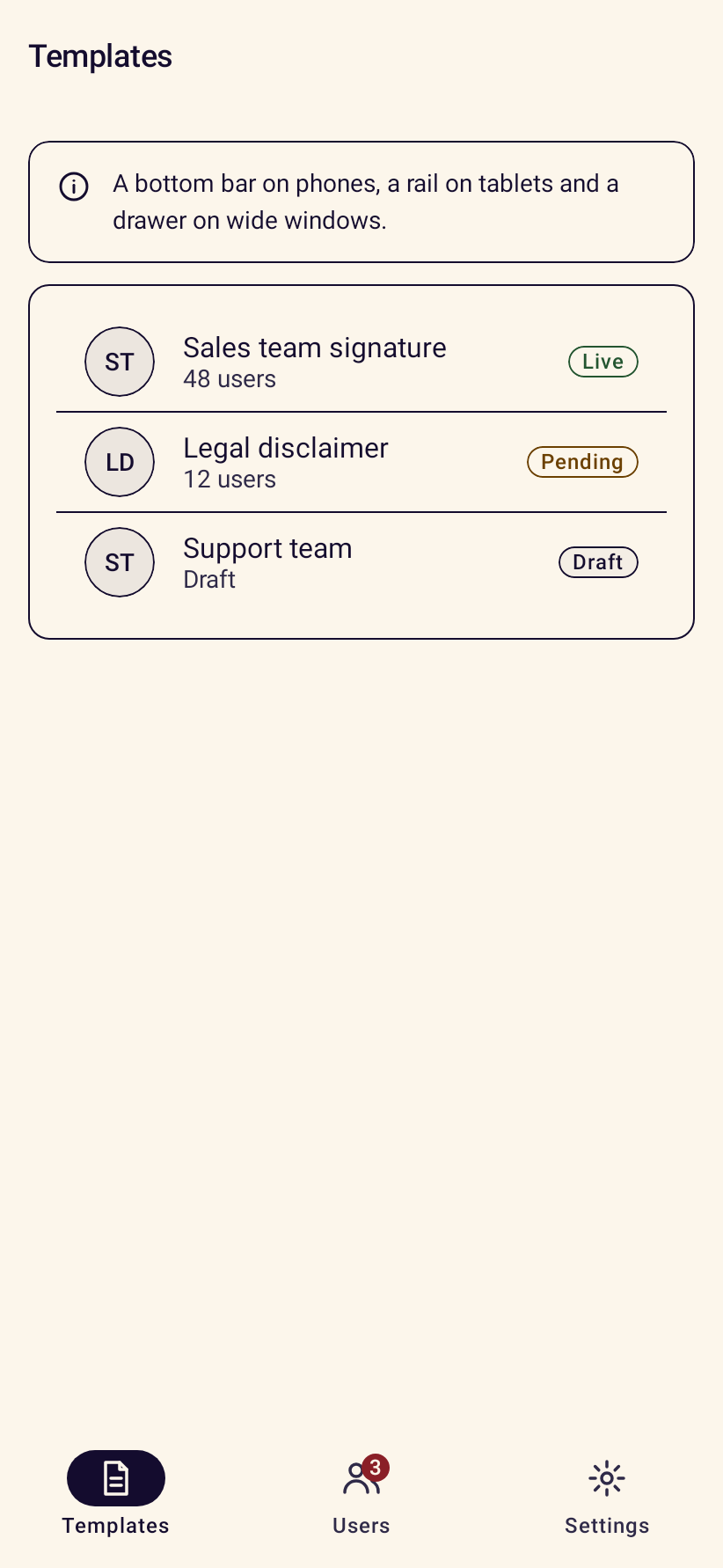
- StanceNavigationBarBottom navigation for three to five destinations on compact screens.
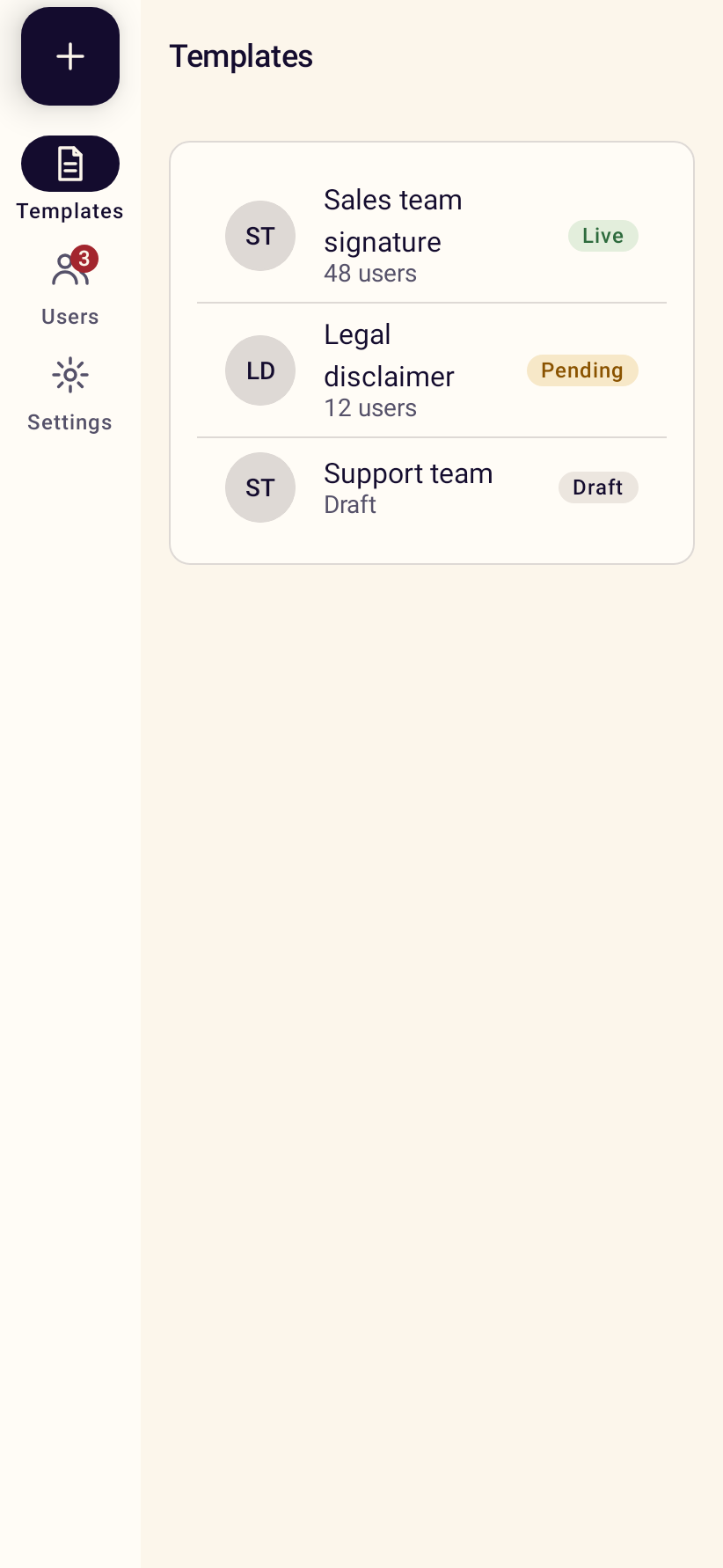
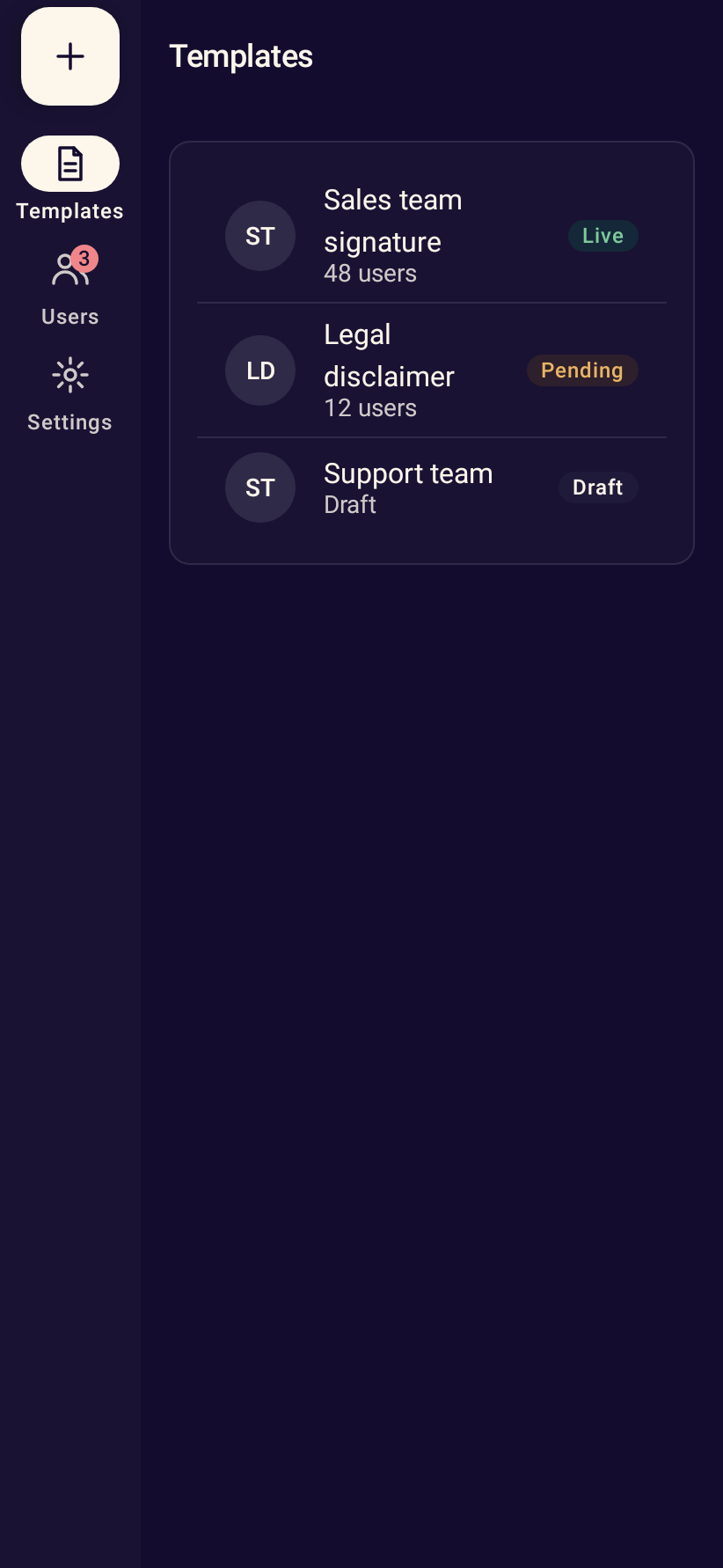
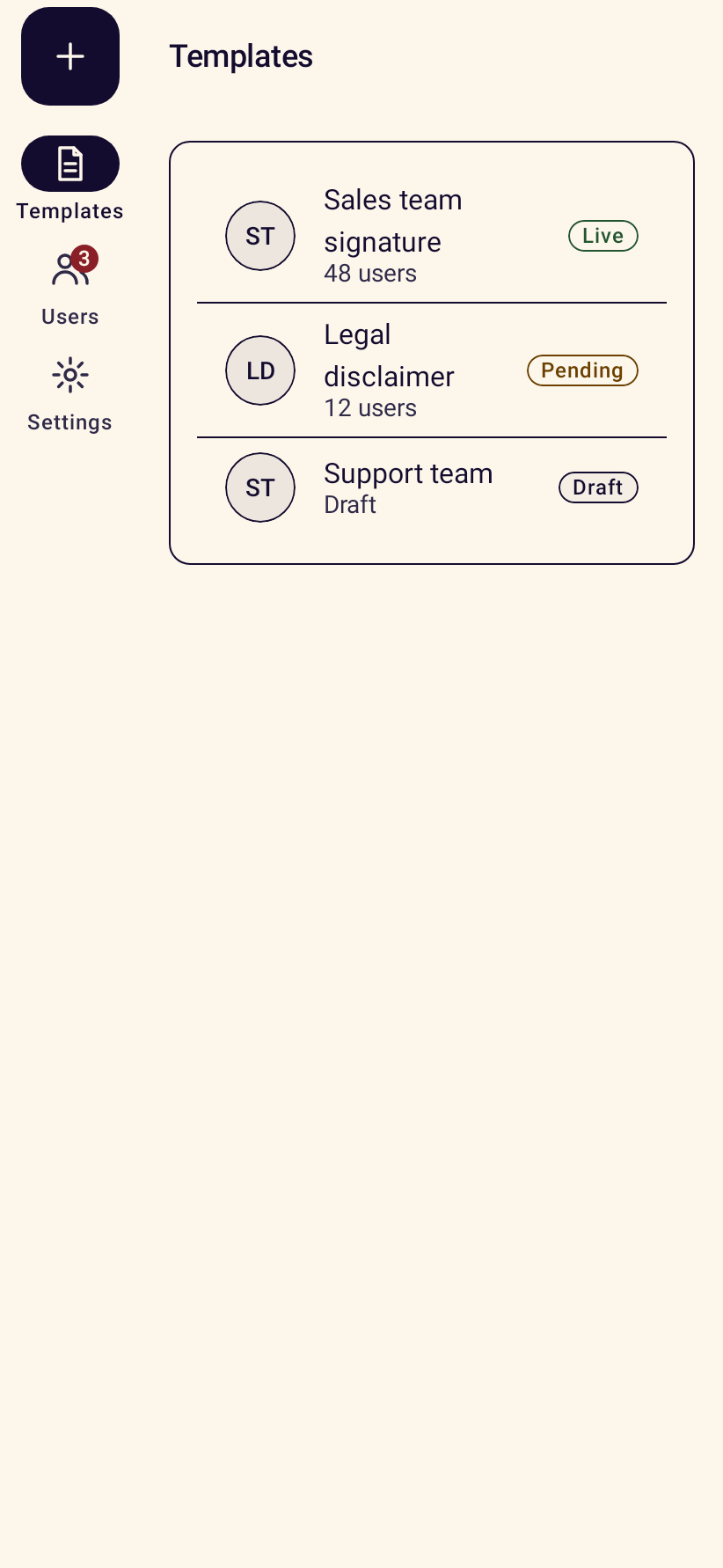
- StanceNavigationRailSide navigation for medium-width windows such as tablets in portrait.
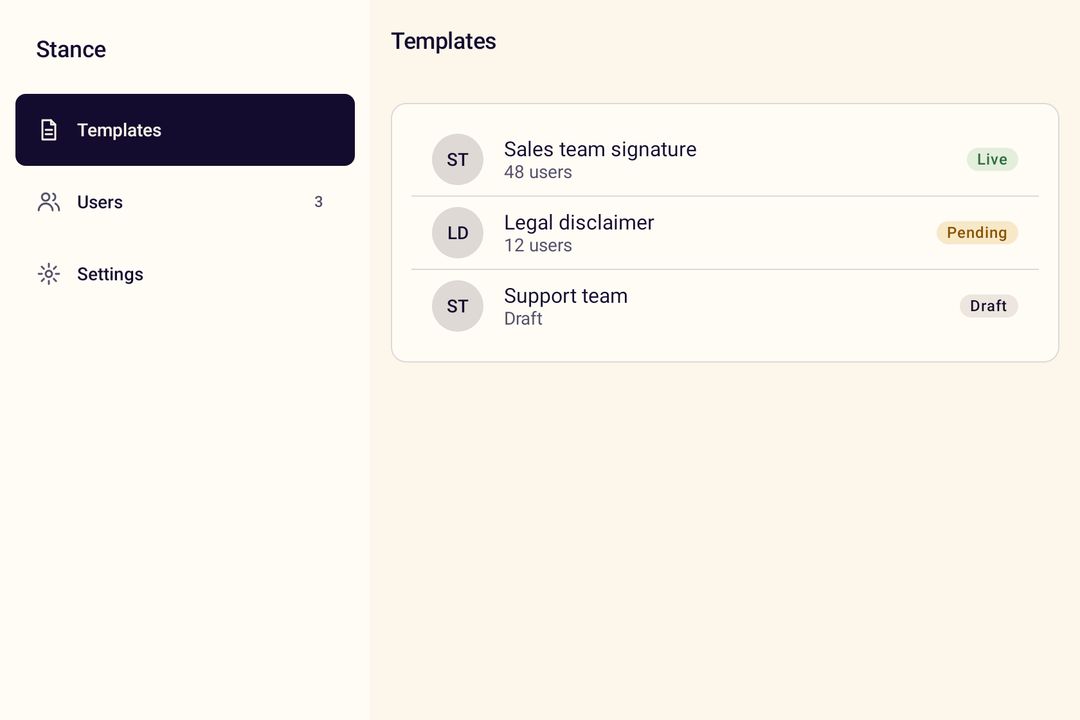
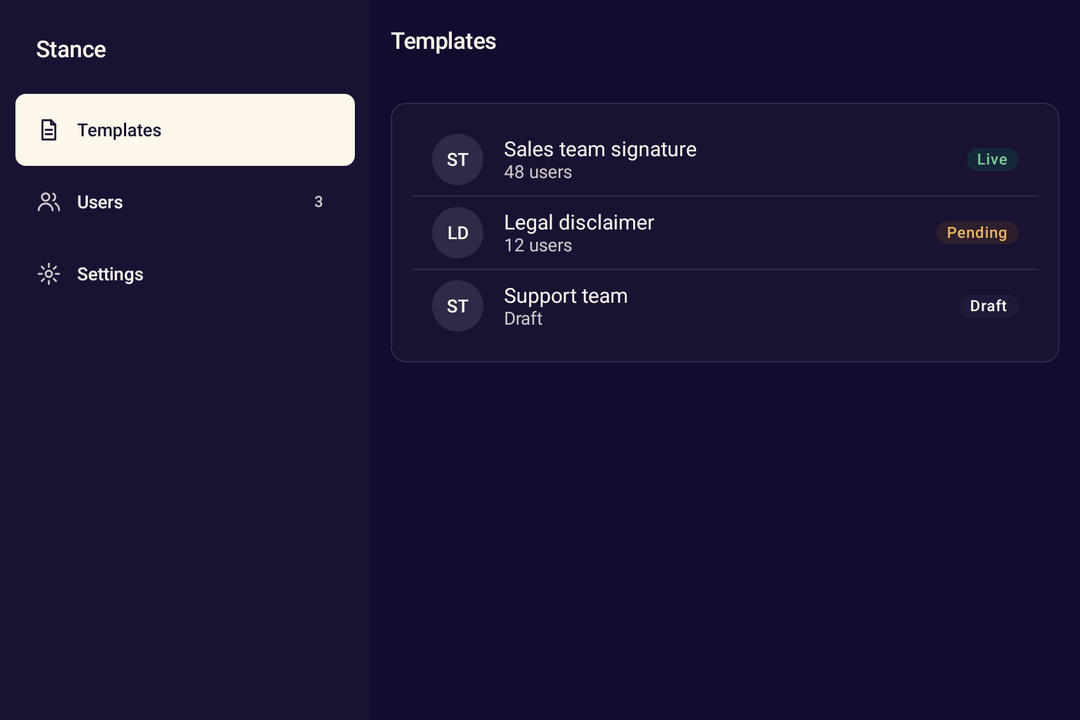
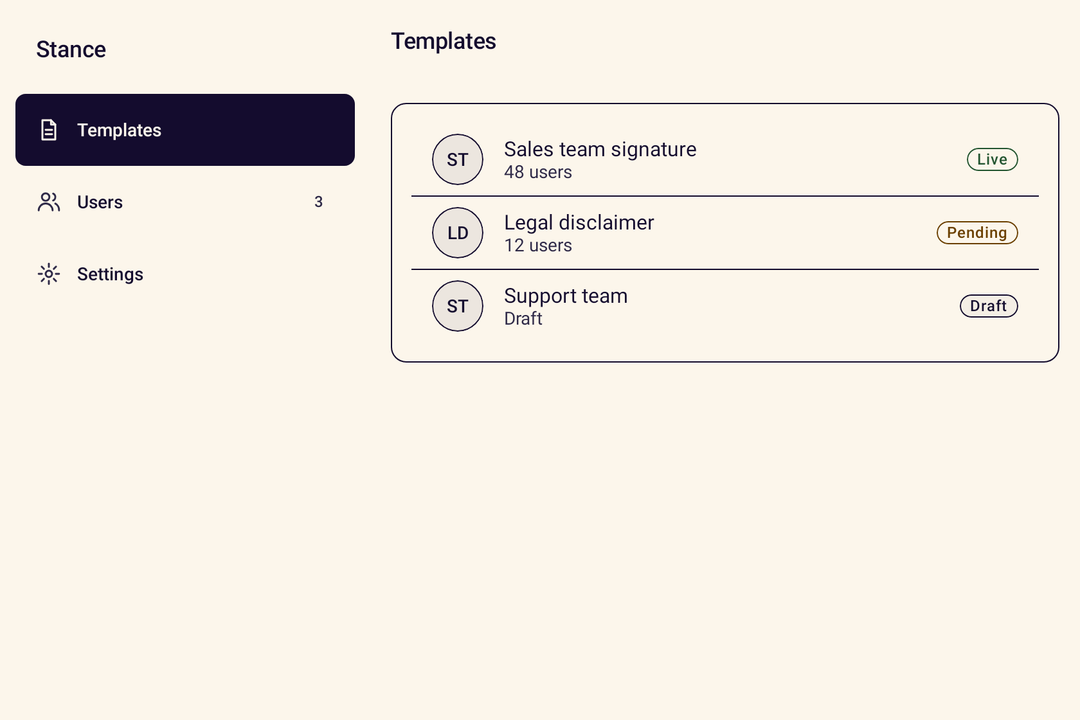
- StanceNavigationDrawerA permanent navigation drawer for expanded windows.
- StanceAdaptiveNavigationNavigation that switches between bar, rail and drawer by window width.
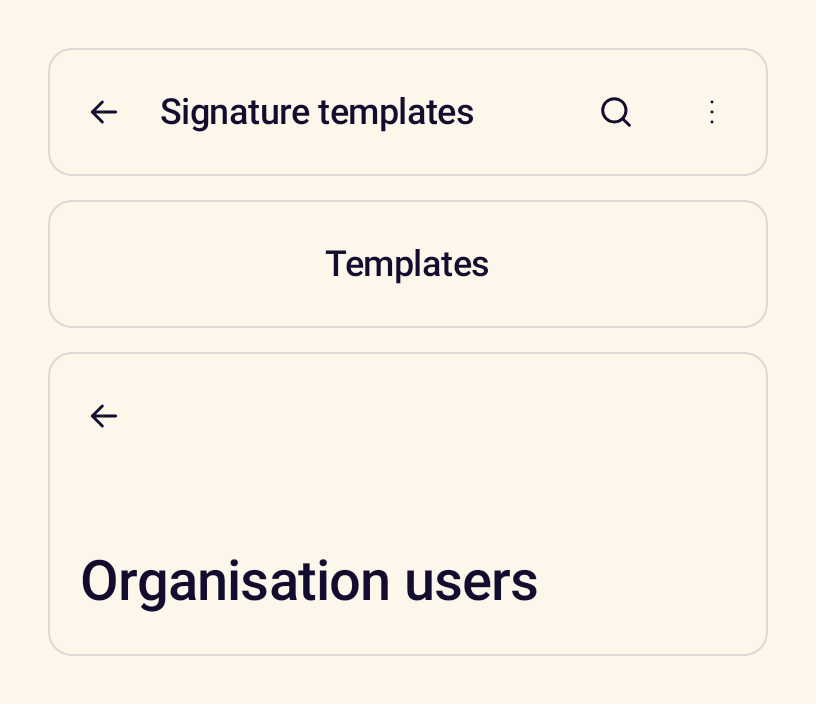
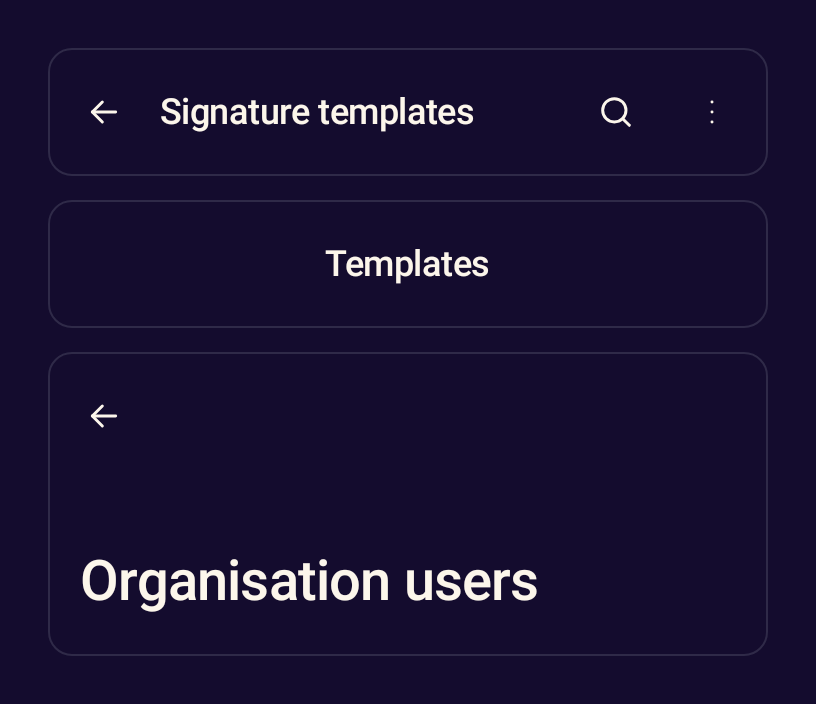
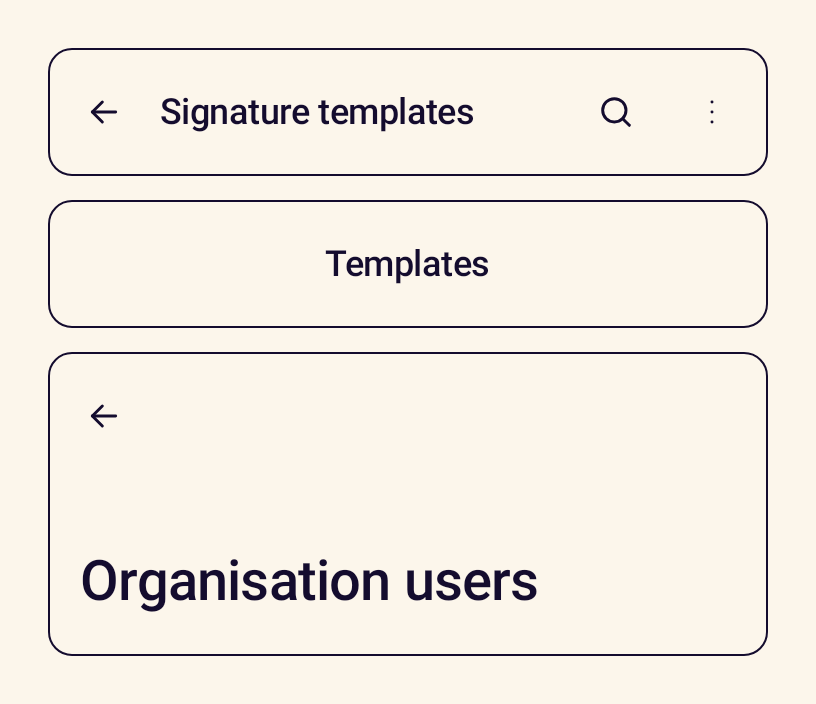
- StanceTopAppBarThe bar at the top of a screen with a title, navigation and actions.
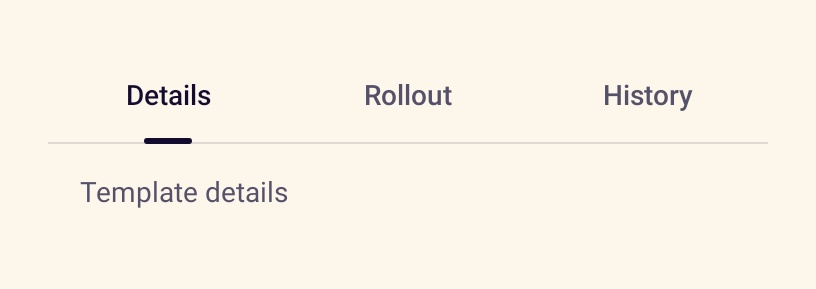
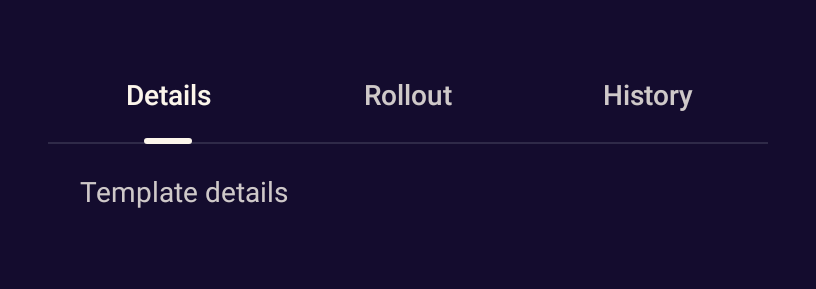
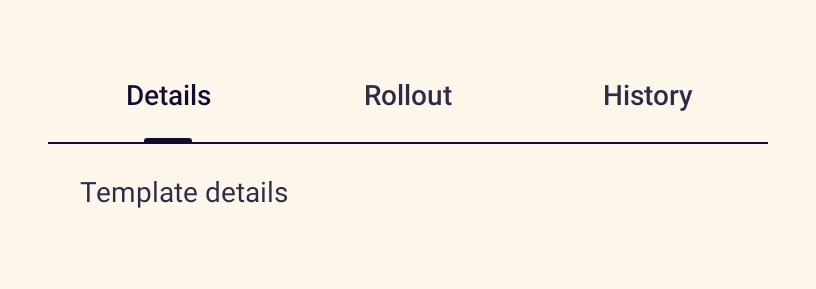
- StanceTabsSwitches between views of the same context, fixed or scrollable.
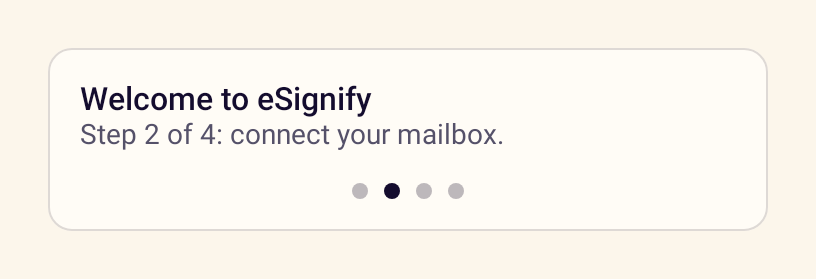
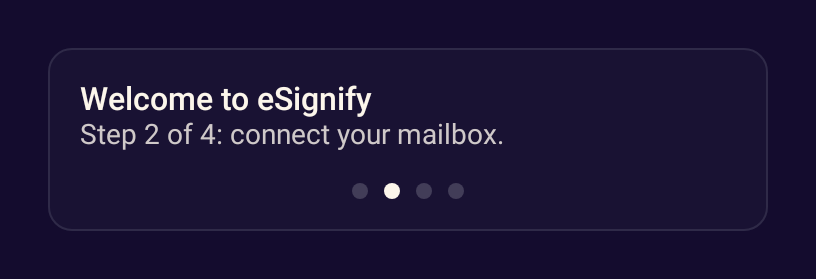
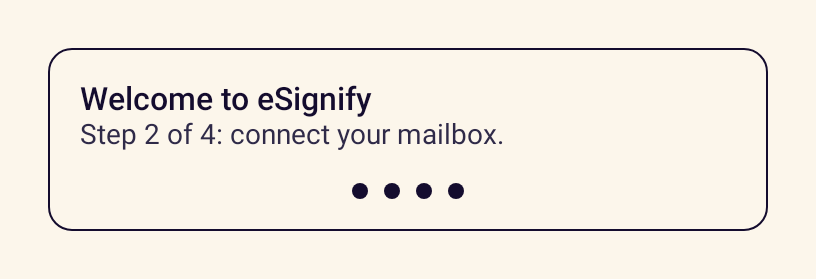
- StancePagerIndicatorDots that show the current page of a horizontal pager.
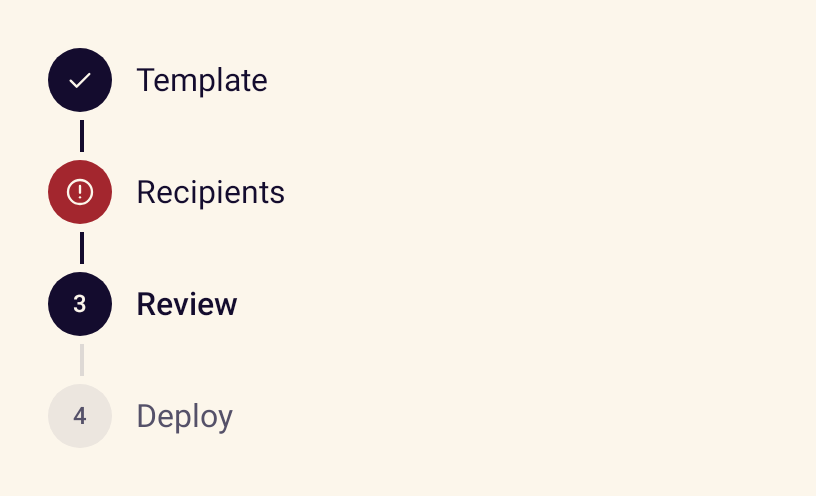
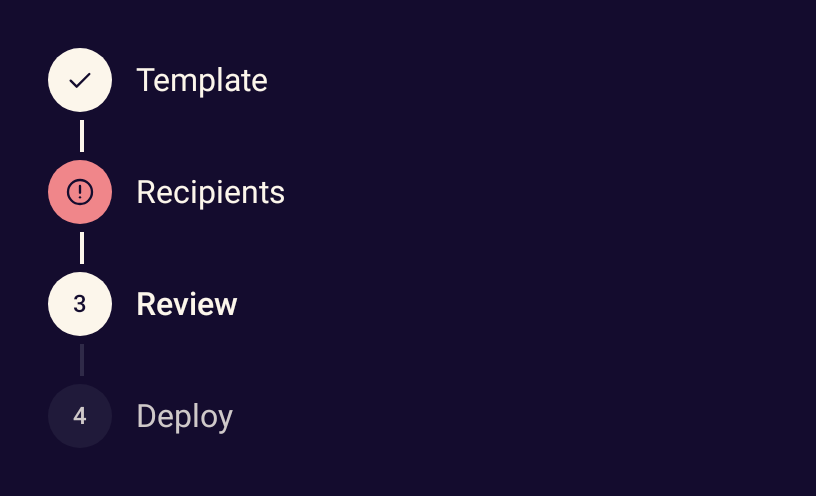
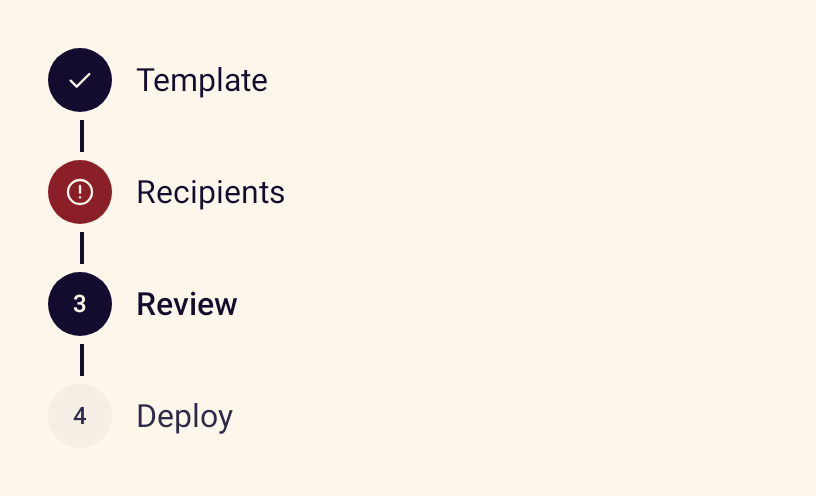
- StanceStepperShows progress through a multi-step flow with complete, current, upcoming and error states.
Data display
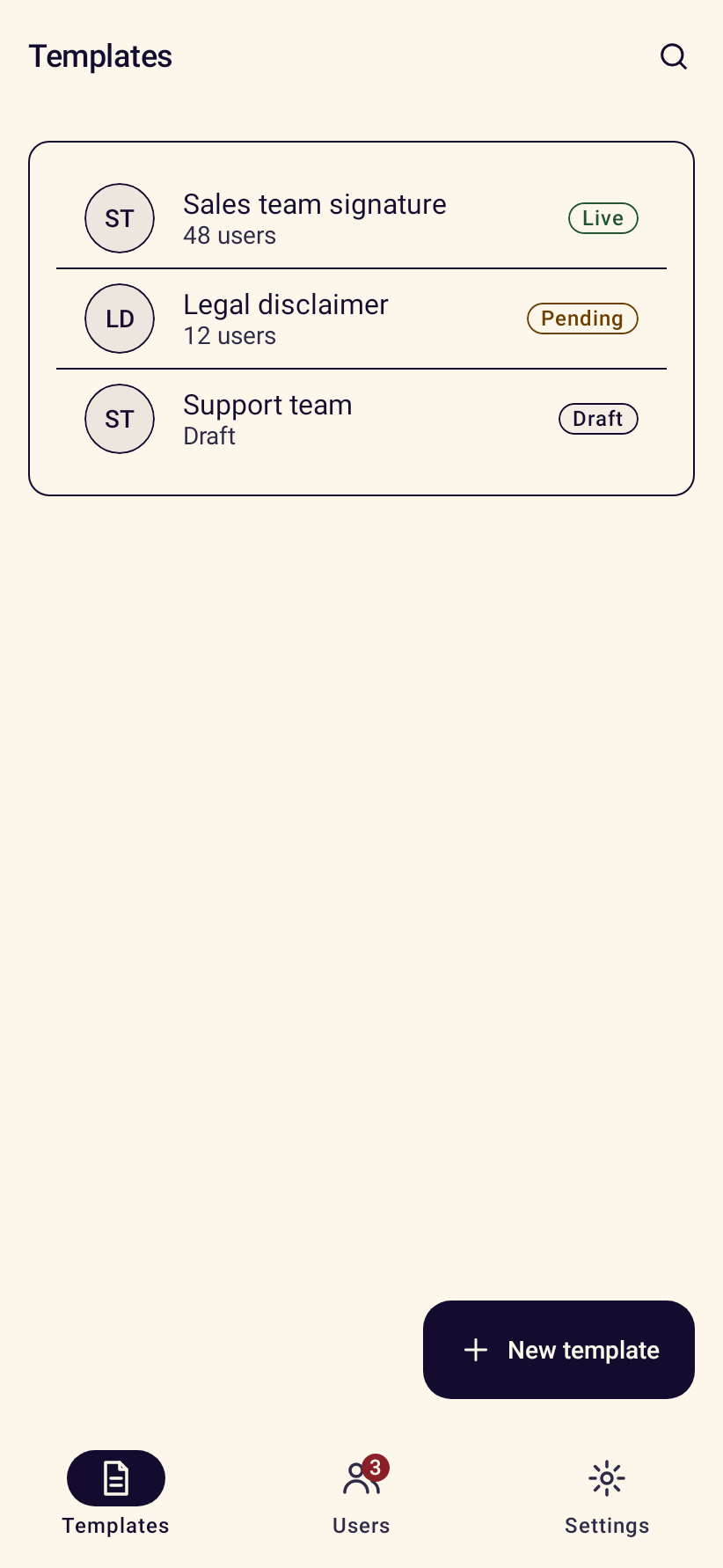
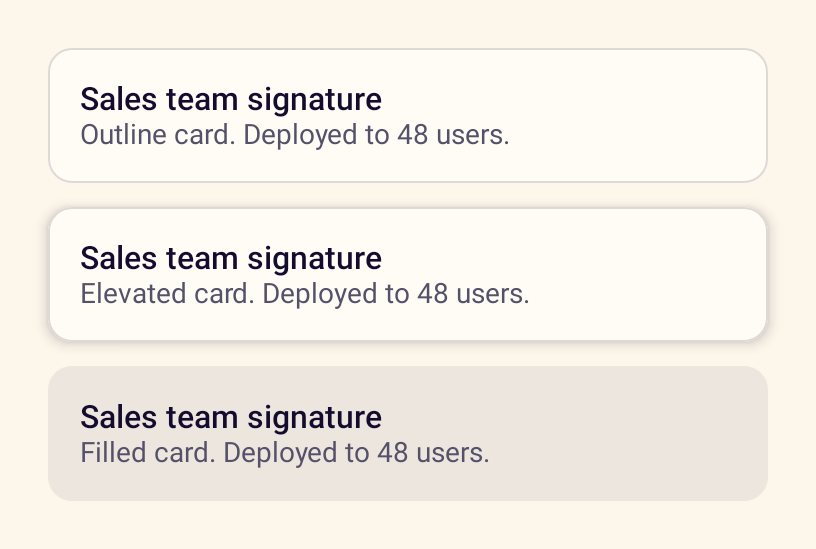
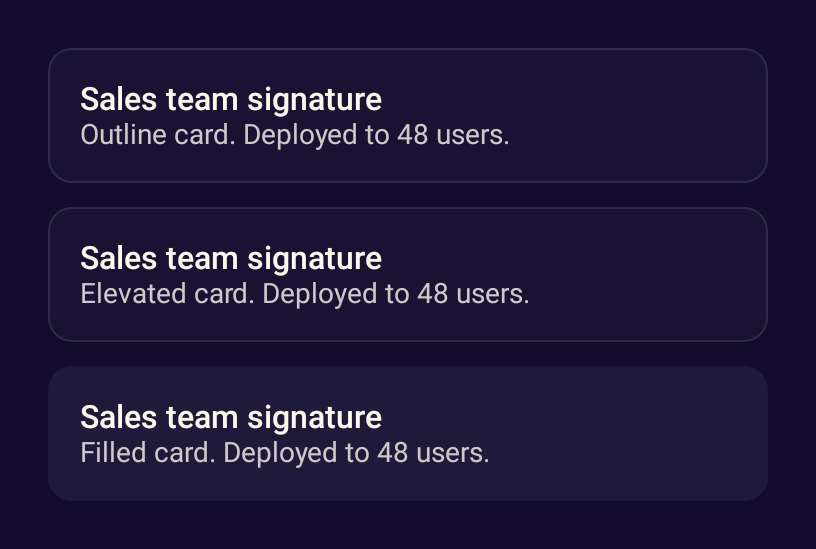
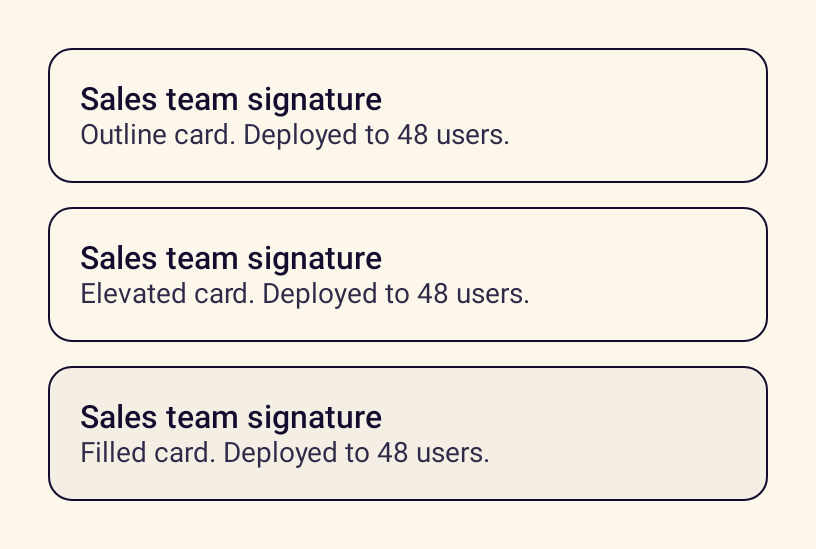
- StanceCardGroups related content in outline, elevated or filled styles, optionally as one clickable target.
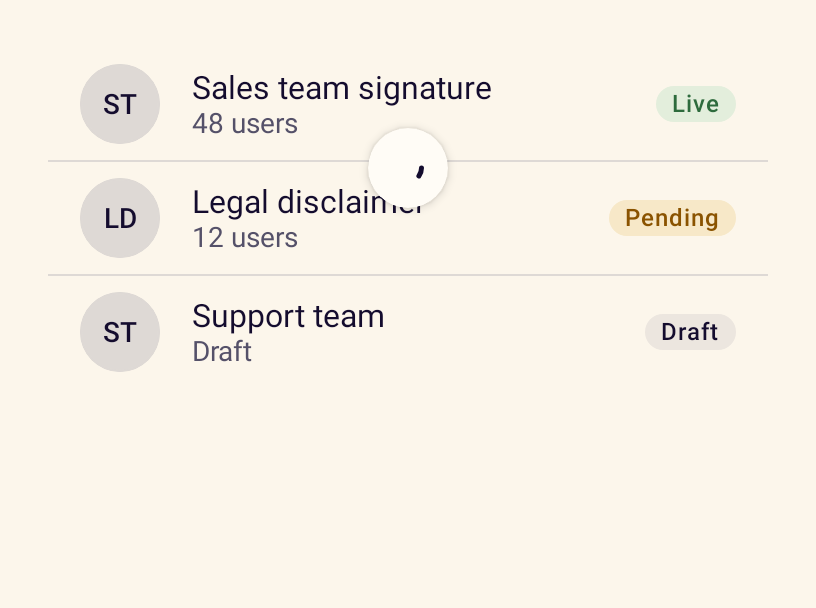
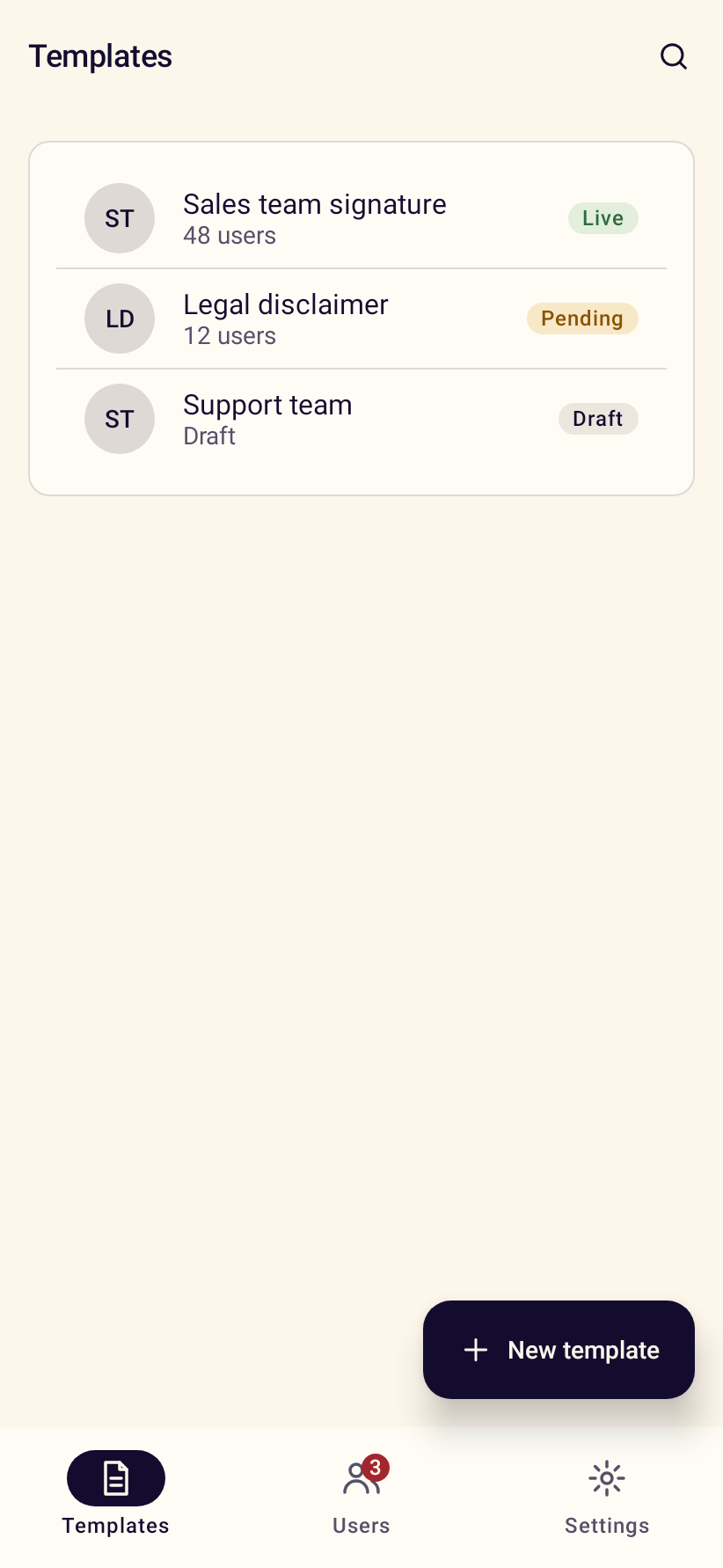
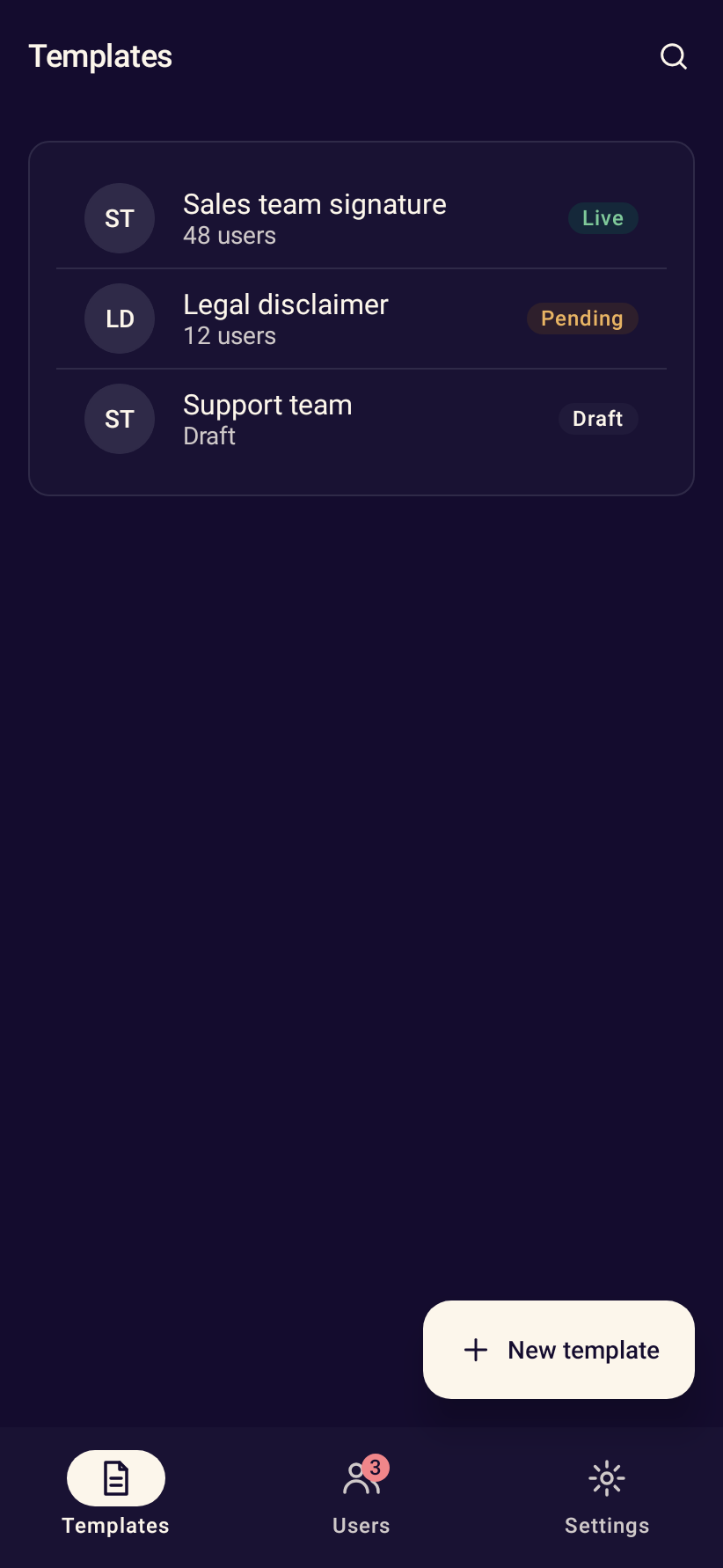
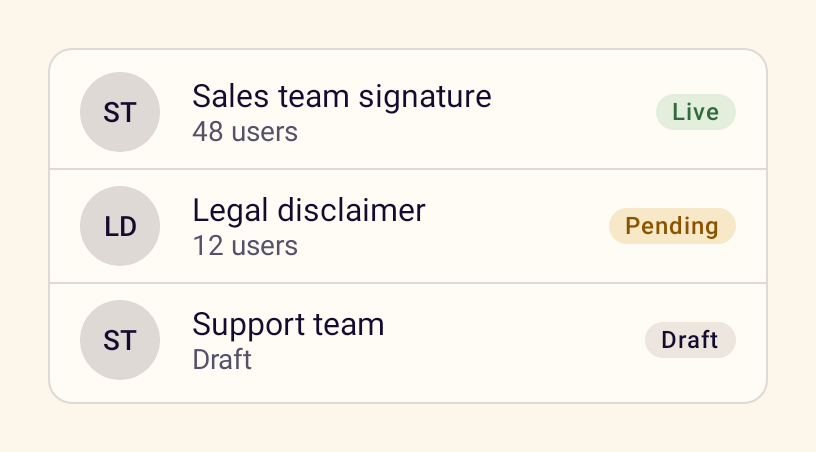
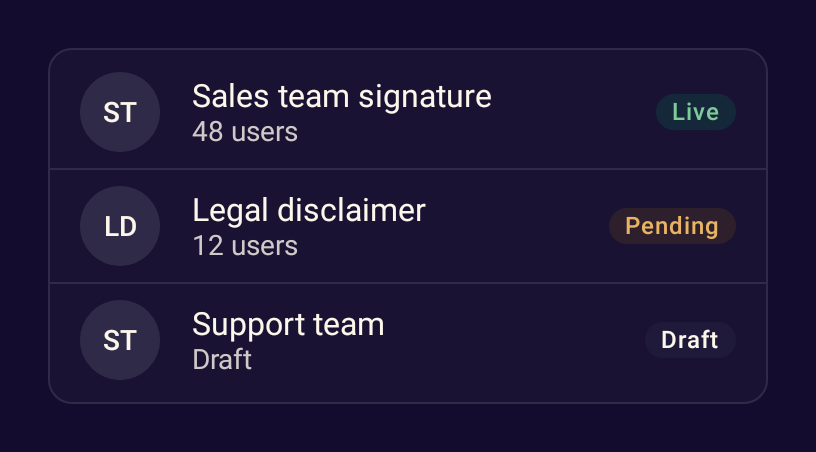
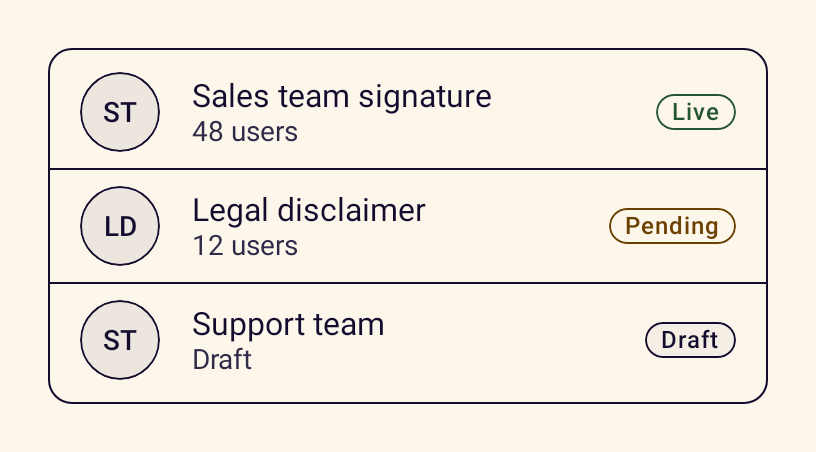
- StanceListItemA list row with leading content, headline, supporting text and trailing content.
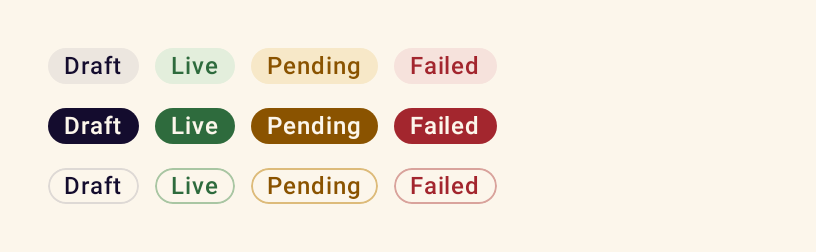
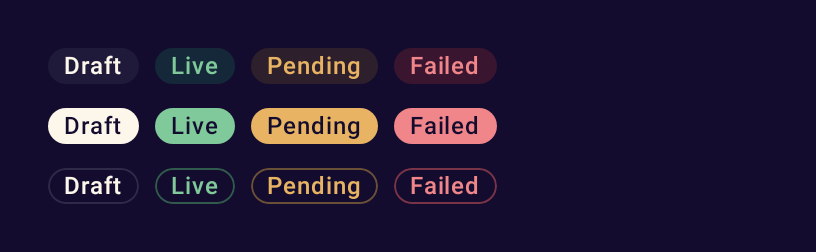
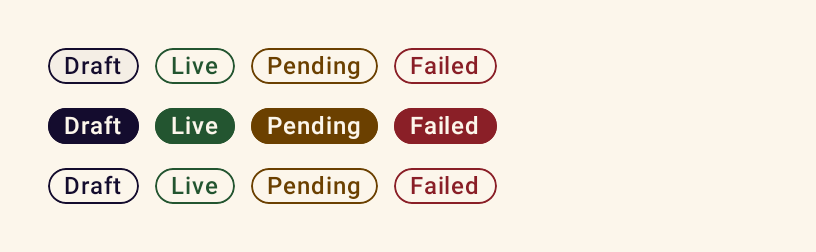
- StanceBadgeA short status label in soft, solid or outline styles with five tones.
- StanceTagA compact keyword or category label with an optional icon.
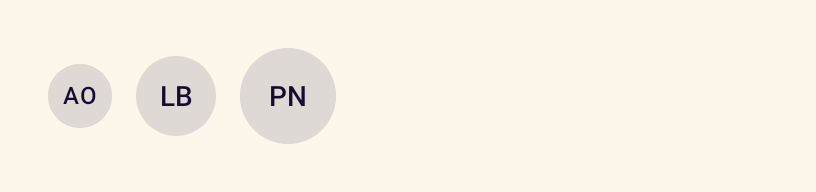
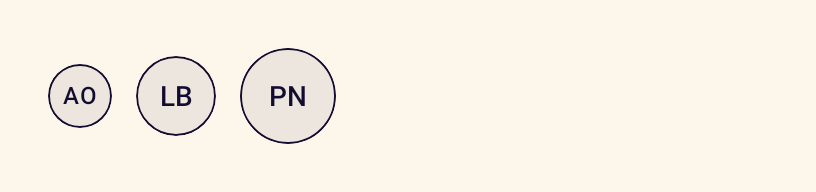
- StanceAvatarRepresents a person with their initials or an image, in three sizes.
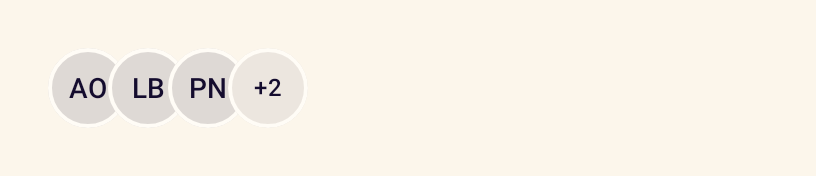
- StanceAvatarGroupA stack of overlapping avatars with a counter for the rest.
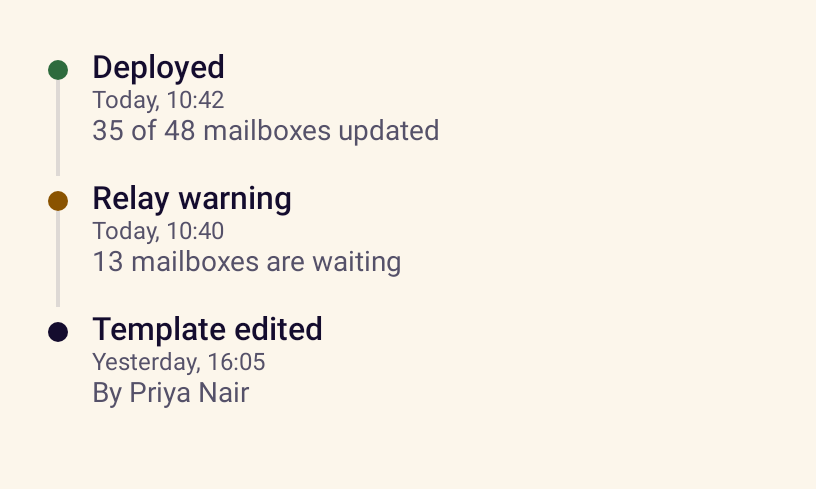
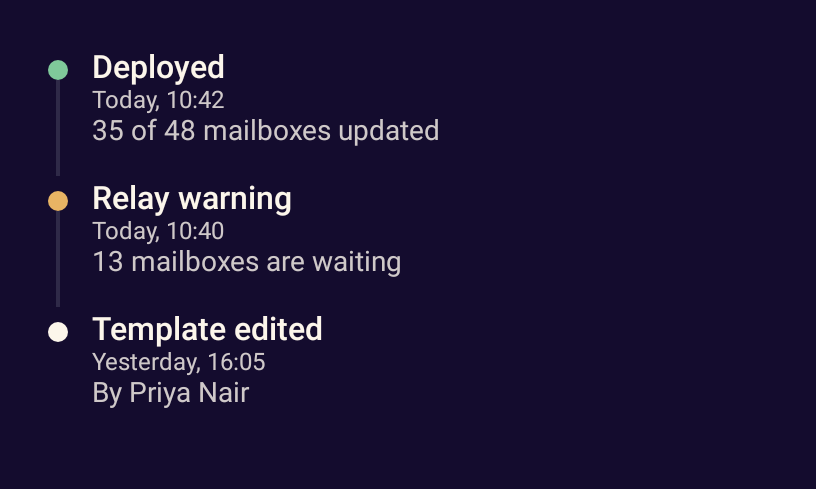
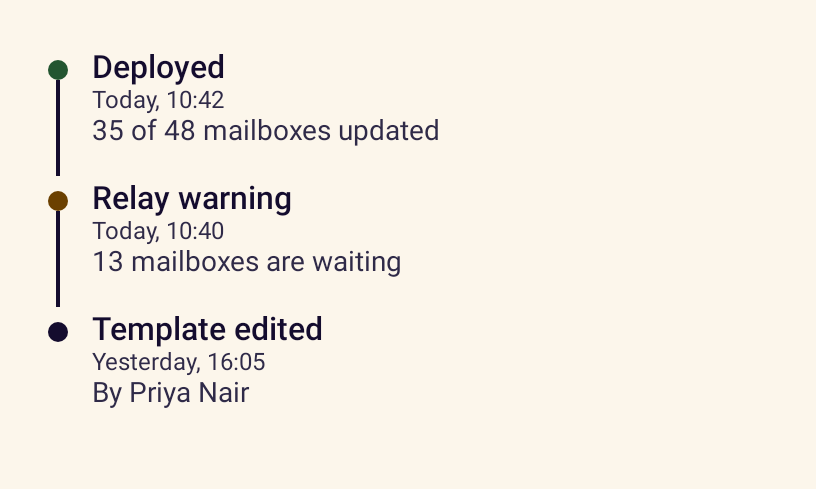
- StanceTimelineA vertical sequence of events with times and status tones.
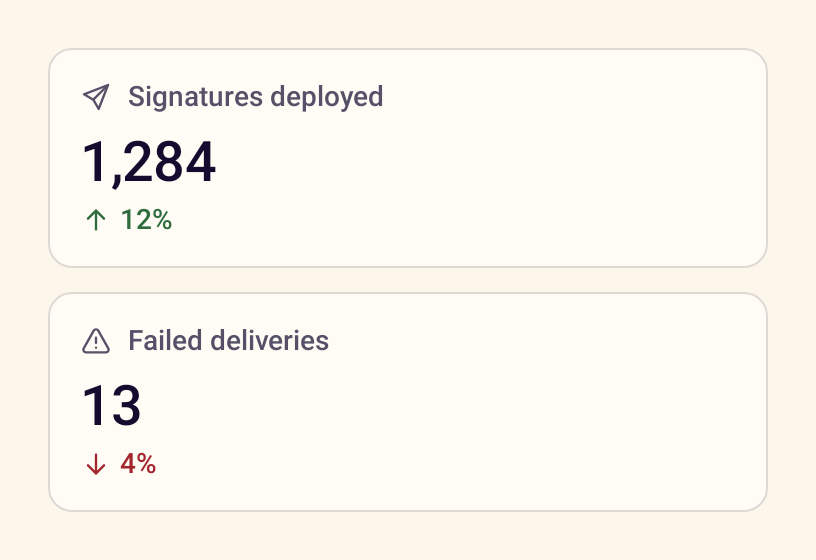
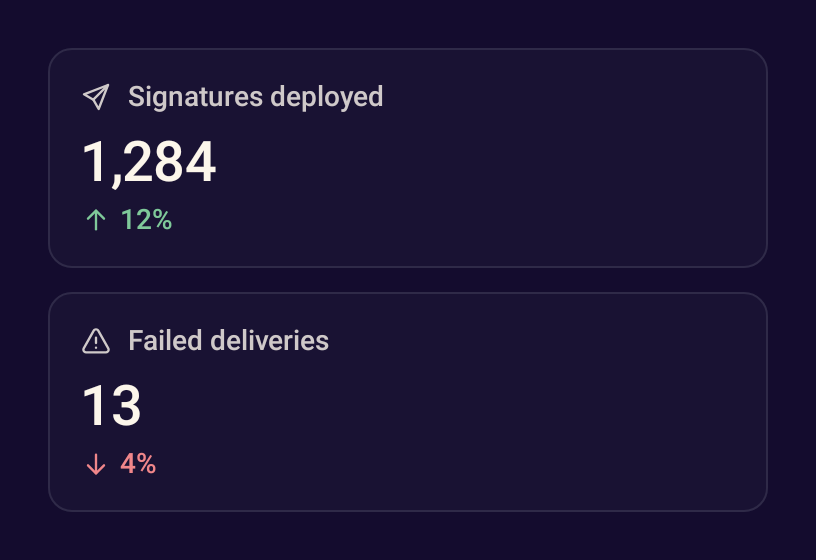
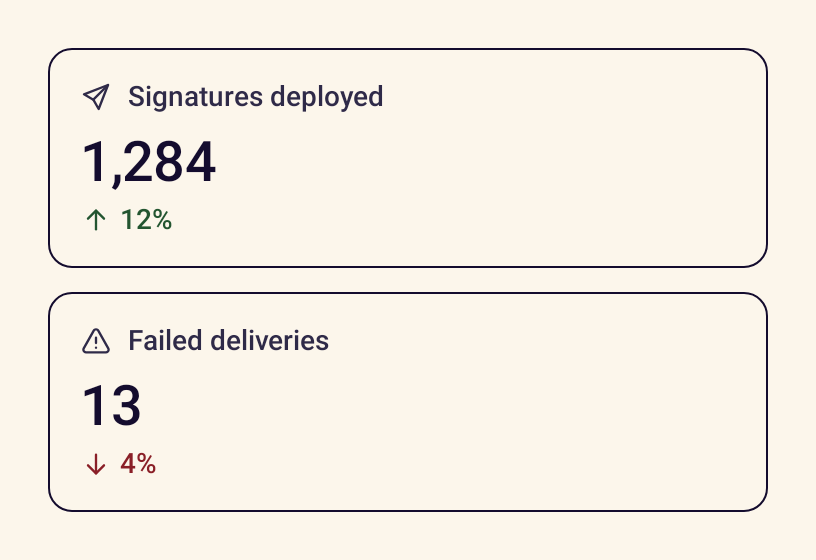
- StanceStatCardA key figure with its label, an icon and the change since last period.
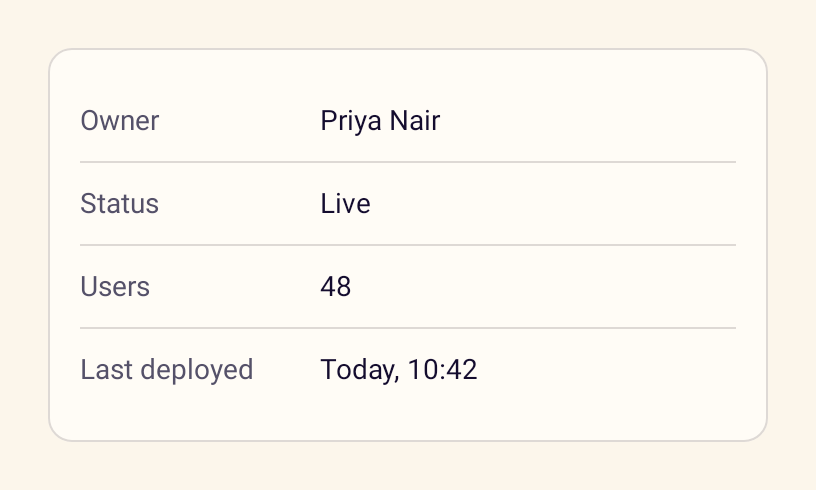
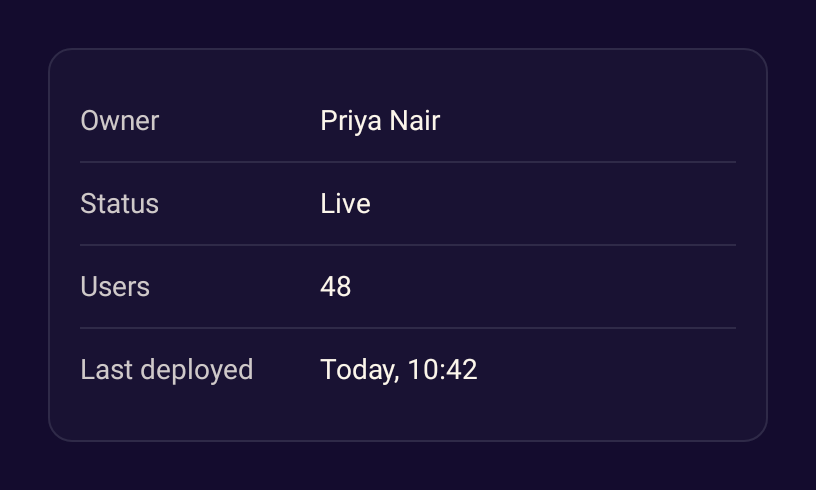
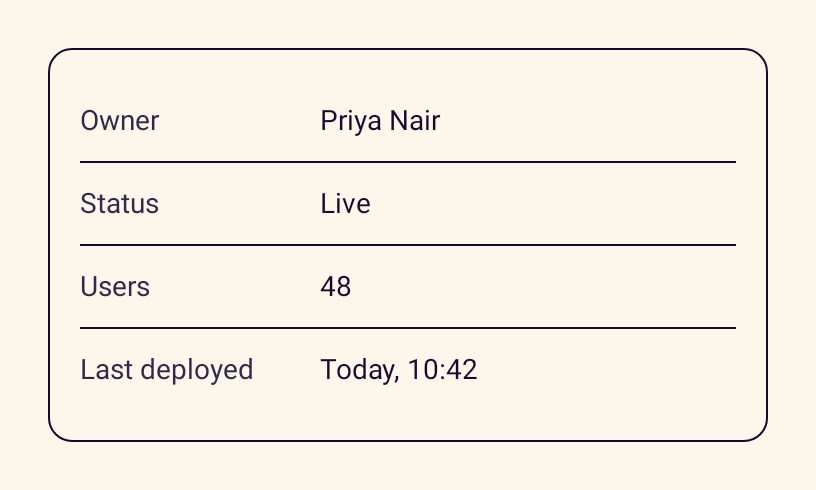
- StanceDescriptionListPairs of terms and details, such as the properties of a contract.
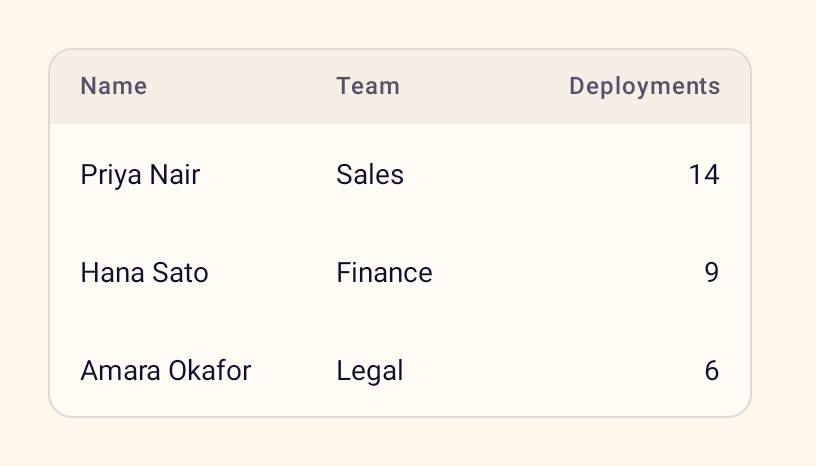
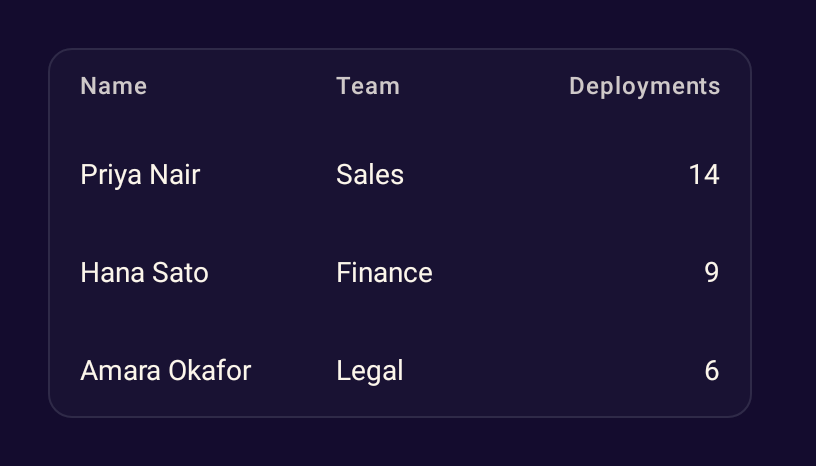
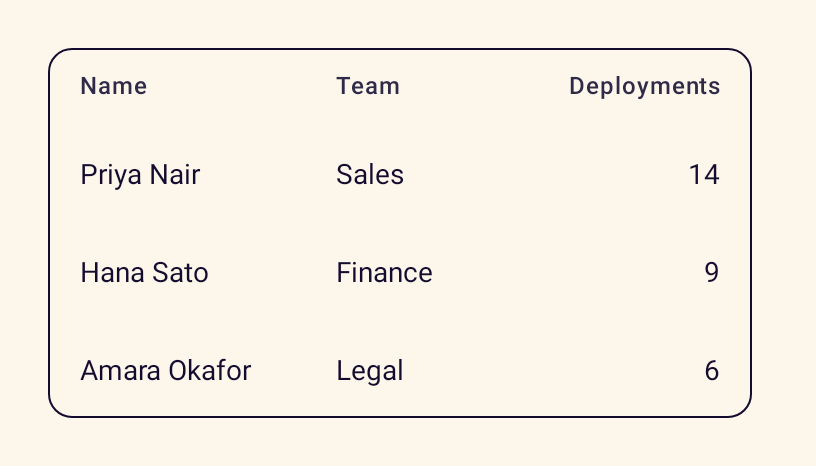
- StanceDataTableA simple table that scrolls horizontally when columns do not fit.




Feedback
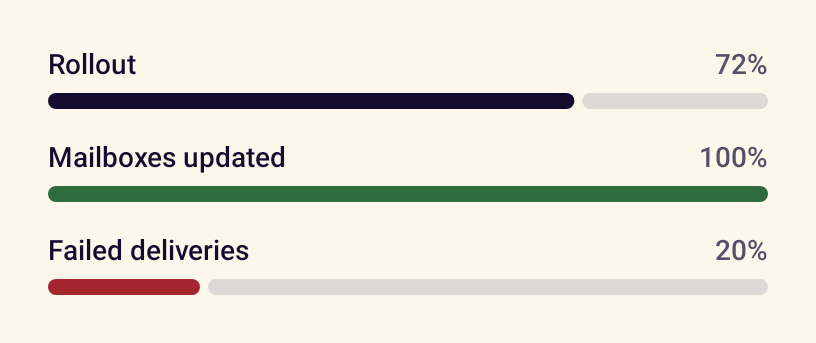
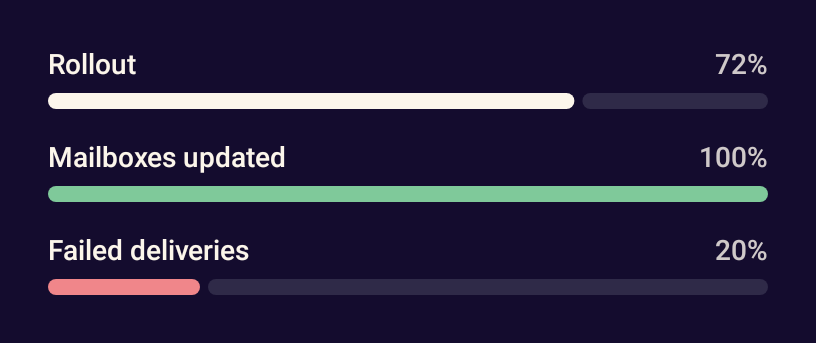
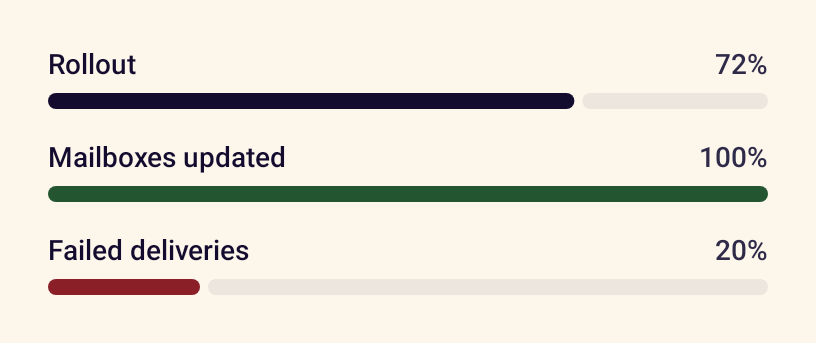
- StanceProgressIndicatorLinear progress with a label and percentage, determinate or indeterminate.
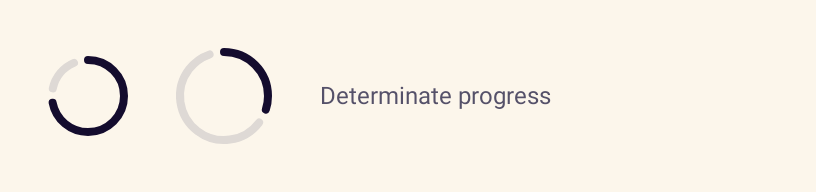
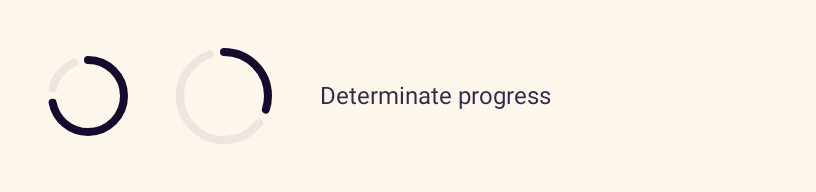
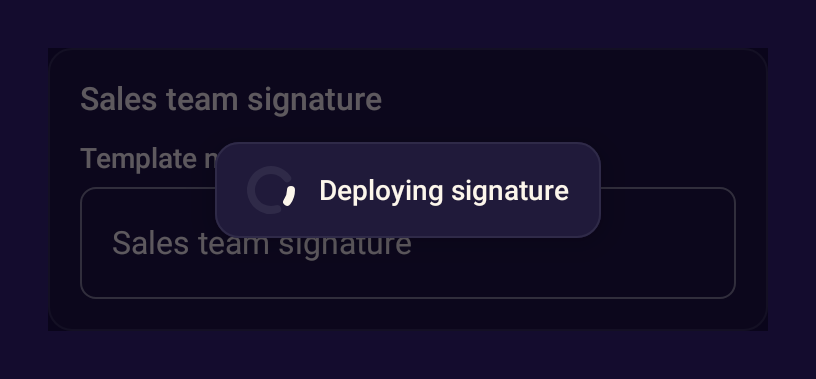
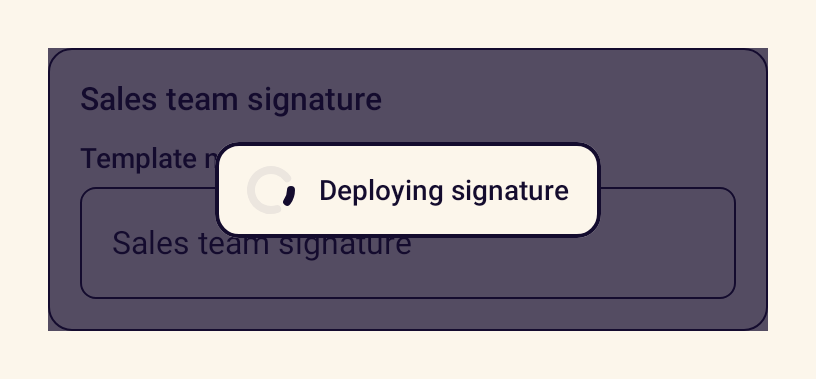
- StanceCircularProgressIndicatorCircular progress for loading states, determinate or indeterminate.
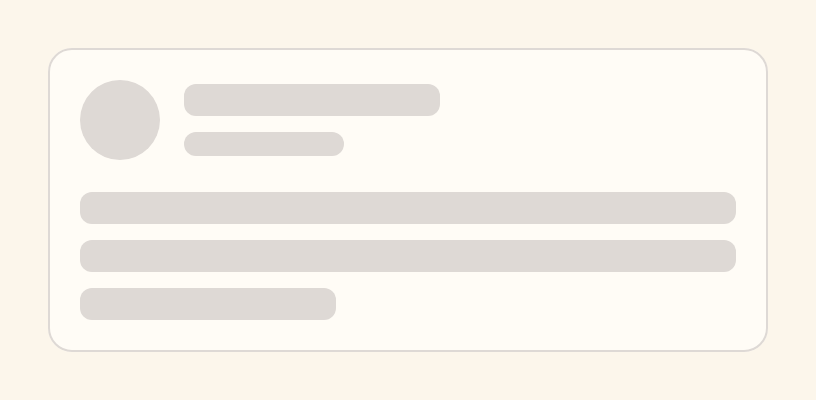
- StanceSkeletonA pulsing placeholder shown in place of content while it loads.
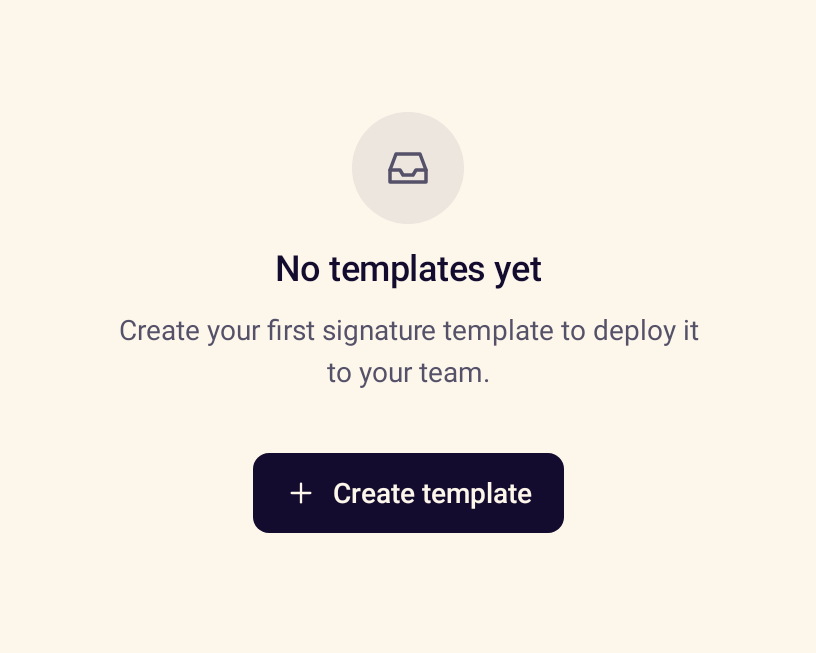
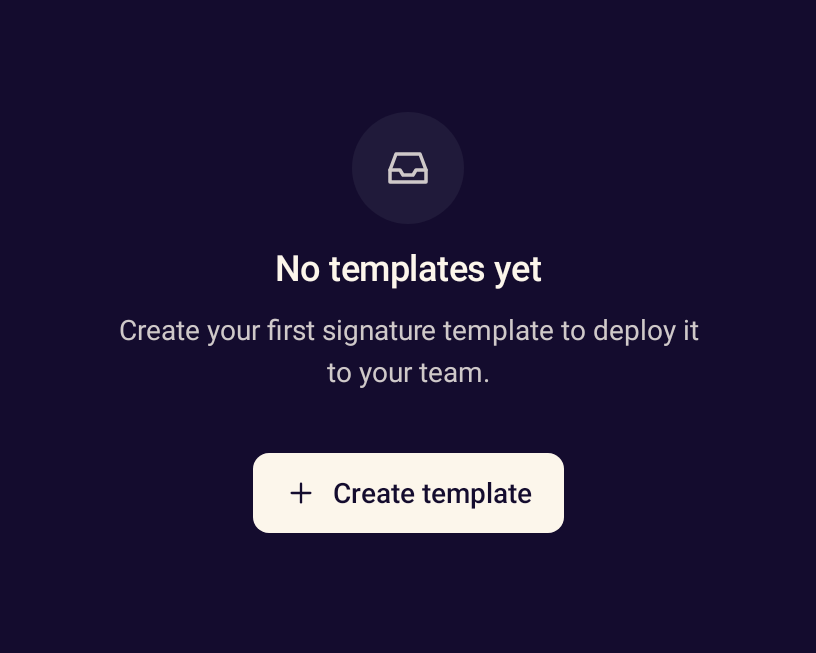
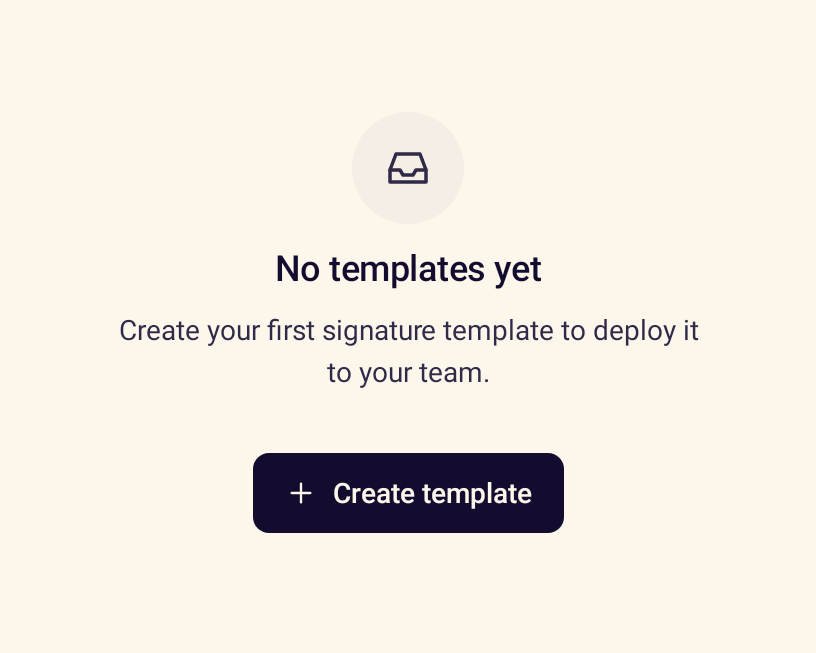
- StanceEmptyStateExplains an empty screen or list and offers the next step.
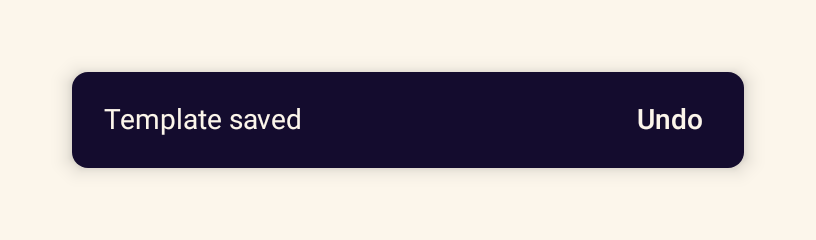
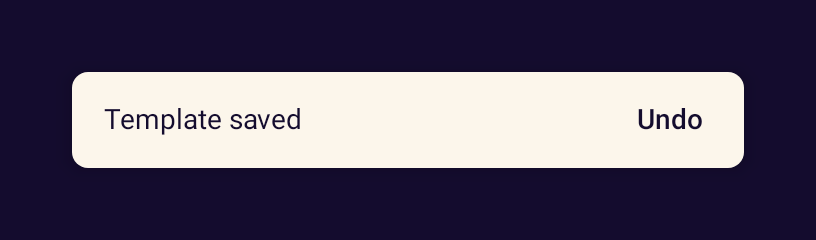
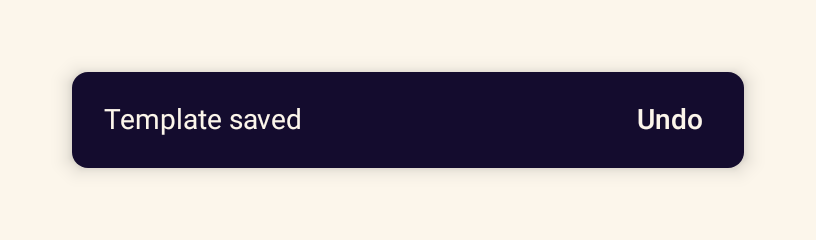
- StanceSnackbarHostShows brief messages about completed actions, with tones and an action.
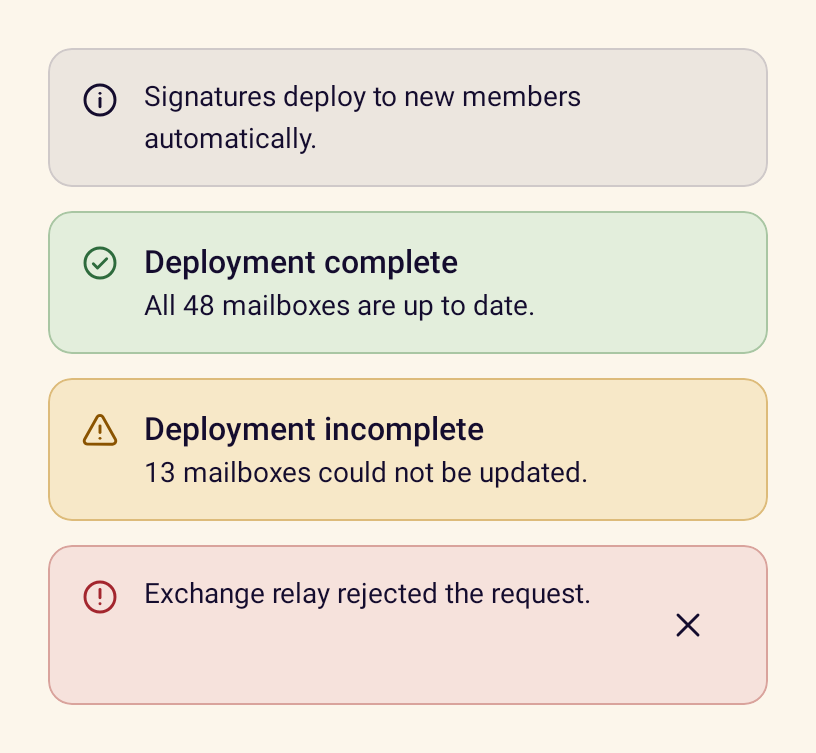
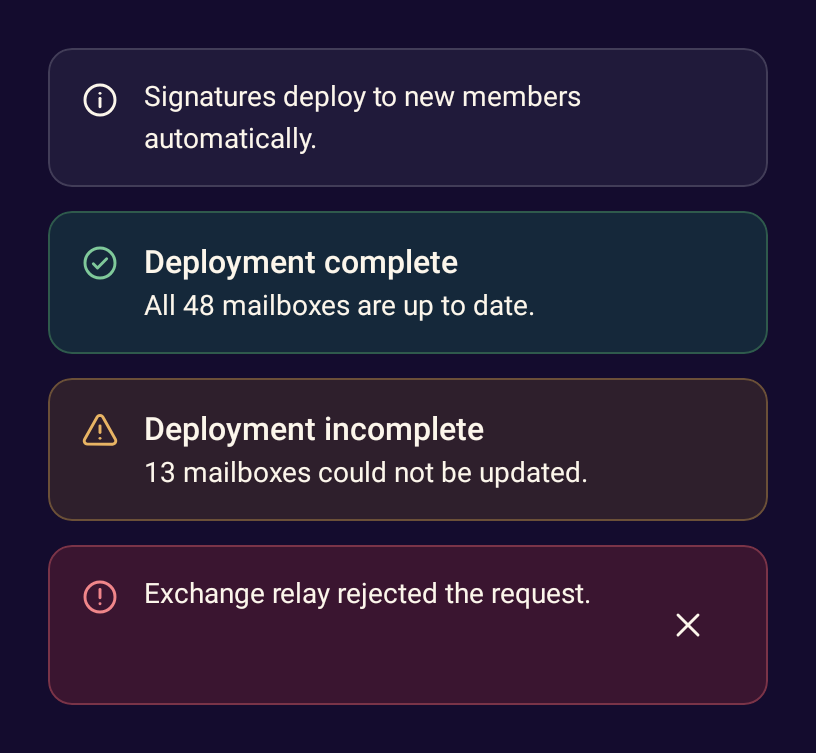
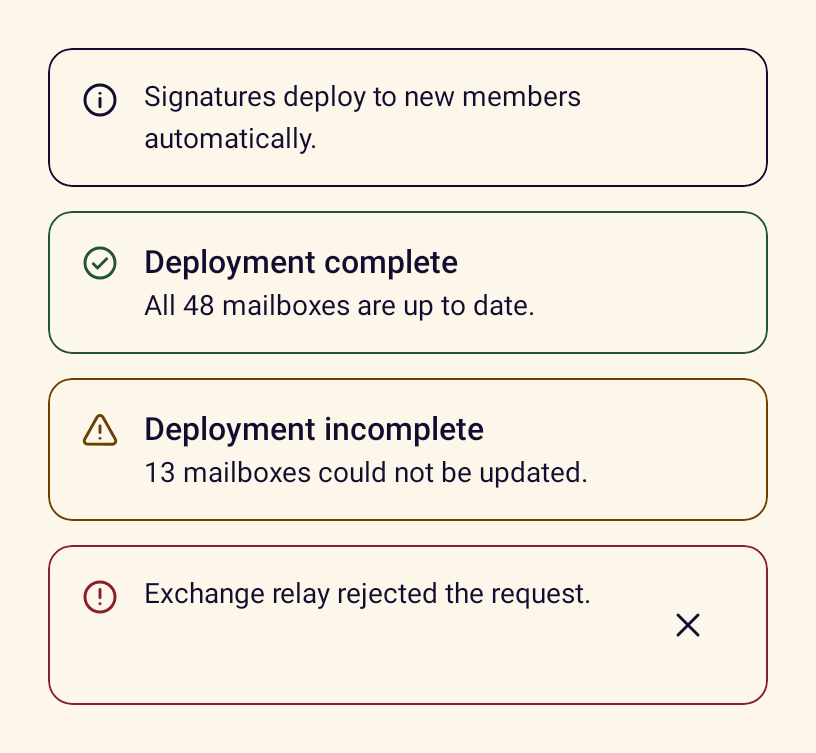
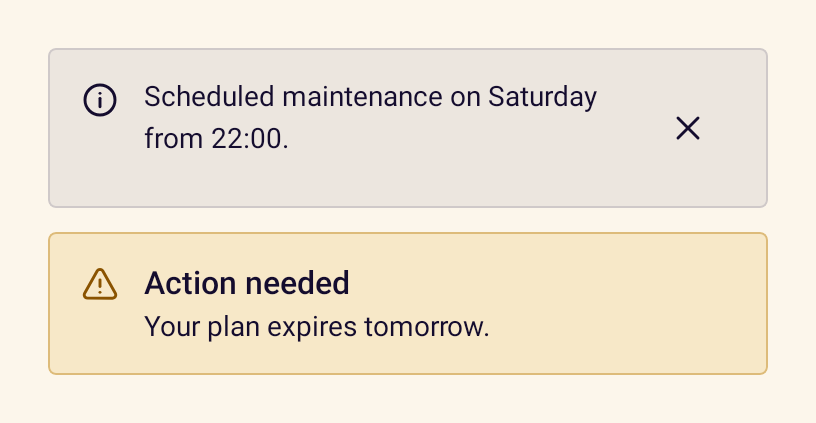
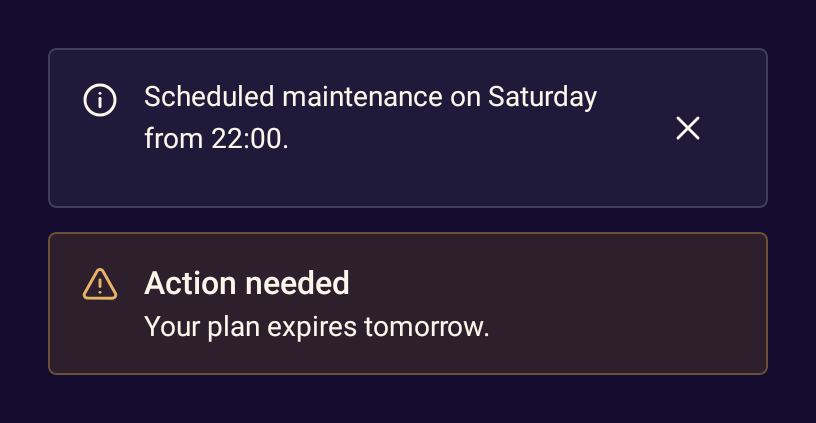
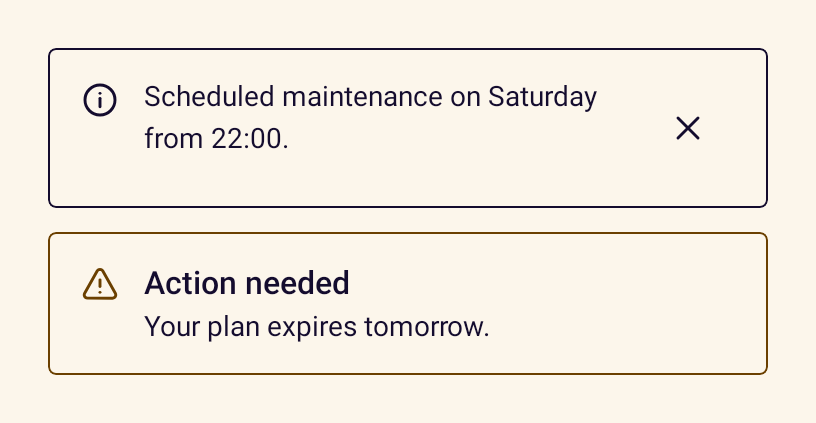
- StanceInlineAlertA status message placed inside the content it relates to.
- StanceBannerA page-level announcement across the top of a screen.
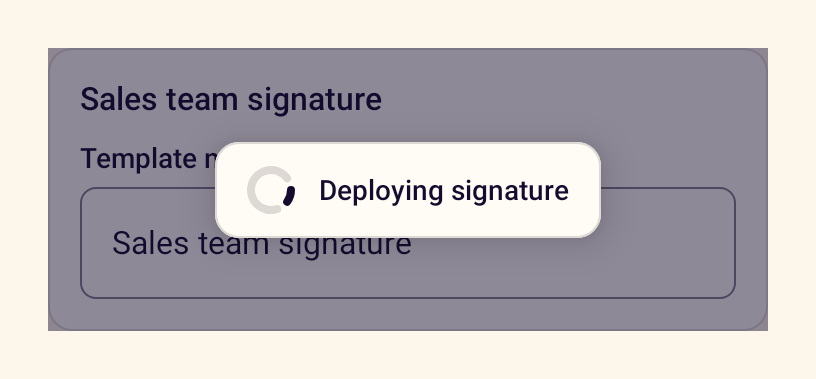
- StanceLoadingOverlayCovers content with a scrim and progress indicator while work is in progress.
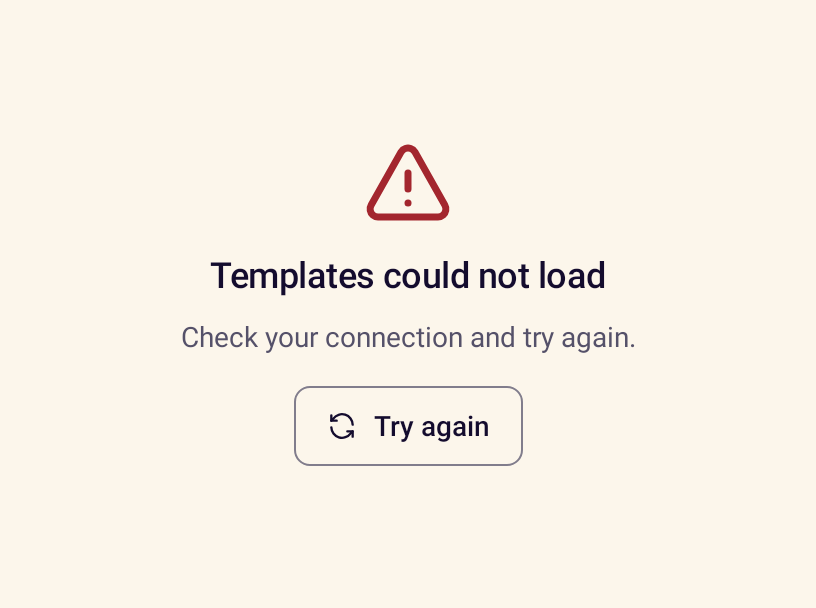
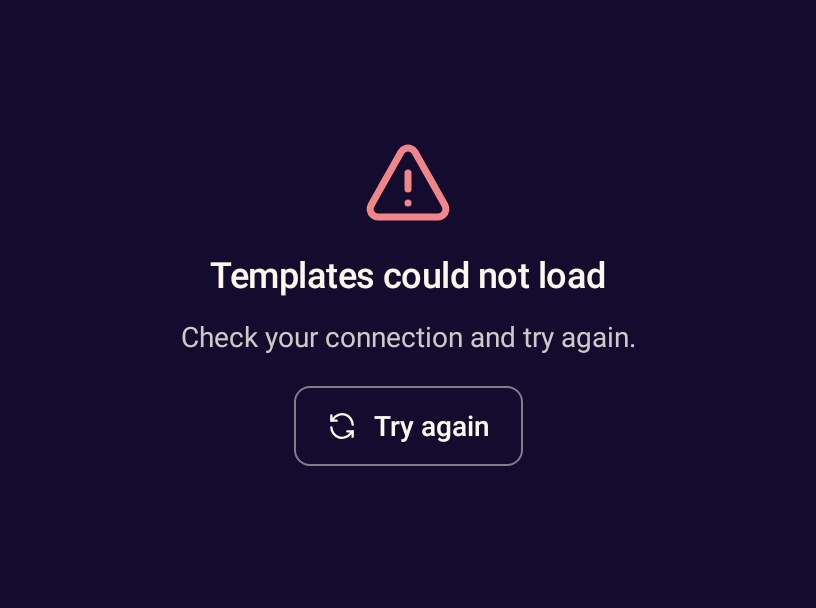
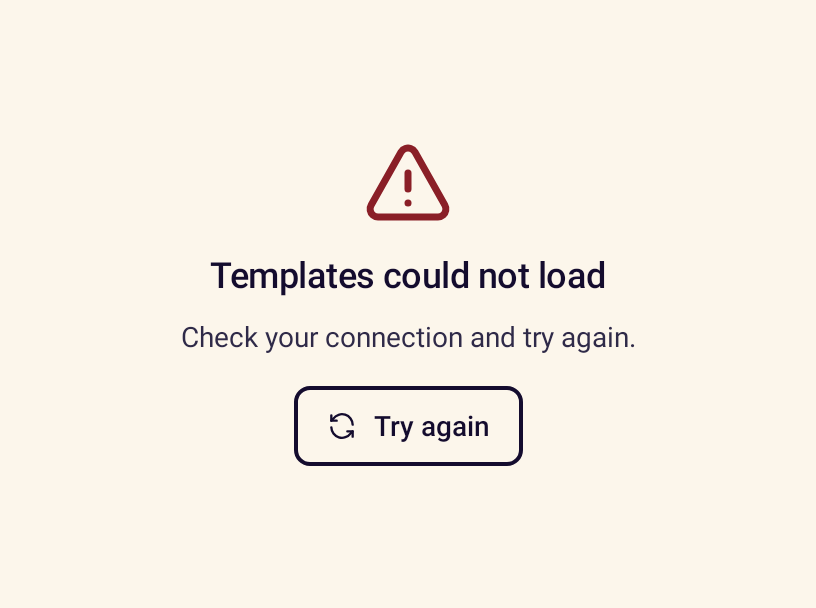
- StanceErrorStateExplains that something failed and offers a retry action.


Overlays
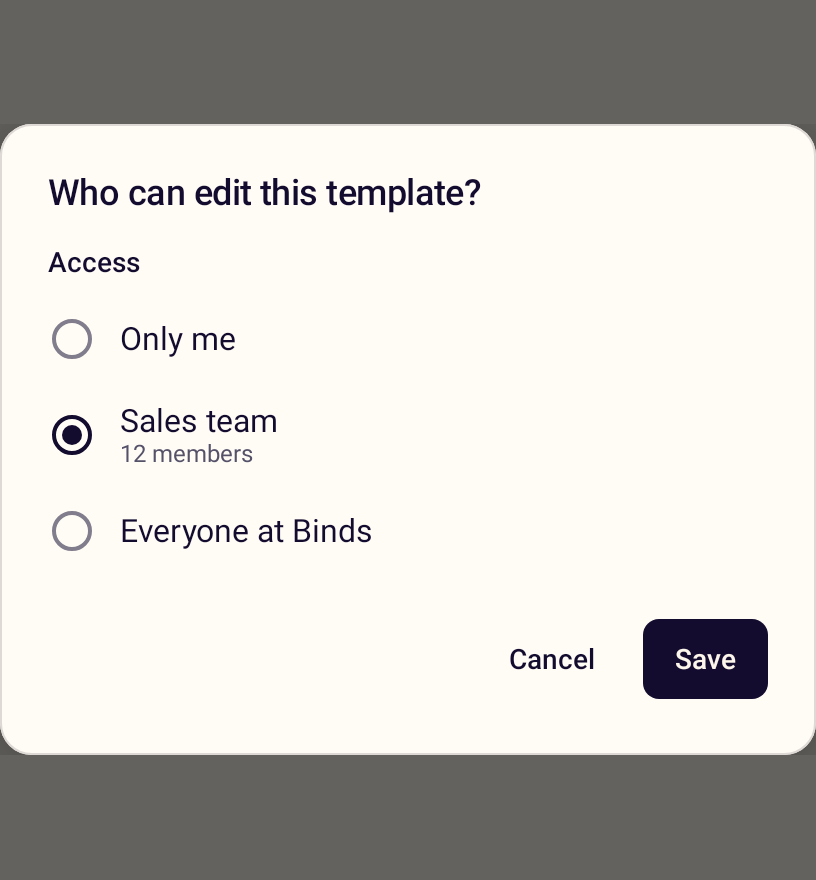
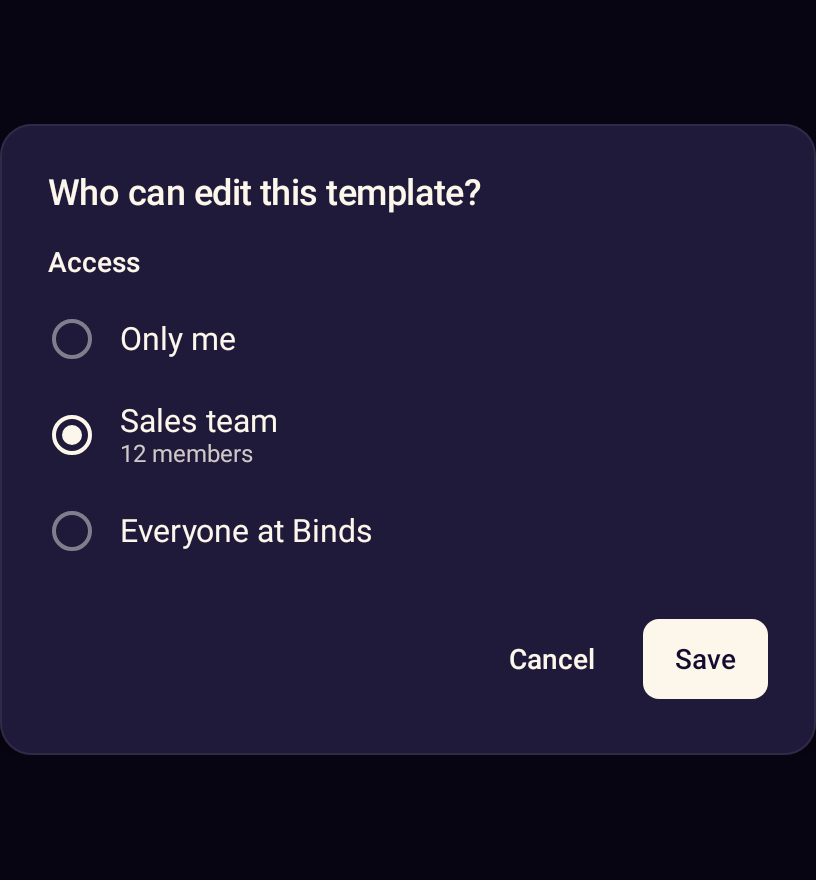
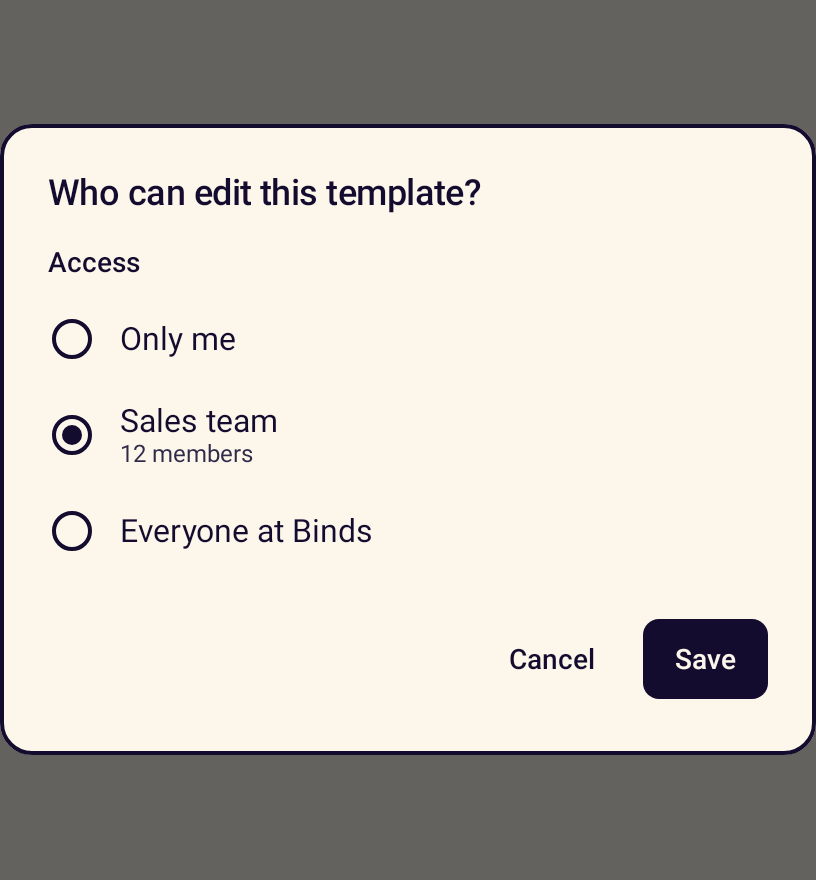
- StanceDialogA dialog for a focused task with custom content and actions.
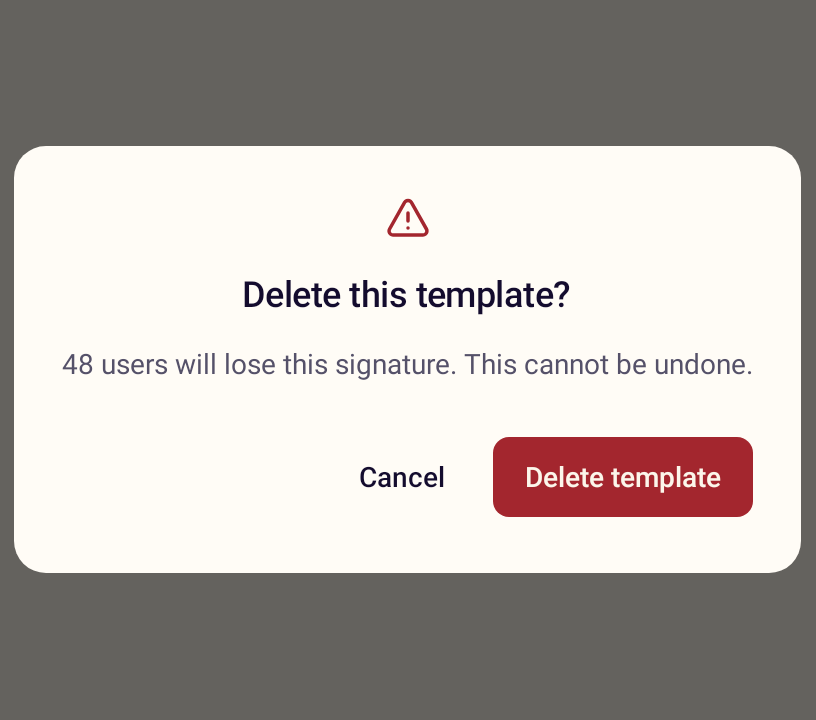
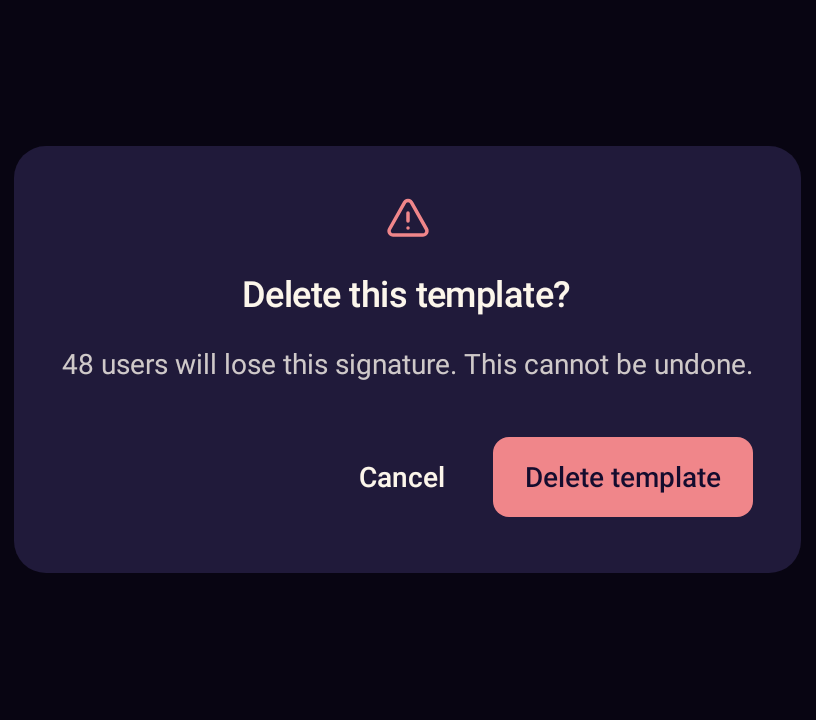
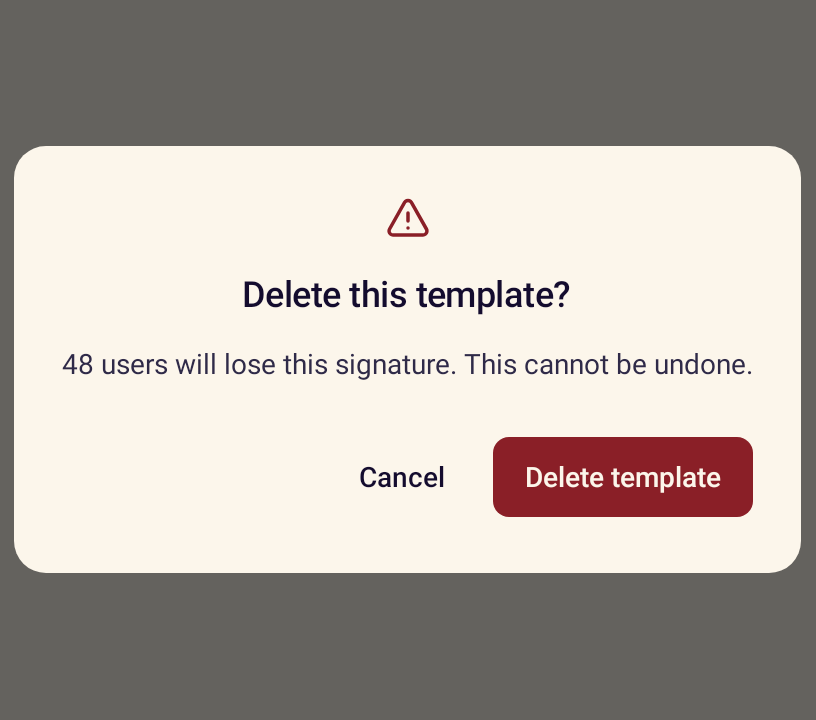
- StanceAlertDialogAsks for a decision, with a danger style and loading state for destructive actions.
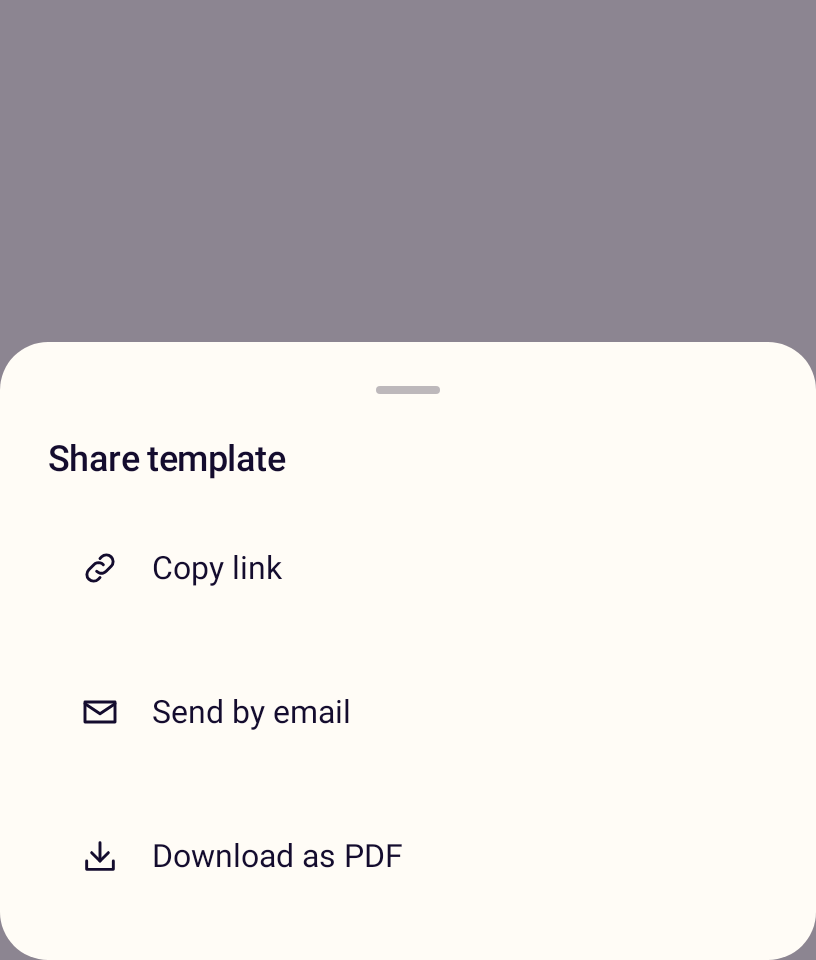
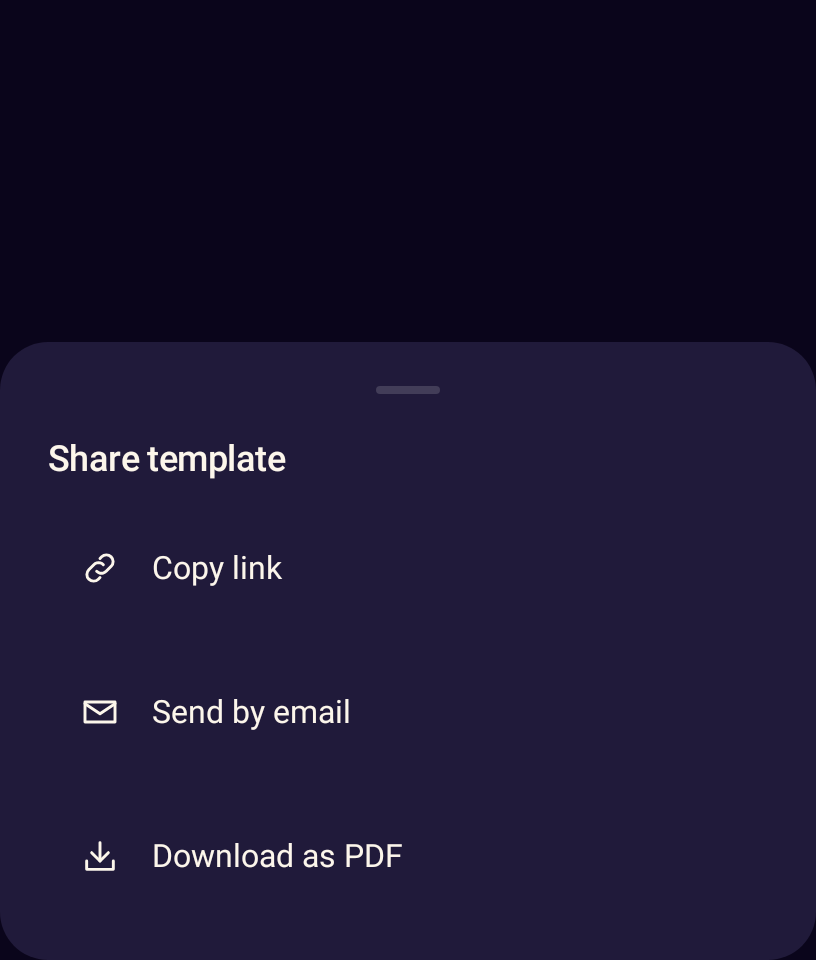
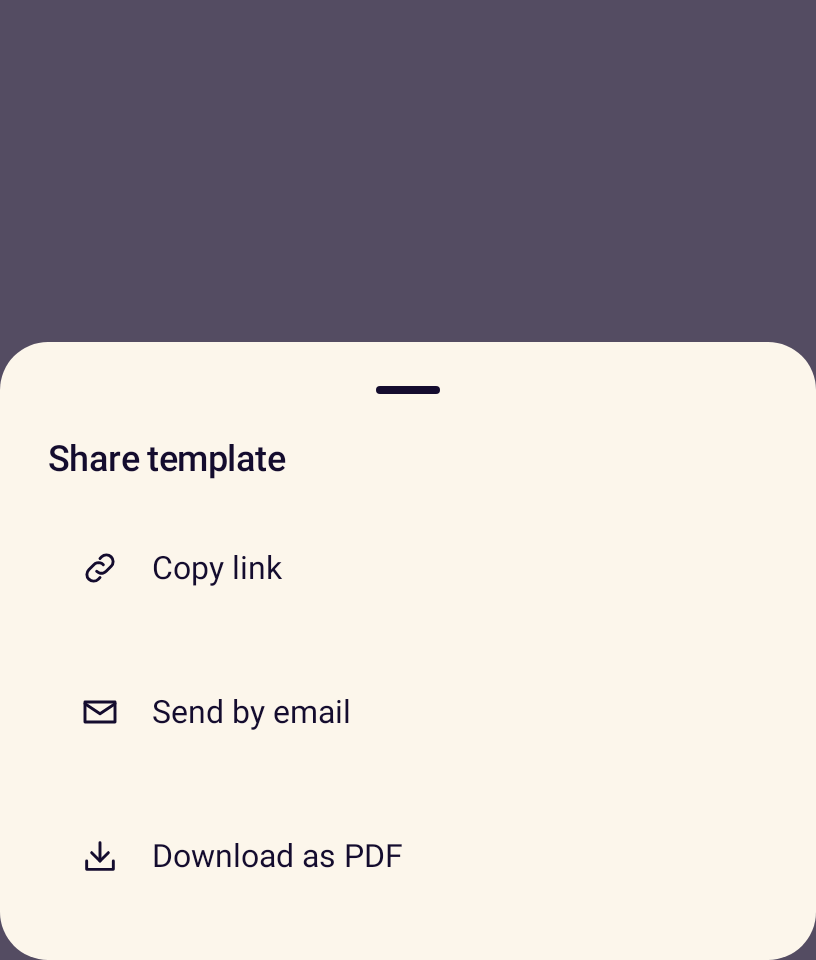
- StanceBottomSheetA modal bottom sheet for secondary tasks, with a drag handle and title.
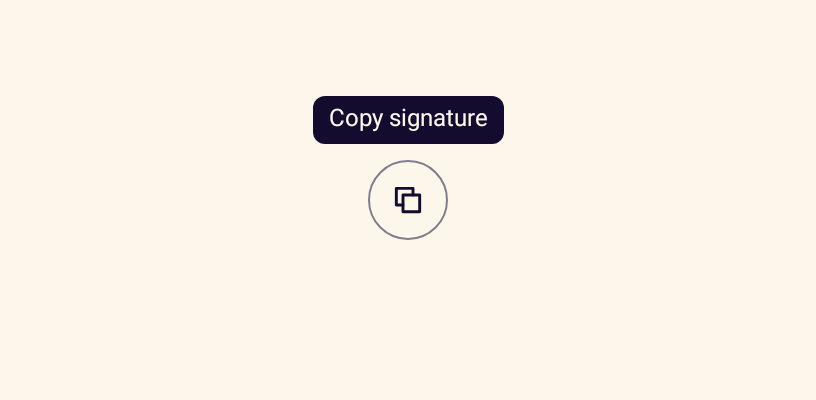
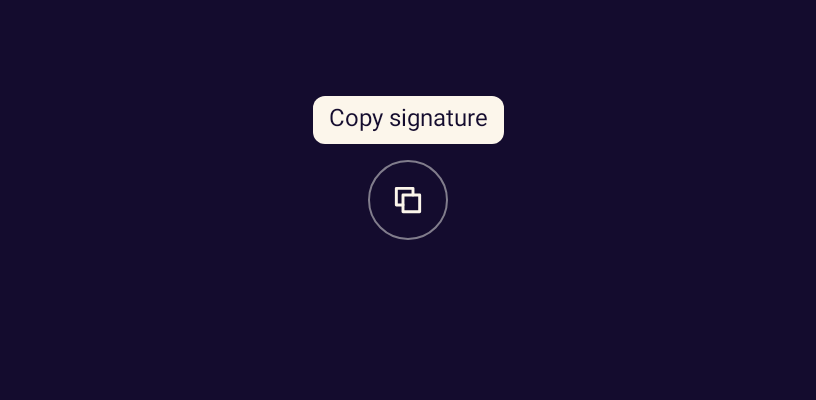
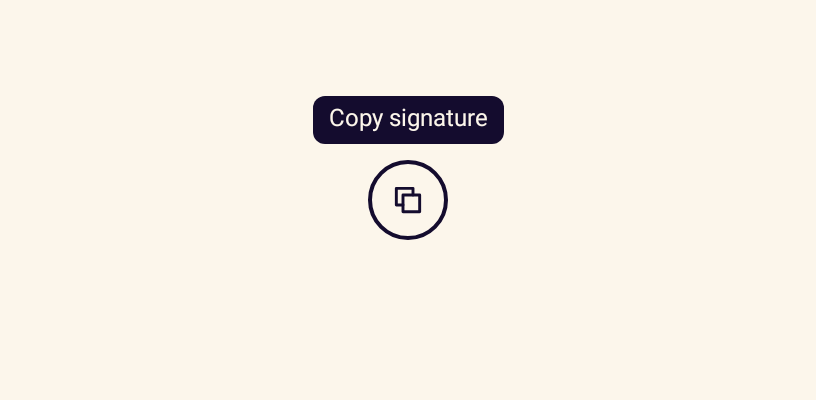
- StanceTooltipA short hint shown on long press, hover or keyboard focus.
Advanced
- StancePullToRefreshWraps scrollable content with the platform pull-to-refresh gesture.
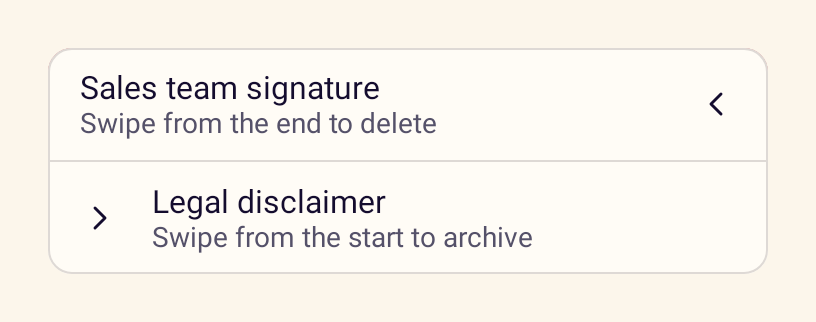
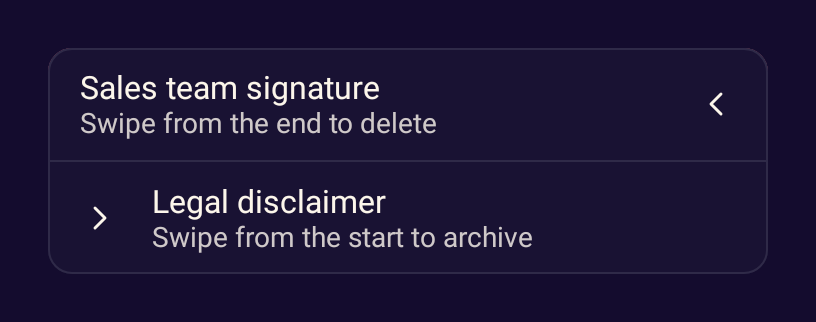
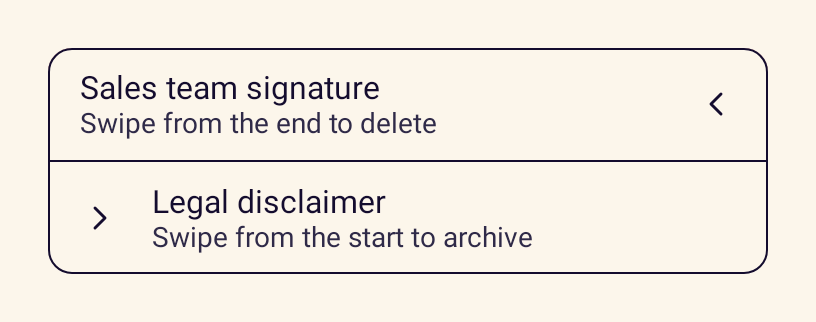
- StanceSwipeActionsReveals an action such as delete or archive when a row is swiped.
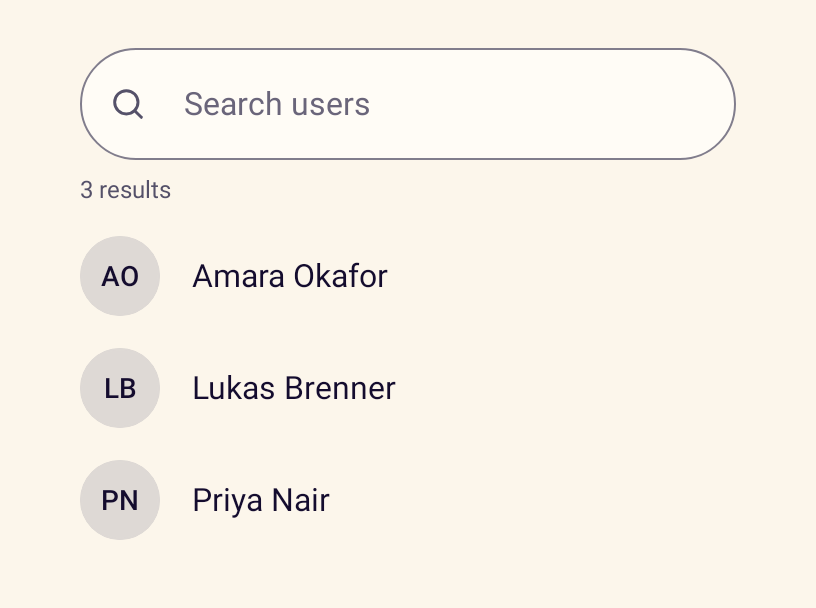
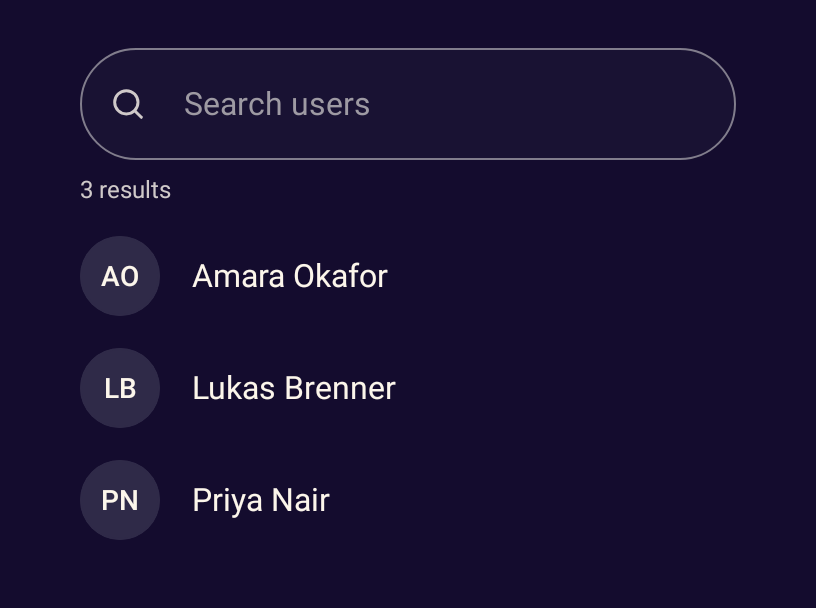
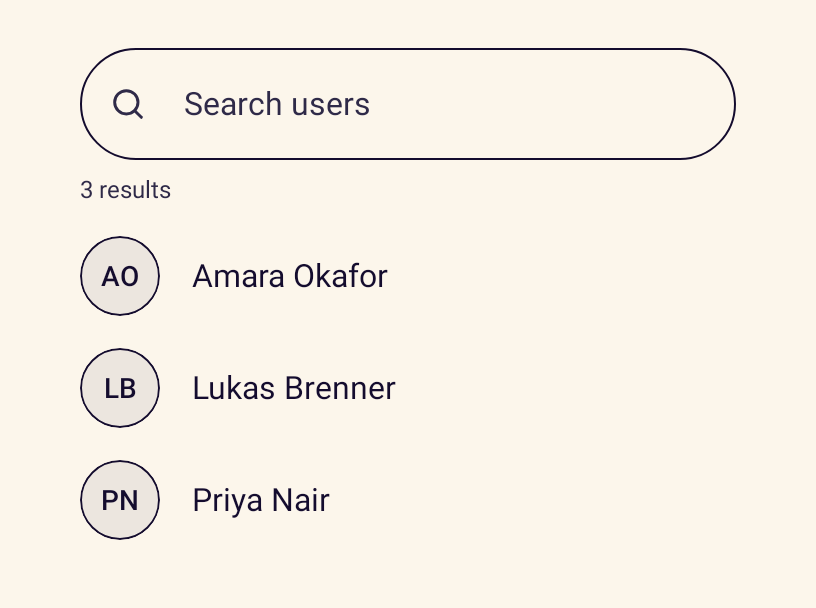
- StanceSearchableListA search field over a filtered list with a result count and empty state.
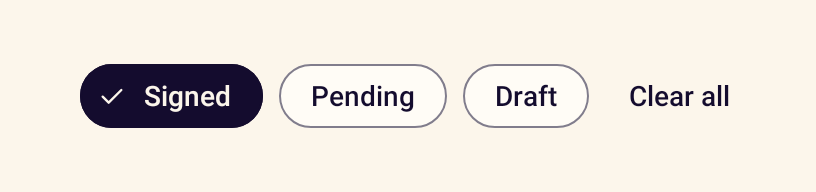
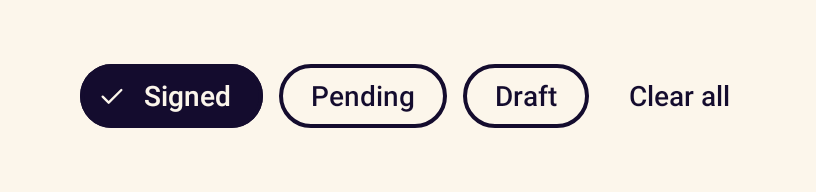
- StanceFilterBarA scrolling row of filter chips with a clear-all action.
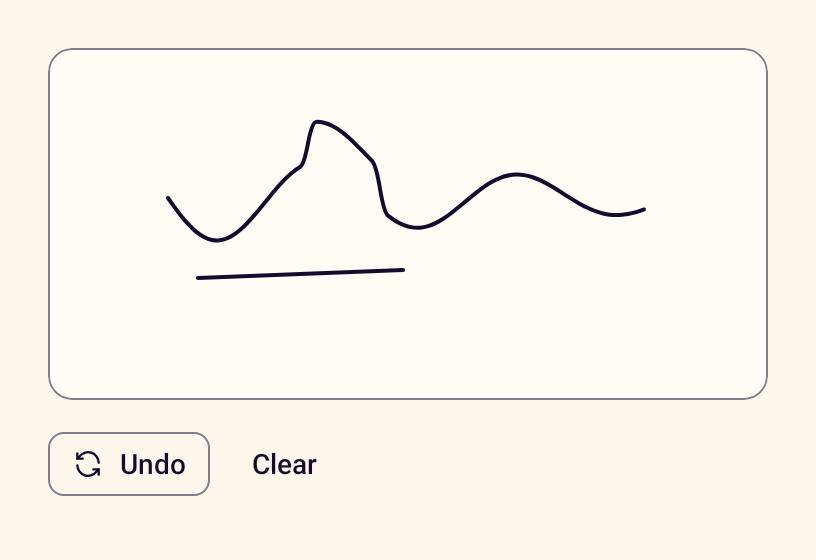
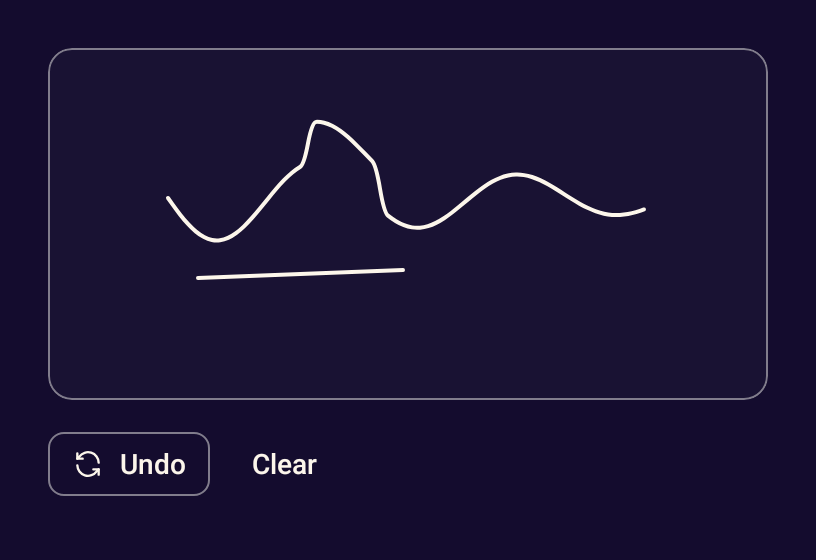
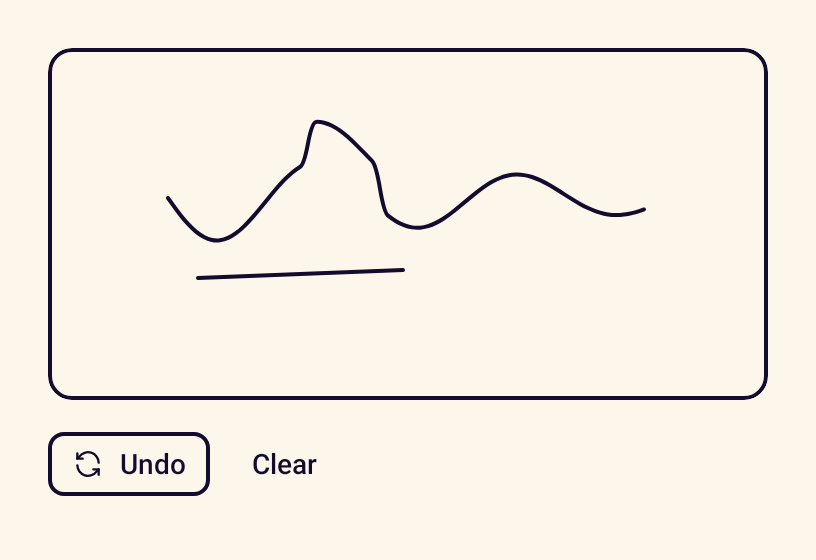
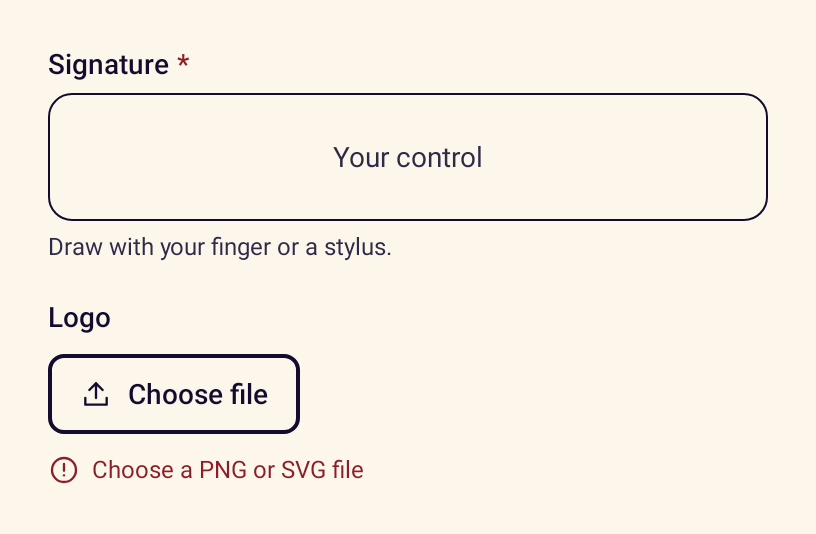
- StanceSignatureCanvasAn area for drawing a signature with undo, clear and image export.
- rememberStancePhotoPickerLaunches the system Photo Picker for one or more images, with no storage permission.
- rememberStanceDocumentPickerLaunches the system file picker for attaching documents.
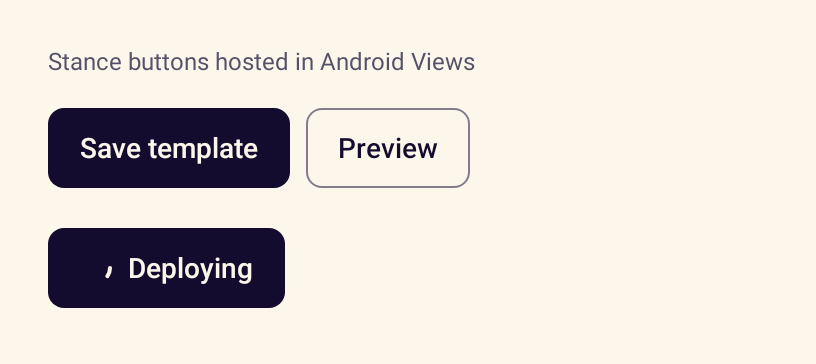
- StanceButtonViewA Stance button usable from XML layouts and View code.
- setStanceContentHosts Stance content inside an existing View hierarchy.