iOS components
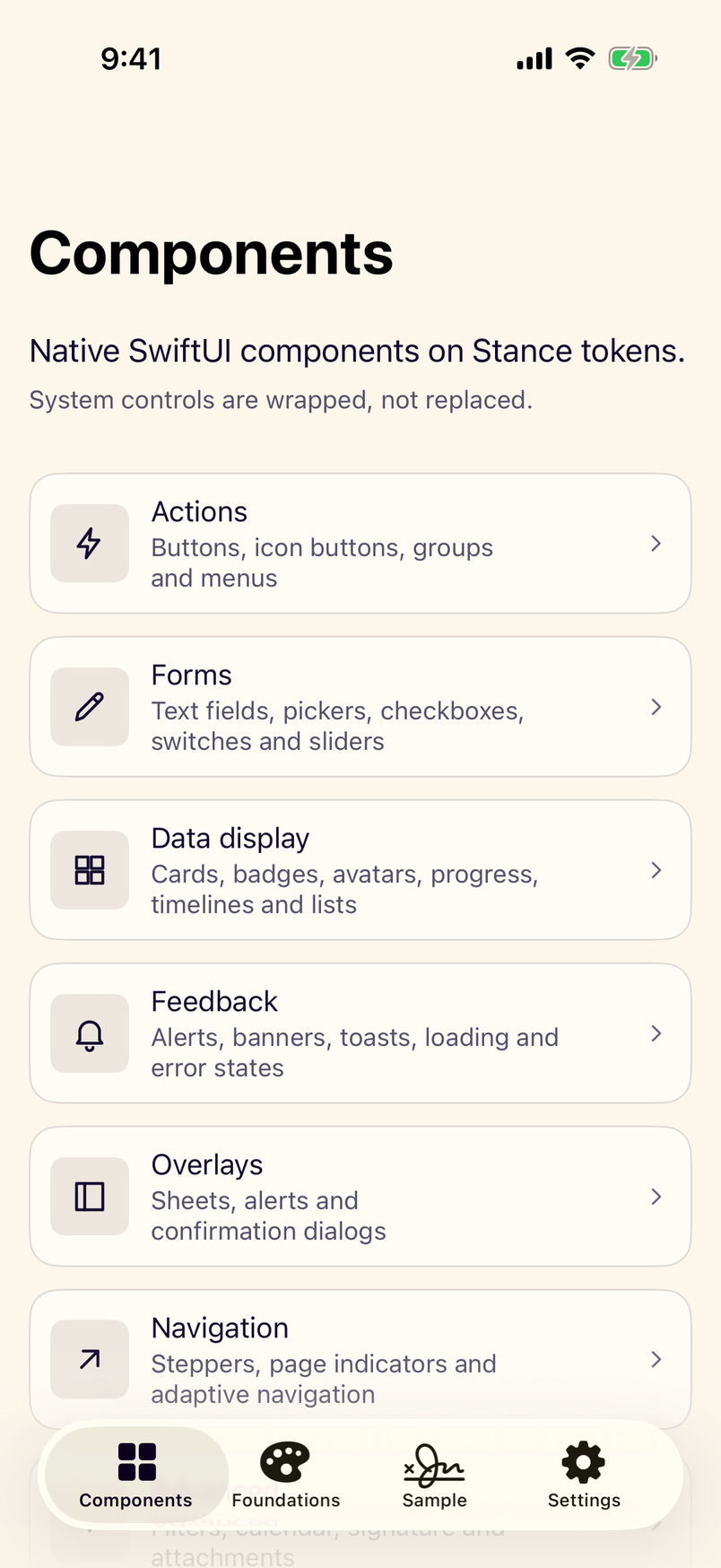
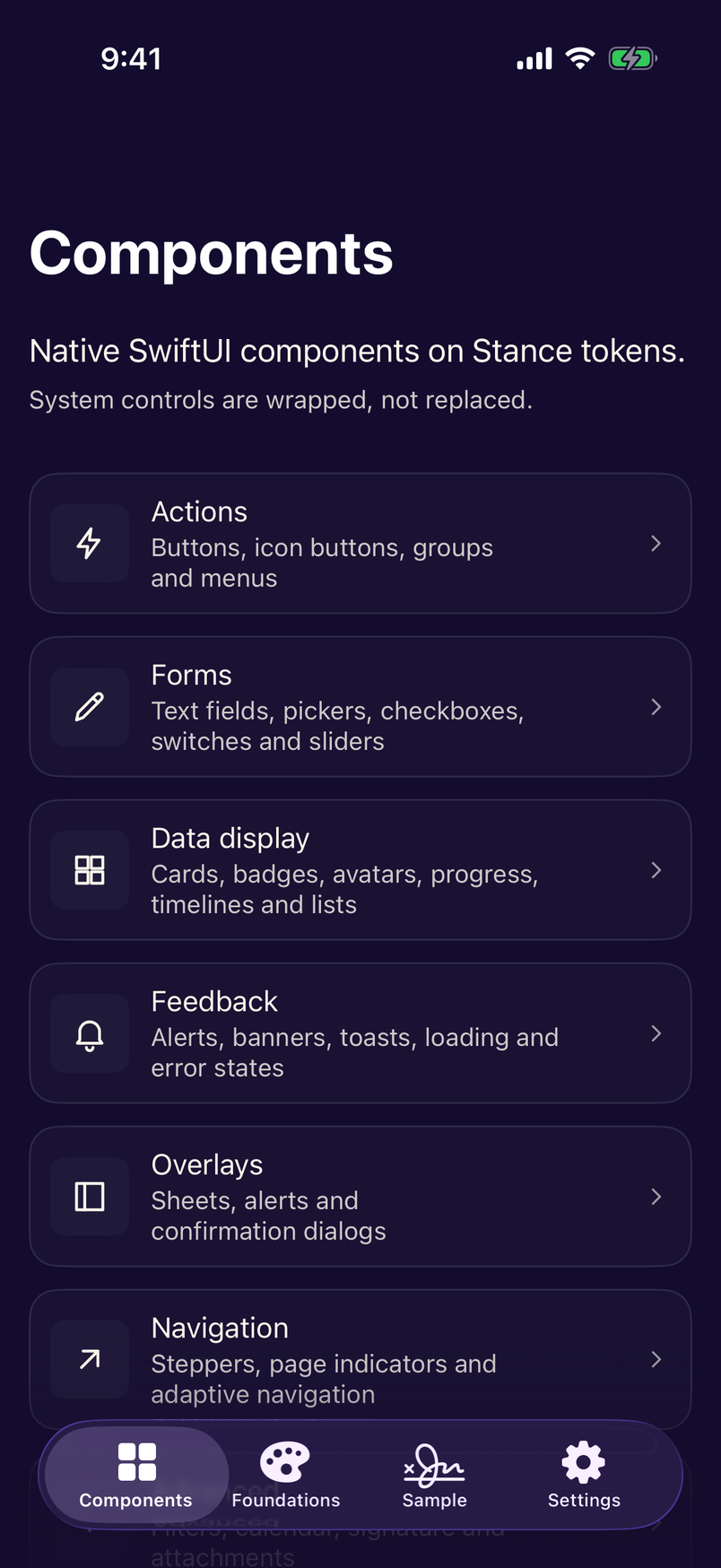
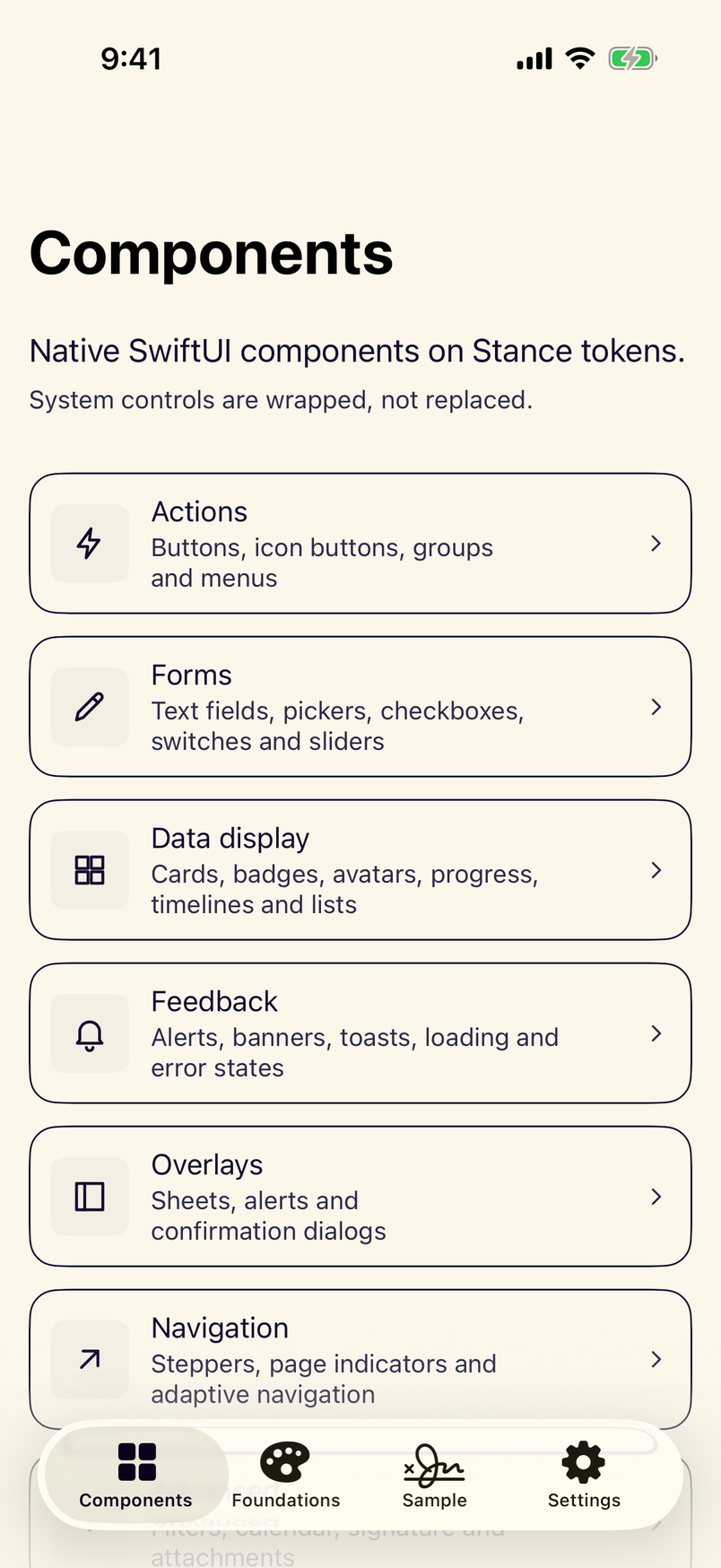
64 SwiftUI components, styles and helpers, each shown as it really renders.
Theming
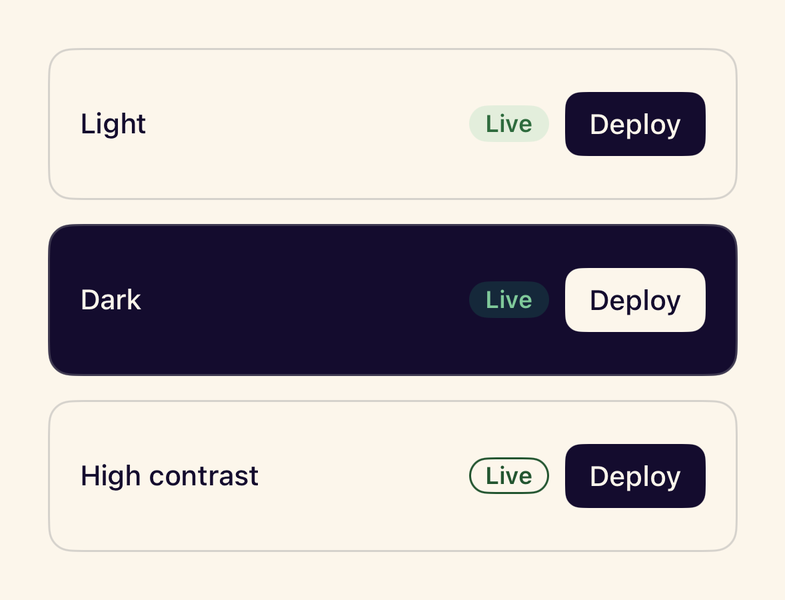
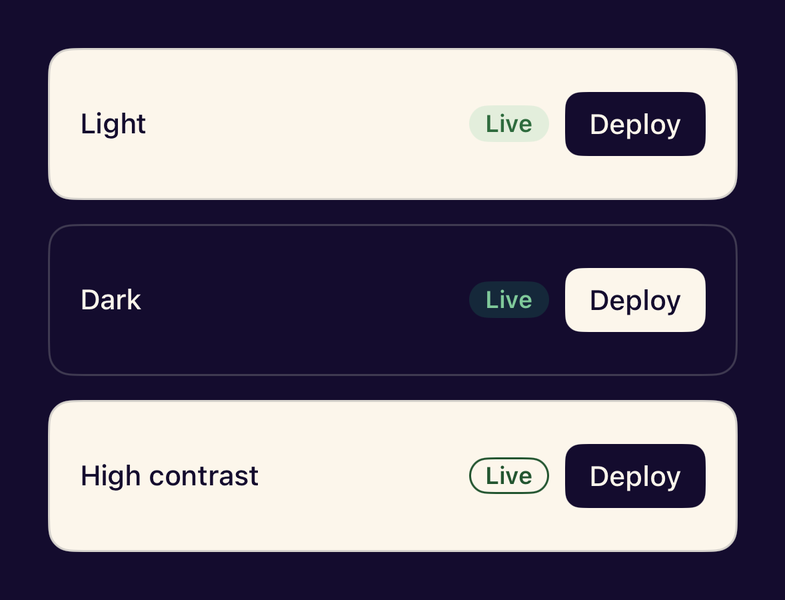
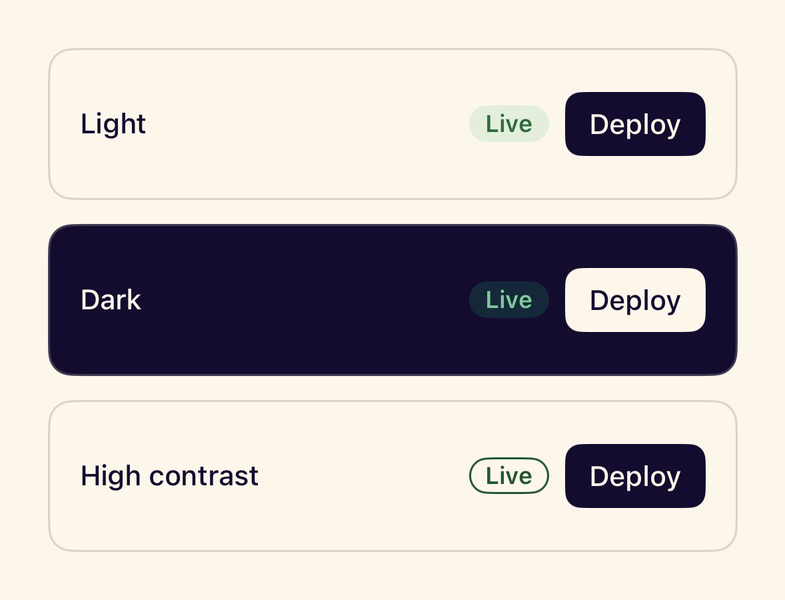
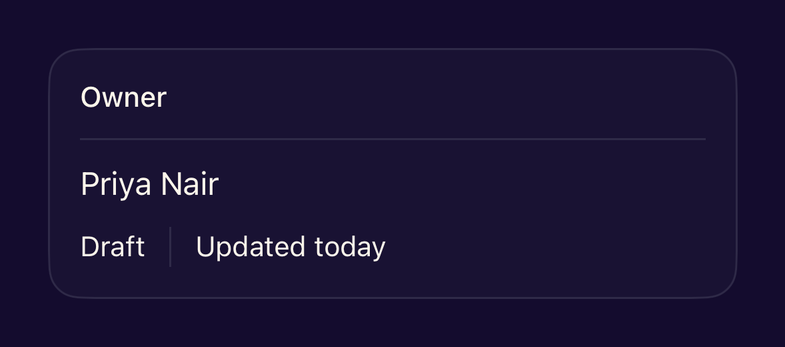
- StanceThemeProviderApplies the Stance theme at the app root, persists the preference and avoids a wrong-theme flash at launch.
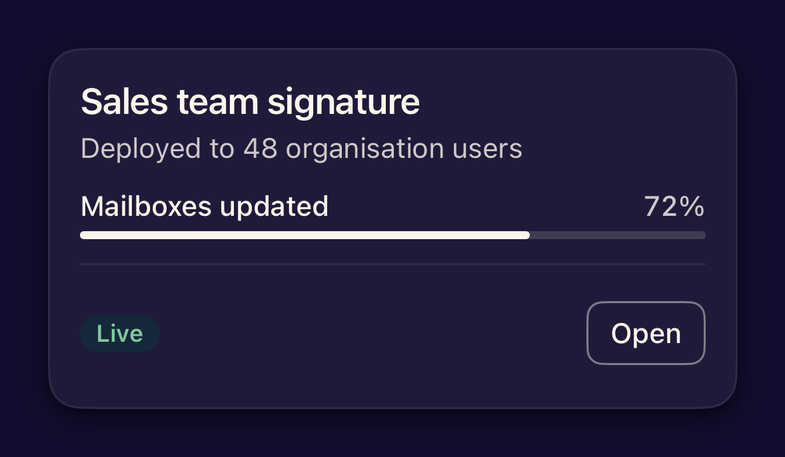
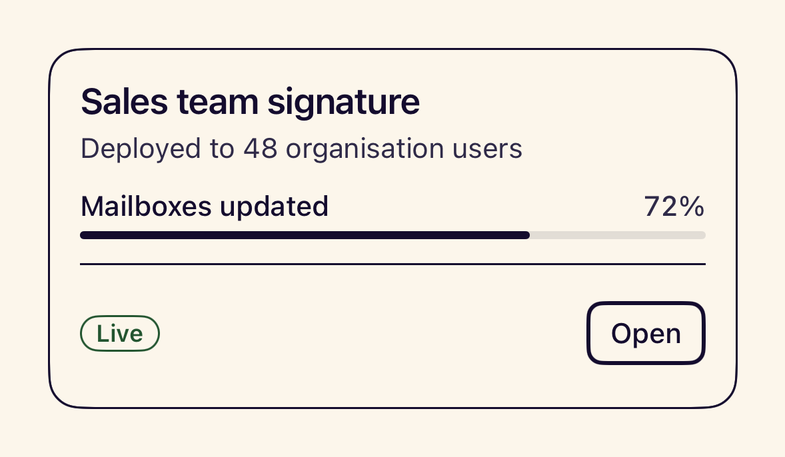
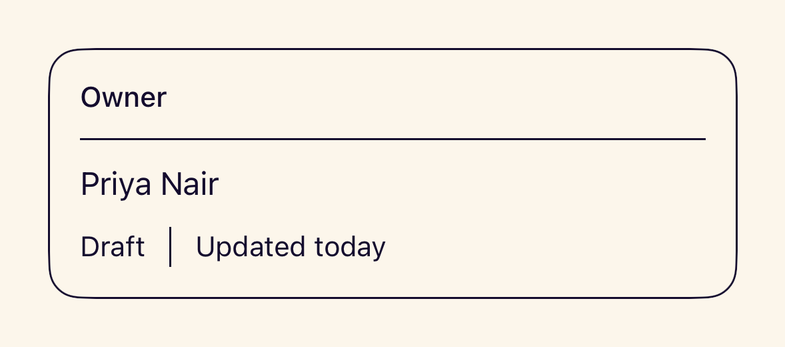
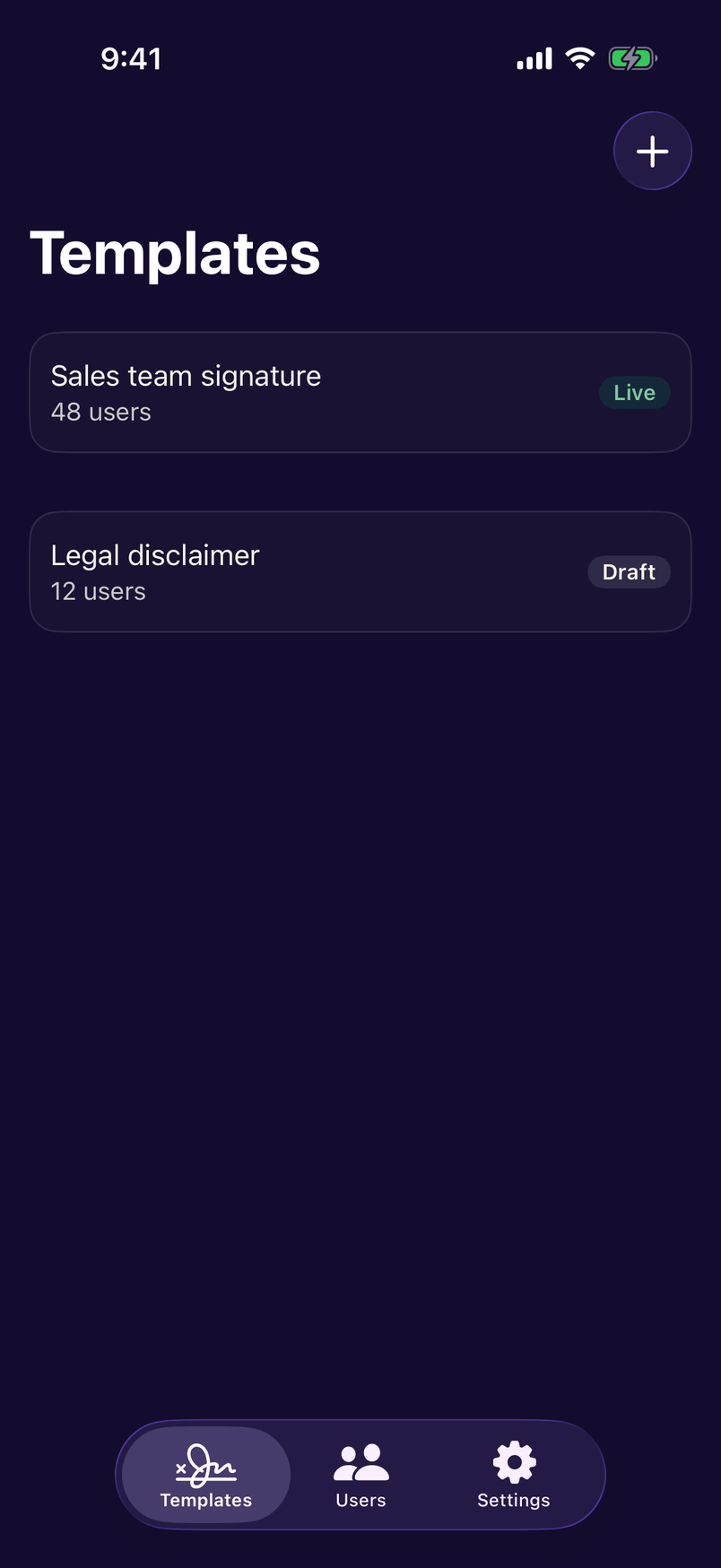
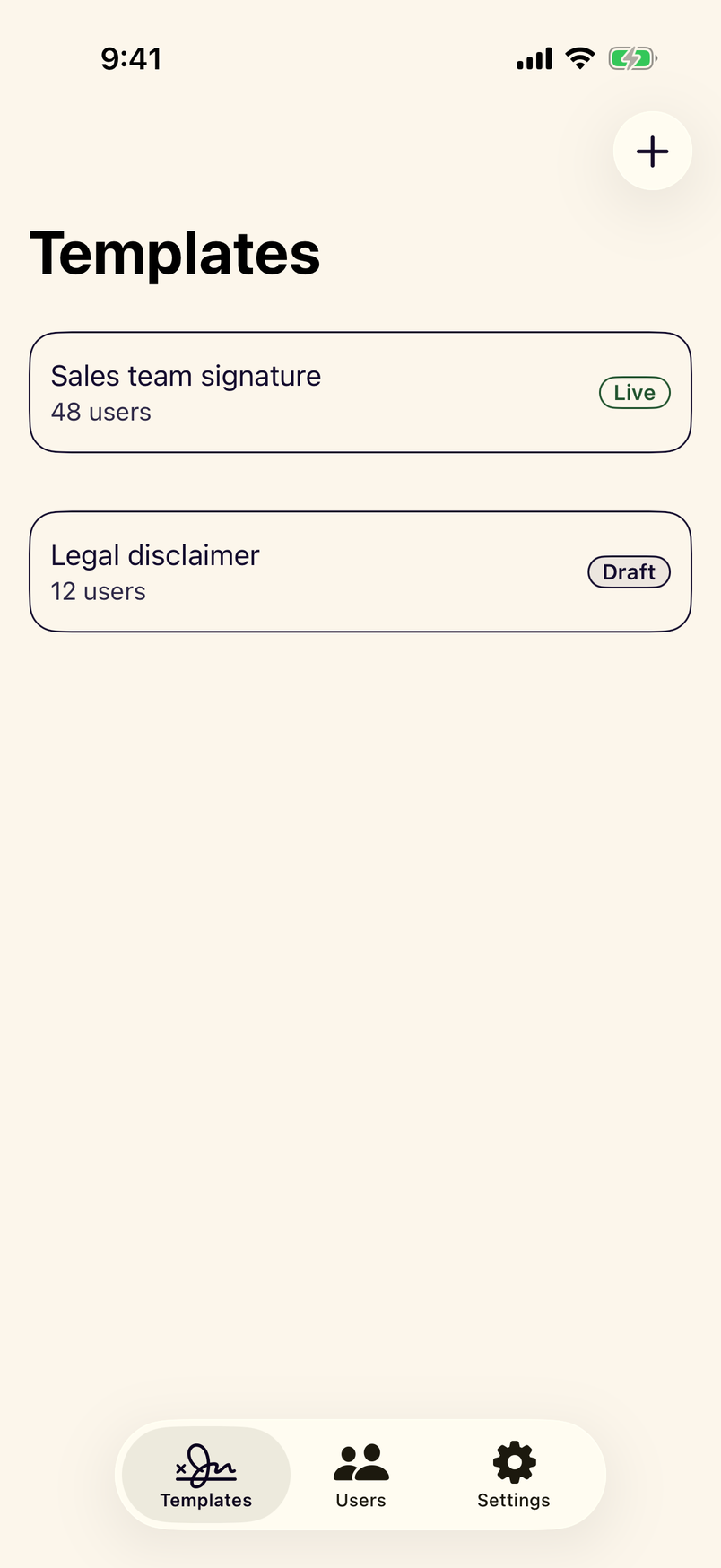
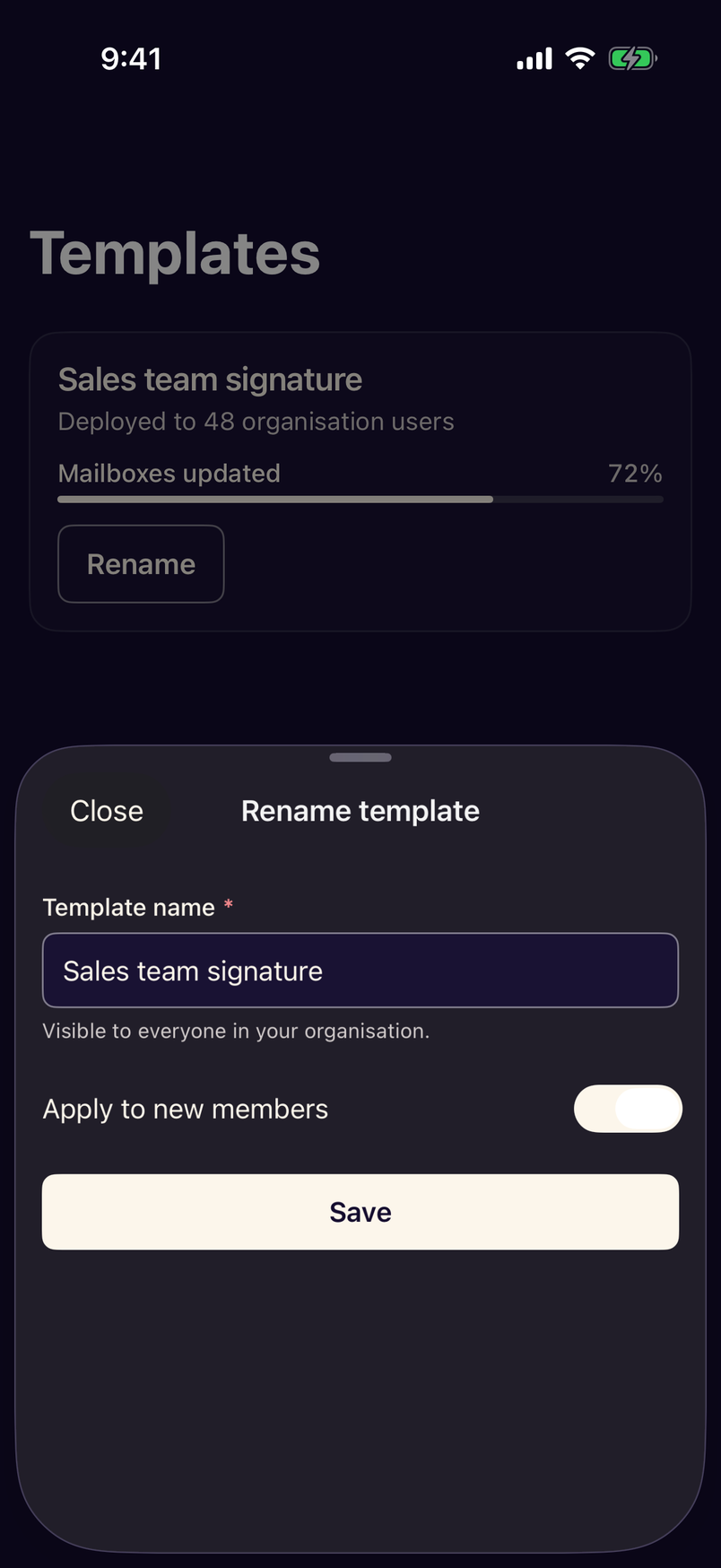
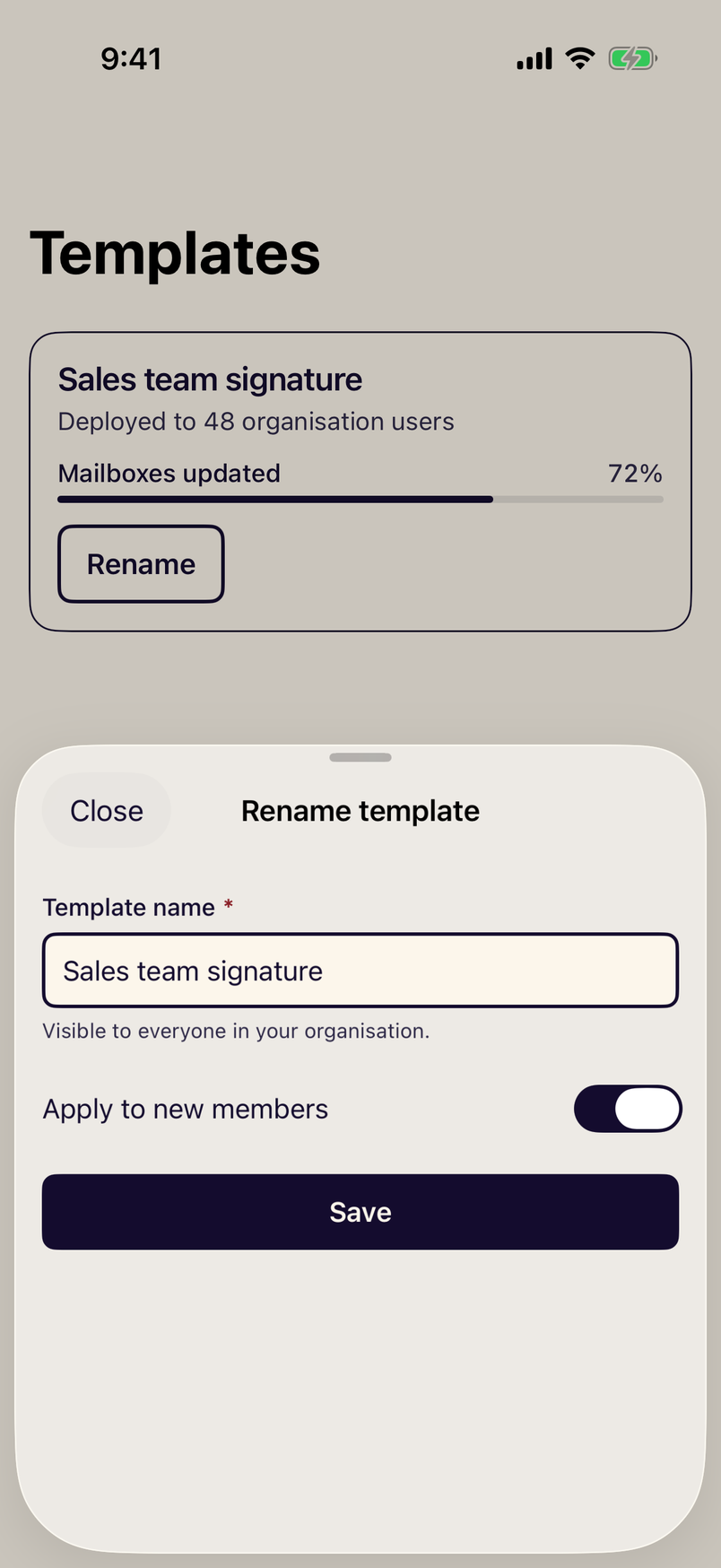
- stanceTheme(_:)Modifier that applies a Stance appearance (system, light, dark or high contrast) to a view hierarchy.
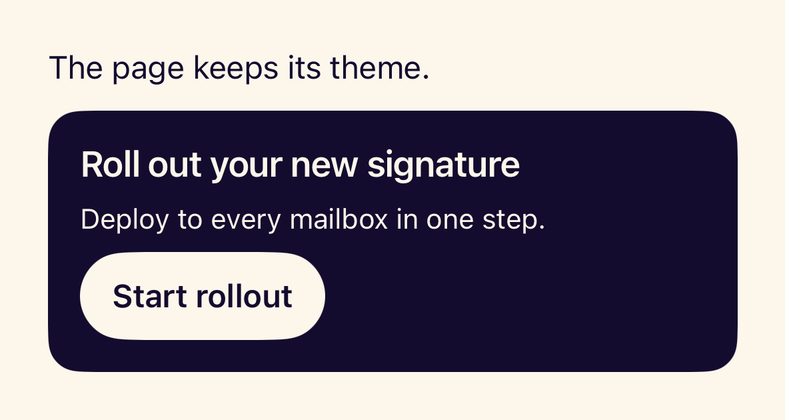
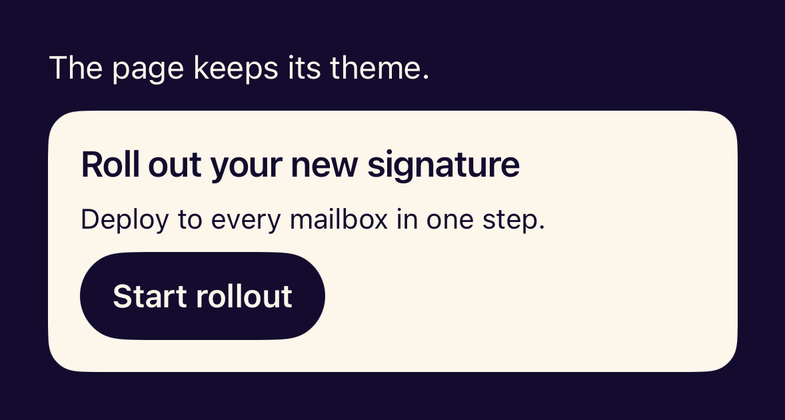
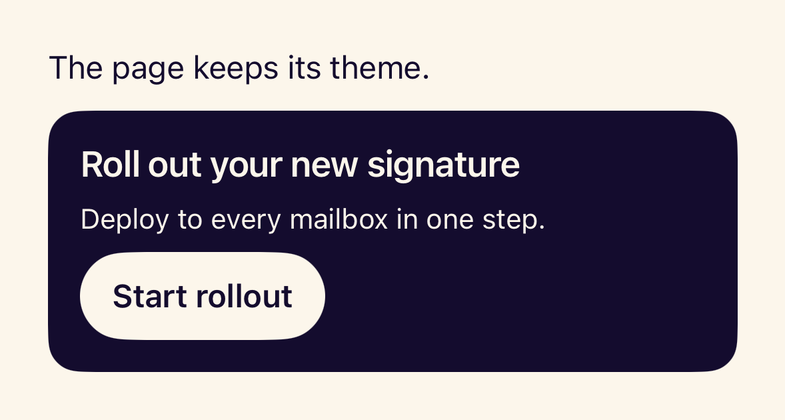
- stanceScopedTheme(_:)Scopes a fixed theme to a subtree, for inverted sections and side-by-side previews.
- StanceAppearanceThe appearance preference with the same stored values as the web: system, light, dark and high-contrast.
- StanceUIKitUIKit access to Stance: dynamic UIColor roles, Dynamic Type UIFonts and a themed hosting controller.
Layout
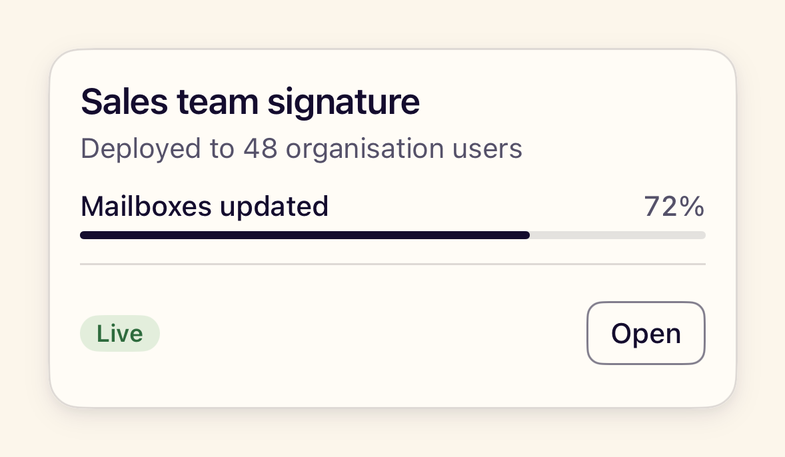
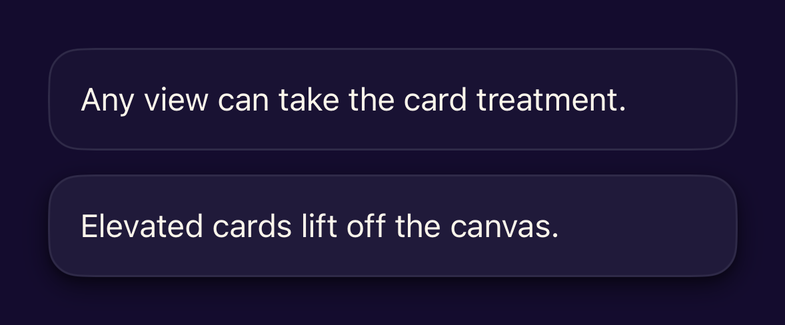
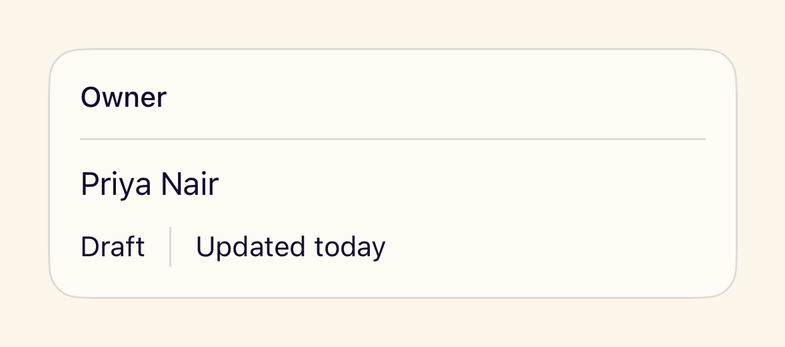
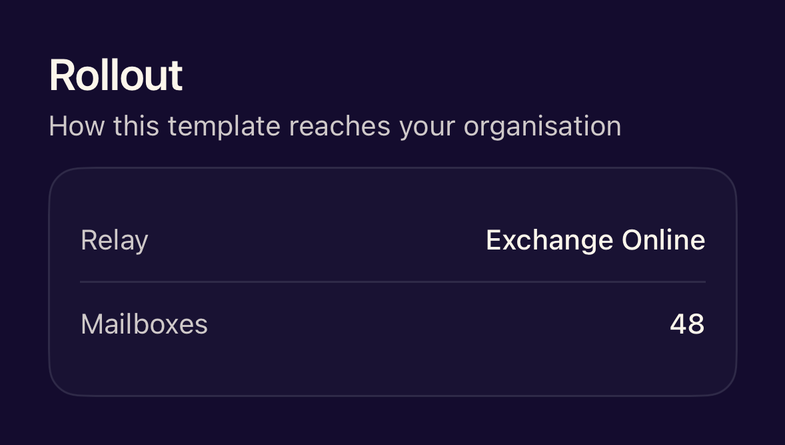
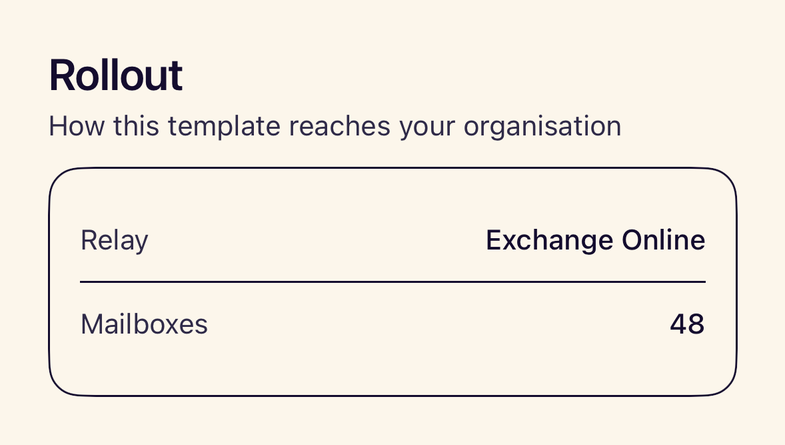
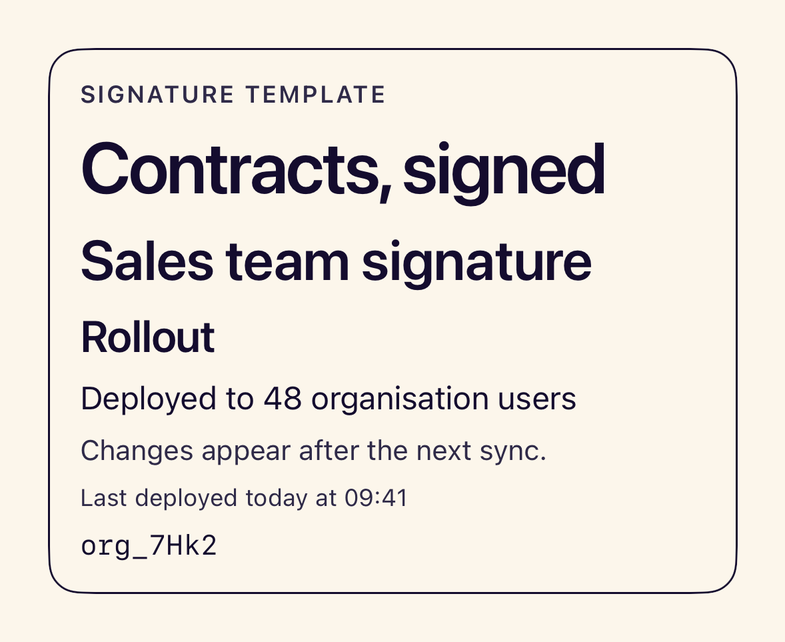
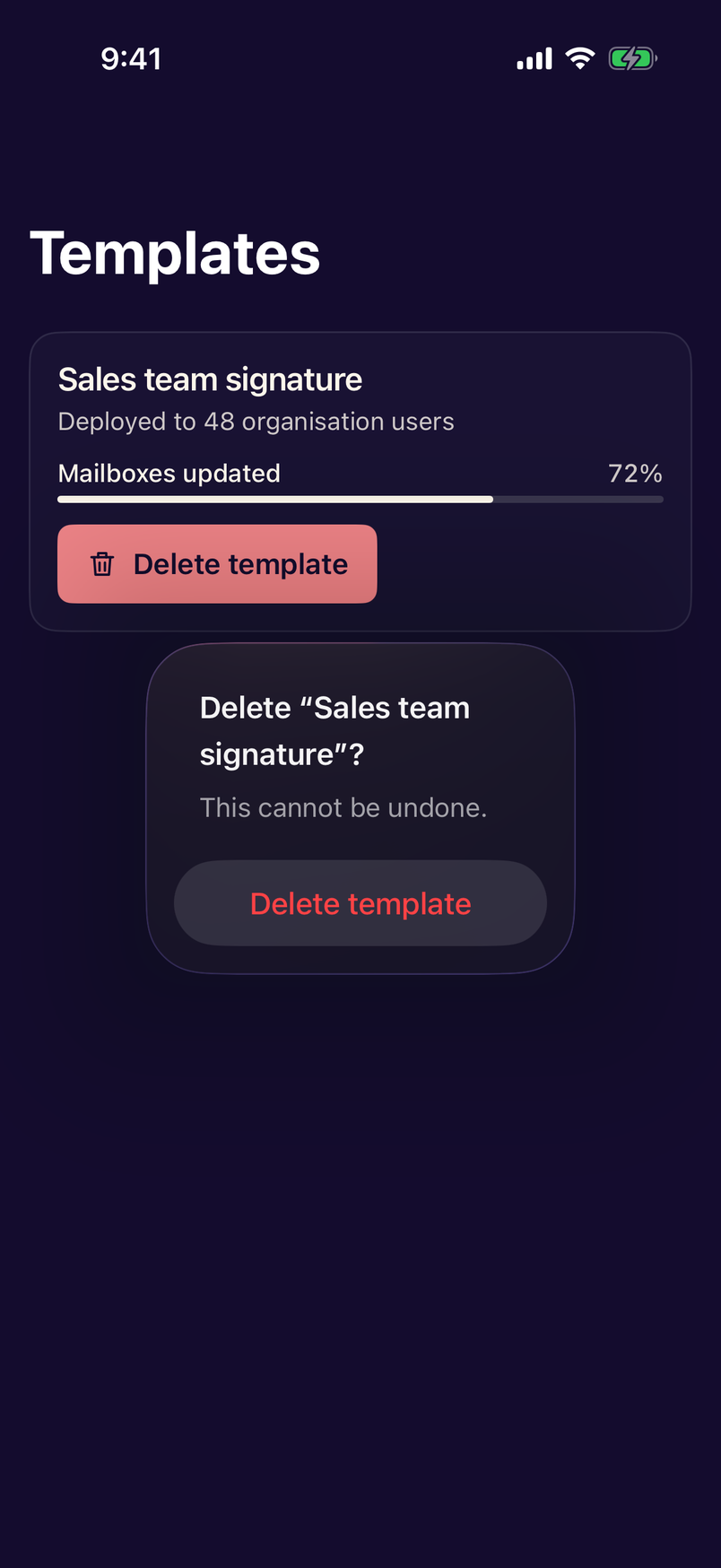
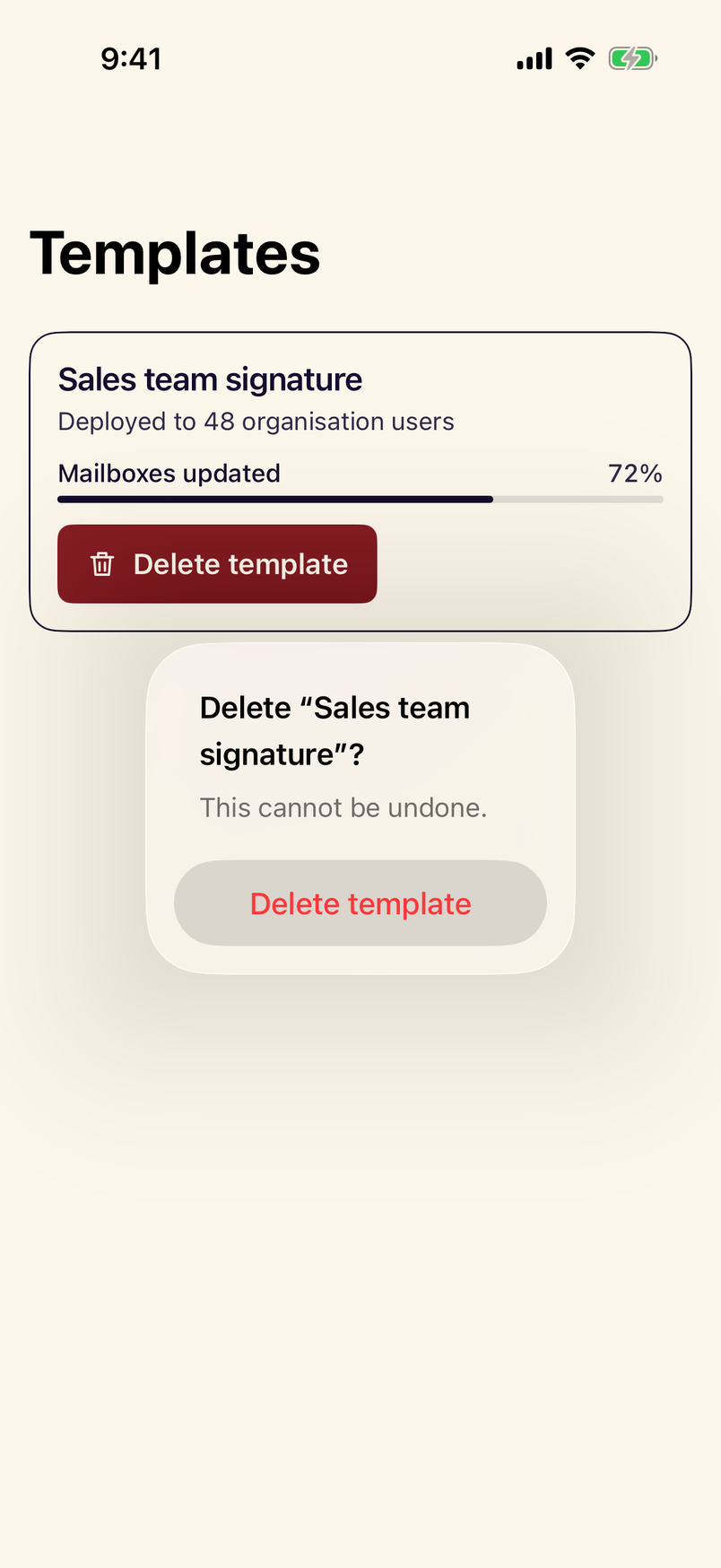
- StanceCardA padded surface with optional title, description and footer for grouped, self-contained content.
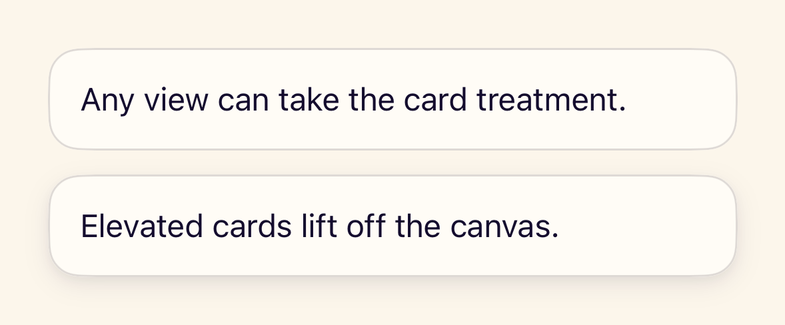
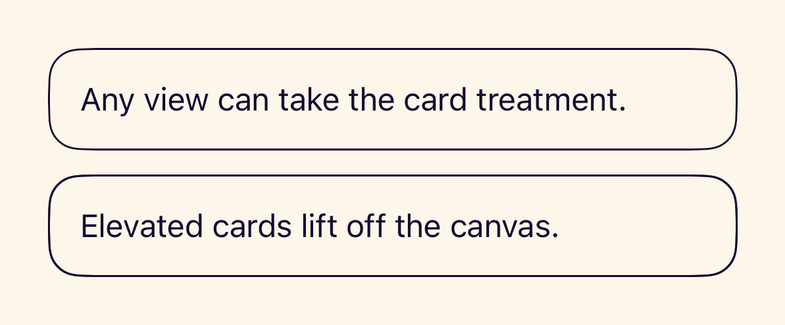
- stanceCard()Modifier that gives any view the card treatment: padding, surface colour, border and optional elevation.
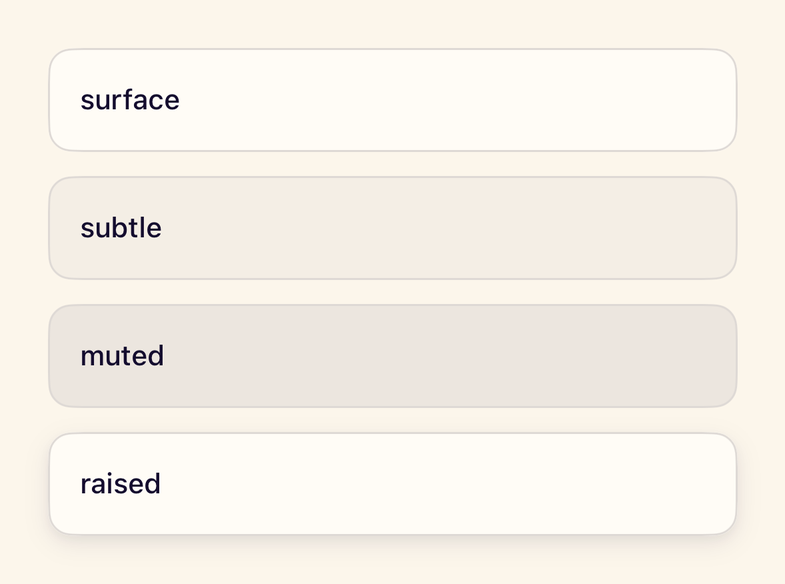
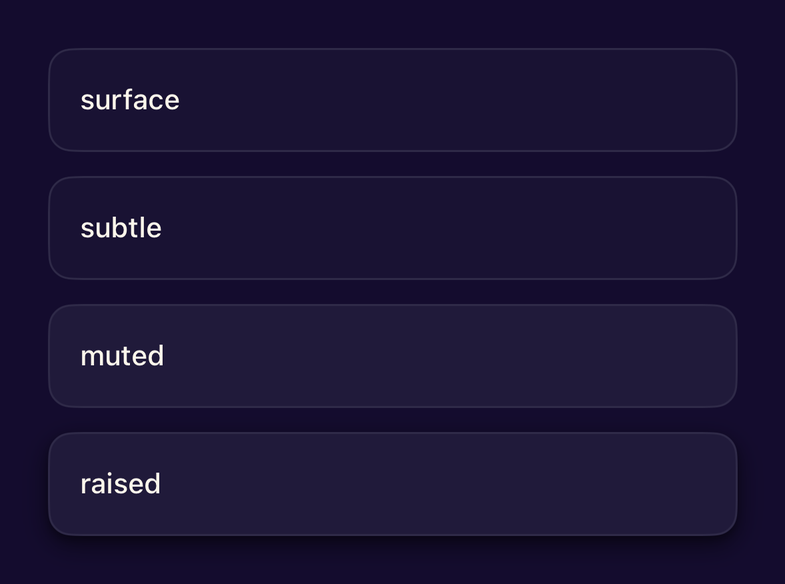
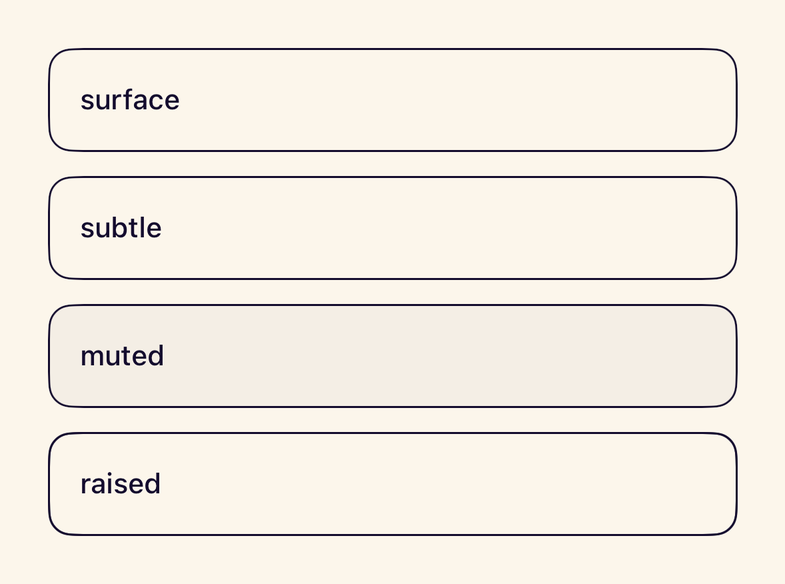
- stanceSurface()Modifier that places a view on a token surface level with a corner radius, border and optional shadow.
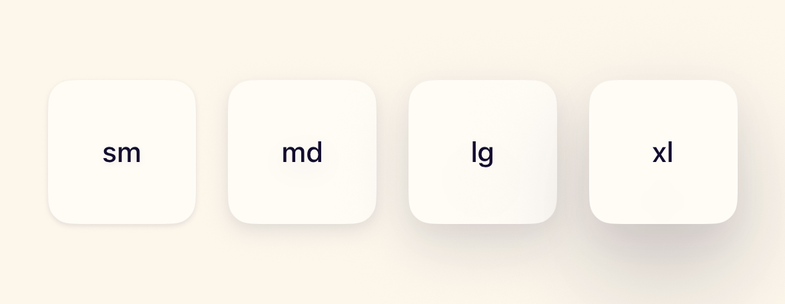
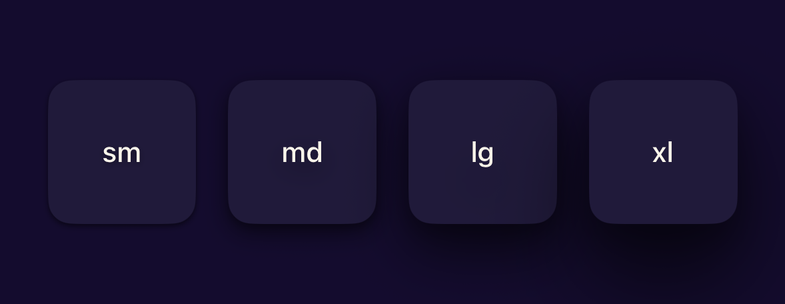
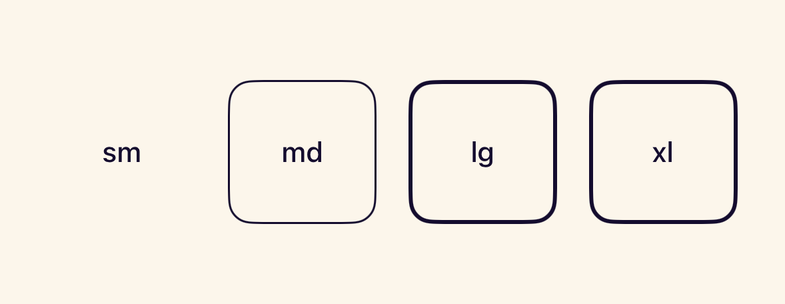
- stanceShadow()Modifier that adds a token elevation; high contrast draws depth as an outline instead of a blur.
- StanceDividerA hairline separator in the theme separator colour, horizontal or vertical, hidden from VoiceOver.
- StanceSectionA titled group of content with consistent spacing and an optional caption under the heading.
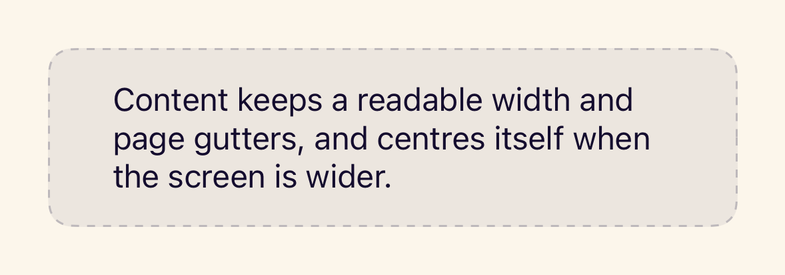
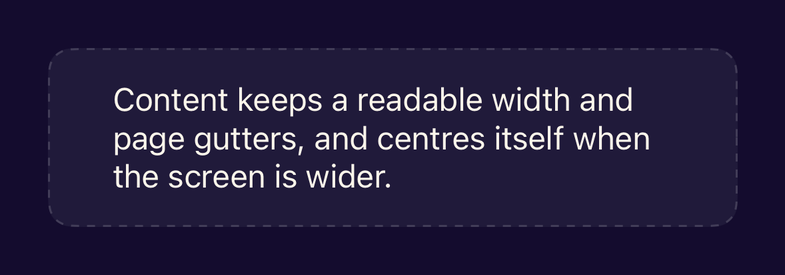
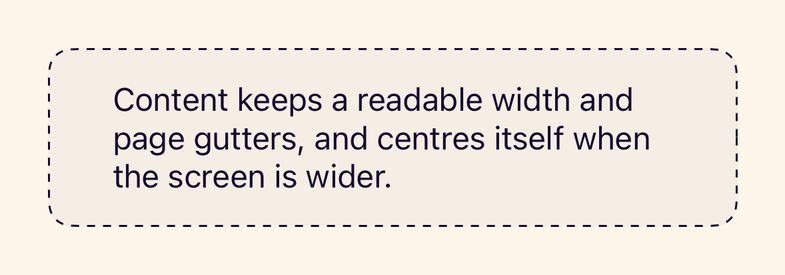
- StanceContainerConstrains content to a readable width with page gutters and centres it on iPad.
- StanceGridAn adaptive grid that fits as many columns as the minimum item width allows.
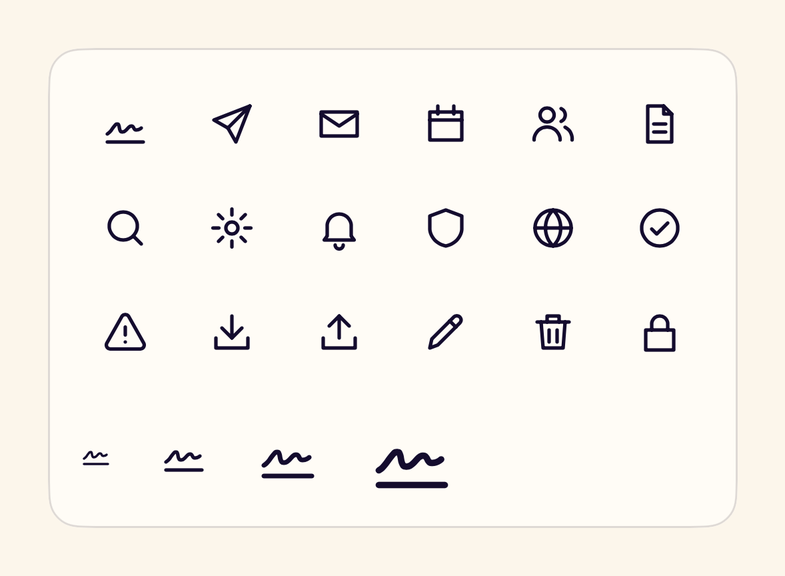
- StanceIconA Stance icon drawn natively from the shared icon geometry; decorative unless a label is given.
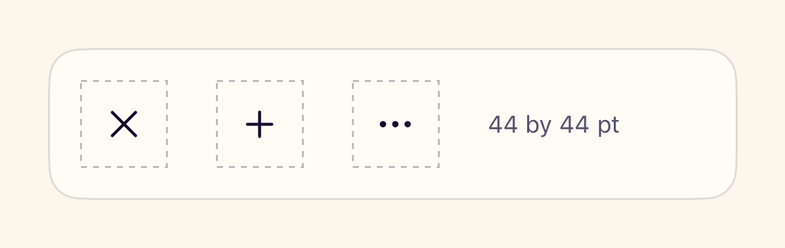
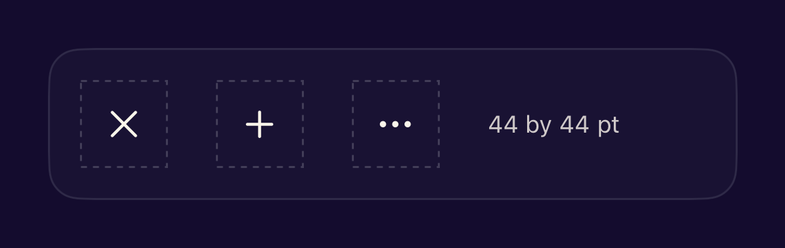
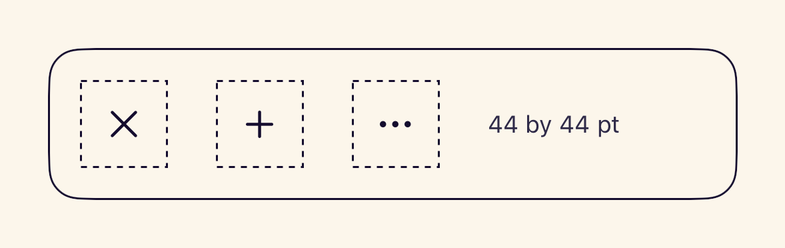
- stanceTouchTarget()Modifier that guarantees the 44 by 44 point minimum interactive target without changing visual size.
- StanceHapticsHaptic feedback helpers for selection, success, warning and error; no-ops where unavailable.
Typography
Actions
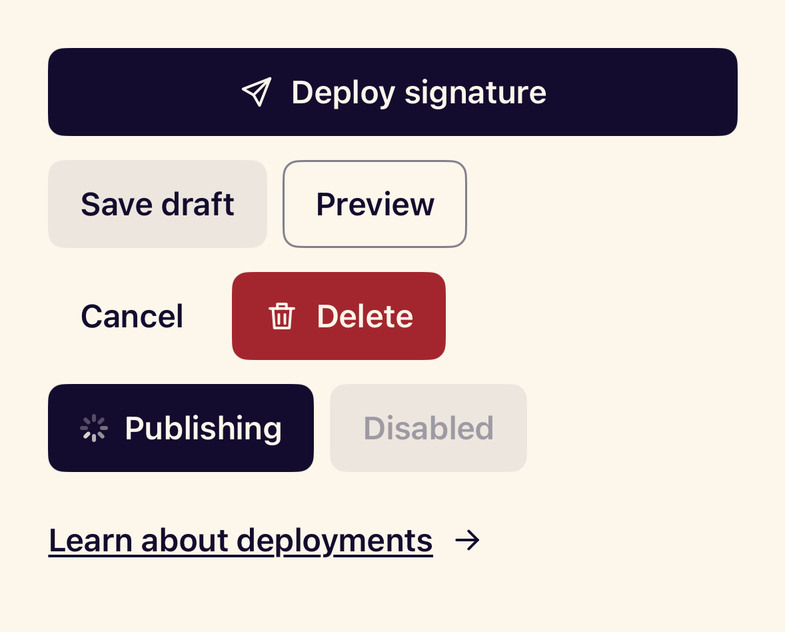
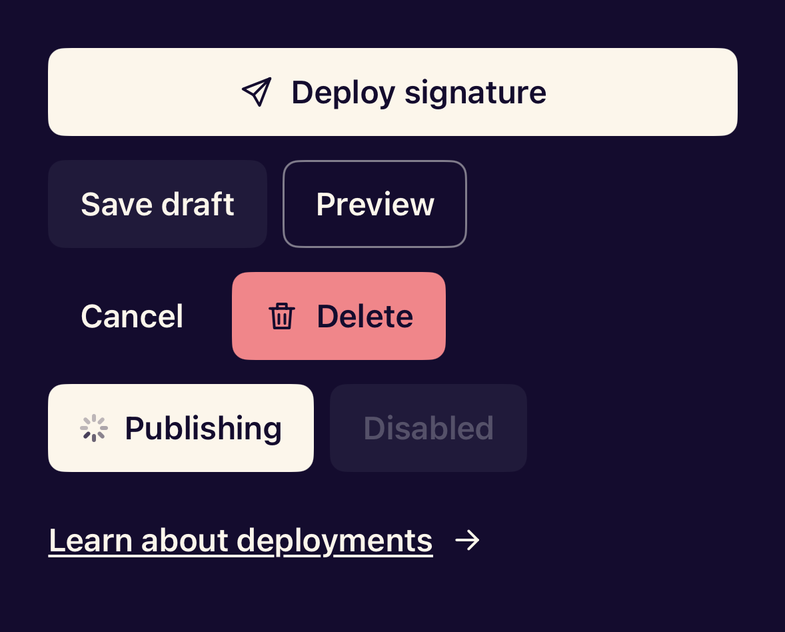
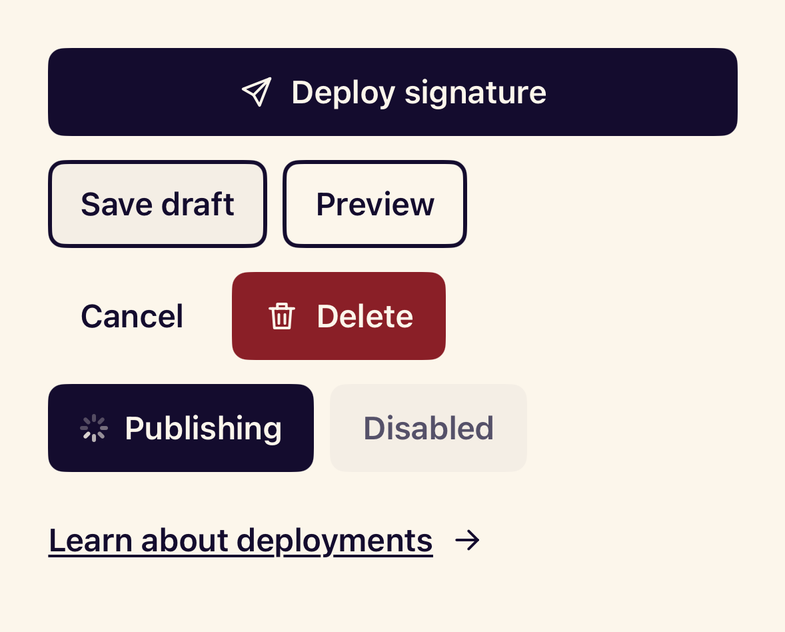
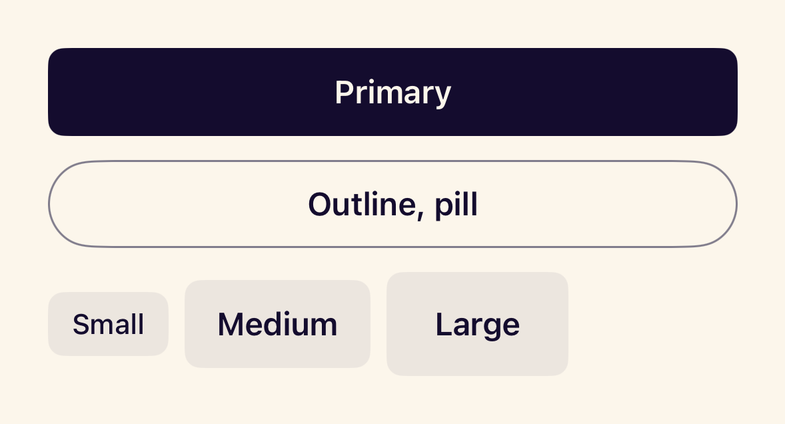
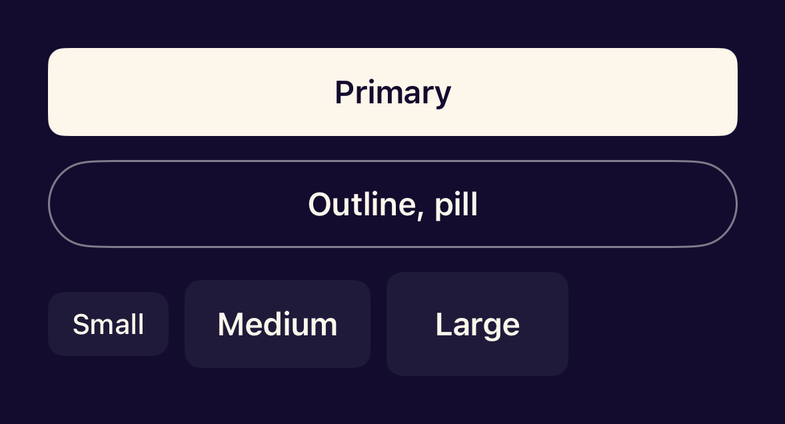
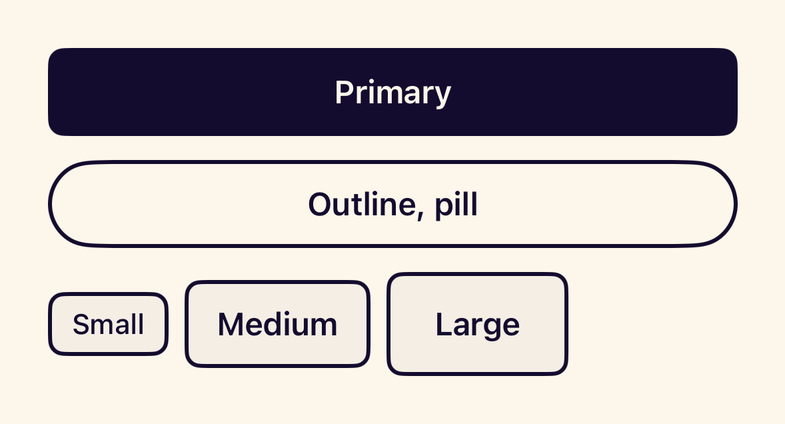
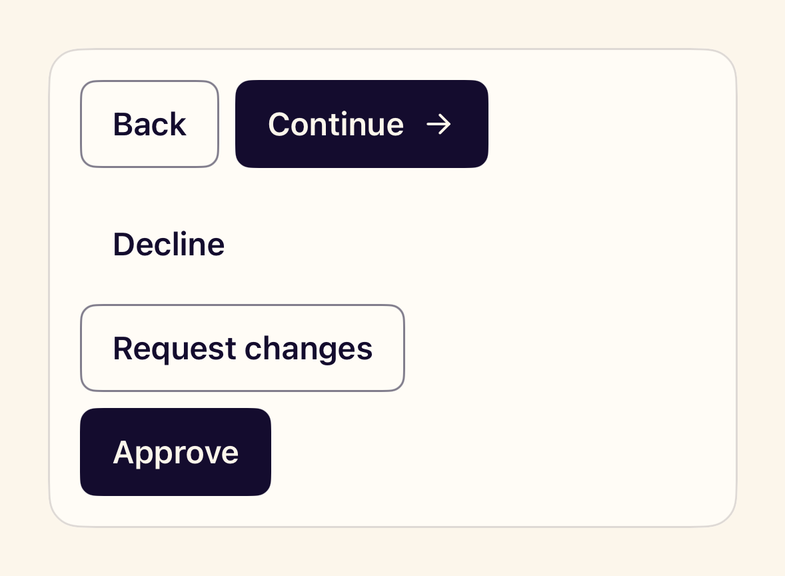
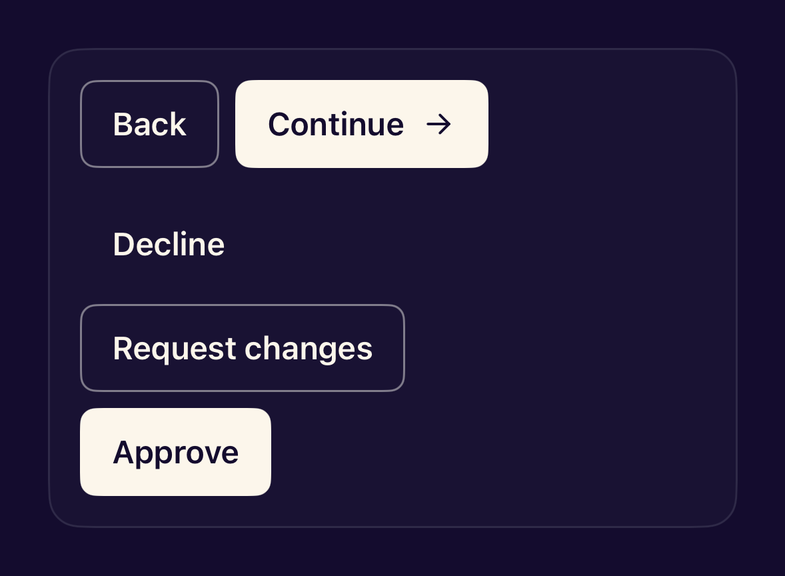
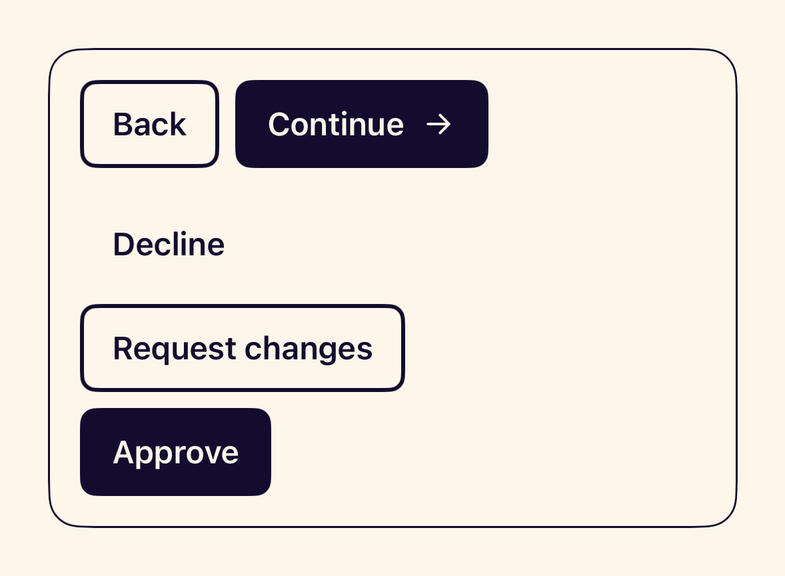
- StanceButtonA button with six variants, three sizes, icons, a pill shape and a loading state that blocks repeat taps.
- StanceButtonStyleThe Stance button style for any Button, Menu label or NavigationLink: .buttonStyle(.stance(.primary)).
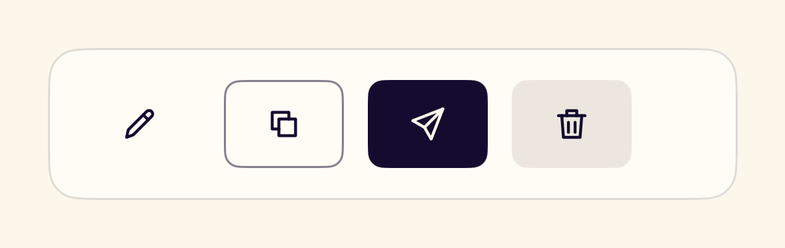
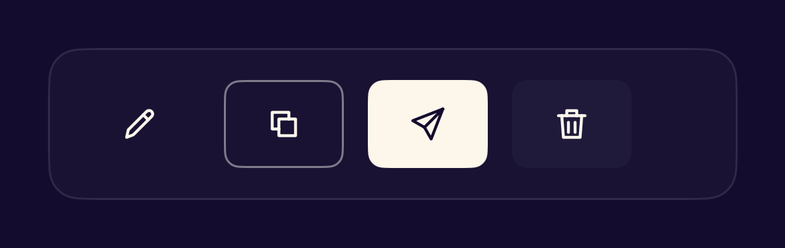
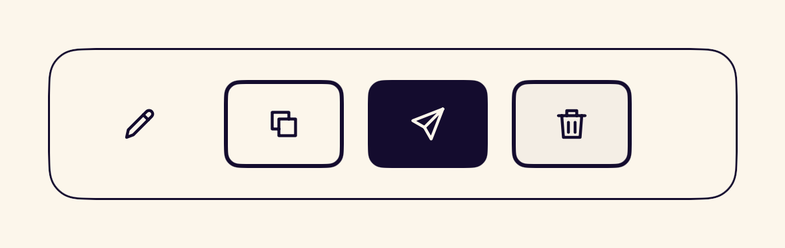
- StanceIconButtonAn icon-only button that requires an accessibility label and keeps a 44pt touch target.
- StanceButtonGroupLays related buttons out in a row and stacks them vertically at accessibility text sizes.
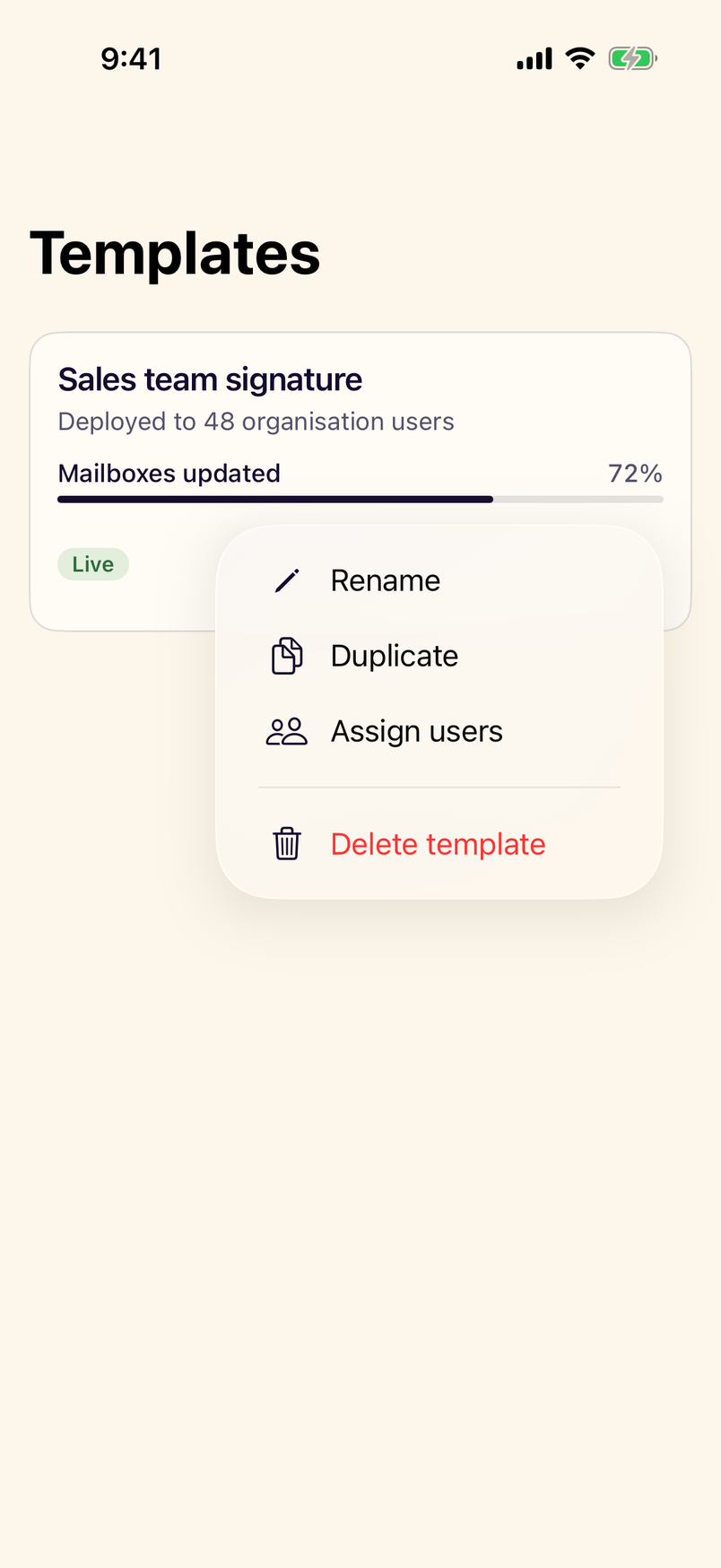
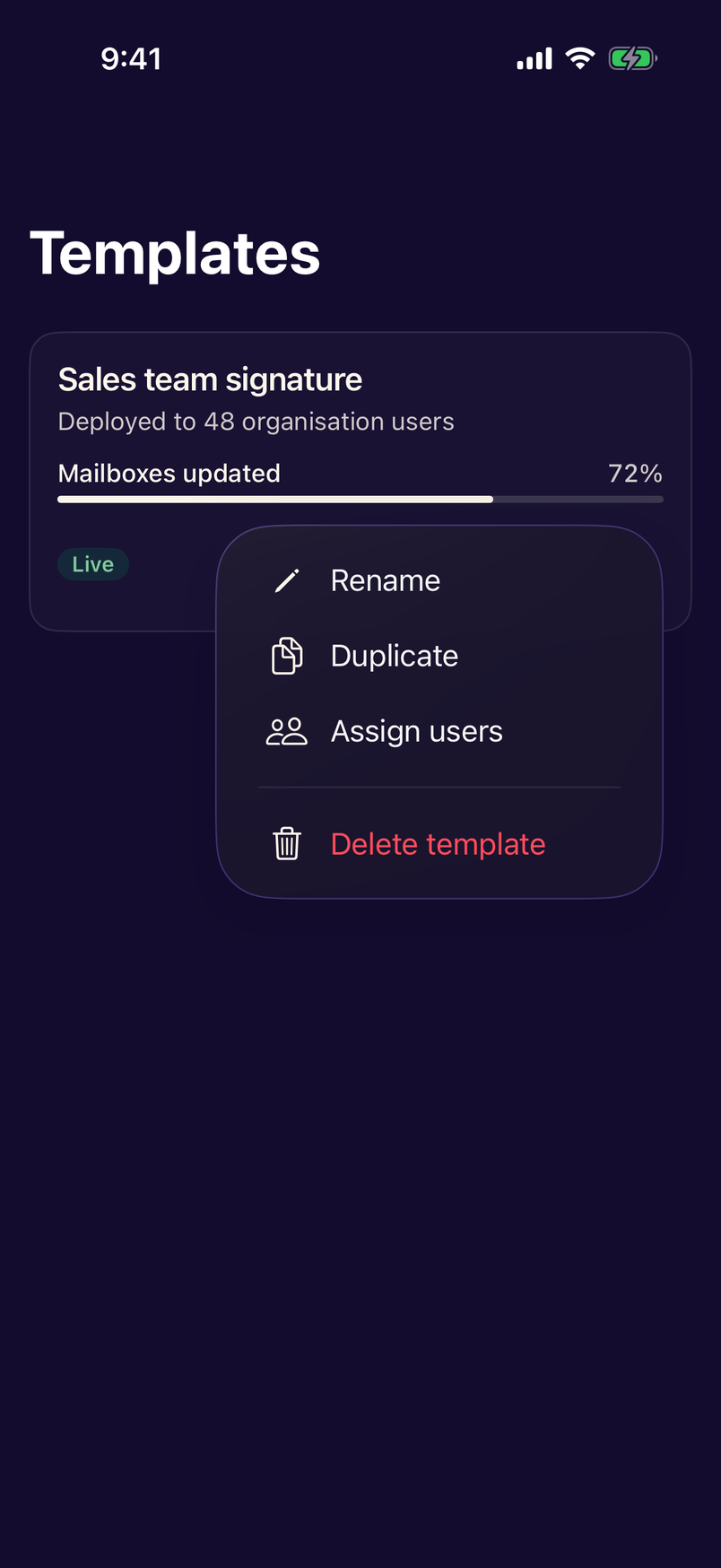
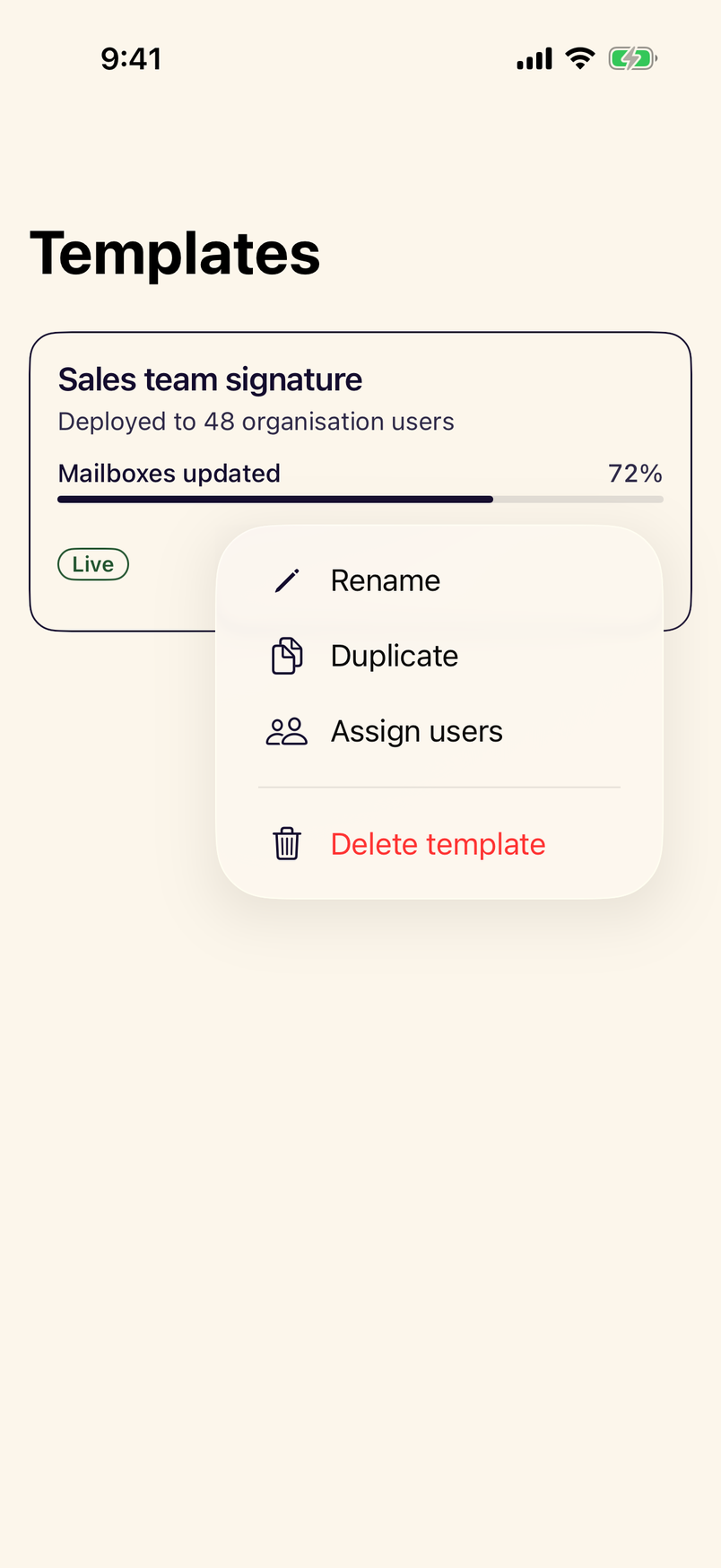
- StanceMenuThe native Menu with a Stance button as its trigger, for short lists of actions.
Forms
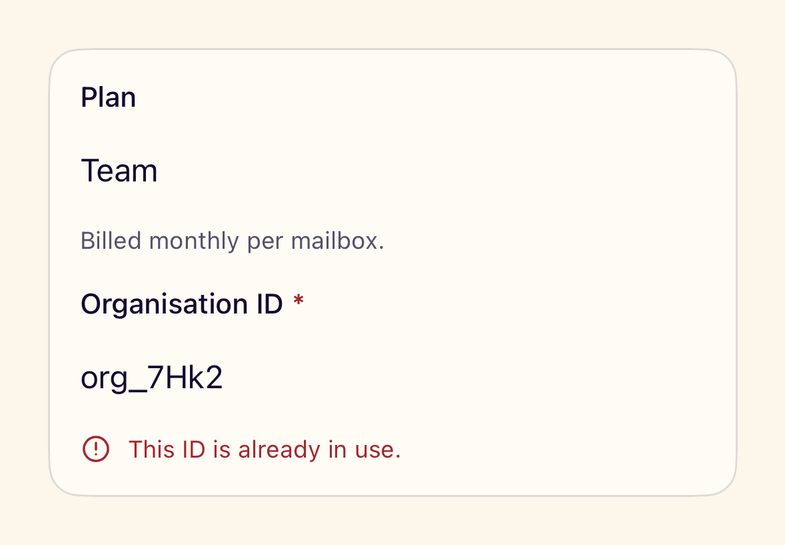
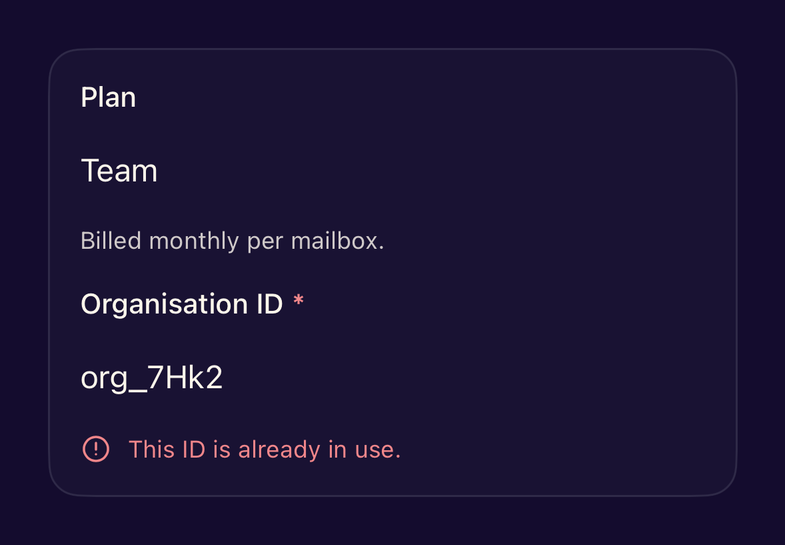
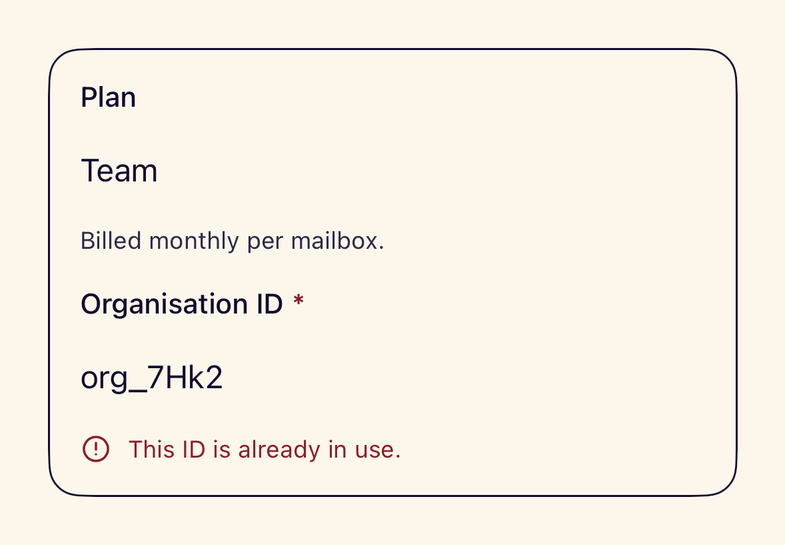
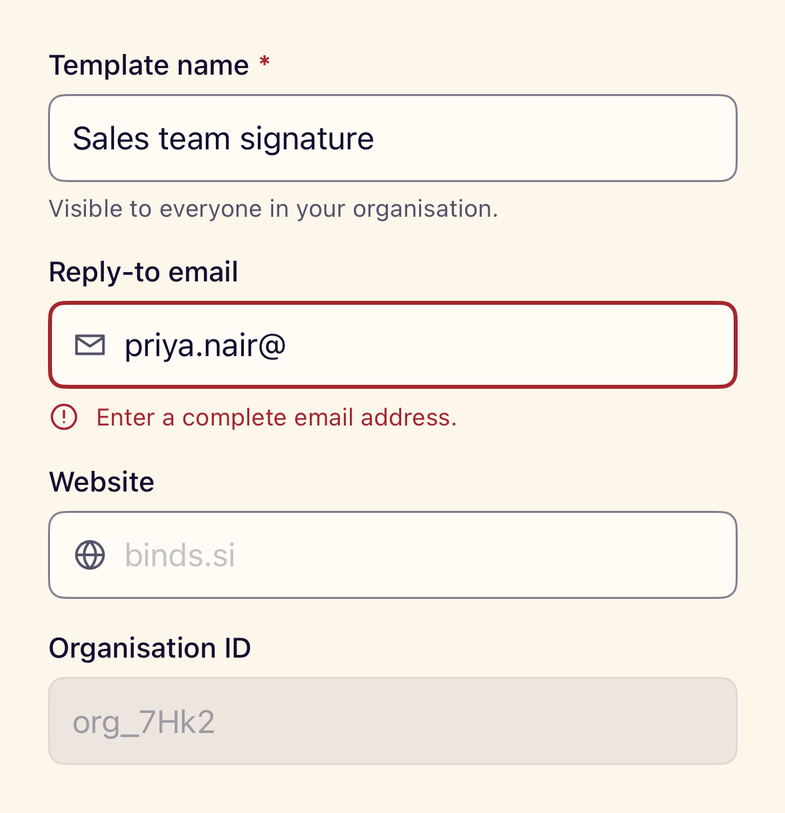
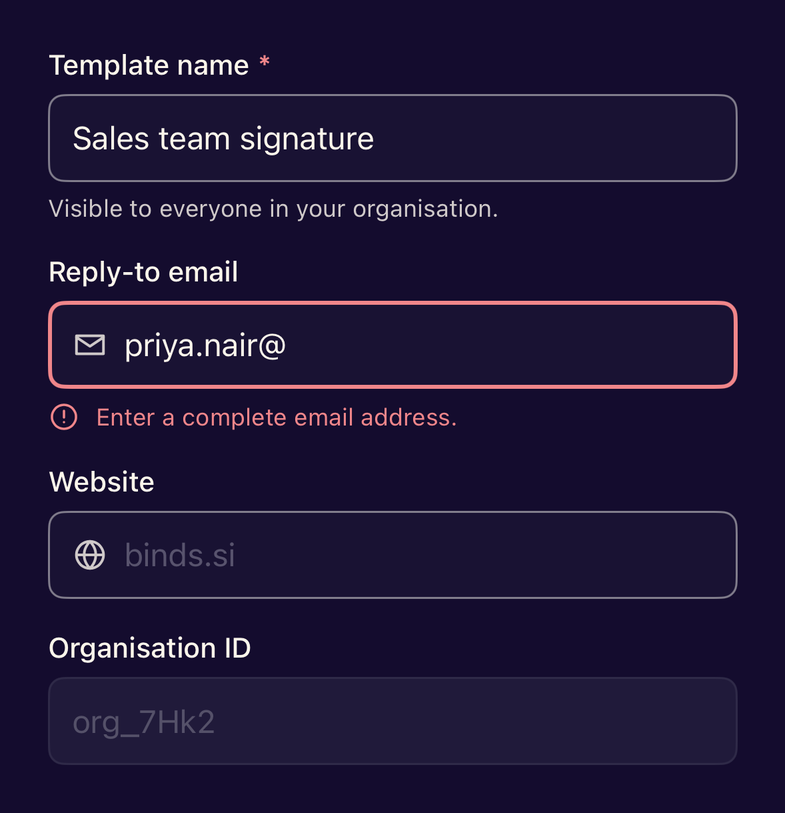
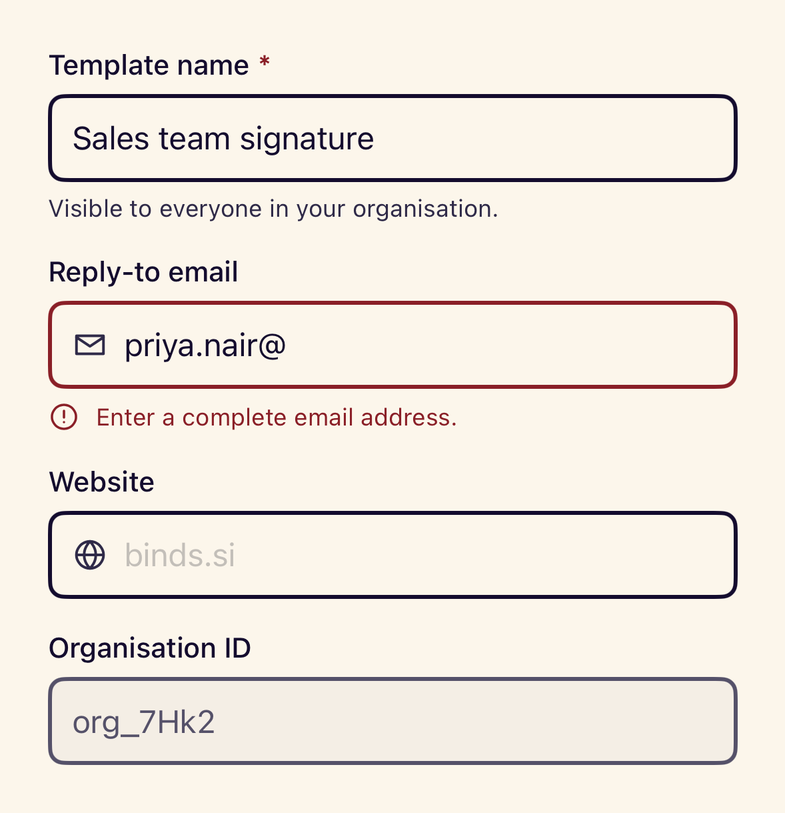
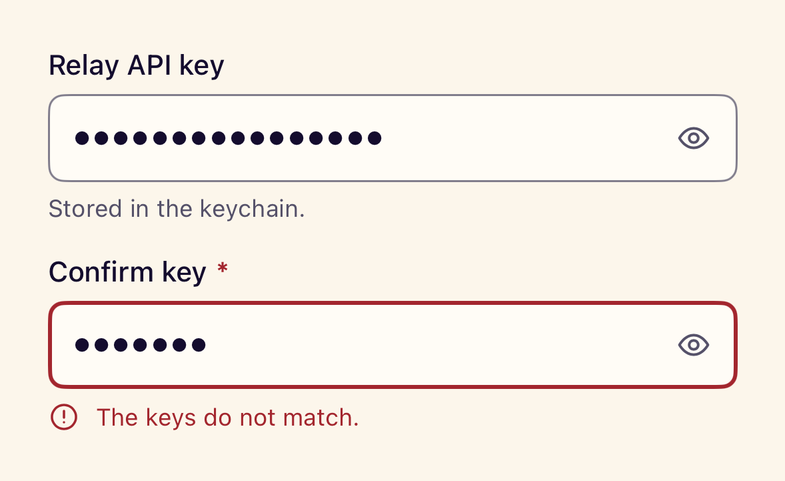
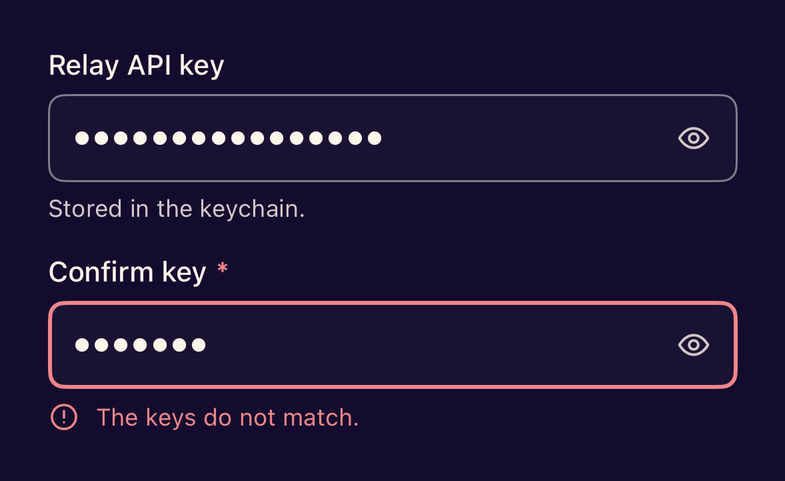
- StanceFormFieldWires a visible label, helper text and an announced error message to a single control.
- StanceTextFieldA labelled single-line text field with helper text, error state, required marker and leading icon.
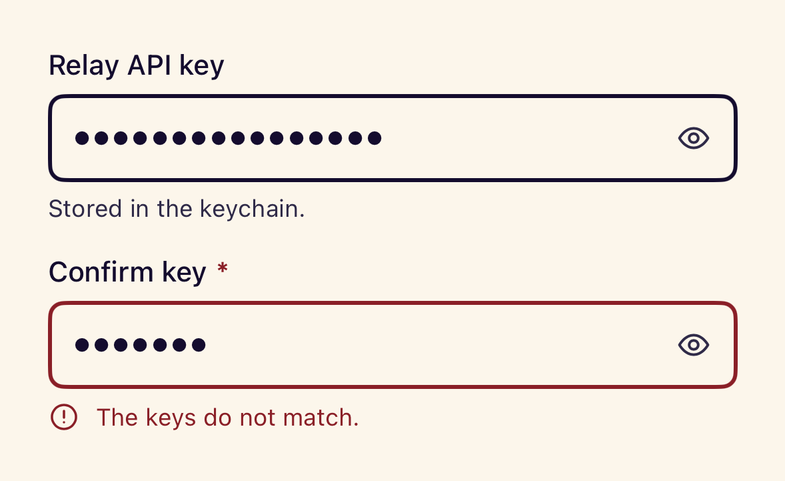
- StanceSecureFieldA password field with a show and hide control that keeps a 44pt target.
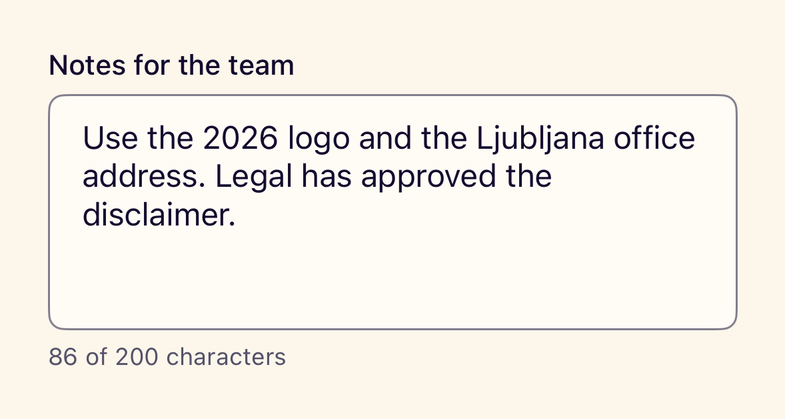
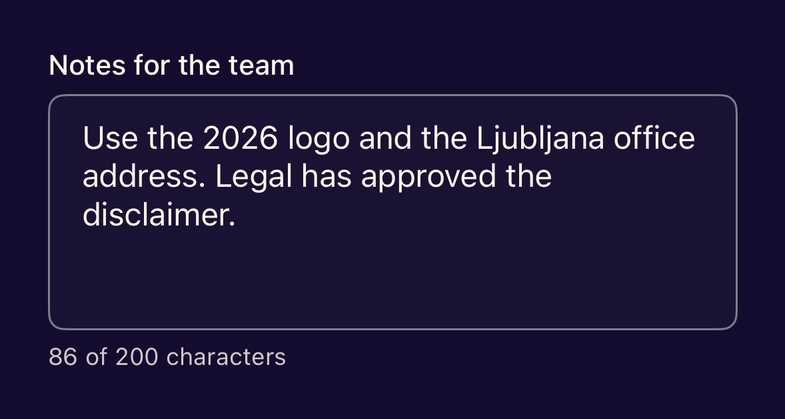
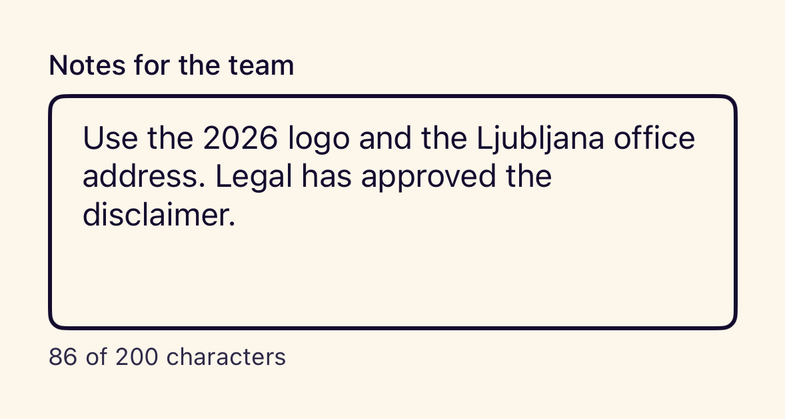
- StanceTextEditorA labelled multi-line editor with an optional live character count.
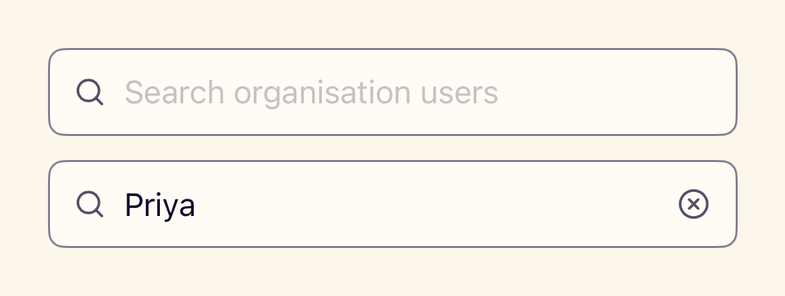
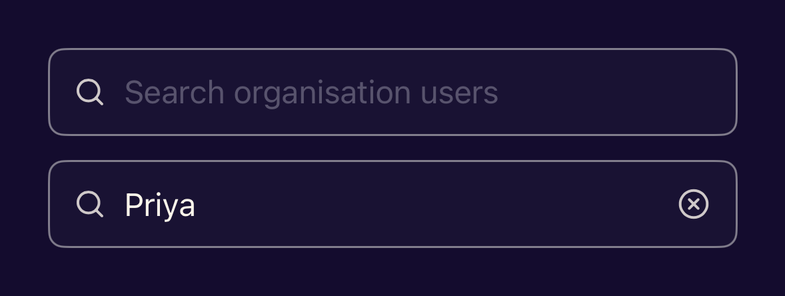
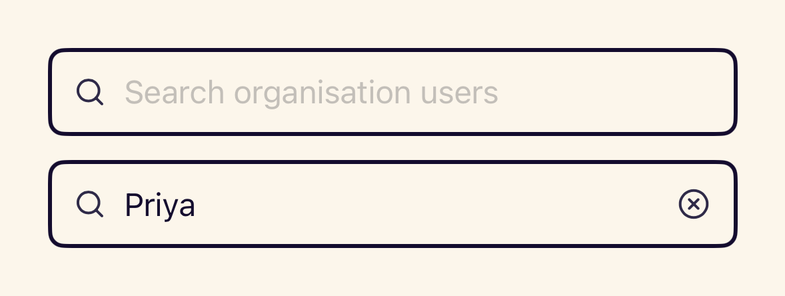
- StanceSearchFieldAn inline search field with a clear button; use the system searchable modifier for screen-level search.
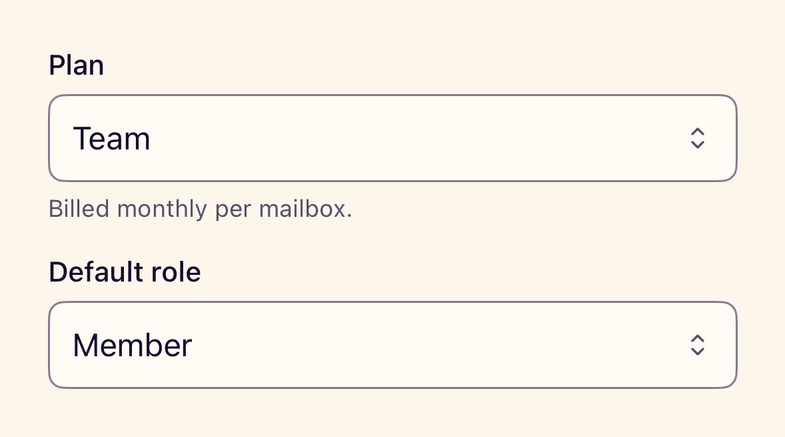
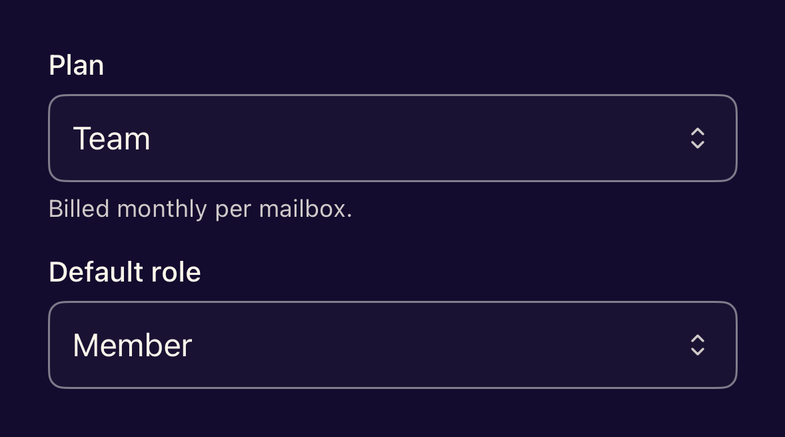
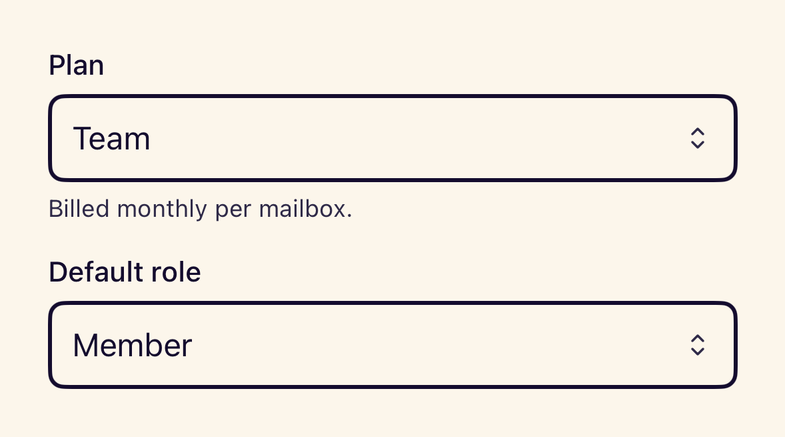
- StancePickerA labelled native Picker shown as a menu inside Stance field chrome.
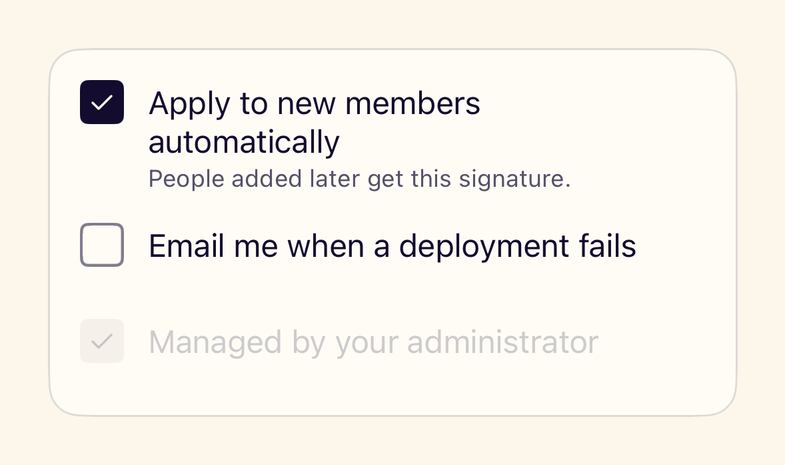
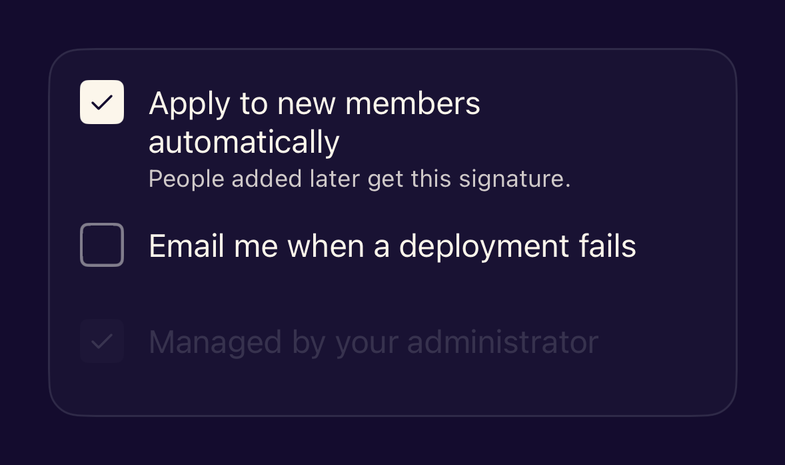
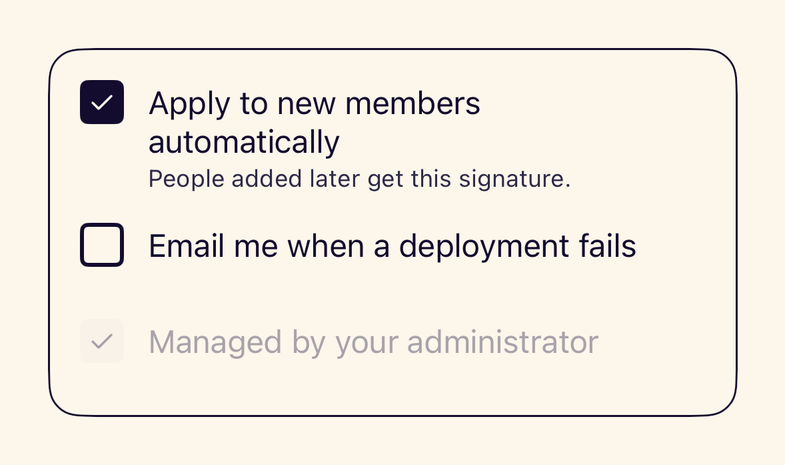
- StanceCheckboxA checkbox with a label and description; iOS has no system checkbox, so it is exposed as a toggle.
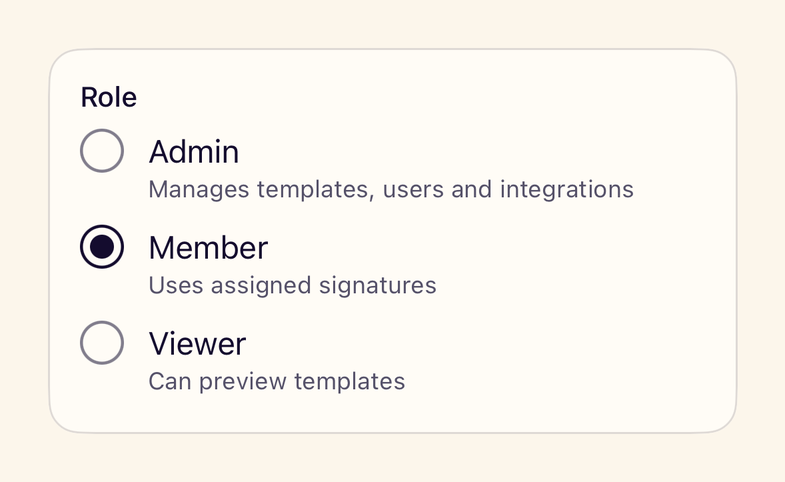
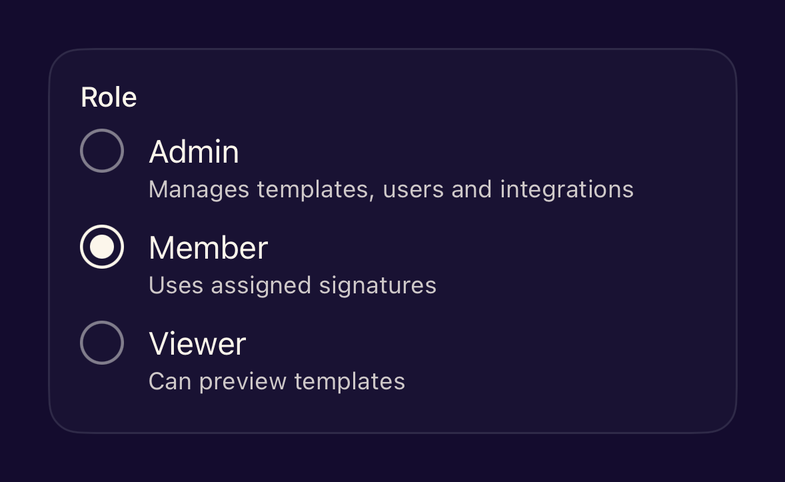
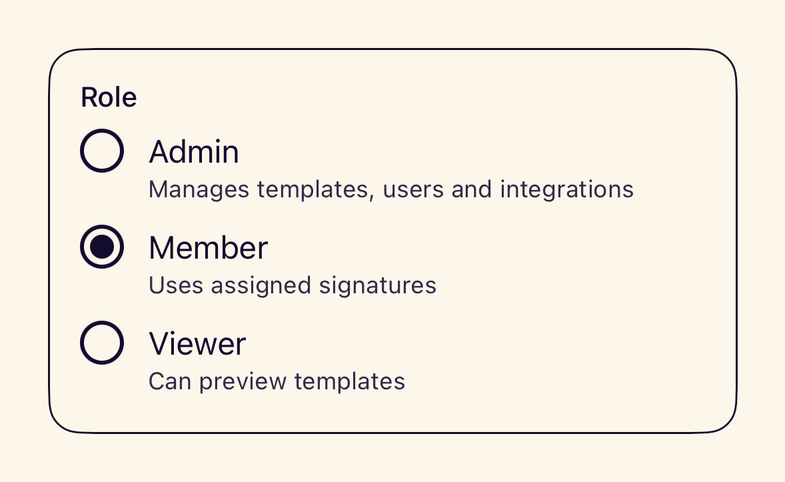
- StanceRadioGroupA group of mutually exclusive options visible at once, with optional descriptions.
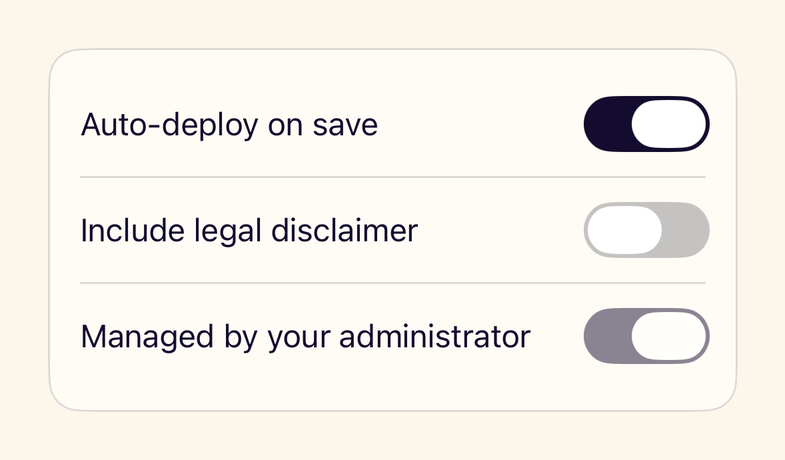
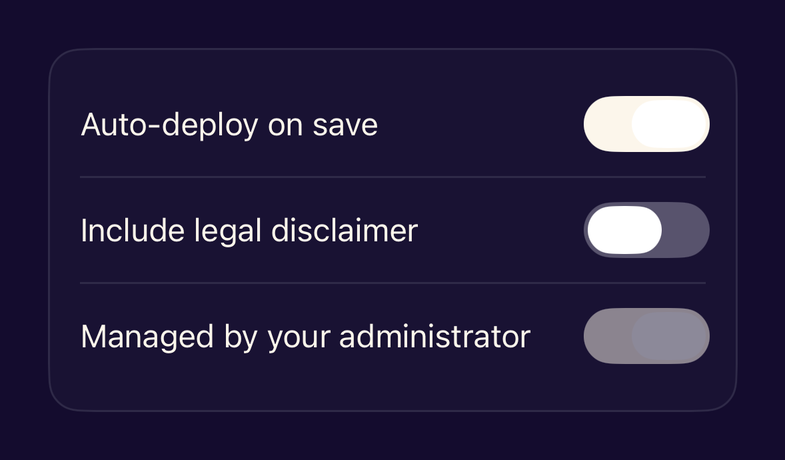
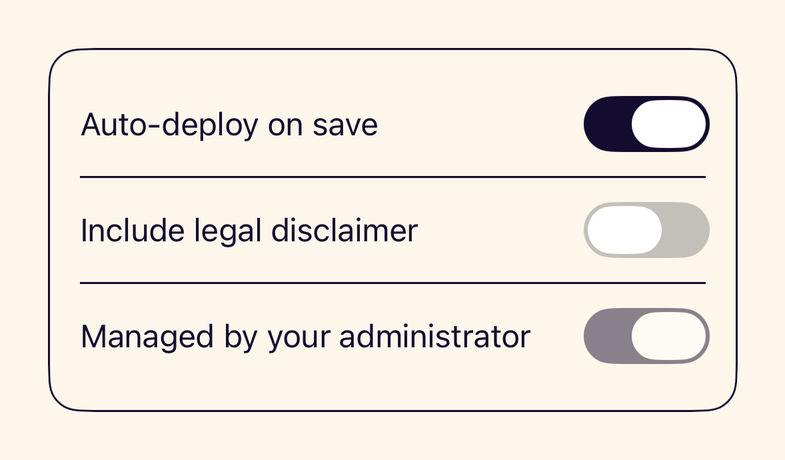
- StanceToggleStyleStance colours for the native Toggle switch, keeping system behaviour and accessibility.
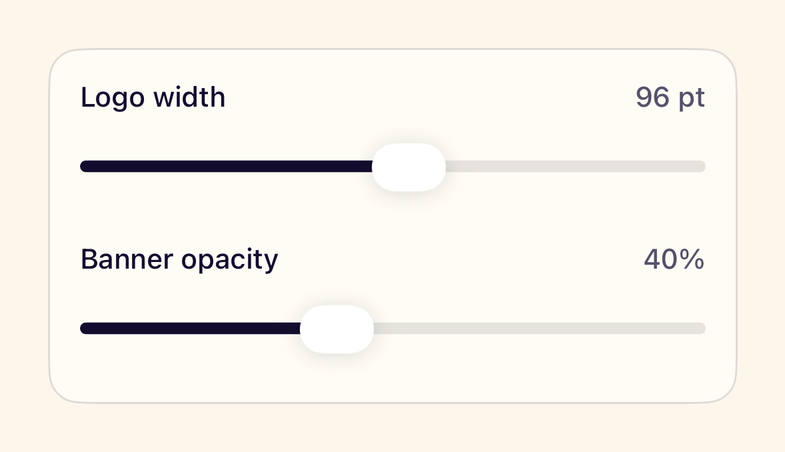
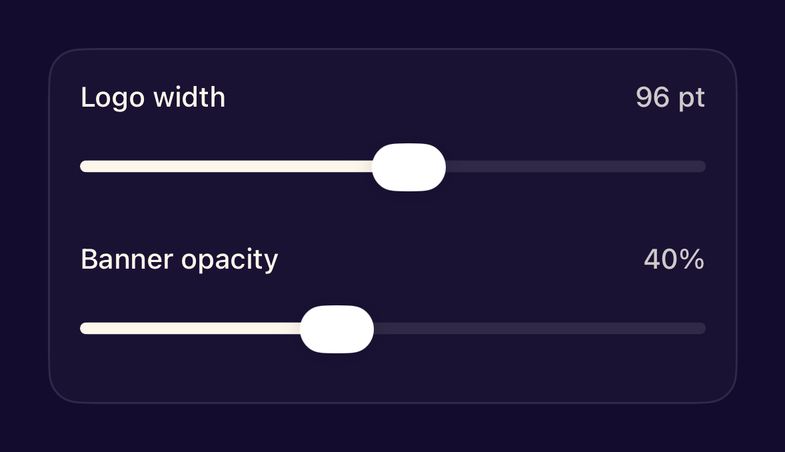
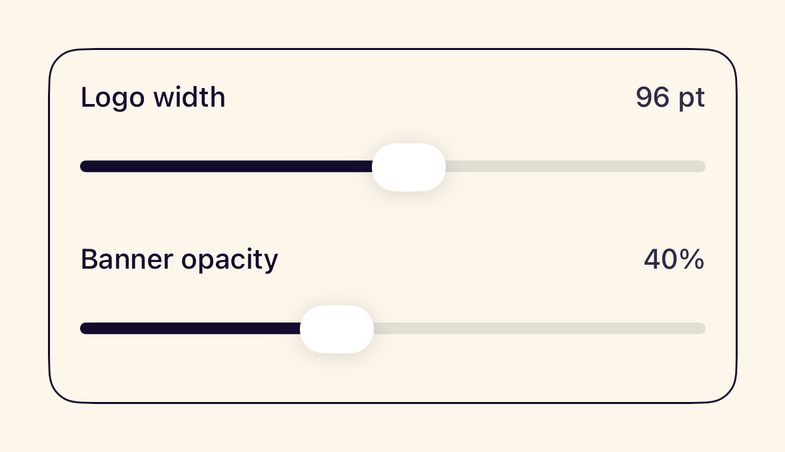
- StanceSliderA labelled native Slider that reports a formatted value visually and to VoiceOver.
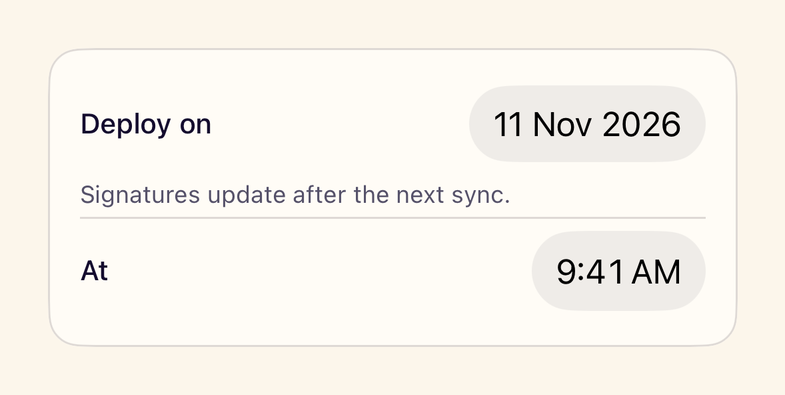
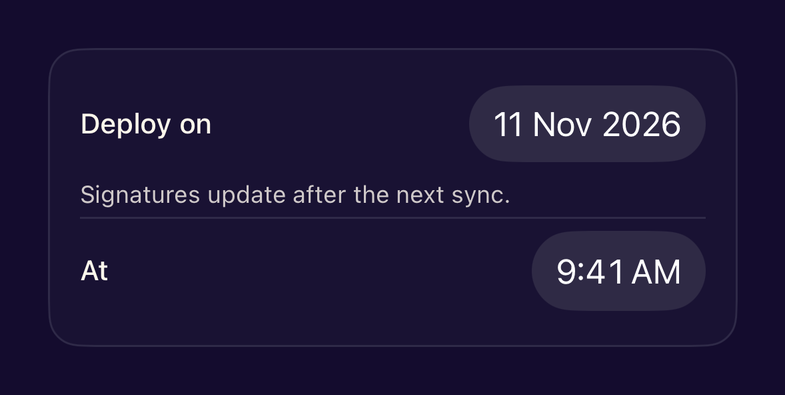
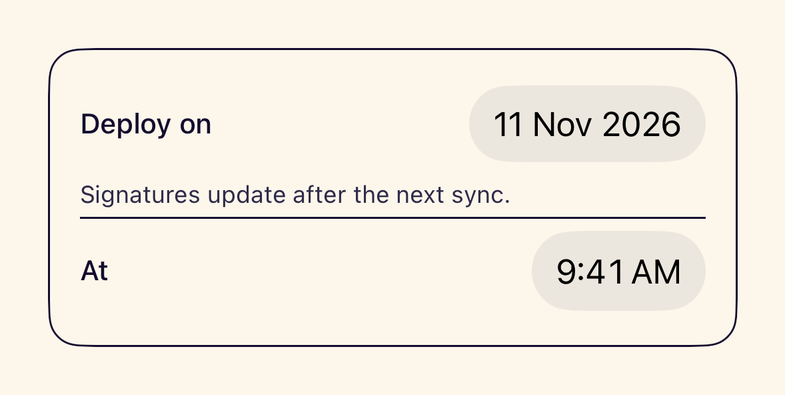
- StanceDatePickerA labelled native DatePicker for dates or times in Stance colours.
Navigation
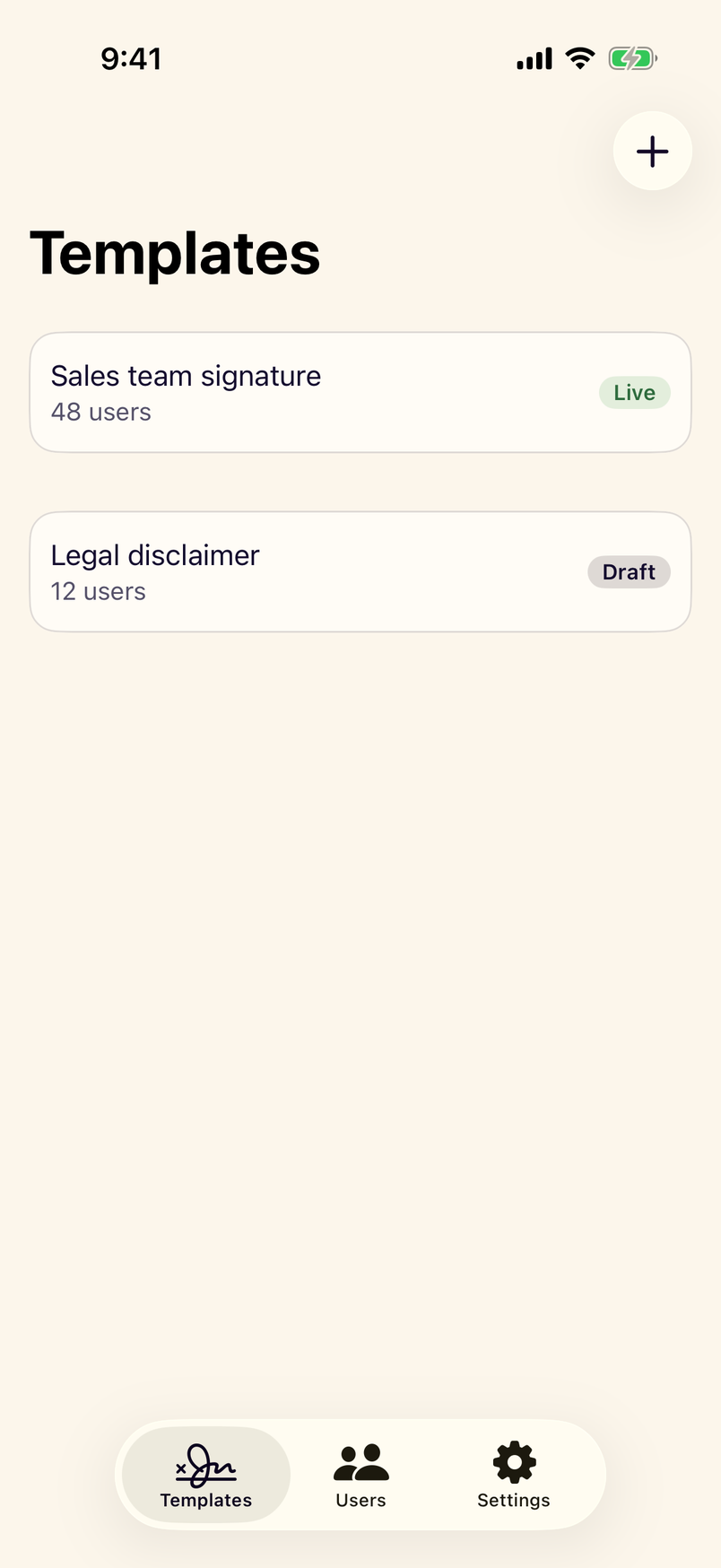
- StanceAdaptiveNavigationTop-level navigation that is a tab bar in compact width and a sidebar in regular width.
- stanceNavigationChrome()Modifier that themes navigation and tab bar tint while leaving system bar materials untouched.
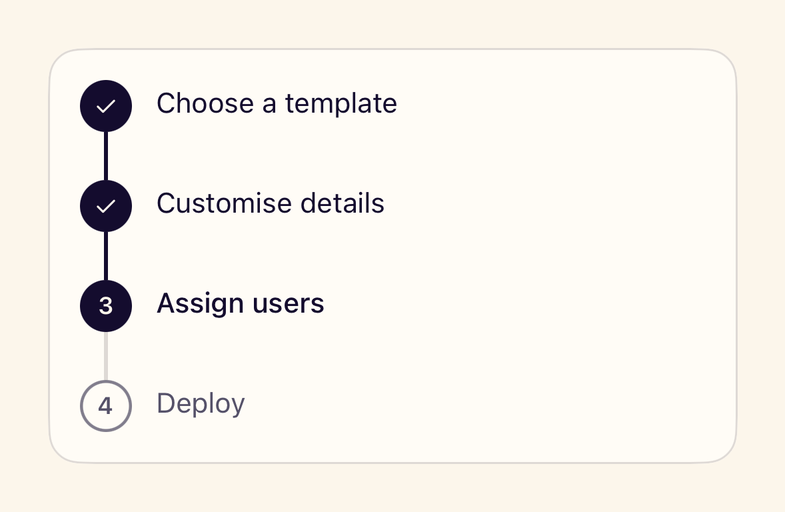
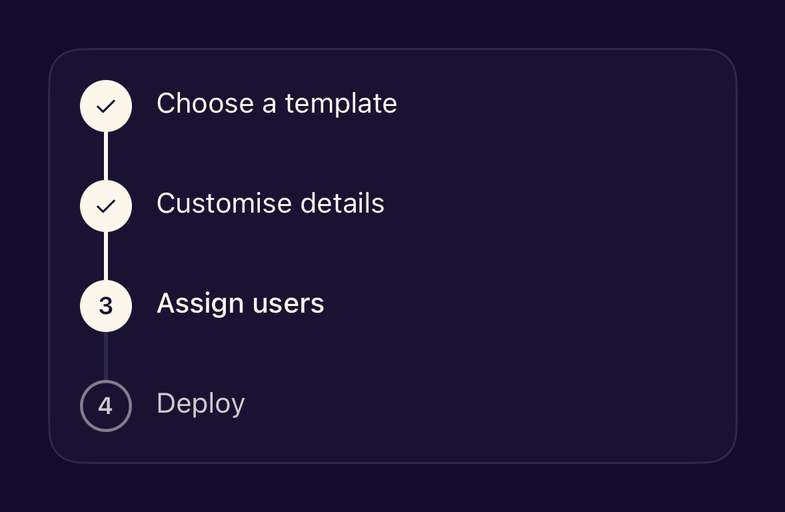
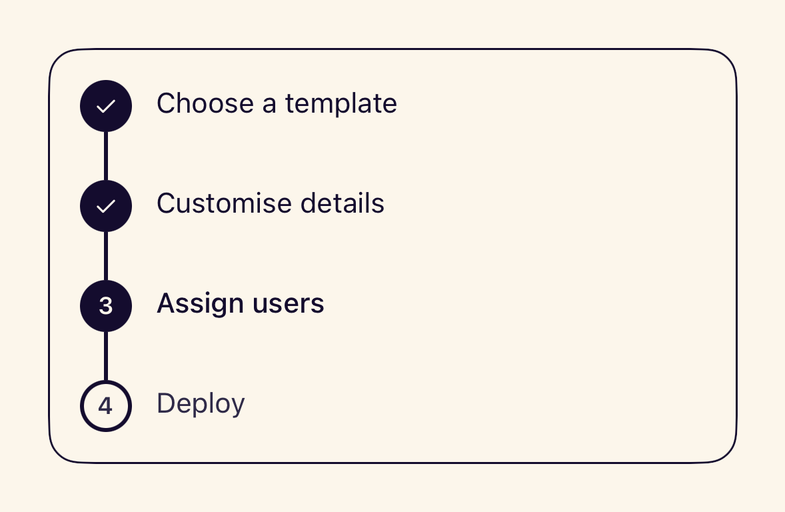
- StanceStepperShows progress through a multi-step task with completed, current and upcoming steps.
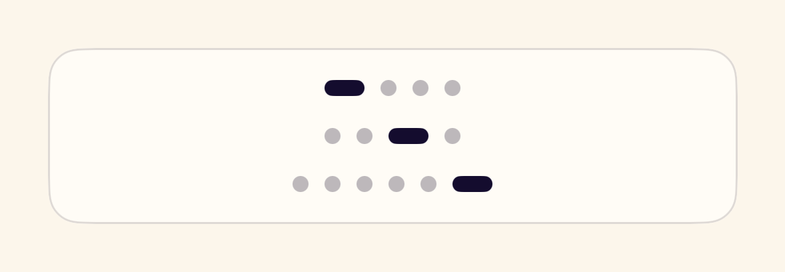
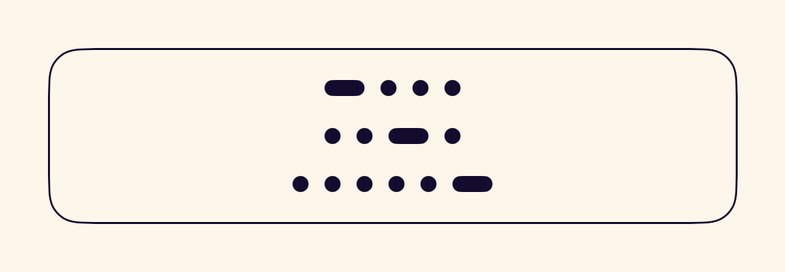
- StancePageIndicatorDots that show the position in a short paged sequence.

Data display
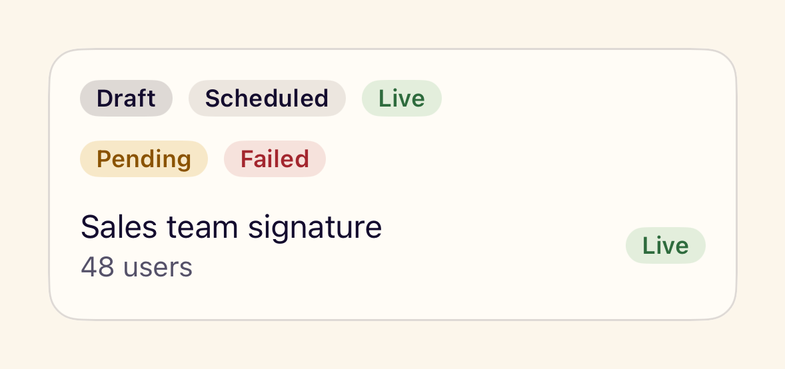
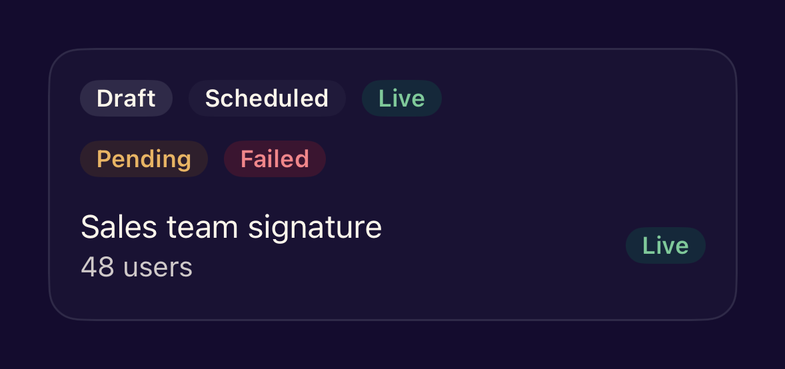
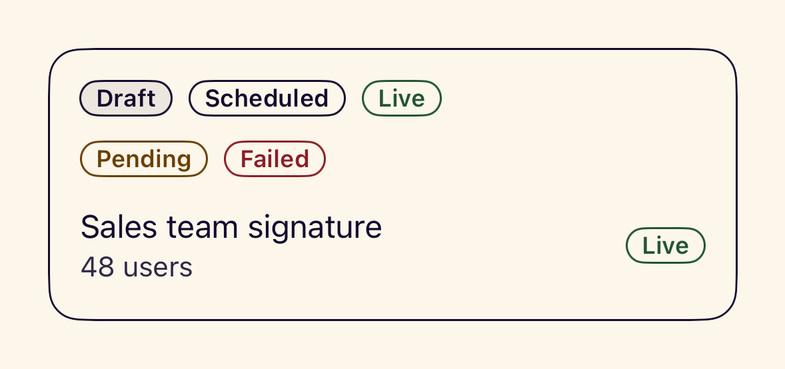
- StanceBadgeA short status label in a neutral, info, success, warning or danger tone, always with text.
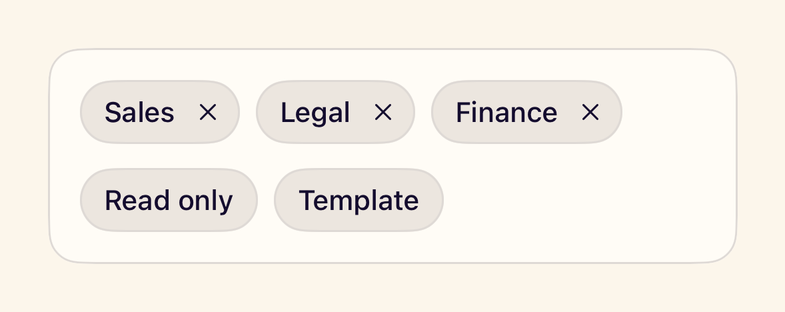
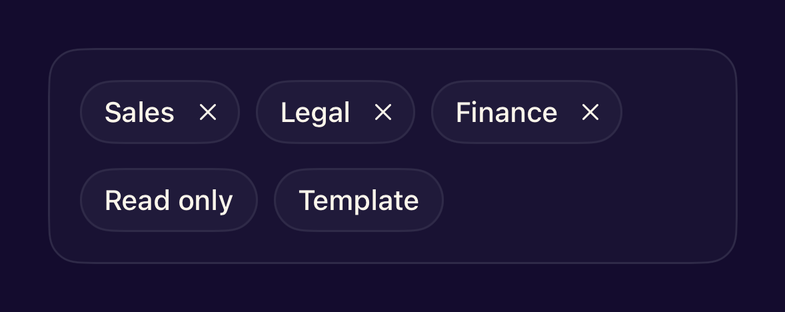
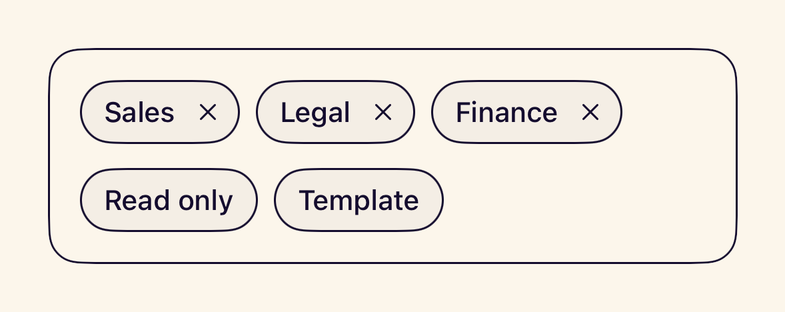
- StanceTagA keyword label with an optional remove button labelled with the tag name.
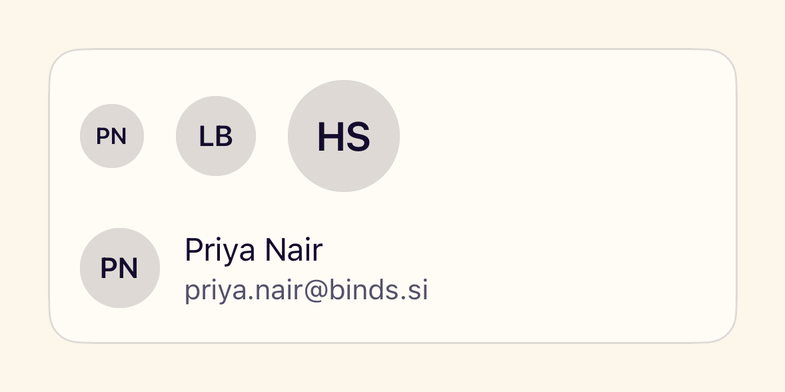
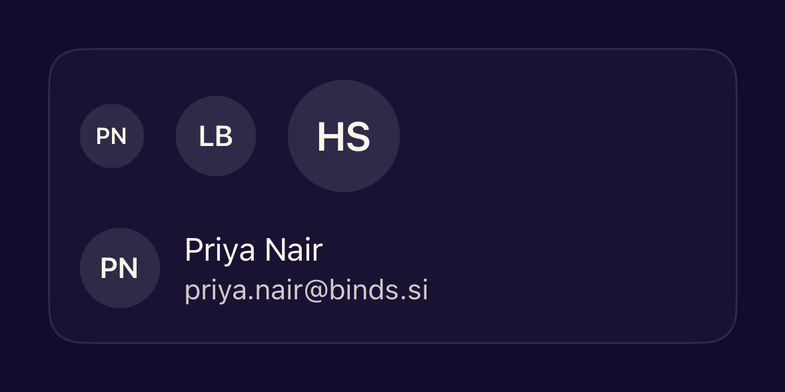
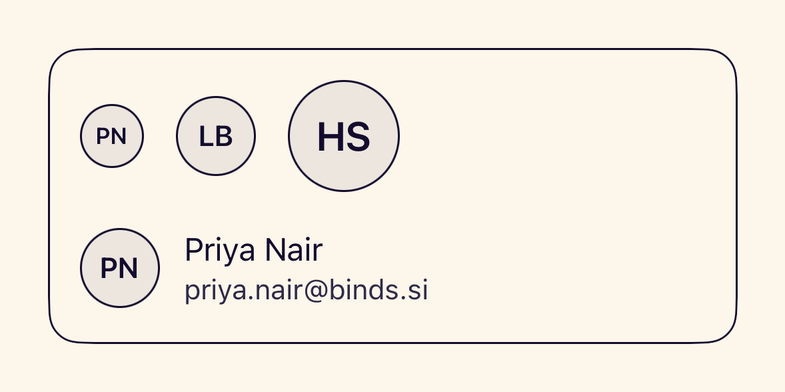
- StanceAvatarA person or organisation shown as an image or initials, in three sizes.
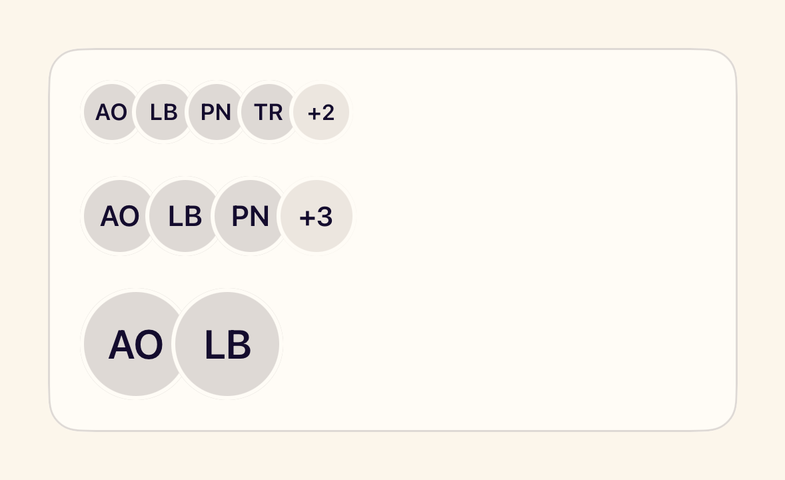
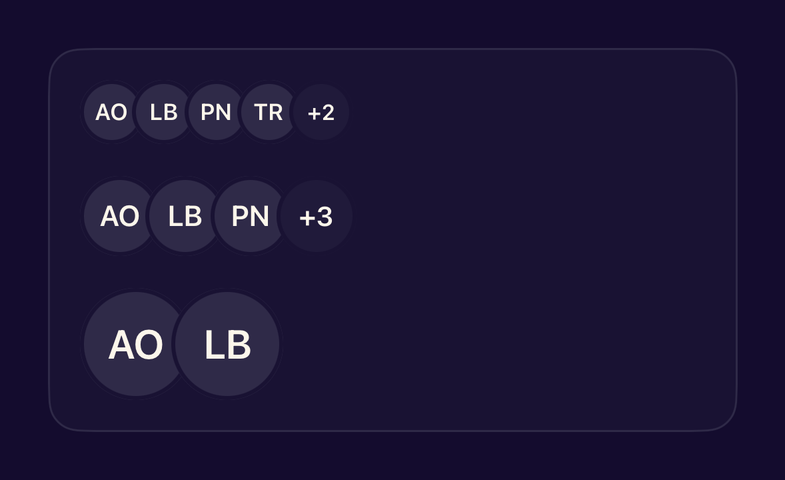
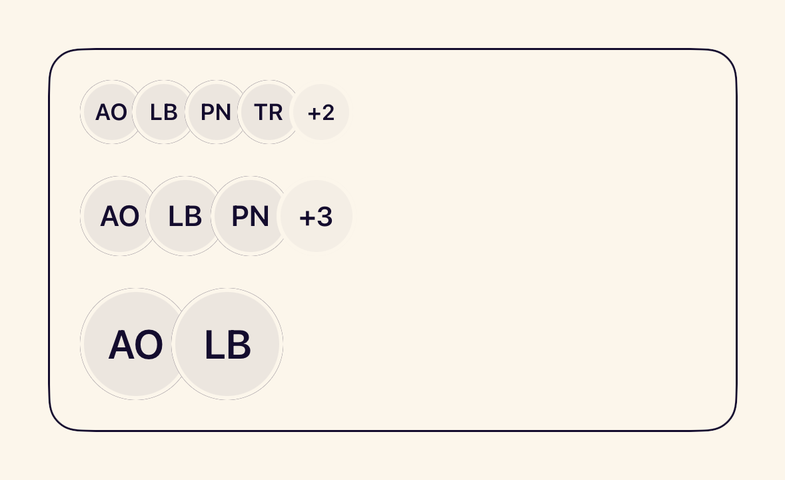
- StanceAvatarGroupOverlapping avatars with a +N overflow, read as one summary by VoiceOver.
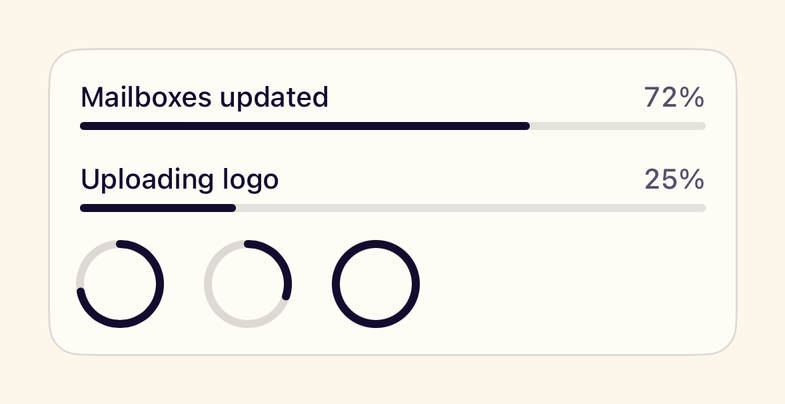
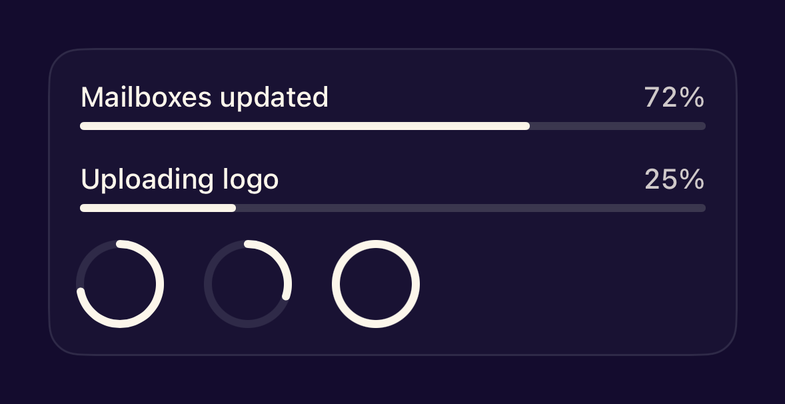
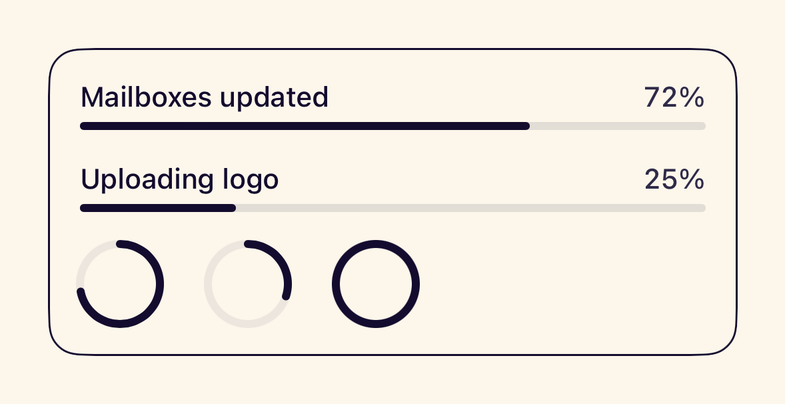
- StanceProgressViewLinear or circular progress in Stance colours, determinate or indeterminate.
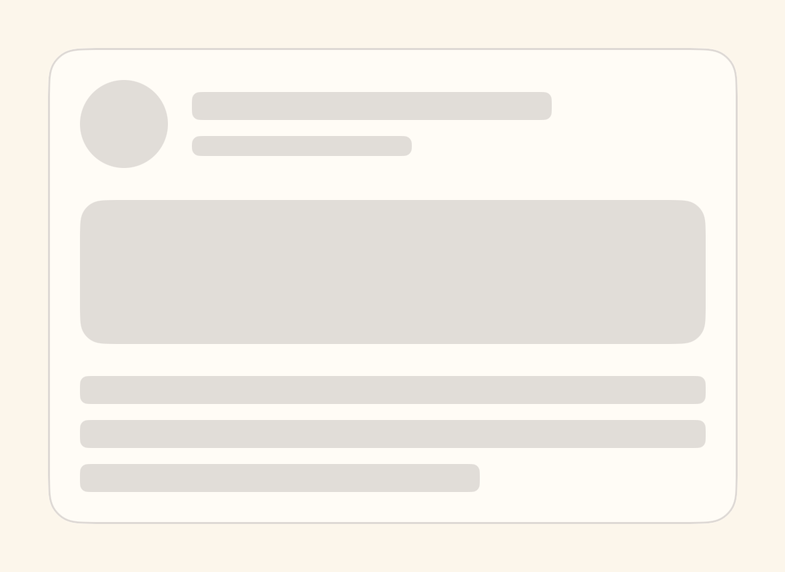
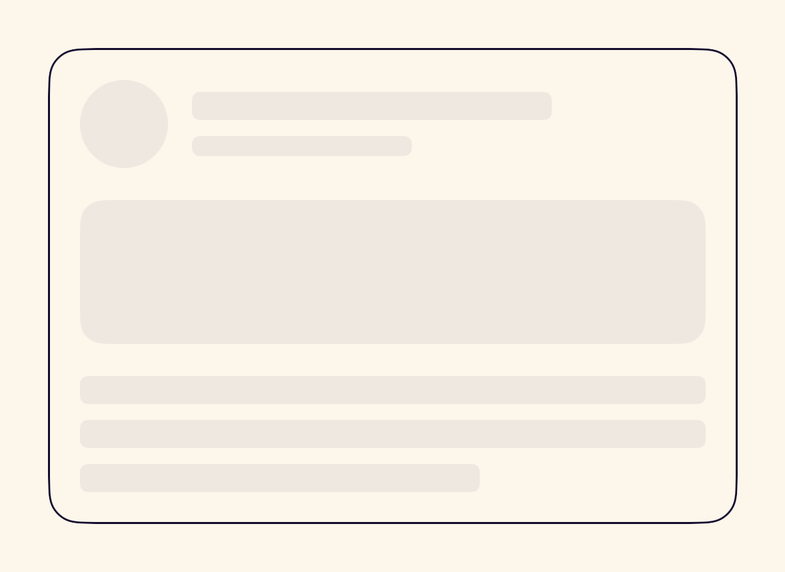
- StanceSkeletonA placeholder for loading content in text, circle or rectangle shapes; static under Reduce Motion.
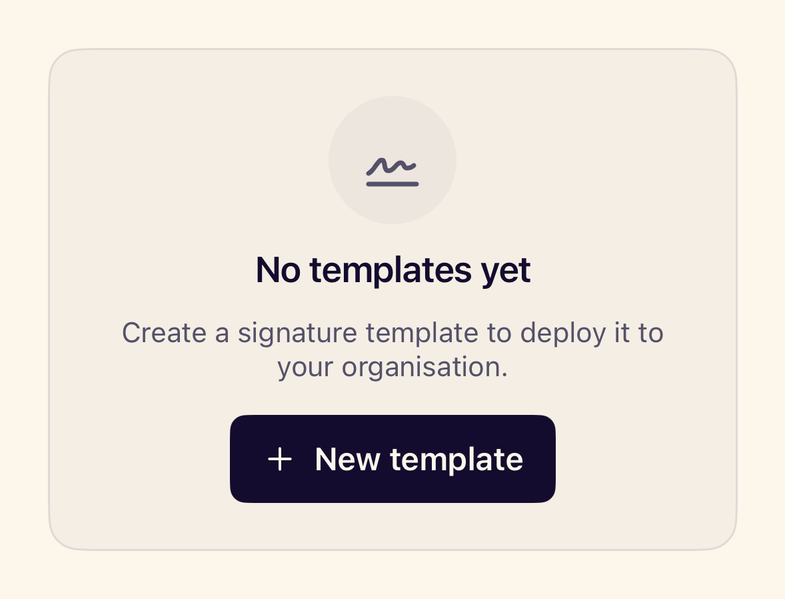
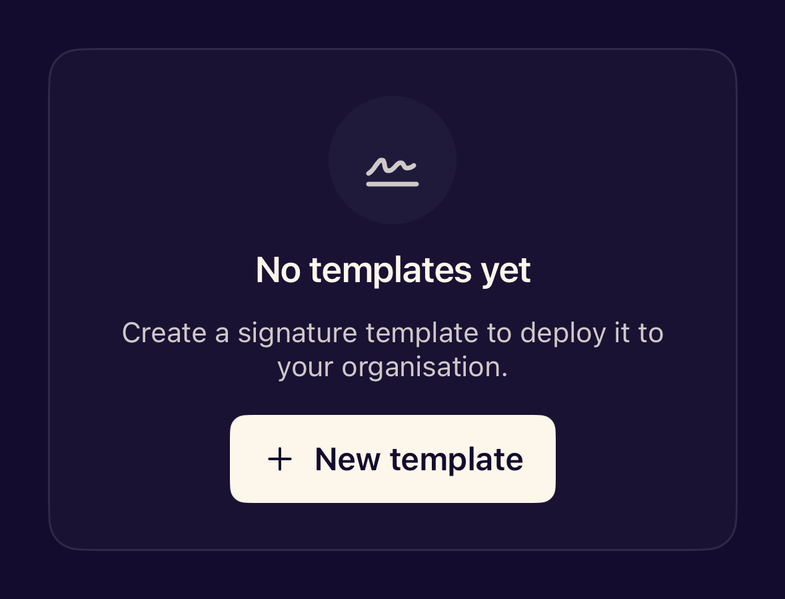
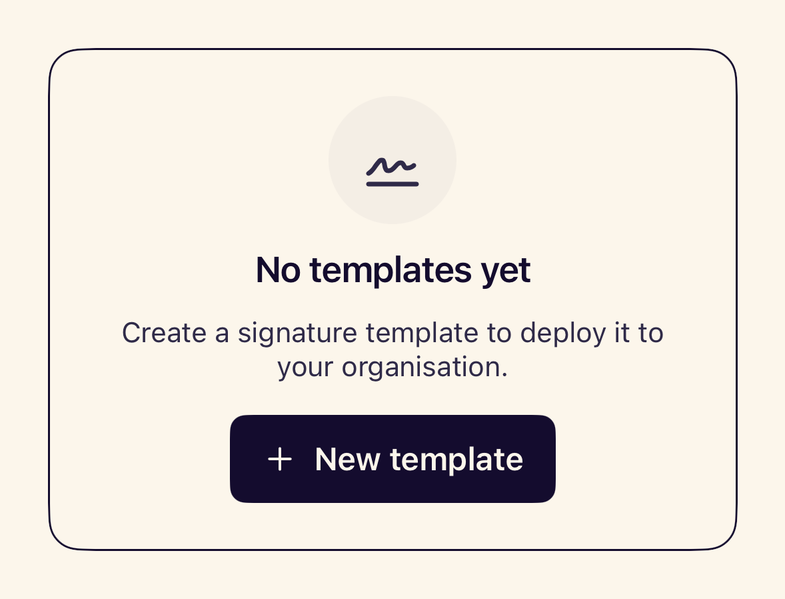
- StanceEmptyStateExplains an empty screen or list and offers the next action.
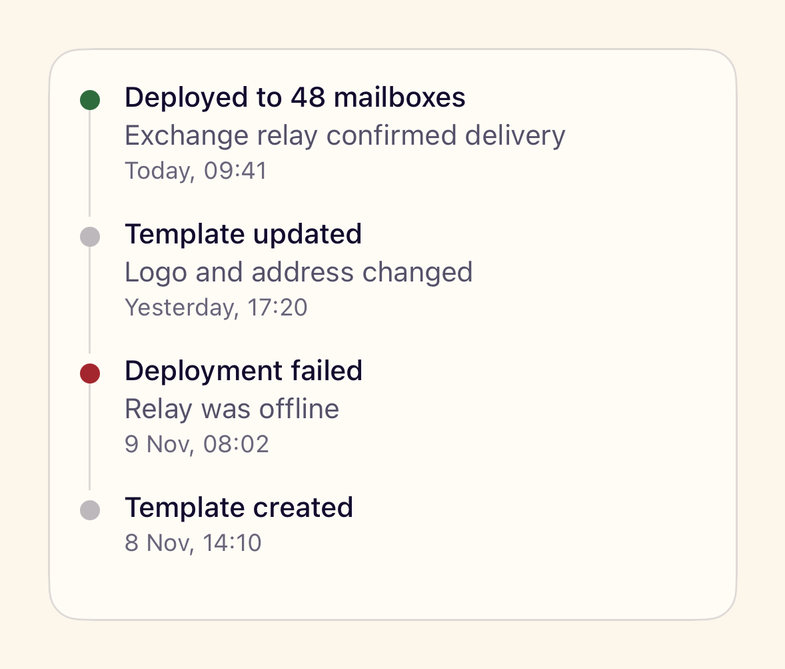
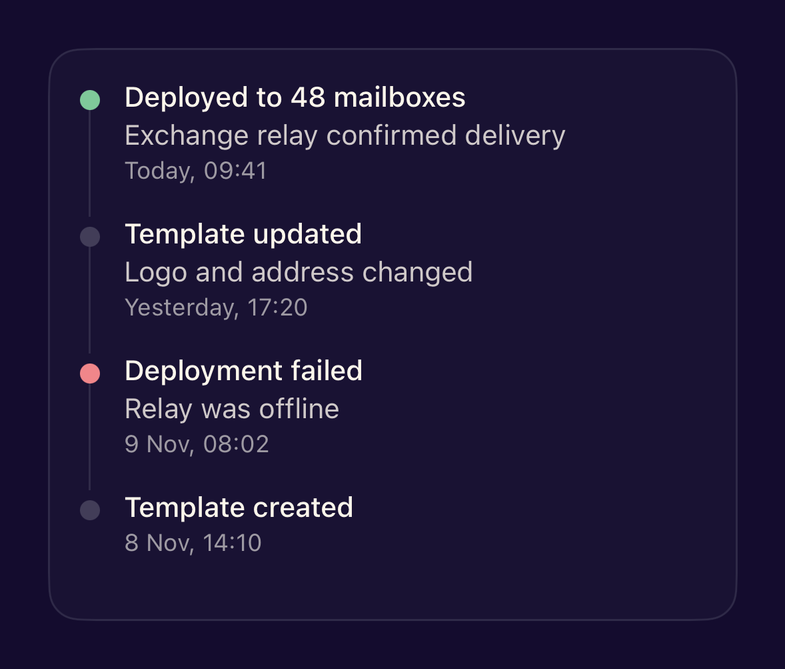
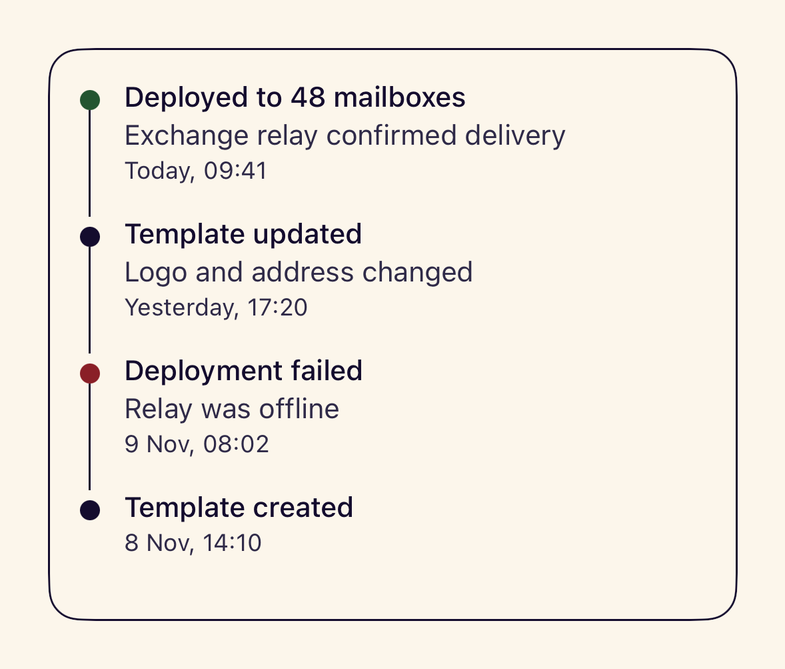
- StanceTimelineA vertical sequence of events with a title, detail, time and tone.
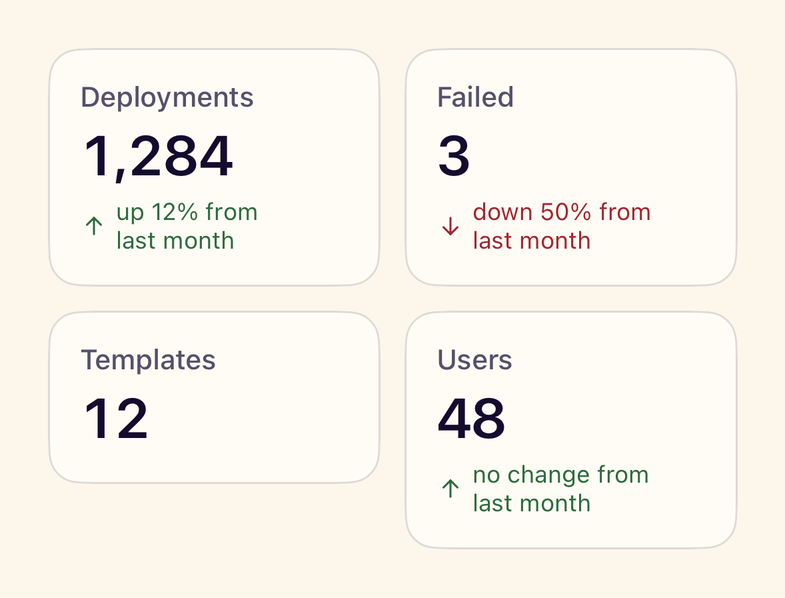
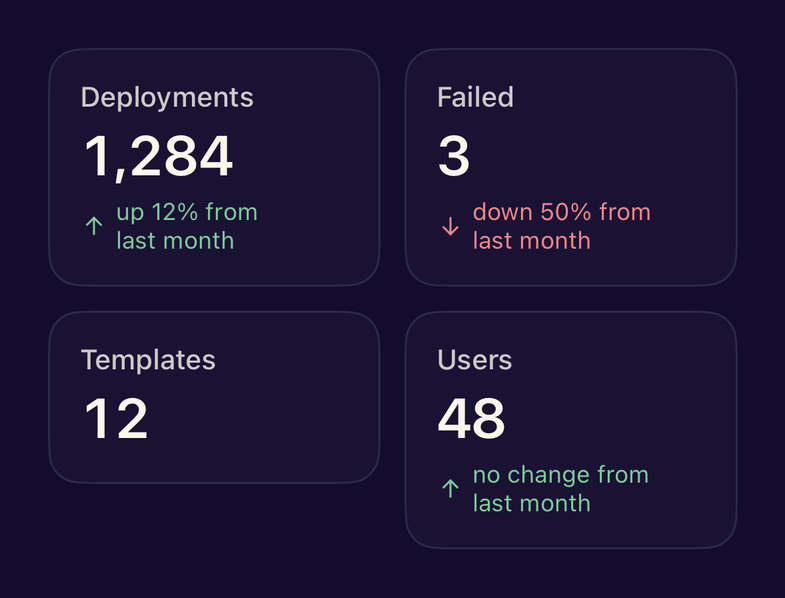
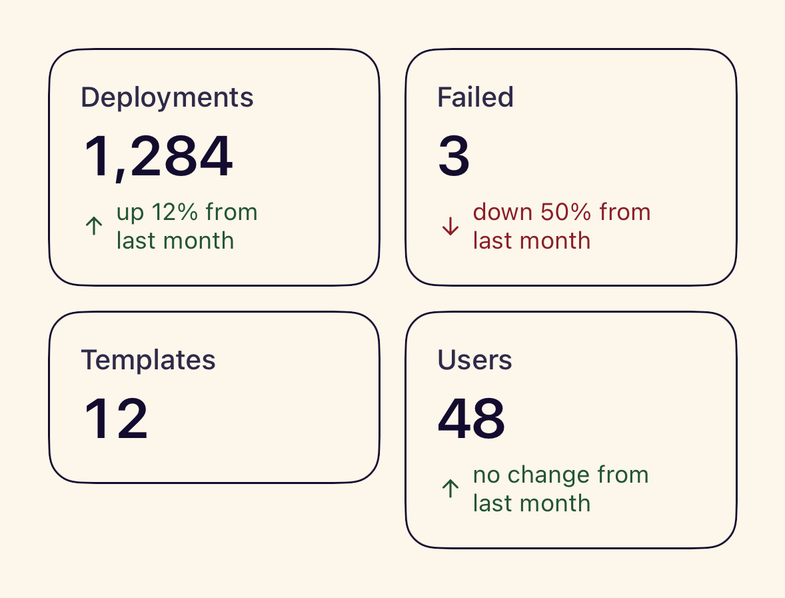
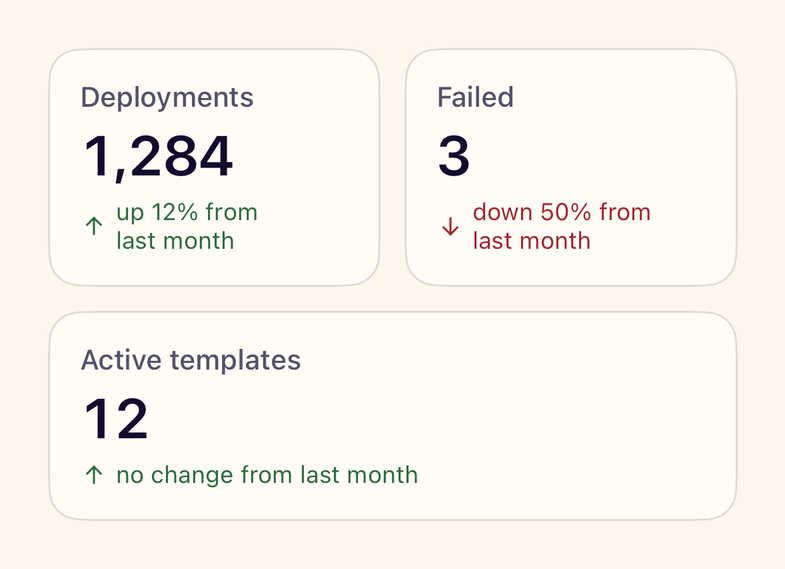
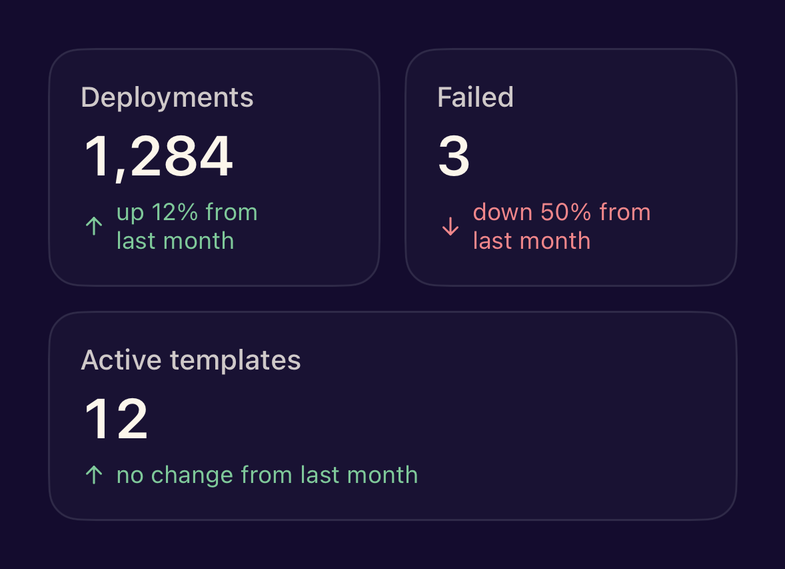
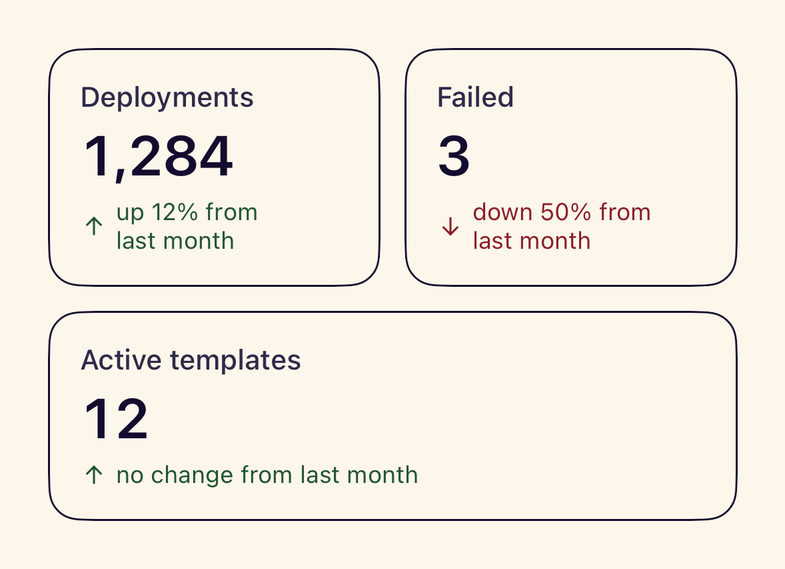
- StanceStatCardA key figure with a label and a change that is described in words for VoiceOver.
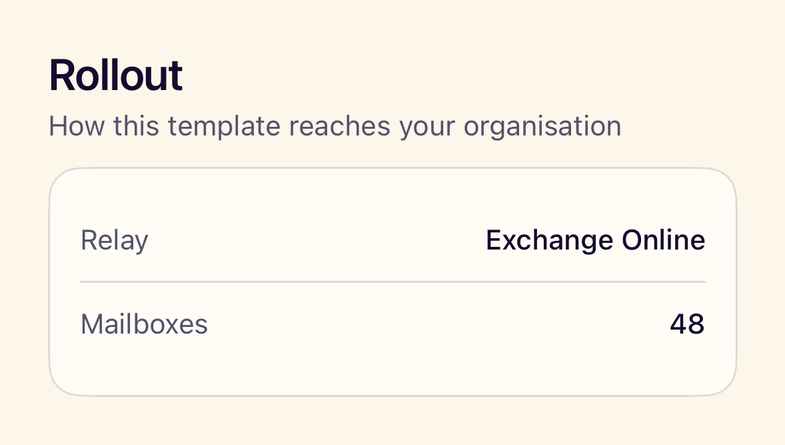
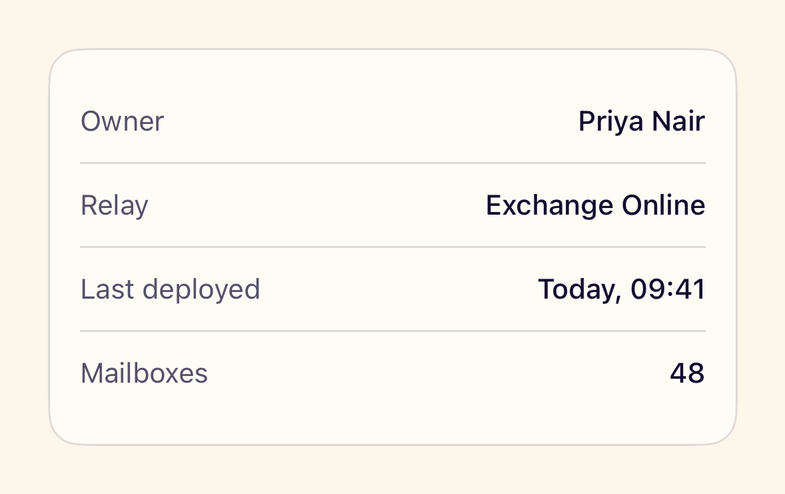
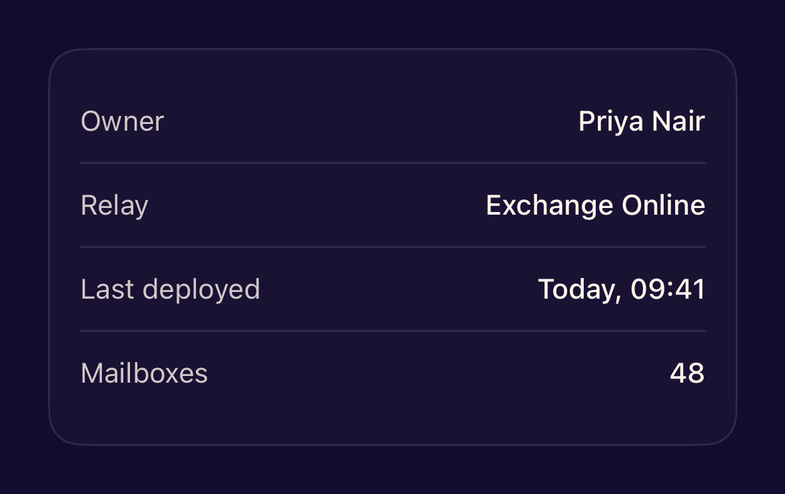
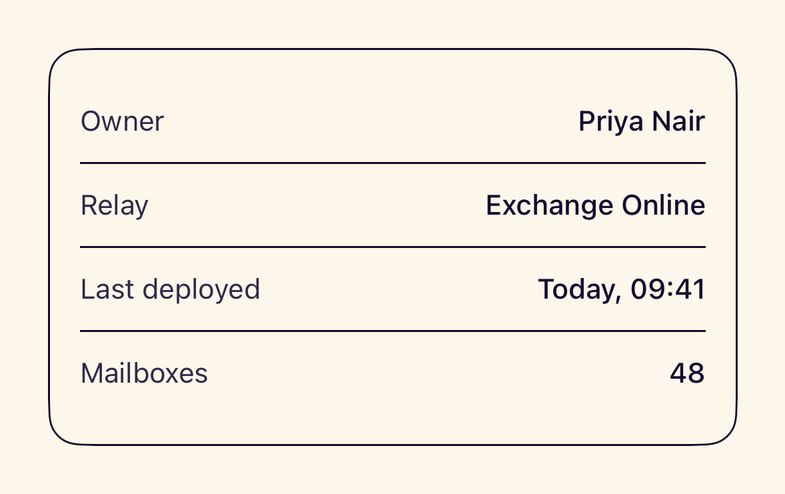
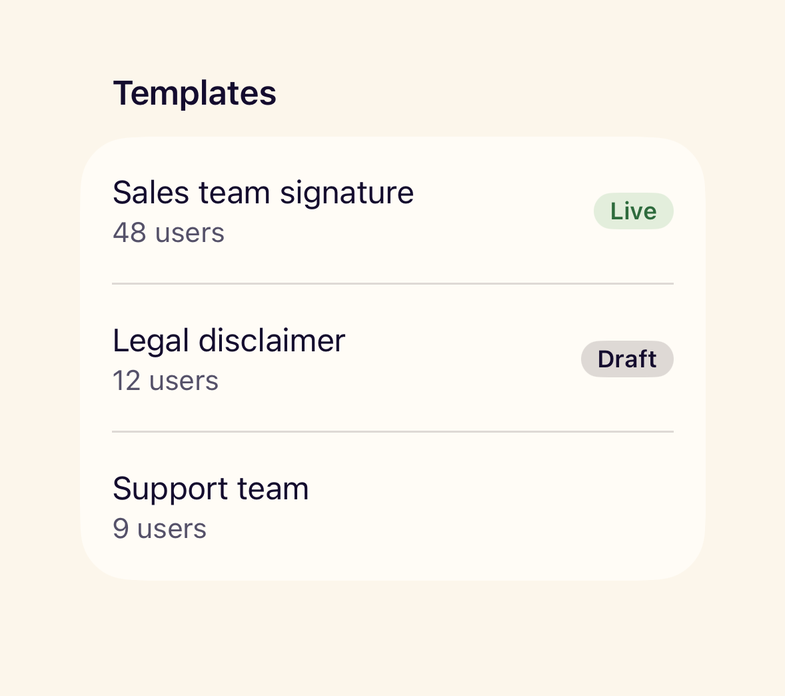
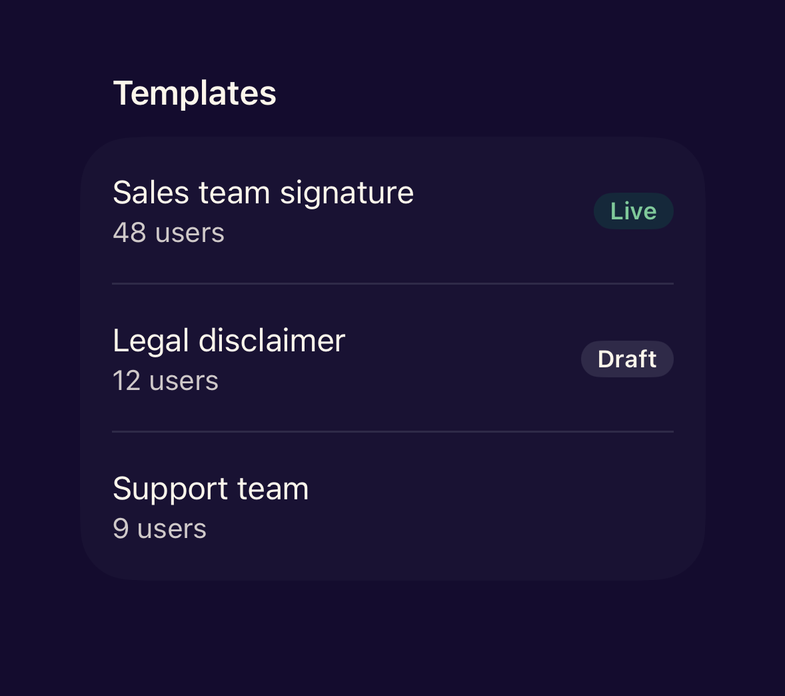
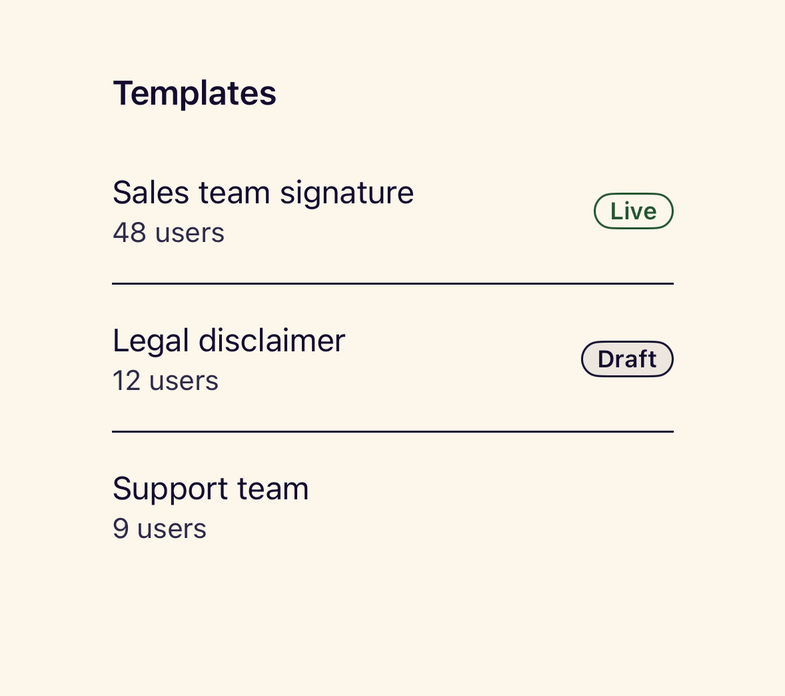
- StanceDescriptionListTerm and detail pairs that stack vertically at accessibility text sizes.
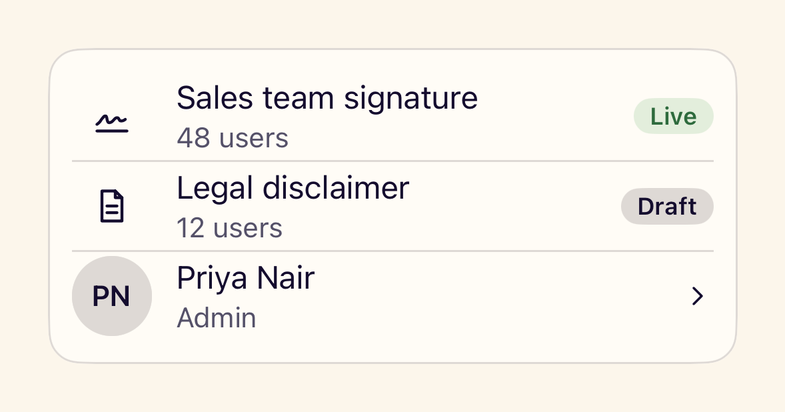
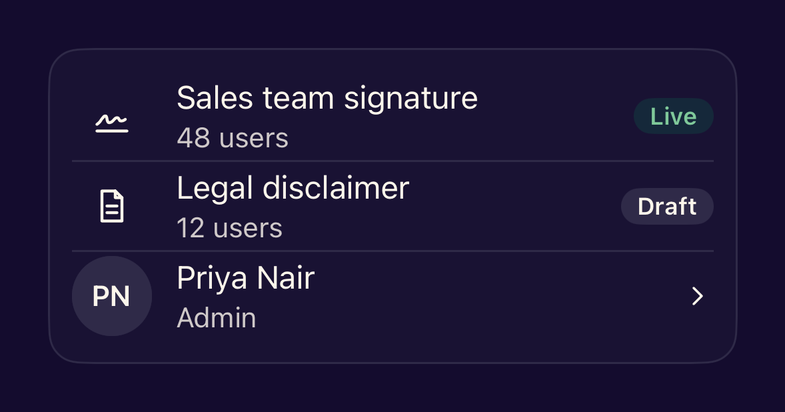
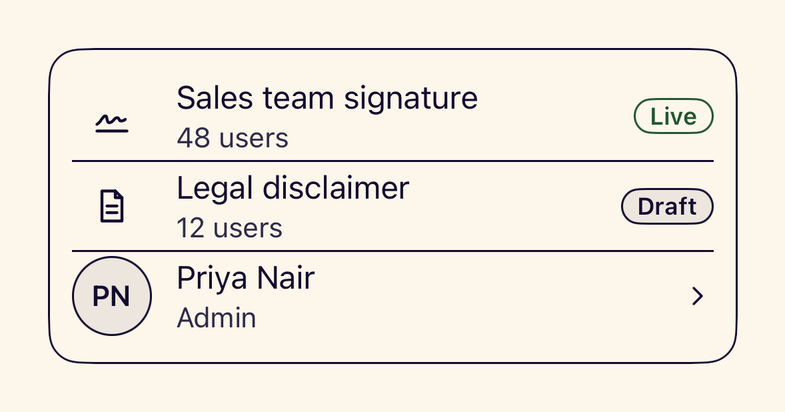
- StanceListRowA list row with leading content, title, subtitle and trailing accessory for List and NavigationLink.
- stanceListStyle()Modifiers that put List and Form on the Stance canvas with themed rows and separators.
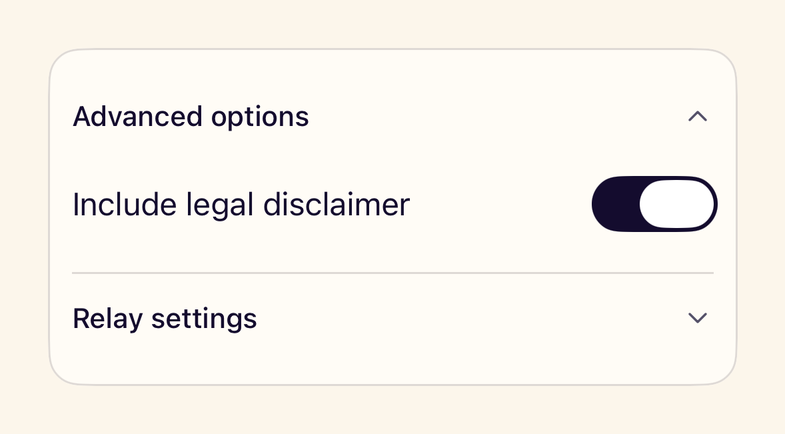
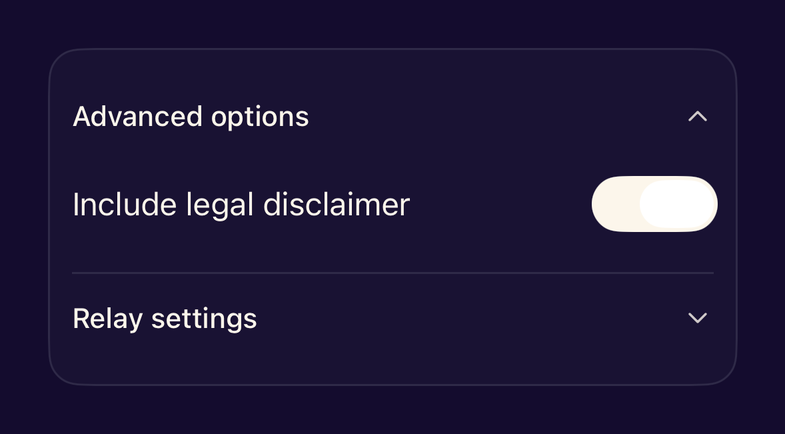
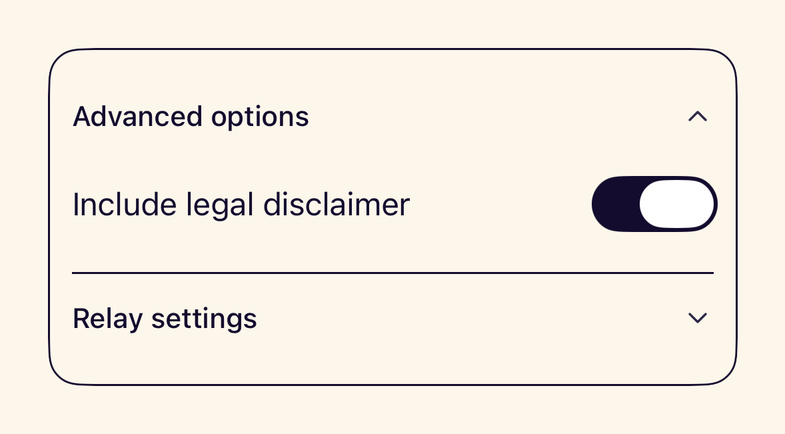
- StanceDisclosureGroupStyleStance styling for the native DisclosureGroup with a 44pt header.

Feedback
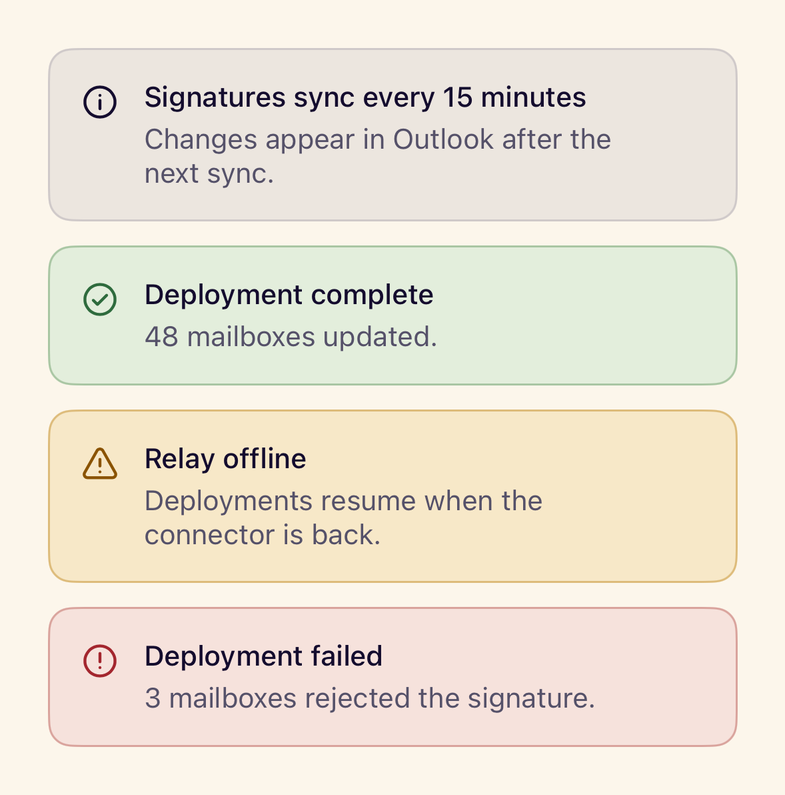
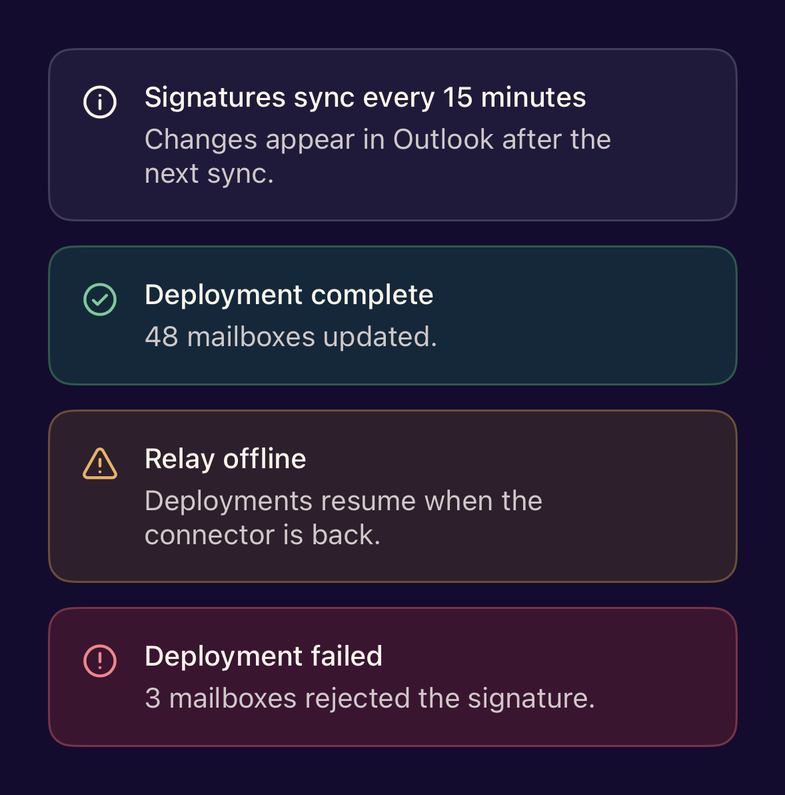
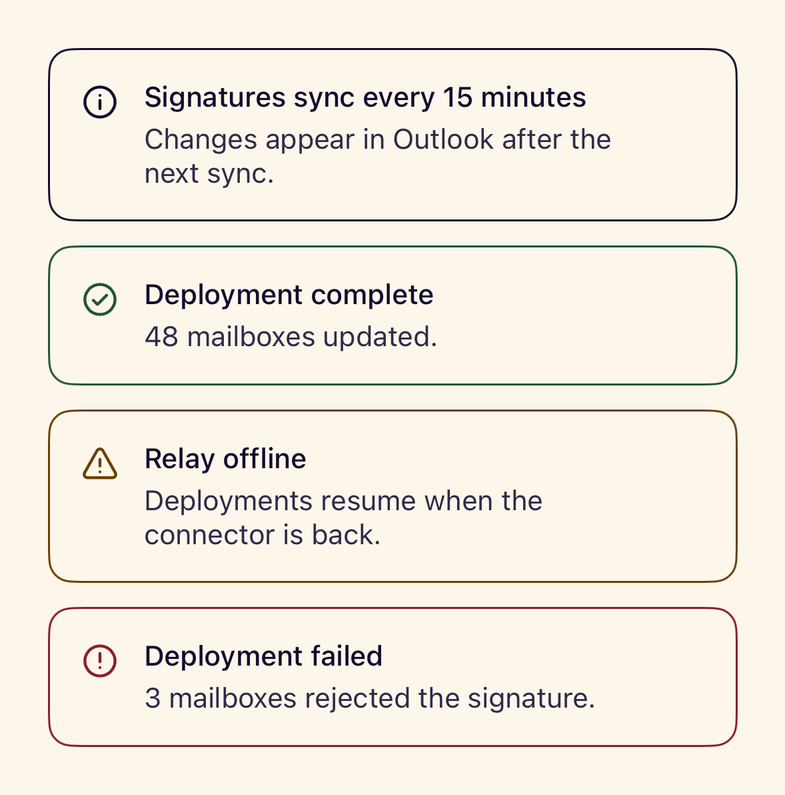
- StanceInlineAlertAn inline status message with a tone icon, title, message and optional actions.
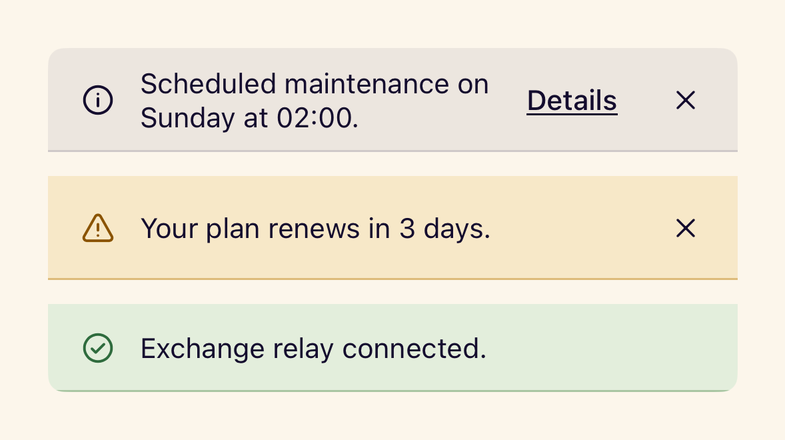
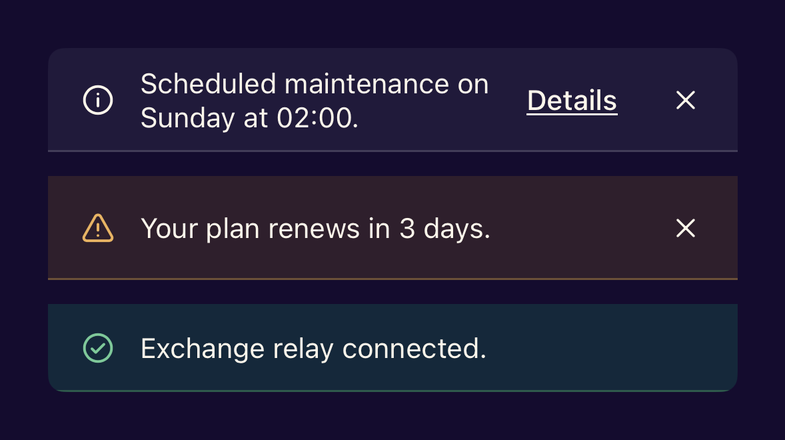
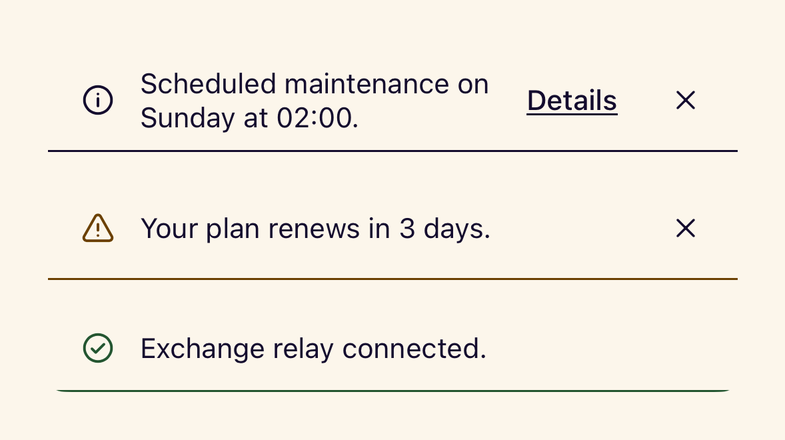
- StanceBannerA full-width announcement with an optional action and dismiss button.
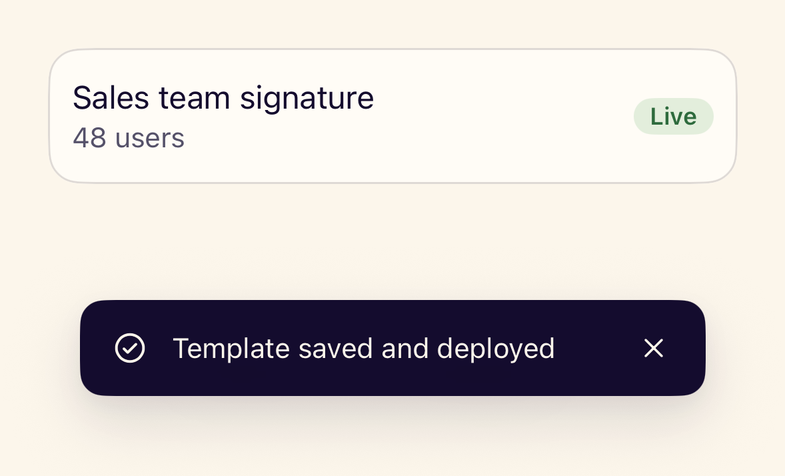
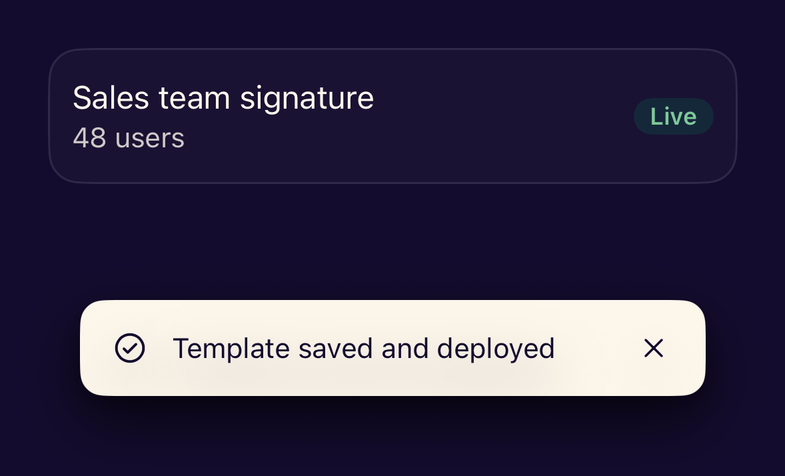
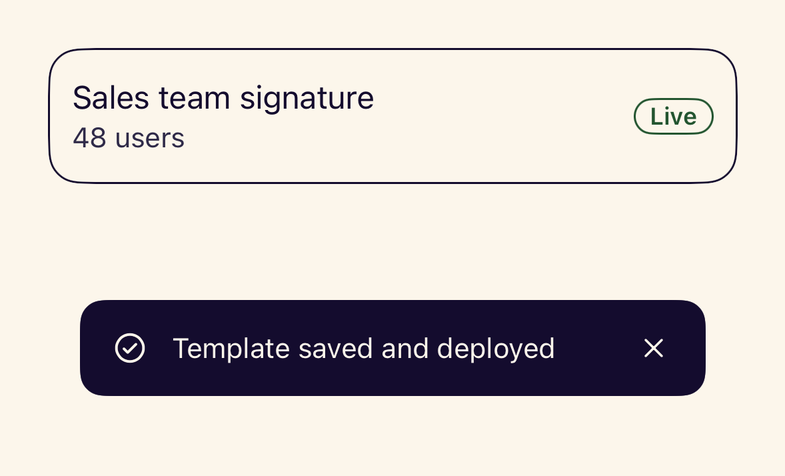
- StanceToastCenterQueues transient messages, shows one at a time and announces each to VoiceOver.
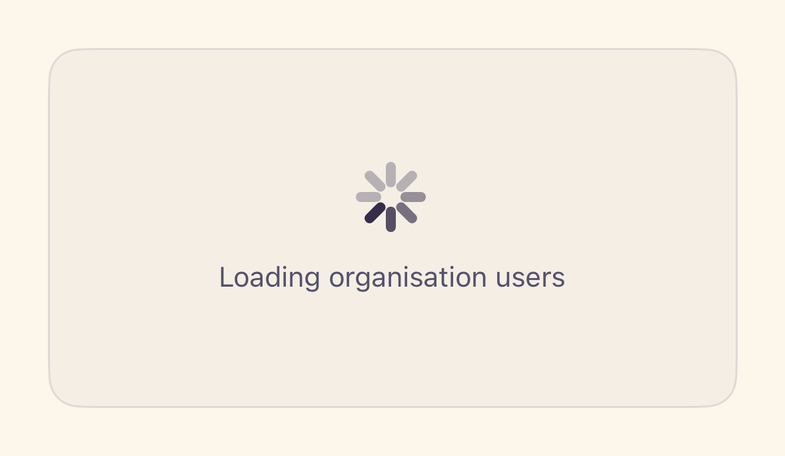
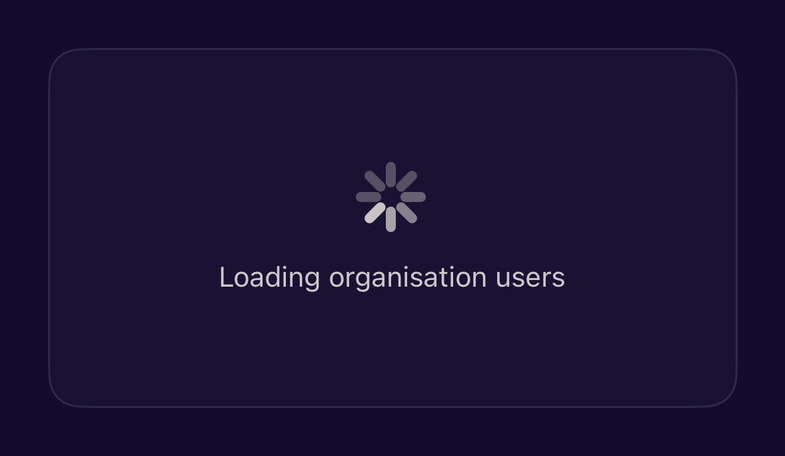
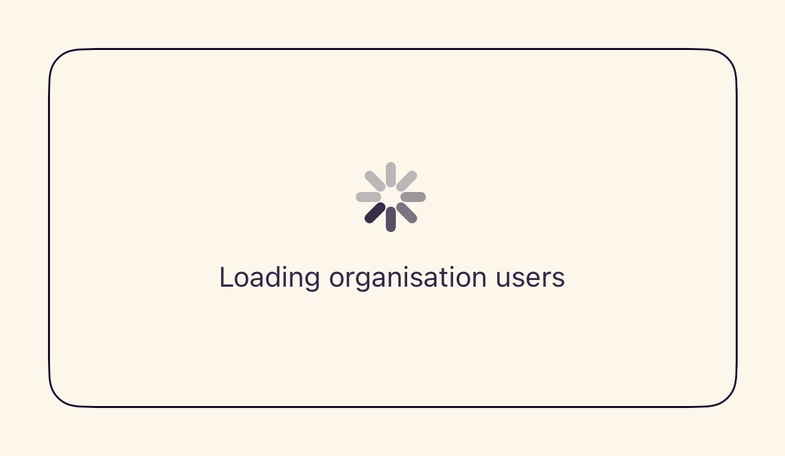
- StanceLoadingStateA centred progress indicator with a message for loading screens and regions.
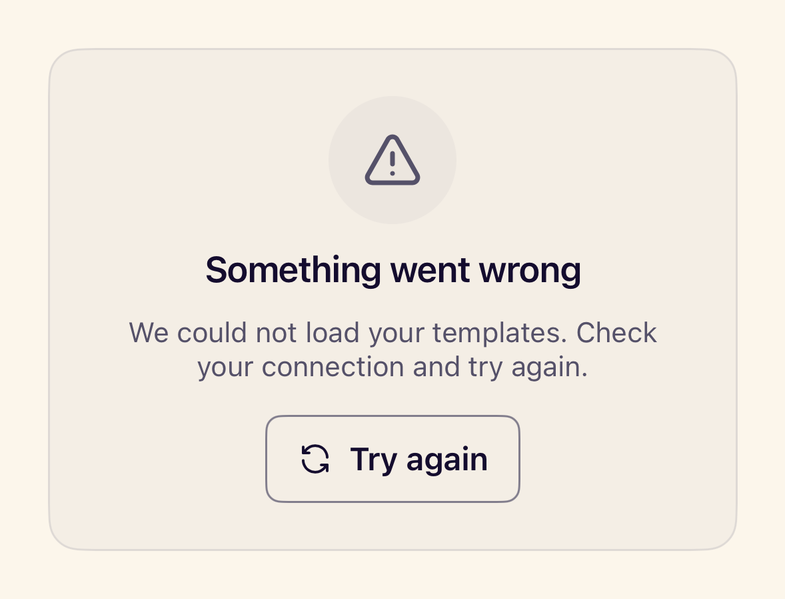
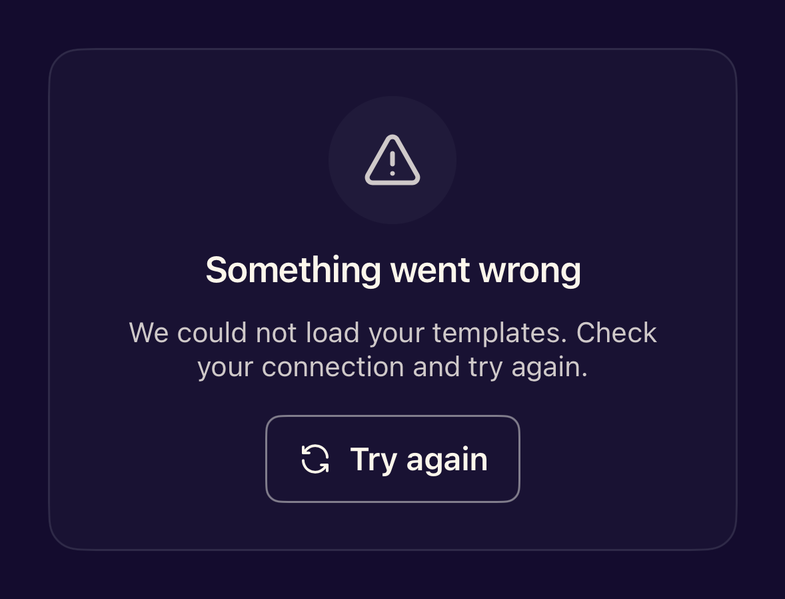
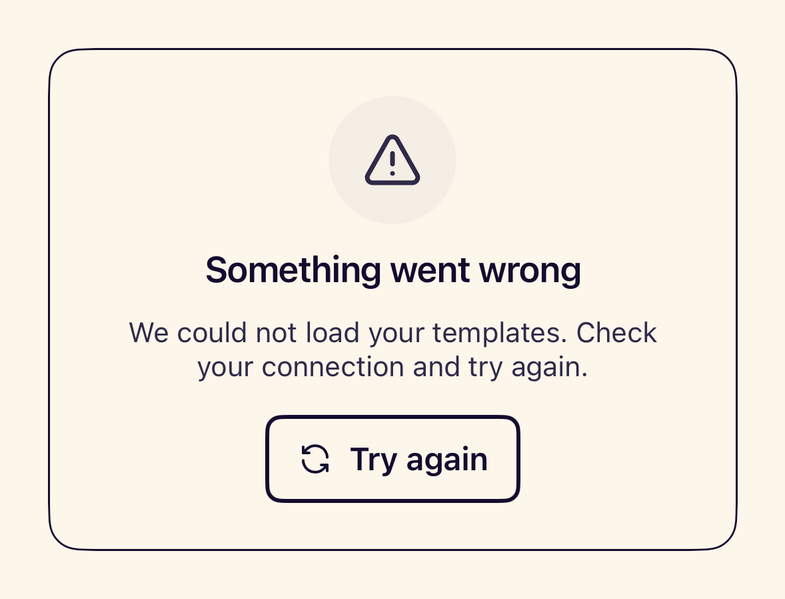
- StanceErrorStateExplains a failure in plain language and offers a retry action.
Overlays
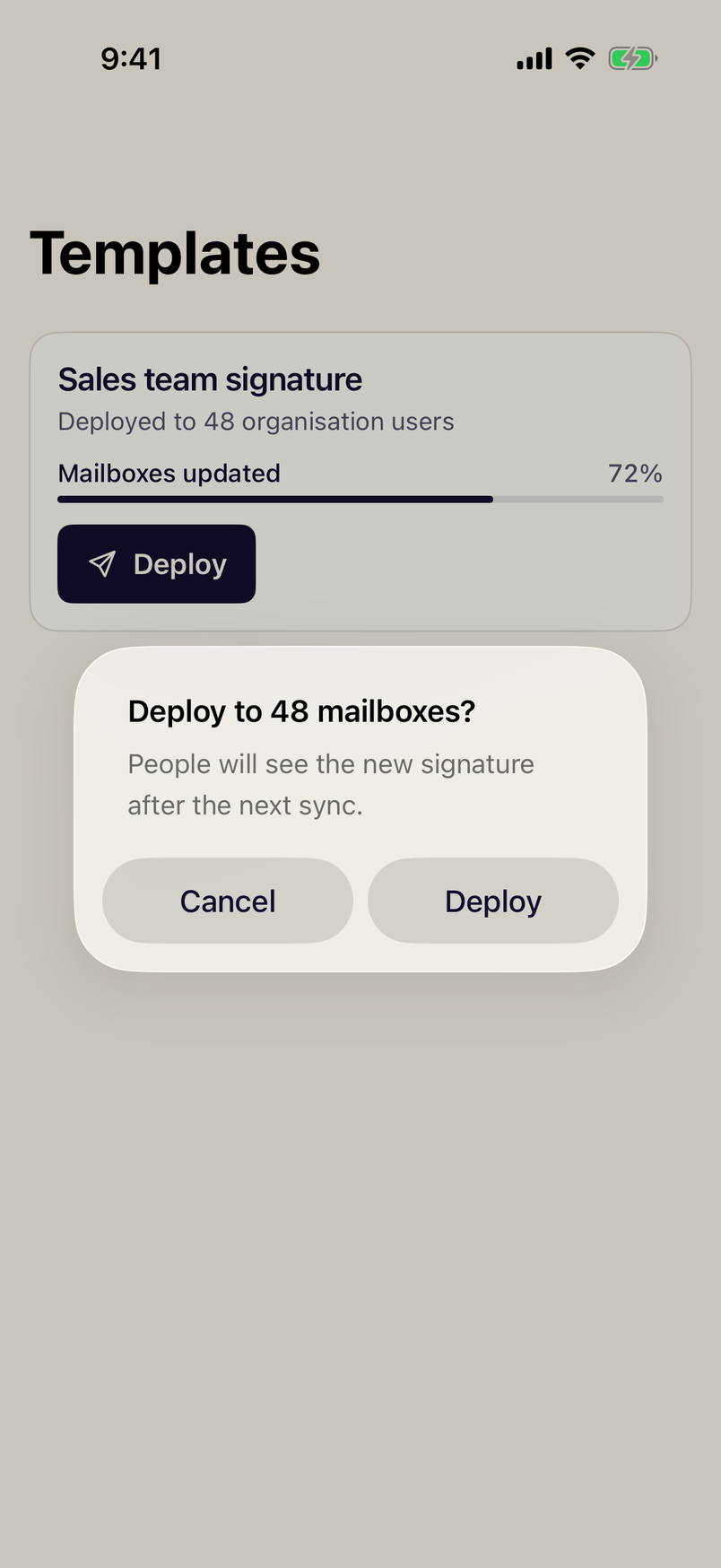
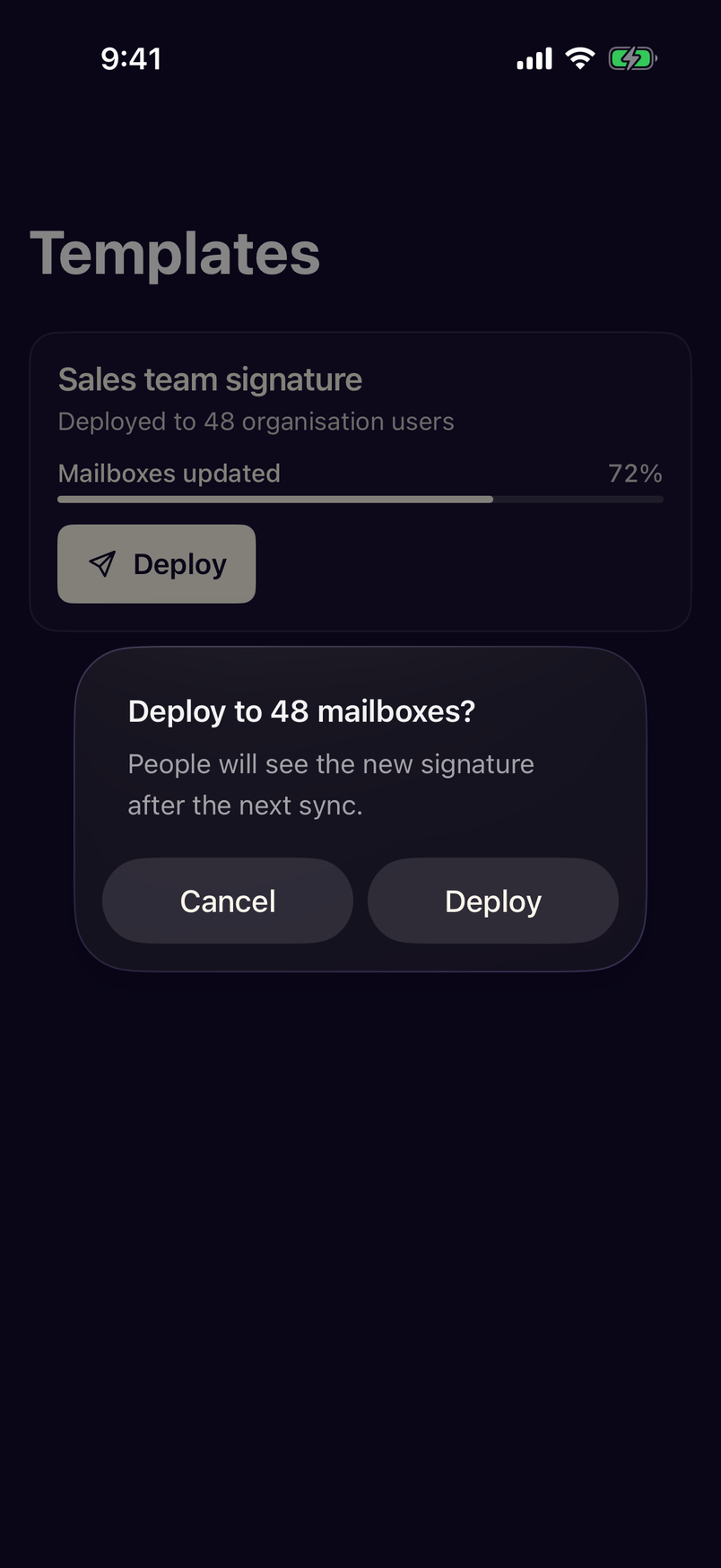
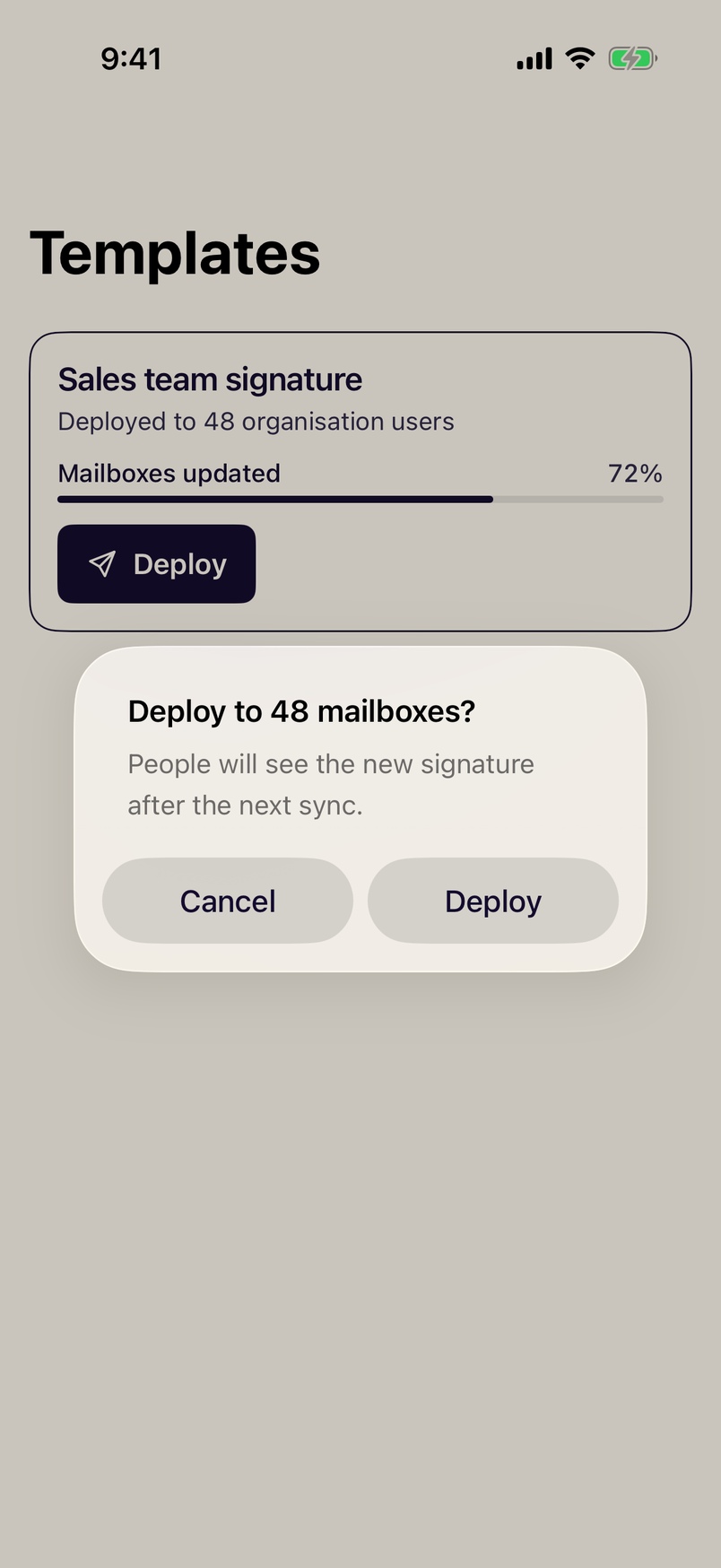
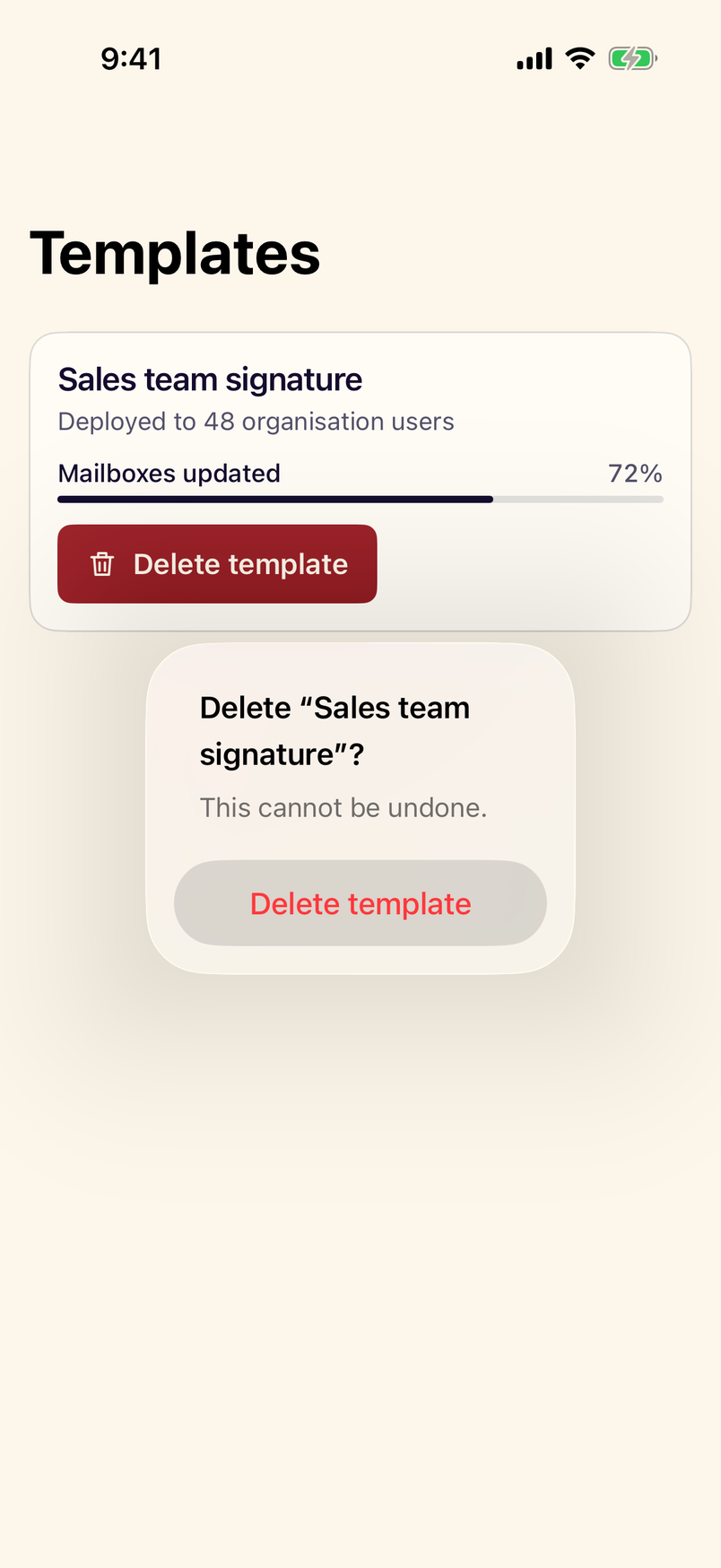
Advanced
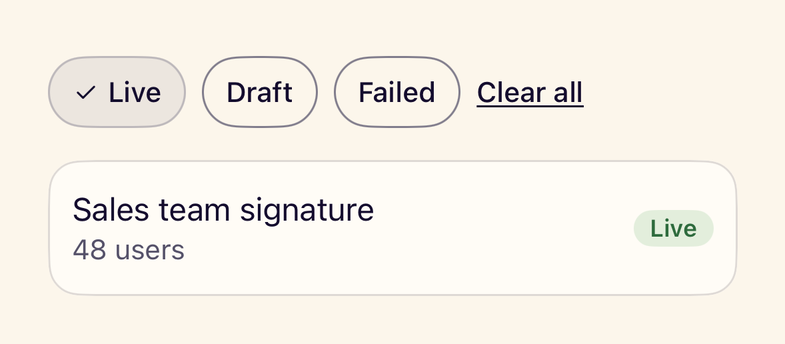
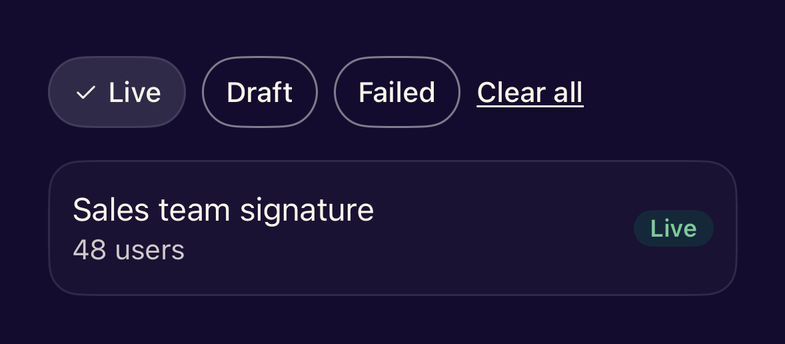
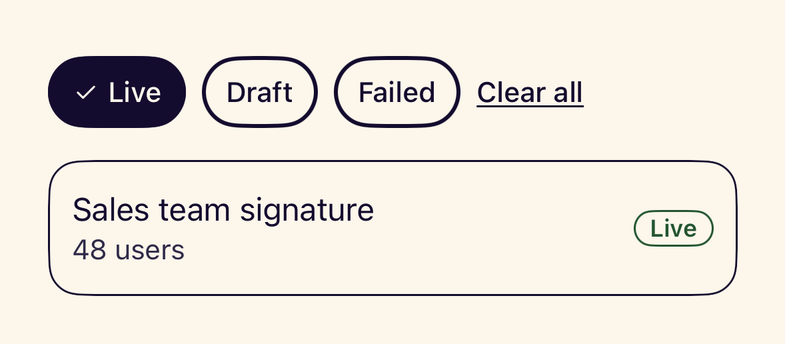
- StanceFilterBarA horizontally scrolling row of selectable filter chips with a clear-all action.
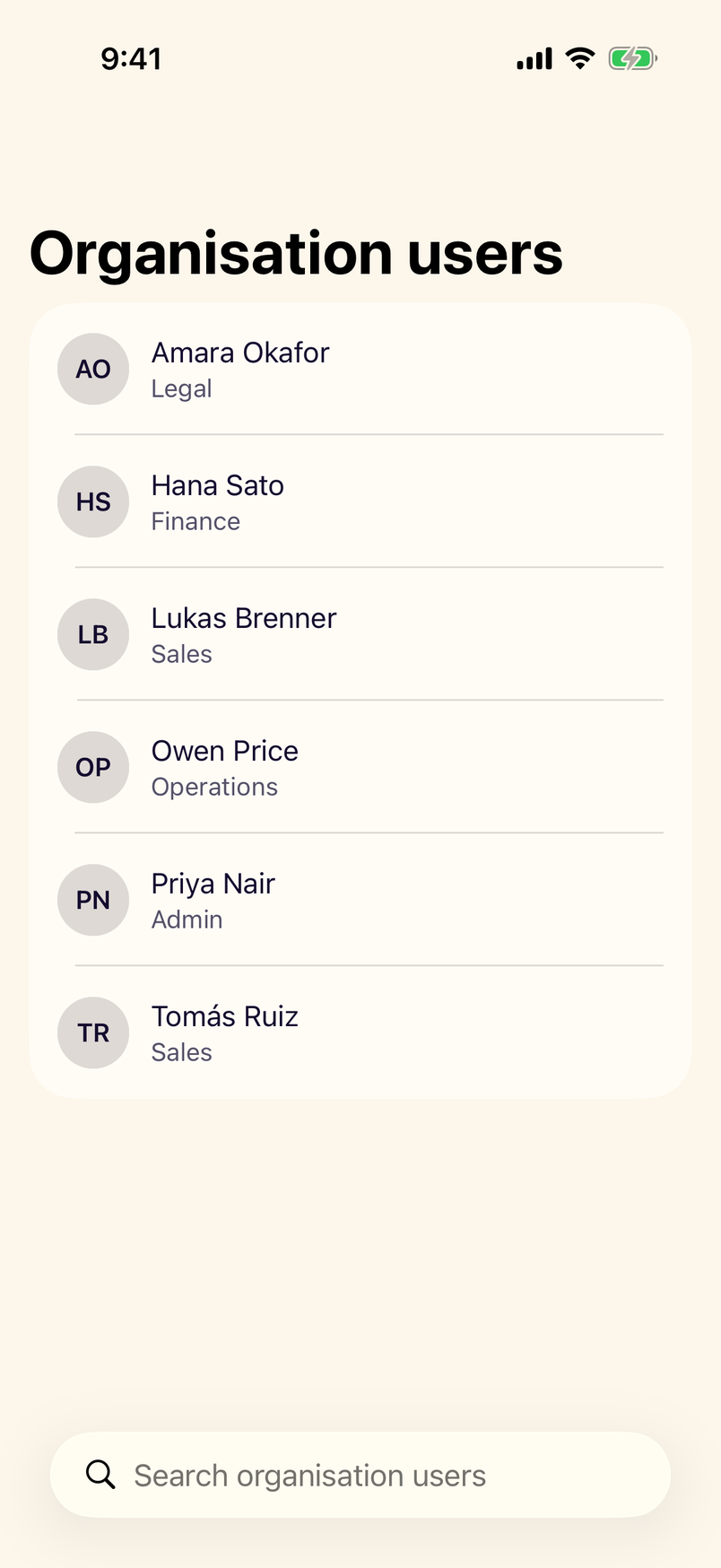
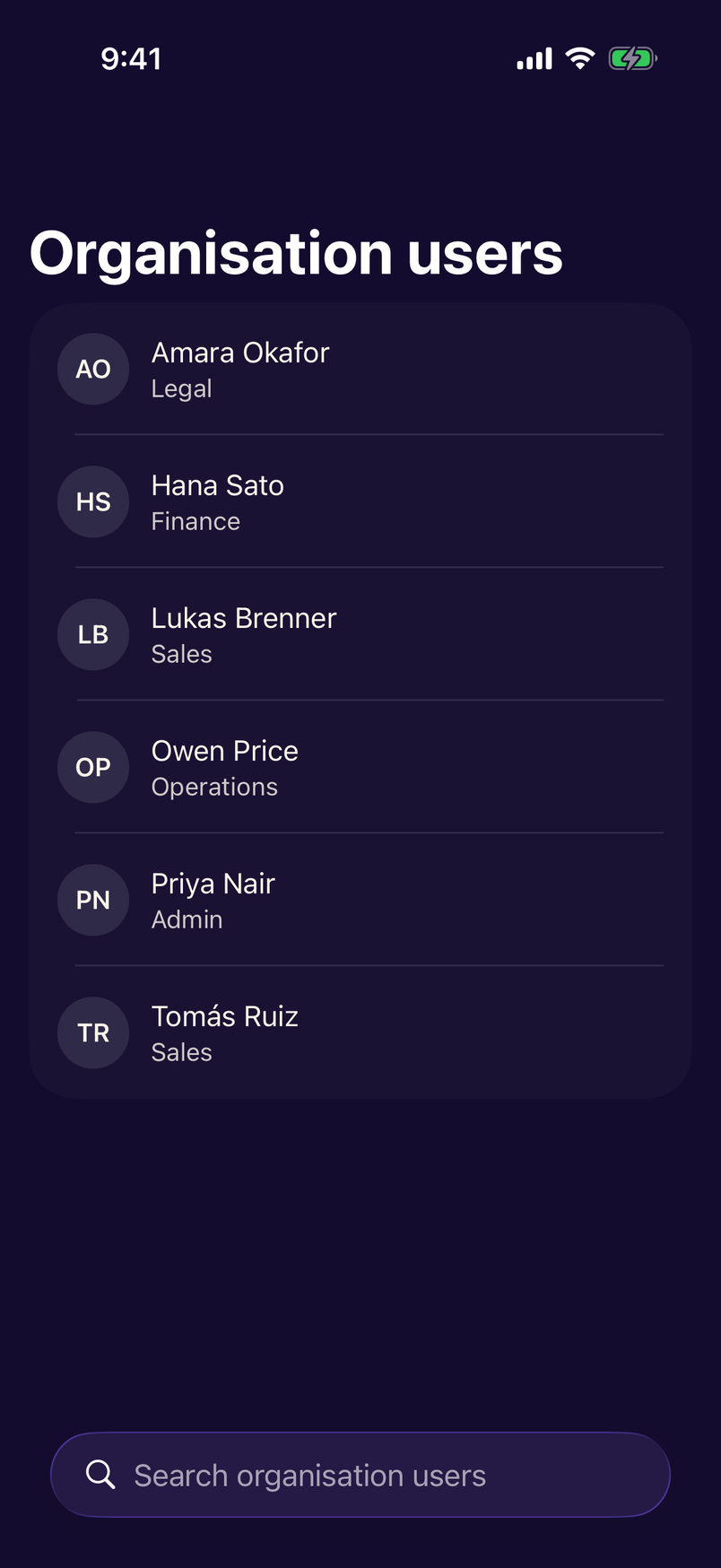
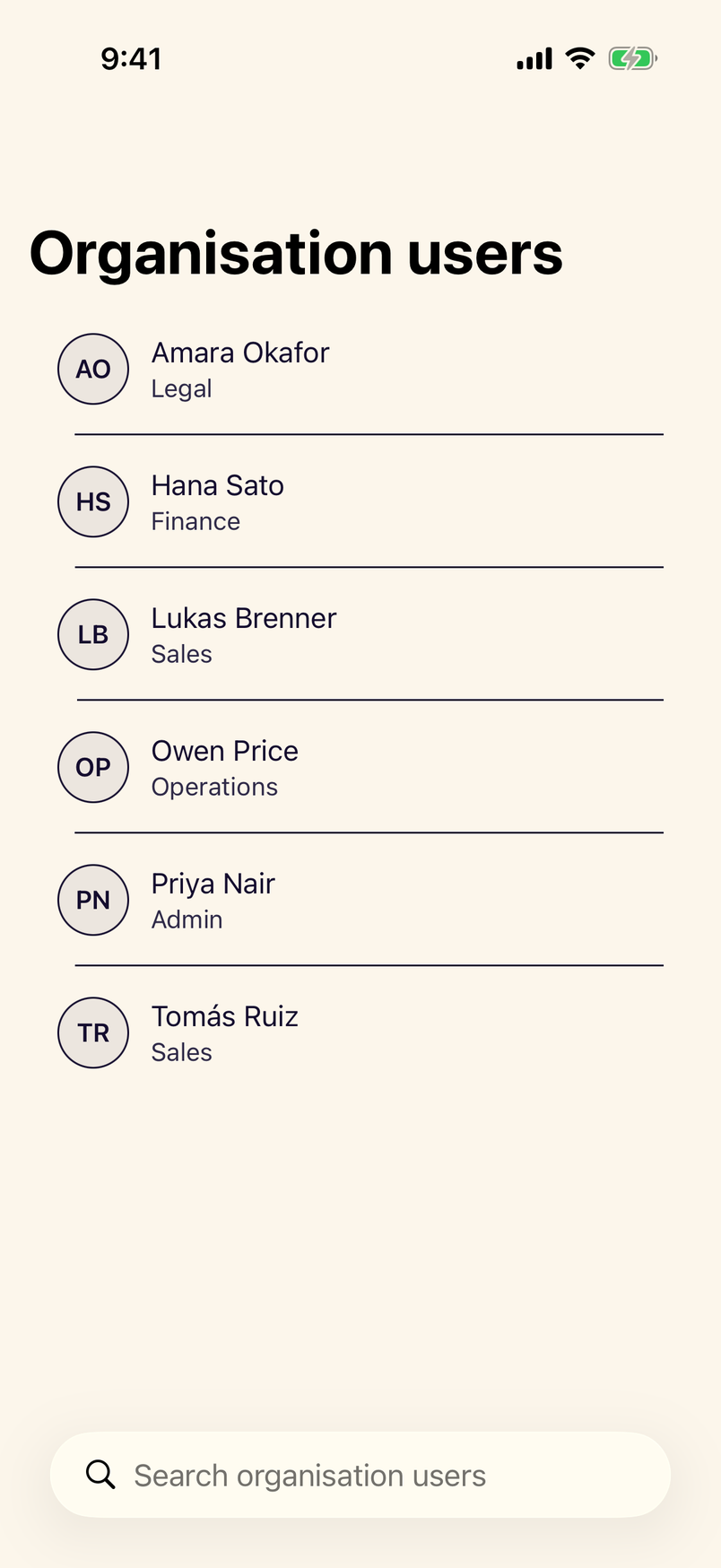
- StanceSearchableListA list with native search that filters as you type and announces the result count.
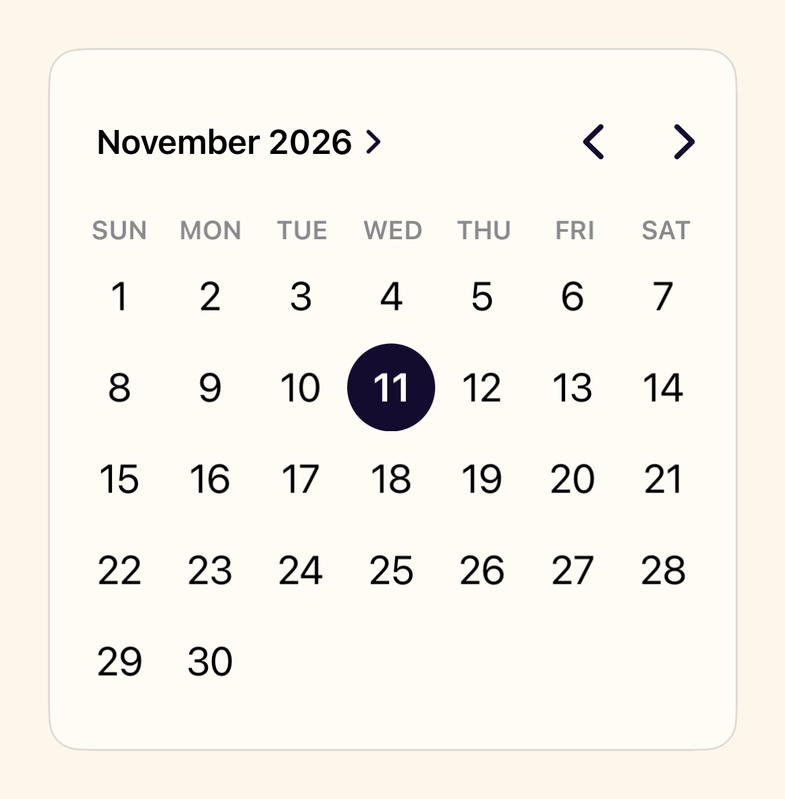
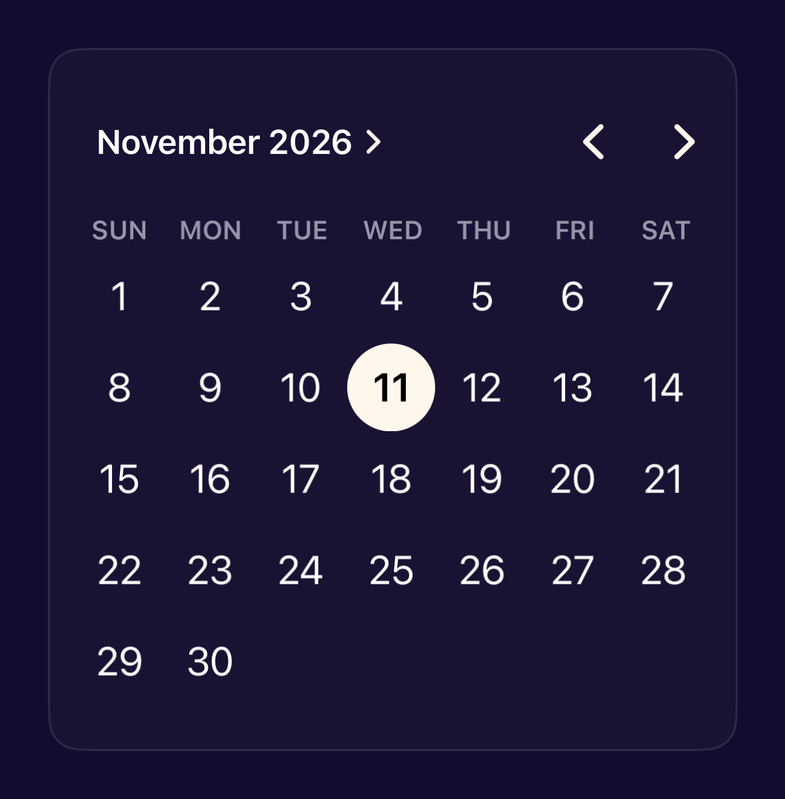
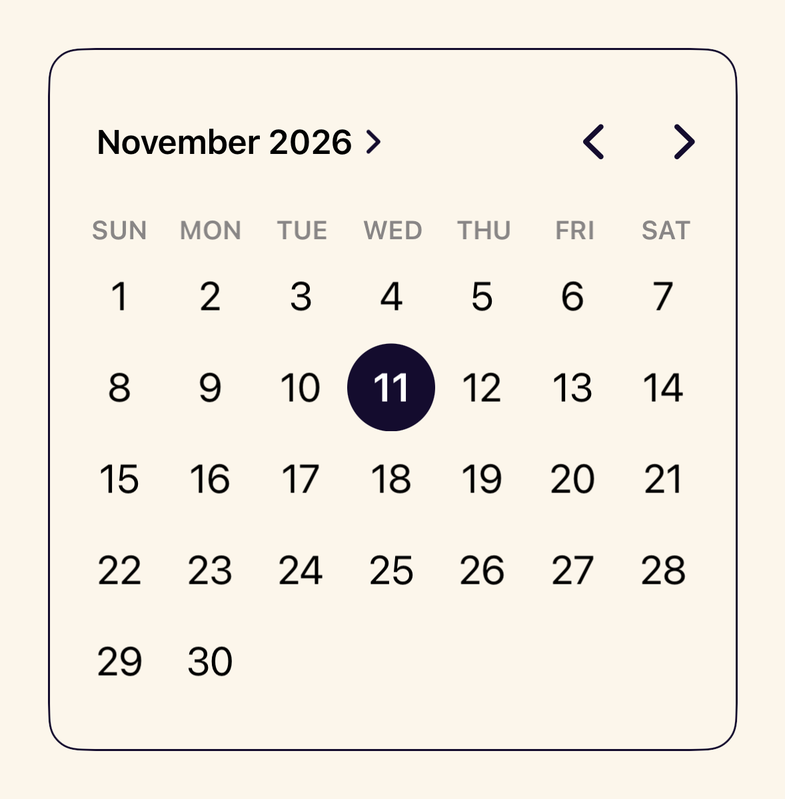
- StanceCalendarA month calendar built on the native graphical DatePicker in Stance colours.
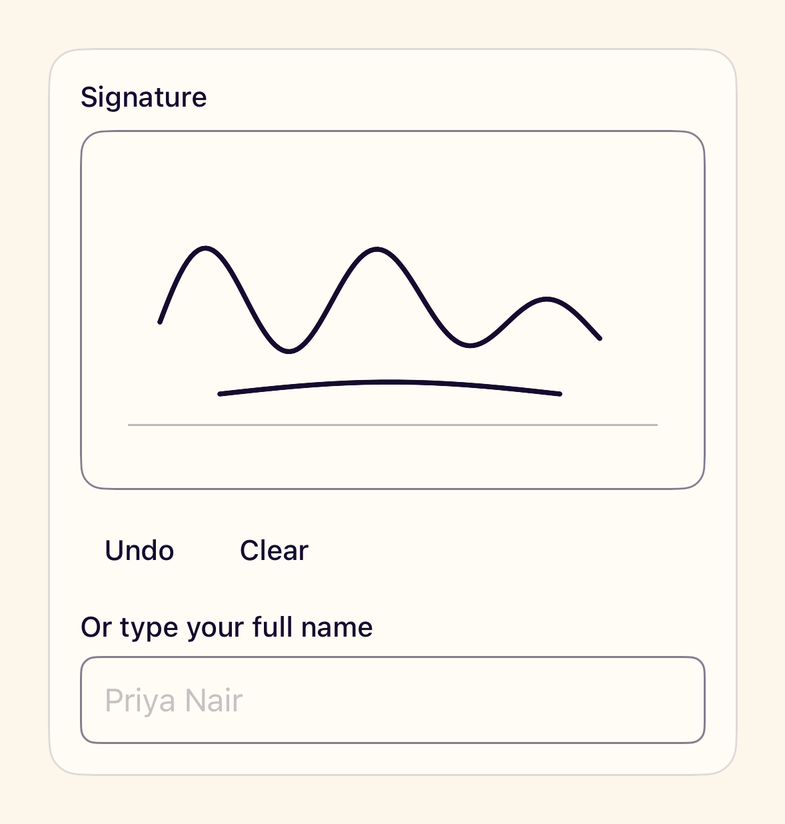
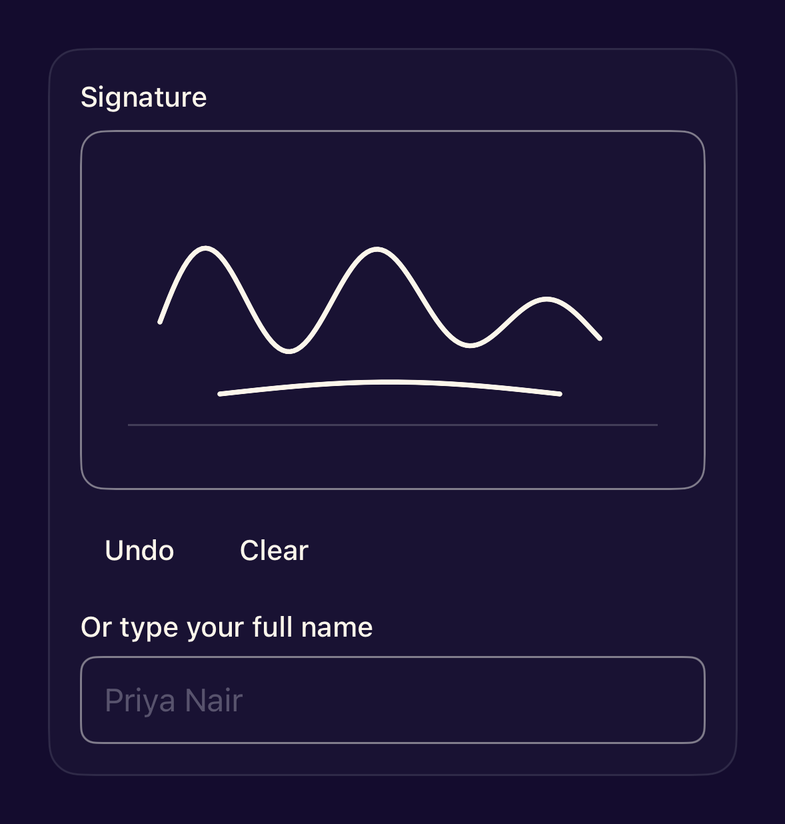
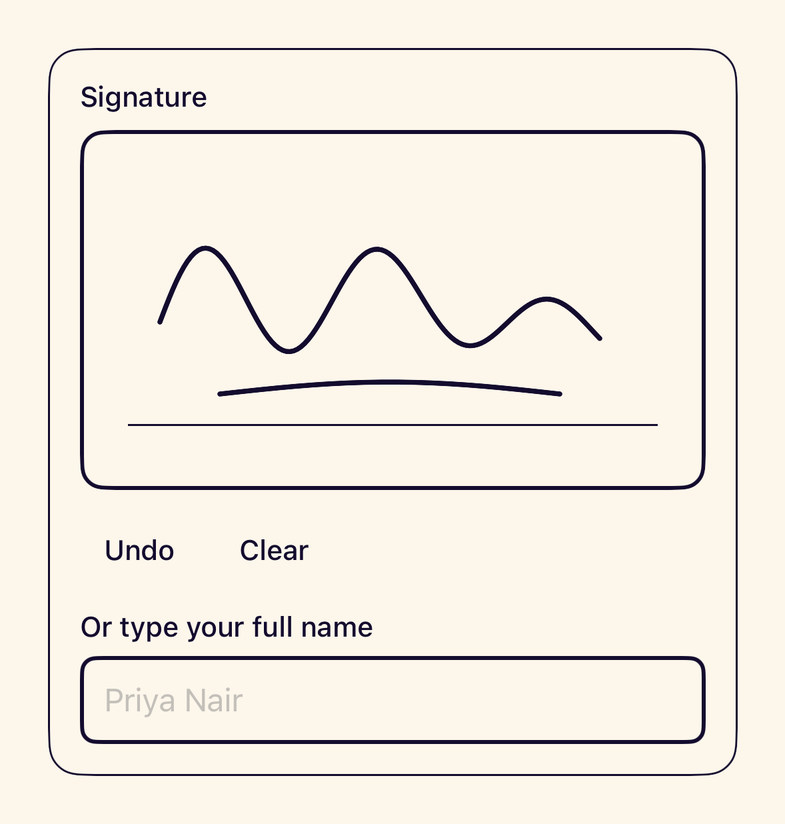
- StanceSignatureCanvasA canvas for drawing a signature with a finger or Apple Pencil, with undo, clear and an alternative slot.
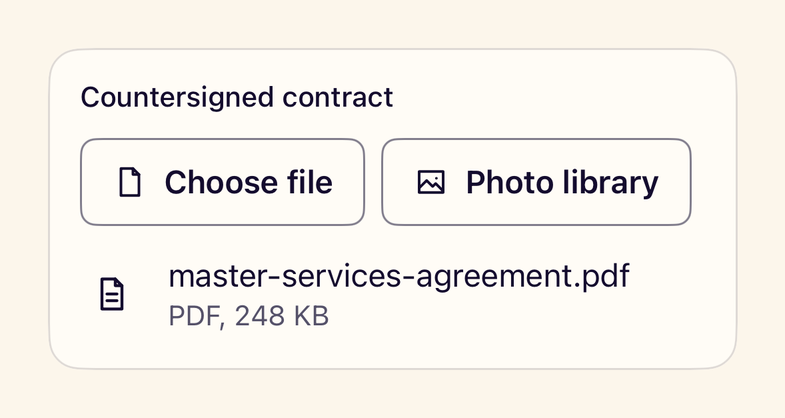
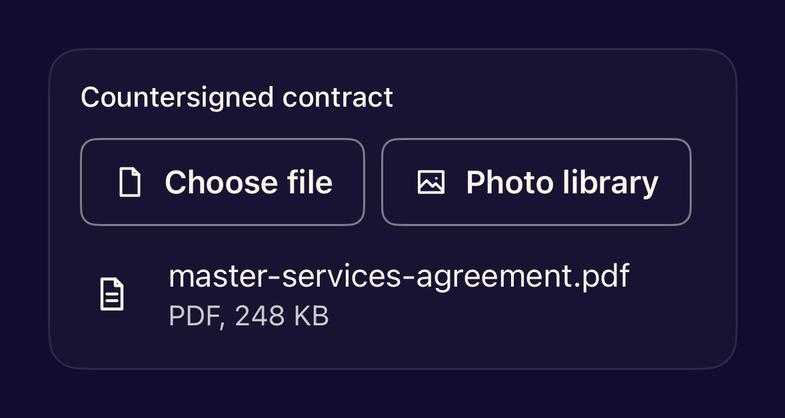
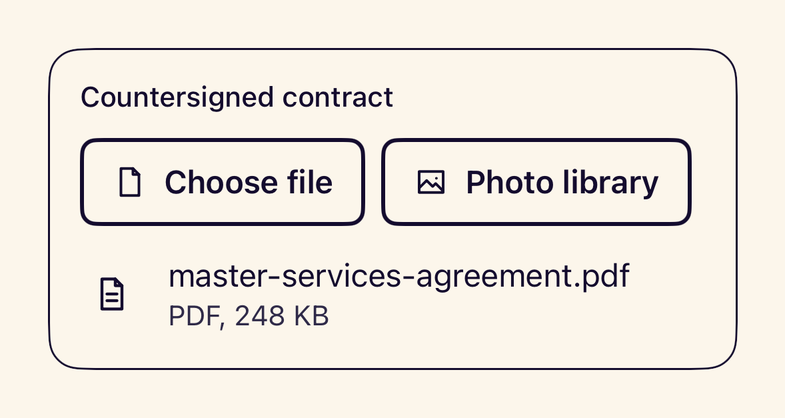
- StanceAttachmentPickerButtons that open the system photo picker and file importer without requesting library permission.
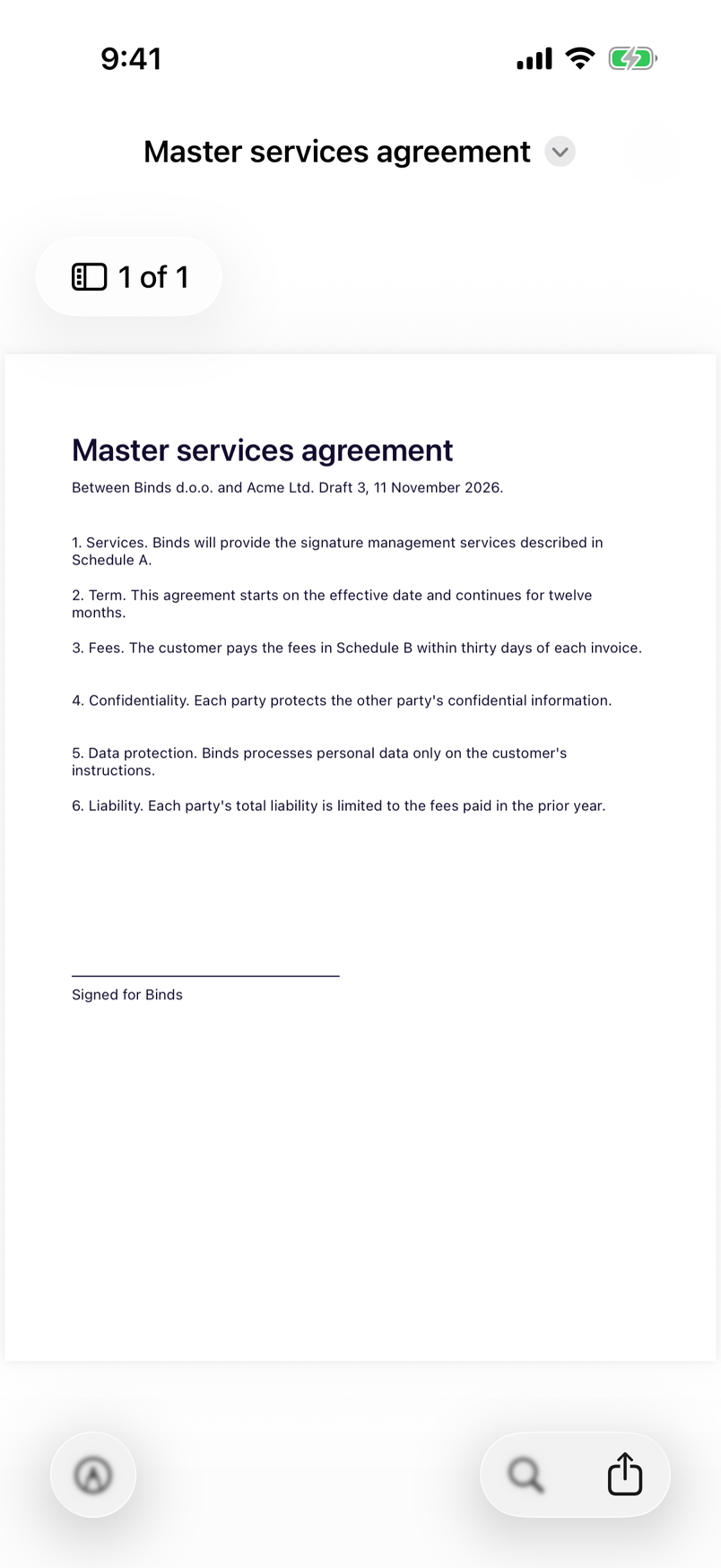
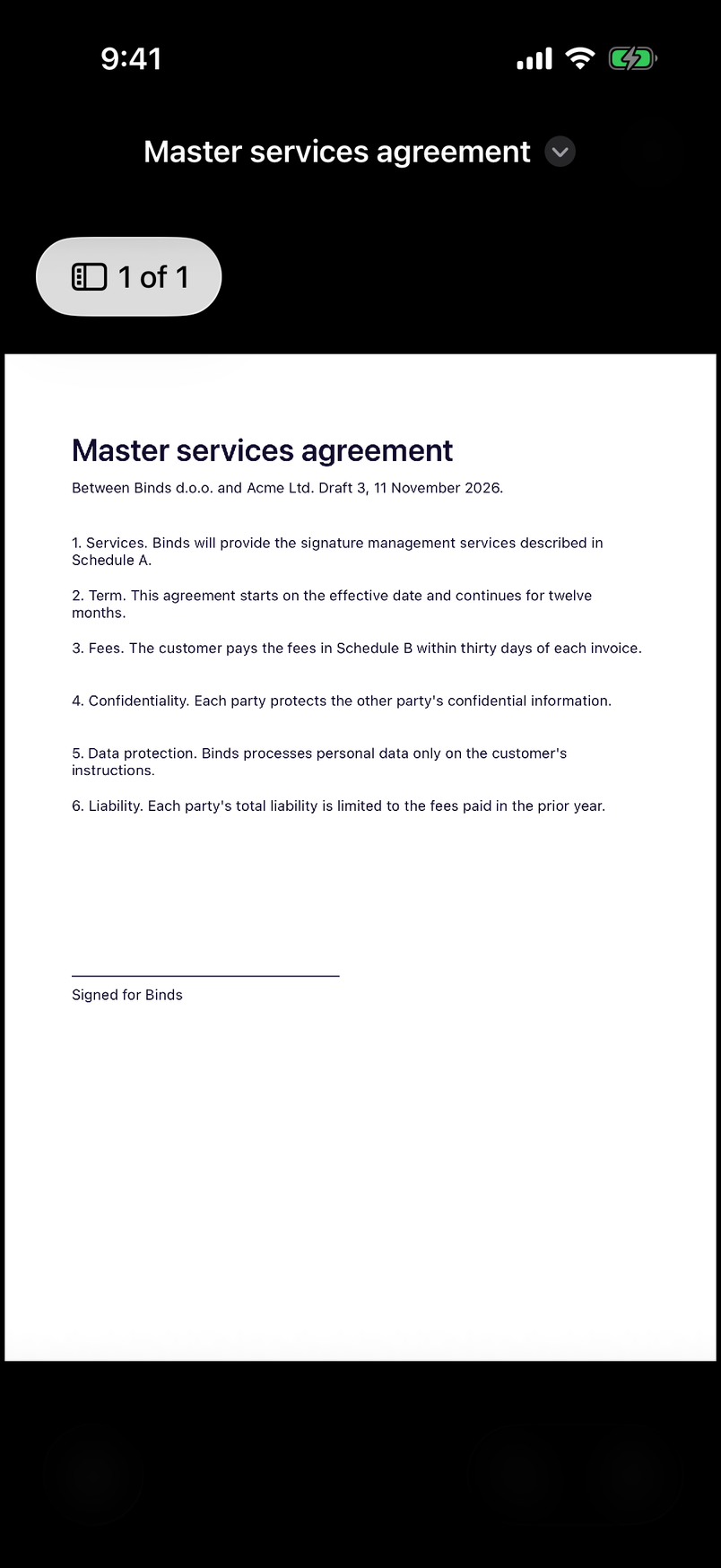
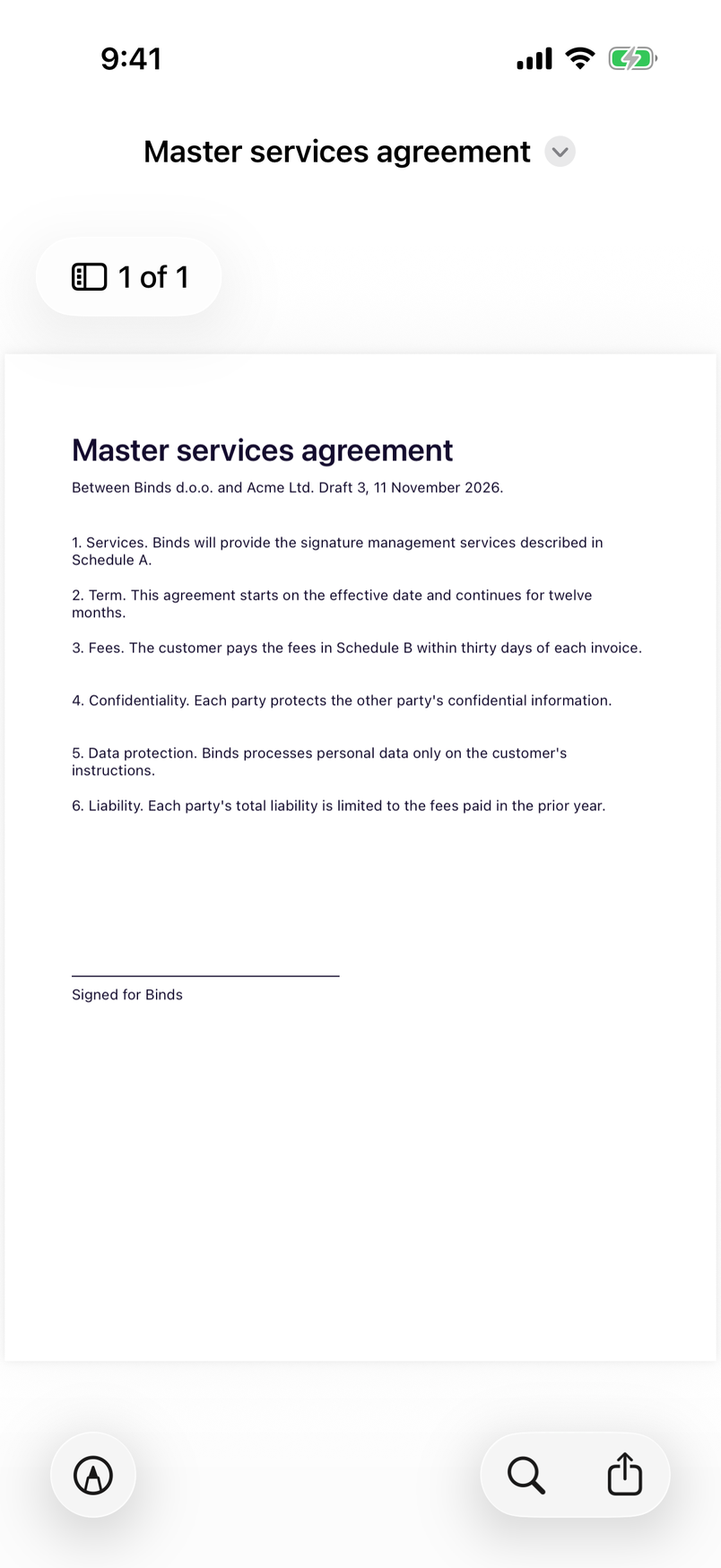
- StanceDocumentPreviewPreviews a local PDF, image or document with the system Quick Look viewer (iOS only).