StanceUI for iOS and iPadOS
Feels native.
Because it is.
SwiftUI components built on the controls people already know.
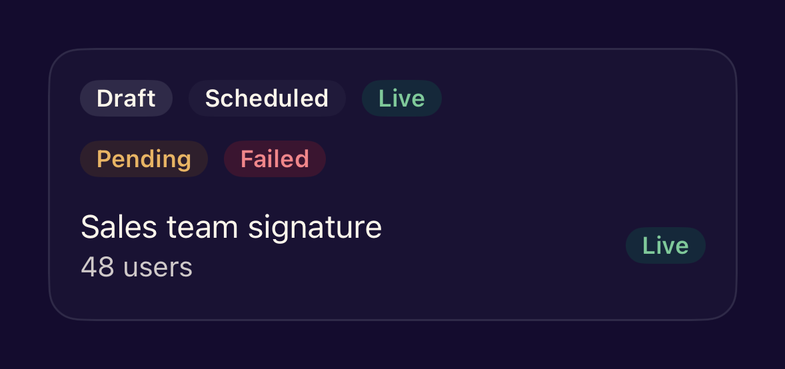
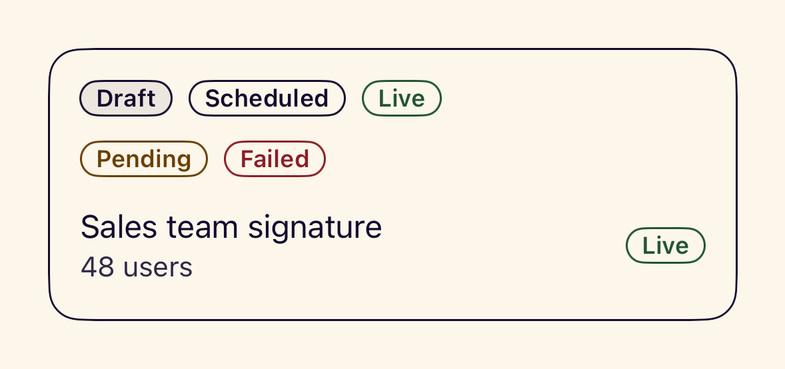
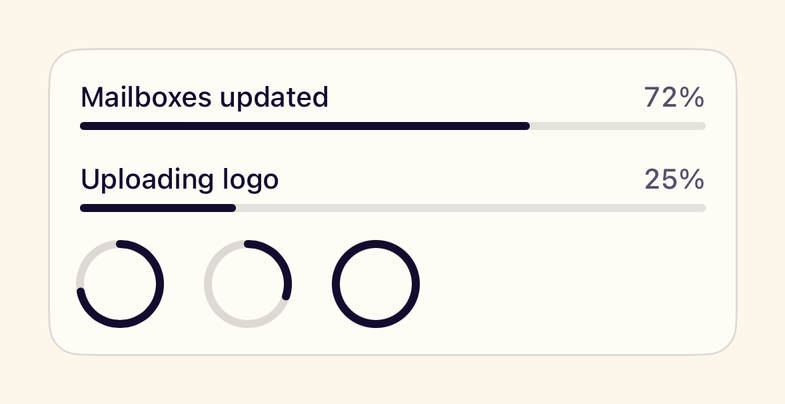
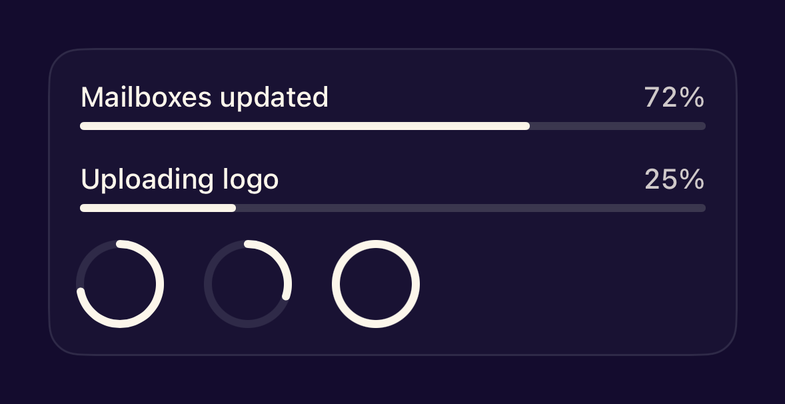
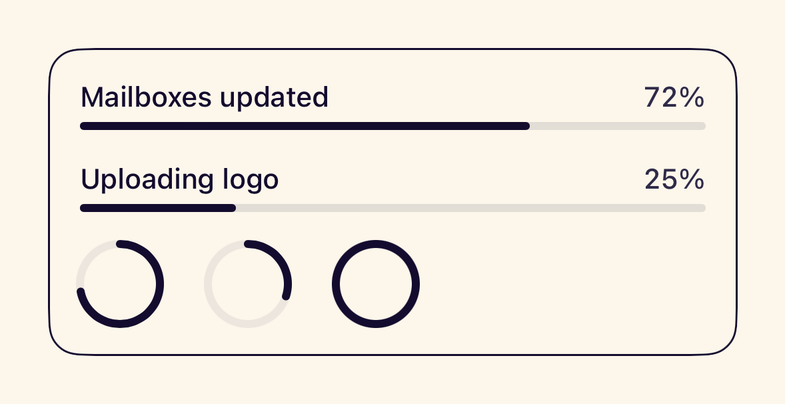
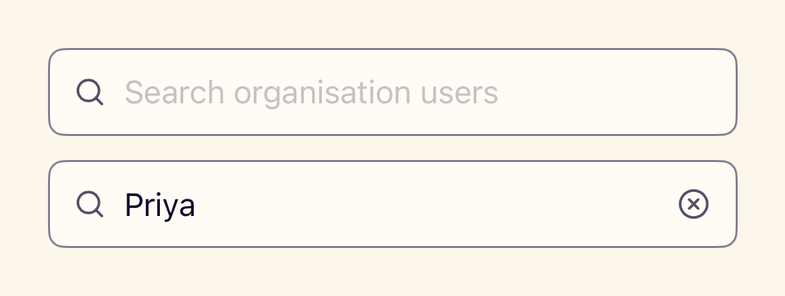
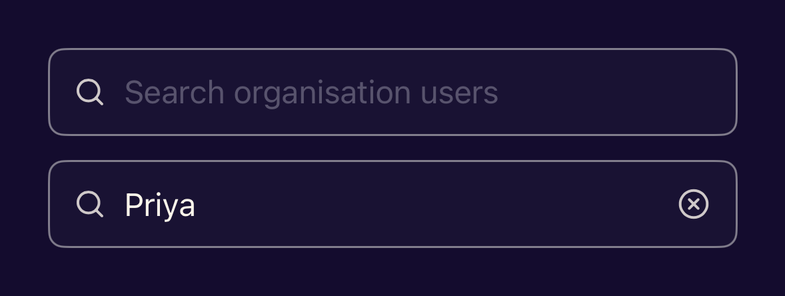
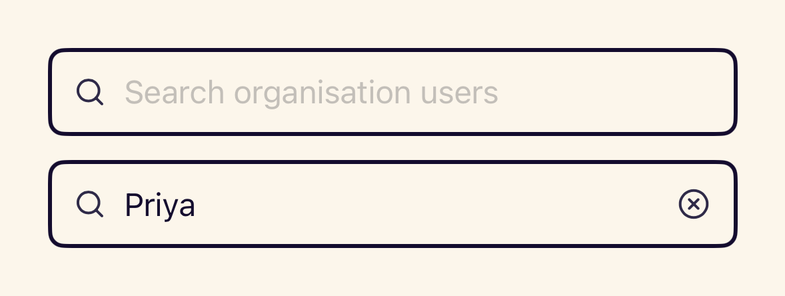
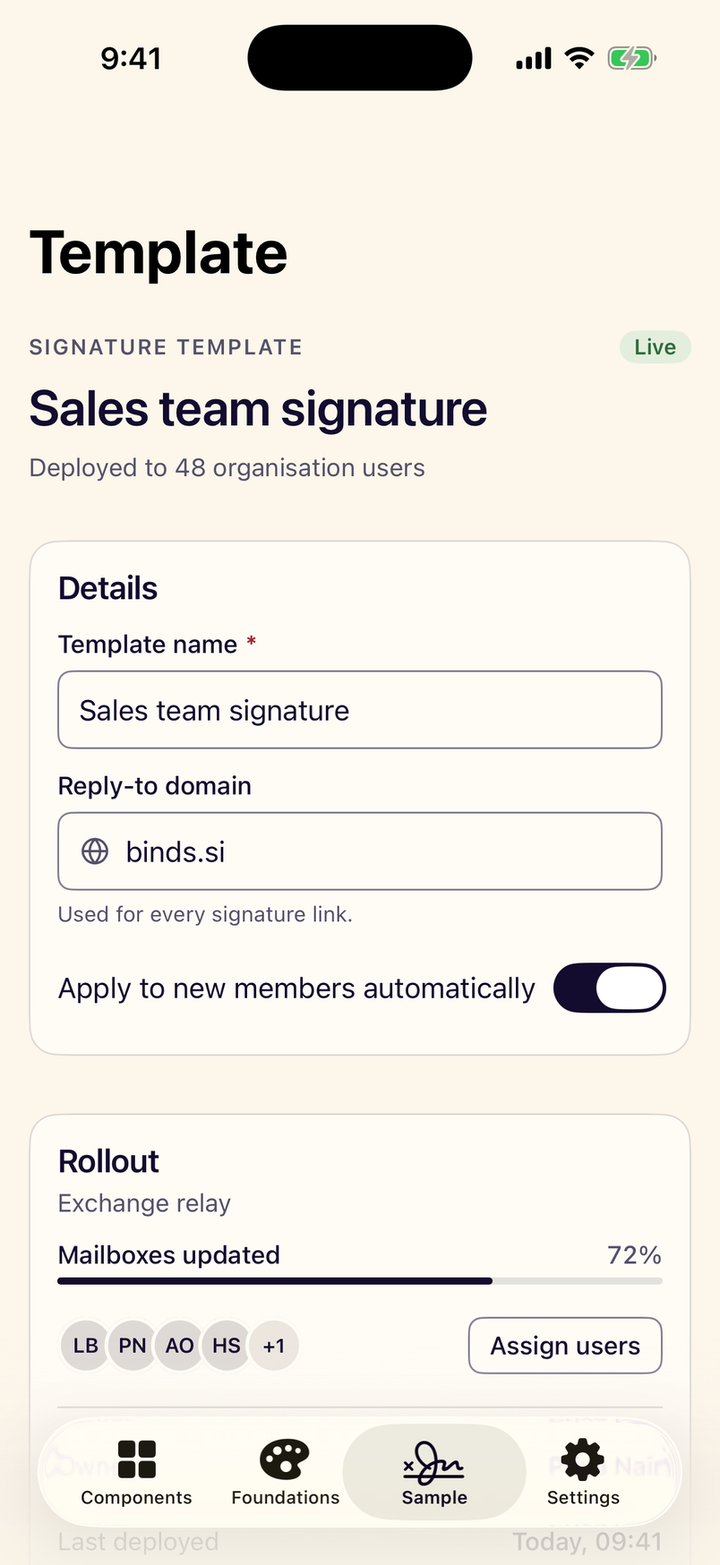
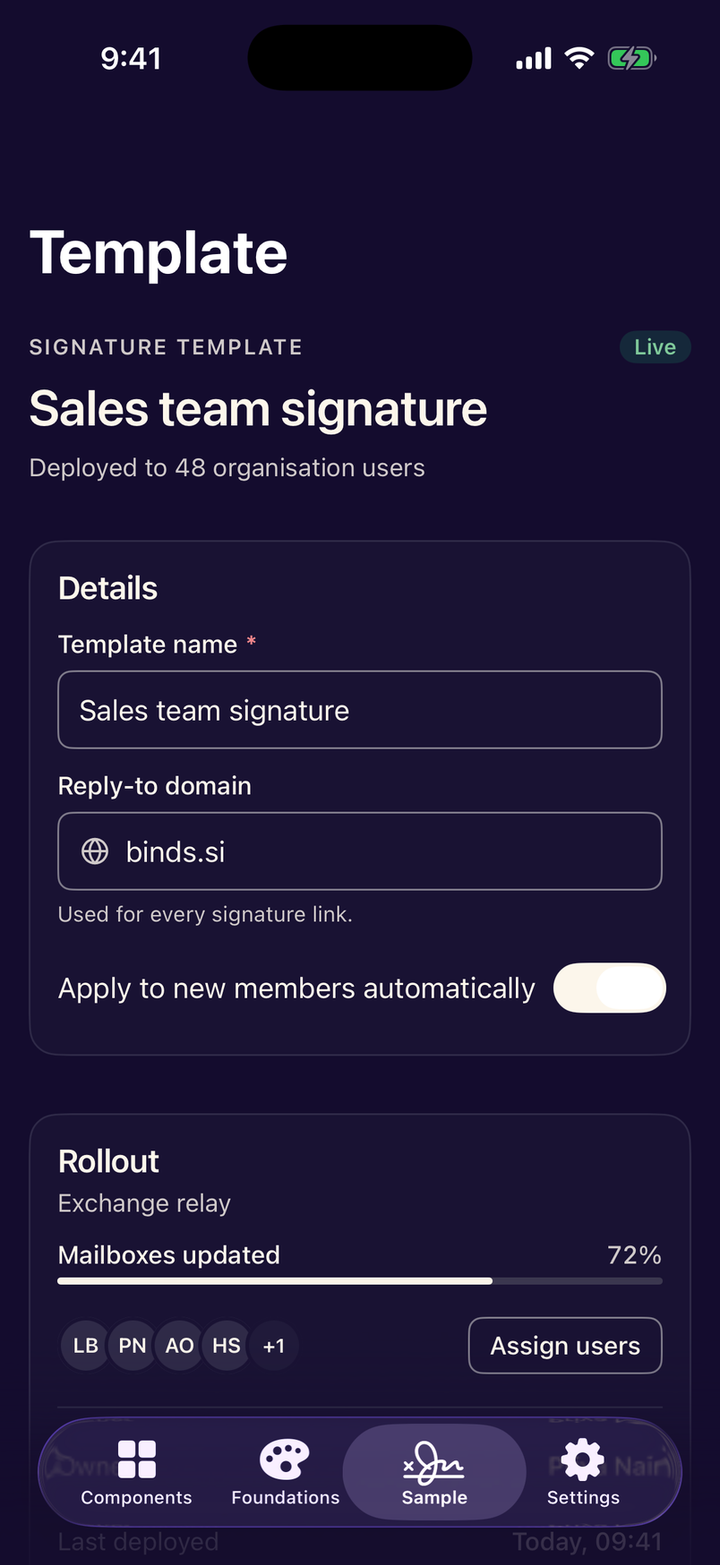
Made for the platform.
System controls, your style
Navigation, sheets, menus and pickers stay Apple’s own. Stance adds the finish.
Every text size
Each style follows Dynamic Type, up to the largest accessibility sizes.
VoiceOver ready
Labels, values and traits are set, and checked by Apple’s accessibility audit.
Three appearances
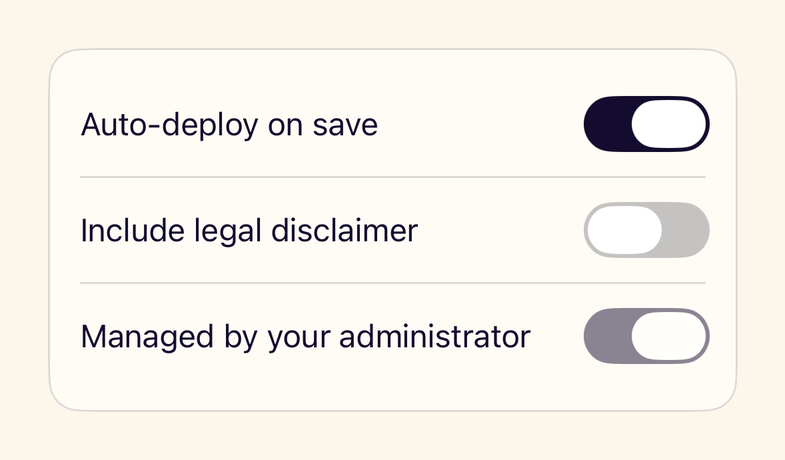
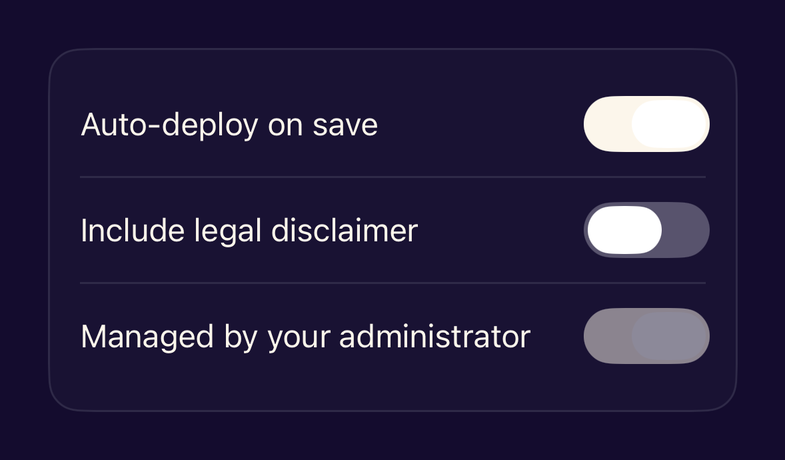
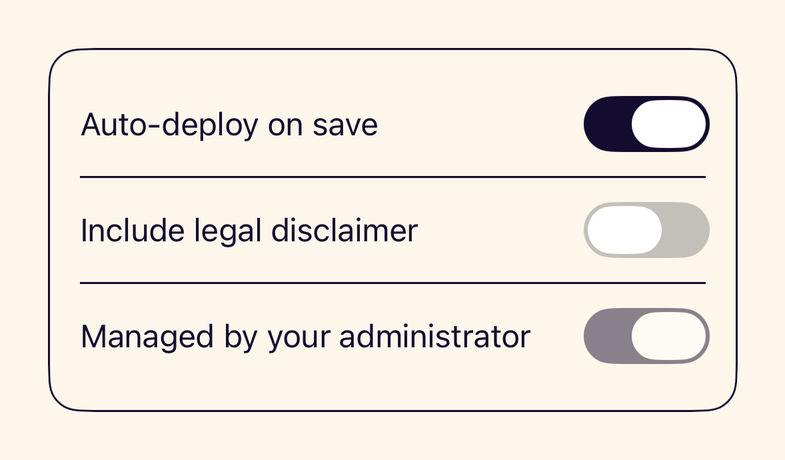
Light, dark and high contrast, following Increase Contrast automatically.
iPhone and iPad
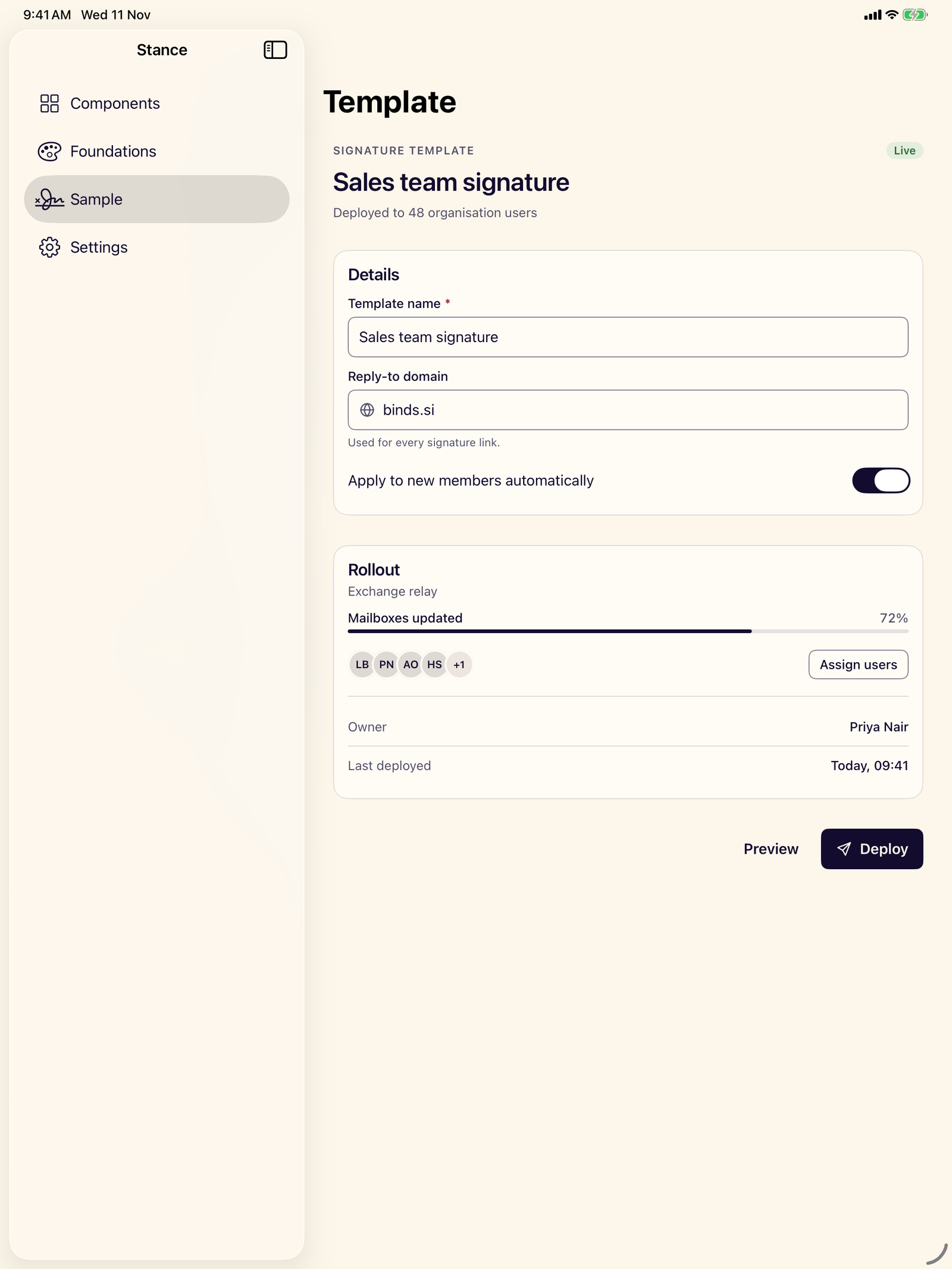
A tab bar on iPhone becomes a sidebar on iPad, with nothing to configure.
UIKit welcome
Colours, fonts and hosting helpers bring Stance to existing screens.
iPhone. iPad. Light and dark.
Up and running in a minute.
iOS 17 and iPadOS 17 or later · Swift 6 · No dependencies
Installation guide.package(url: "https://github.com/BindsHQ/stance.git", from: "0.1.0")Reads like SwiftUI.
Small, composable APIs that follow the conventions you already use.
Theming UIKitimport StanceUI
struct TemplateSettings: View {
@State private var name = "Sales team signature"
@State private var autoApply = true
var body: some View {
StanceCard("Details") {
StanceTextField("Template name", text: $name, isRequired: true)
Toggle("Apply to new members", isOn: $autoApply)
.toggleStyle(.stance)
StanceButton("Deploy", leadingIcon: .send) {}
}
}
}64 components.
39 build on system controls. The rest fill the gaps the platform leaves.
Questions.
StanceUI is the SwiftUI library of Stance, the open-source design system by Binds. It provides themed components, styles and modifiers for iPhone and iPad that share their design tokens with the web and Android libraries.
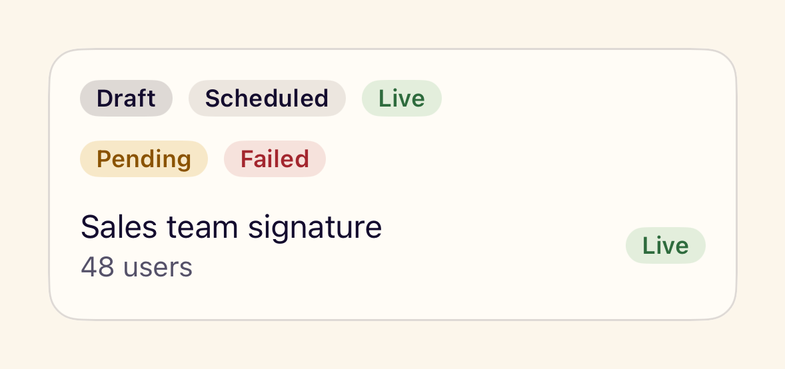
No. StanceUI wraps and styles system controls such as navigation, sheets, alerts, menus and date pickers, so they keep their native behaviour. Custom views exist only where iOS has none, such as checkboxes, badges and a signature canvas.
iOS 17 and iPadOS 17 or later, with Swift 6 and no third-party dependencies. On iOS 26, system bars and sheets keep their Liquid Glass materials.
Yes. Every text style scales with Dynamic Type, controls have 44 point touch targets, VoiceOver labels are set throughout, Reduce Motion is respected, and Increase Contrast selects the high-contrast theme.
Yes. StanceUIKit provides colours that follow dark mode and contrast, fonts that scale with Dynamic Type, and a hosting controller for StanceUI screens.