Android components Layout
StanceIcon
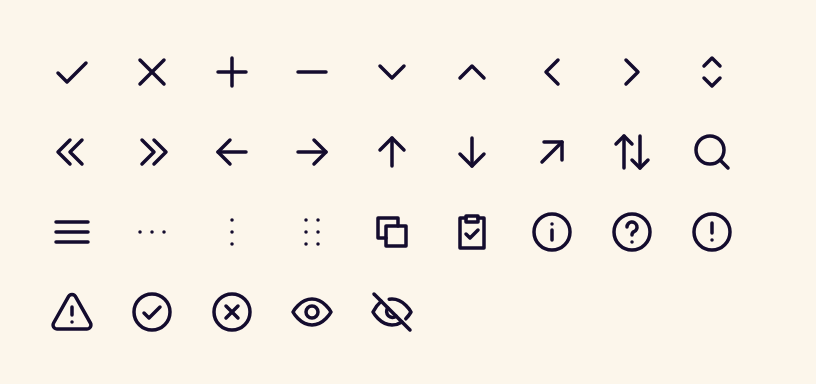
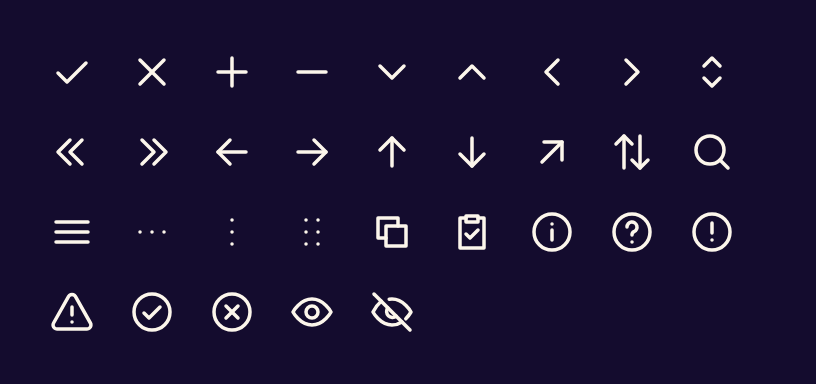
BetaDraws one of the 90 Stance icons, tinted with the current content colour.
- PlatformAndroid, Jetpack Compose
- Builds on
Icon - Kindcomposable
Preview
Rendered by the Jetpack Compose library, not drawn by hand.
Usage
Row(horizontalArrangement = Arrangement.spacedBy(StanceSpacing.space3)) {
    StanceIcon(StanceIcons.Signature, contentDescription = null)
    StanceIcon(StanceIcons.AlertTriangle, contentDescription = "Warning")
}
Accessibility
- Pass null as the description for decorative icons.